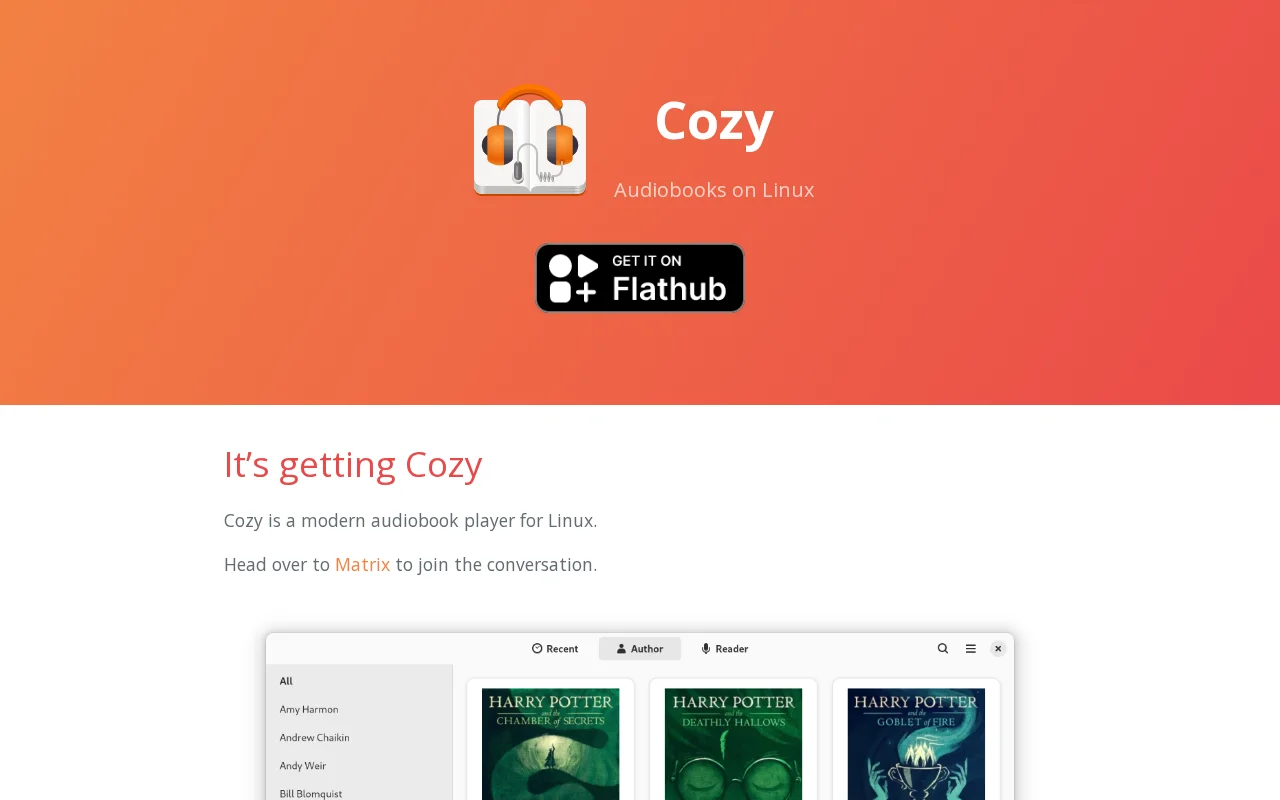
Cozy is a modern, open-source audiobook player designed for Linux users. It offers streamlined management and playback, remembering positions, adjusting speeds per book, and supporting offline listening. Features include MPRIS integration for media keys and a wide range of DRM-free audio formats.
Cozy is a modern, open-source audiobook player meticulously crafted for Linux environments. It provides a seamless and intuitive platform for organizing, managing, and enjoying your audiobook library. The player remembers your last playback position for each book, allows for individual playback speed adjustments, and includes a convenient sleep timer. Cozy ensures your listening experience is uninterrupted, even when offline, by supporting local storage and multiple storage locations. It integrates with your desktop environment via MPRIS, enabling control through media keys, and supports a wide array of DRM-free audio formats including mp3, m4b, m4a, flac, ogg, and wav.
Designed for audiobook lovers who use Linux, Cozy stands out with its user-friendly interface and robust feature set. The drag-and-drop import functionality simplifies adding new audiobooks, while the search feature allows for quick library navigation. Its offline mode is particularly useful for listening on the go, ensuring your audiobooks are always accessible. The commitment to being open-source means it benefits from community contributions and transparency, offering a reliable alternative to commercial audiobook players.
Getting started with Cozy is straightforward. First, ensure you have it installed on your Linux distribution. The easiest method is often via Flatpak, available on Flathub. Once installed, launch Cozy and begin importing your audiobooks by using the drag-and-drop feature or by adding multiple storage locations where your audio files are stored. Cozy will automatically scan these locations and populate your library, allowing you to start listening immediately.
After importing, you can organize your library by author, reader, or name. Begin playing any audiobook and Cozy will automatically save your progress. Explore the settings to customize playback speed for individual books or set a sleep timer. For offline listening, ensure the book files are accessible on your device's internal storage, especially if you primarily use external or network drives.
For support and community discussions, join the Cozy Matrix channel at #cozy:gnome.org. You can find installation instructions and further details on the Cozy GitHub repository.
Would you recommend Cozy? Leave a comment
The best modern alternatives to Cozy
Recently added tools


