JetAudio
Category of JetAudio:
Tags:
WindowsMobile AppDesktop App
Description:
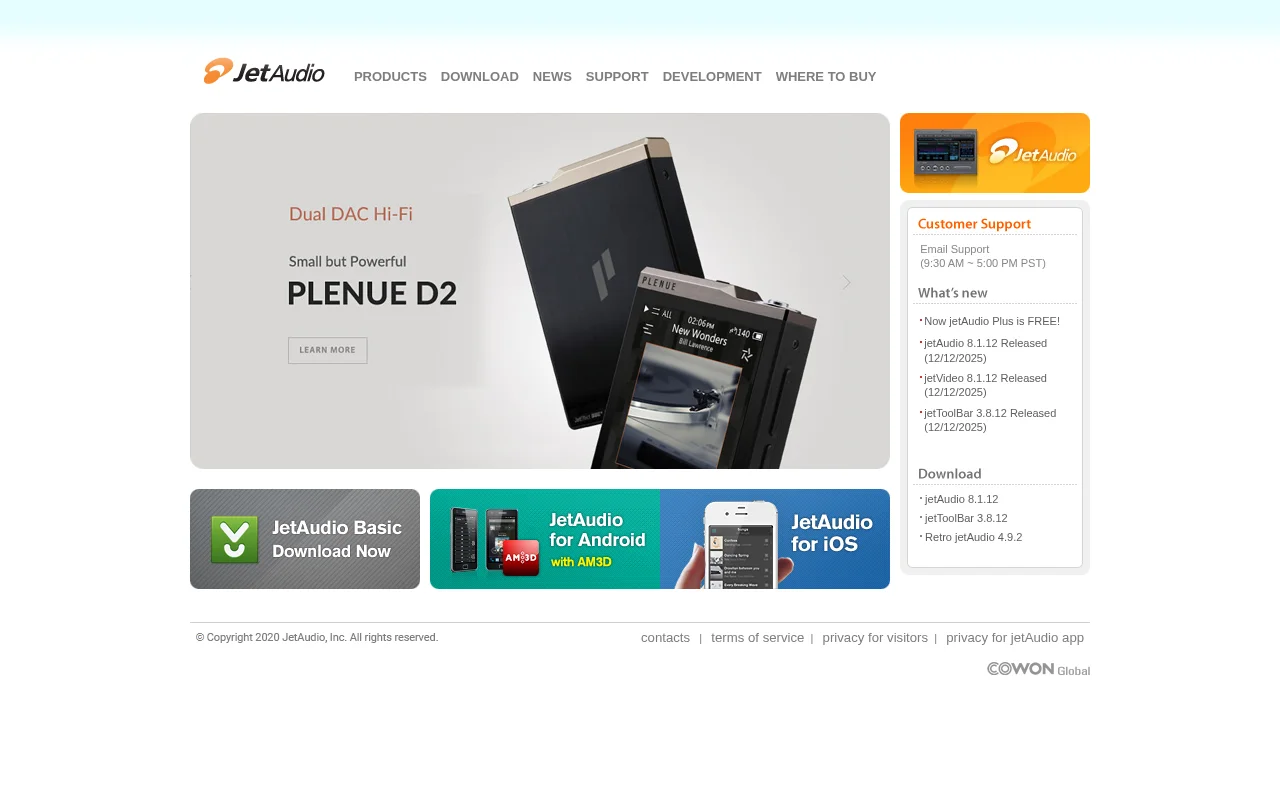
JetAudio is a versatile media player by COWON, offering comprehensive audio and video playback for PC and mobile devices. It supports numerous formats and provides advanced features like equalization and playlist management. The Plus version is now free, making premium features accessible to all users seeking a powerful and customizable media player.
Everything You Need to Know About JetAudio
JetAudio is a comprehensive media player developed by COWON, known for its extensive support for various audio and video formats. It provides users with advanced audio customization options, including multiple effects, equalization settings, and surround sound simulation. Whether you're on a desktop or a mobile device, JetAudio offers a powerful platform for managing and enjoying your media library. Its user-friendly interface and robust feature set make it a preferred choice for audiophiles and casual listeners alike.
The software is designed to cater to a wide audience, offering both basic and advanced functionalities. From simple playback to intricate audio manipulation, JetAudio aims to enhance the user's media consumption experience. Its availability across multiple platforms ensures that users can enjoy their favorite content seamlessly, regardless of their device. The recent availability of JetAudio Plus for free significantly lowers the barrier to entry for accessing its premium features.
JetAudio Quick Start: First Steps
Getting started with JetAudio is straightforward. Download the appropriate version for your operating system (Windows, Android, or iOS) from the official website or app stores. Upon installation, JetAudio will prompt you to scan your device for media files. You can then organize your music and videos into playlists, customize playback settings, and explore the various audio enhancement options available within the player's interface. Explore the settings menu to tailor the experience to your preferences.
Core Functions and Tools in JetAudio
- Extensive Format Support: Plays a wide range of audio and video files, including MP3, WAV, FLAC, OGG, AVI, MP4, and more.
- Advanced Equalizer: Offers a graphic equalizer with presets and manual control for fine-tuning audio output.
- Audio Effects: Provides various sound effects like Reverb, X-Bass, and Crystalizer to enhance listening.
- Playlist Management: Allows users to create, edit, and organize custom playlists for music and video libraries.
- Video Playback: Supports smooth playback of various video formats with adjustable settings.
Ideal Use Cases for JetAudio
- Personal music listening and organization.
- Enhancing audio quality with custom EQ and effects.
- Watching videos and movies on various devices.
- Managing large media libraries efficiently.
- Users seeking a free, feature-rich alternative to default media players.
- Mobile users wanting advanced audio controls on the go.
Contact and Support Options for JetAudio
For support, you can email support@jetaudio.com. The support team is available from 9:30 AM to 5:00 PM PST. The website also provides access to a download section for the latest versions and updates, as well as news and information regarding product releases and improvements.
Reviews0
Would you recommend JetAudio? Leave a comment
No reviews yet. Be the first to share your experience!
Alternatives
The best modern alternatives to JetAudio
SMPlayer
5.0
Last update: 1 days ago
SMPlayer is a free, open-source media player for Windows and Linux that supports virtually all audio and video formats thanks to its built-in codecs. It remembers playback settings for each file, allowing you to resume movies exactly where you left off. Features include YouTube playback, subtitle downloading, customizable skins, and advanced options like video filters and playback speed control.
View SMPlayerTags:Open SourceWindowsLinux
View SMPlayerMp3DirectCut
5.0
mp3DirectCut is a free audio editor for Windows and Linux (via Wine) that allows for fast and lossless editing of MP3 and AAC files. It supports cutting, cropping, splitting, joining, fading, and recording audio without re-encoding, preserving original quality. Key features include batch processing, pause detection, and cue sheet support, making it efficient for podcasters, musicians, and audio en
WindowsOpen SourceFree
View Mp3DirectCut
SPlayer
5.0
SPlayer is a lightweight, open-source media player designed primarily for Chinese users, offering a secure and efficient video playback experience without the need for plugins. It boasts advanced hardware acceleration for smooth HD content playback, intelligent subtitle matching for enhanced viewing, and a compact 5MB footprint. The player also includes features like ad blocking and trace cleaning
Open SourceDesktop AppLightweight
View SPlayer
Synthesia
5.0
Synthesia is an interactive piano learning software for all levels, transforming practice into an engaging experience with features like adaptive lessons, melody practice that waits for correct notes, sheet music toggling, and separate hand practice. Millions trust Synthesia for its unlimited song library and progress tracking, making piano mastery accessible and enjoyable.
Trial AvailableSubscription-BasedDesktop App
View Synthesia
WACUP
5.0
WACUP (Windows Advanced Computer User's Player) is a free, standalone media player that enhances the classic Windows Media Player experience with modern features. It supports a wide array of audio and video formats, offers a customizable interface, and robust playlist management, making it an ideal free alternative for users seeking more control and personalization.
Windows
View WACUP
New Tools Releases
Recently added tools
OpenRCT2
5.0
OpenRCT2 is a community-driven, open-source re-implementation of RollerCoaster Tycoon 2, enhancing the classic game with bug fixes, improved performance, and new features. It offers modern gameplay enhancements, extensive customization, and robust multiplayer support, making it ideal for fans seeking a more stable and feature-rich theme park simulation experience. This free project is actively dev
Open SourcemacOSLinux
View OpenRCT2
MagicHow
5.0
MagicHow is an AI-powered SaaS platform that automates the creation of step-by-step guides, SOPs, and training manuals. It captures processes visually and uses AI to refine content, making documentation creation efficient and accessible for teams aiming to standardize operations and knowledge management.
View MagicHow
Neon White
5.0
Neon White is a high-octane first-person shooter that throws players into a celestial battle against demons. Players navigate fast-paced levels, utilizing a unique card-based combat and movement system to achieve the fastest times. The game challenges players to master card combinations for massive shortcuts, uncover the mysteries of Heaven by interacting with other assassins, and compete for a ch
GamingBrowser-BasedMobile App
View Neon White
Xreveal
5.0
Xreveal is a Windows application that automatically and transparently removes restrictions from DVD and Blu-ray media, including region codes. It enables seamless read access to disc content and can also back up discs to ISO or folder formats. Designed for users who want to bypass copy protection and region codes effortlessly, Xreveal operates in the background, making your physical media library
View Xreveal
LBRY
5.0
LBRY is a decentralized content sharing and publishing platform that empowers creators and users by offering an open, free, and fair alternative to traditional media distribution. It functions similarly to how Bitcoin revolutionized digital currency, providing a censorship-resistant network for digital content. Users can access content through various applications like the LBRY Desktop client or t
Open SourceFor CreatorsWeb3
View LBRY
Nitreo
5.0
Nitreo is an Instagram growth service that automates key social media tasks like following accounts, liking posts, and viewing stories to organically increase follower count and engagement. It saves users an average of 9 hours per week, making it ideal for creators, businesses, and agencies seeking to expand their reach and build their brand with real, engaged followers.
Social Media ManagementFor Creators
View Nitreo
Tux Rider
5.0
Tux Rider is an engaging 3D racing game for Android, offering a mobile port of the classic "Tux Racer" experience. Players control the Linux mascot, Tux the penguin, as they race down snowy slopes, collecting fish and aiming for the best times. The game features intuitive controls using the accelerometer and touchscreen, providing an accessible and fun gameplay experience. With multiple levels and
Open SourceFor CreatorsAndroid
View Tux Rider
Automad
5.0
Automad is a fast, lightweight, and flexible flat-file content management system and template engine designed for creatives. It offers an intuitive dashboard with a block editor and in-page editing capabilities, eliminating the need for a database by storing all content in human-readable text files. This approach simplifies version control and makes managing your website straightforward. Despite i
Open SourceFor Creators
View Automad