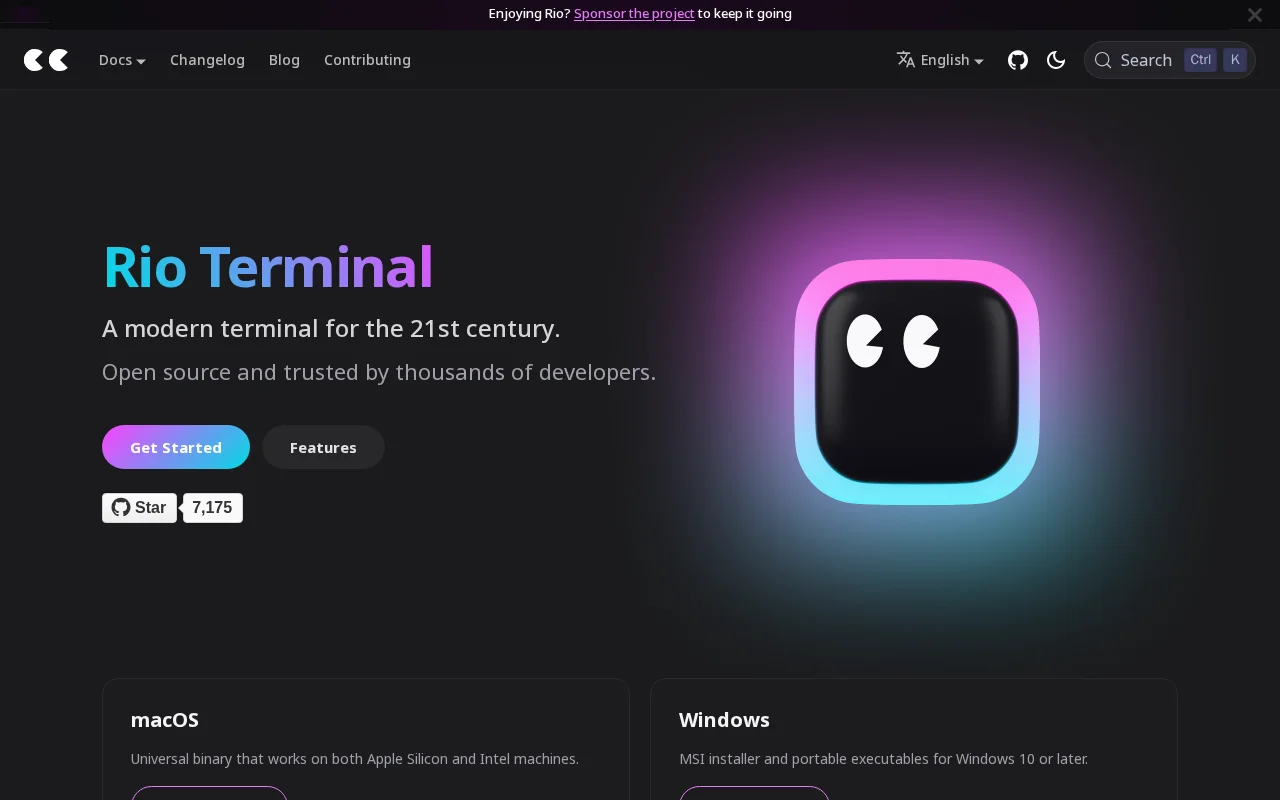
Rio Terminal
Category of Rio Terminal:
Tags:
Open SourceFor Developers
Description:
Rio Terminal is a modern, open-source terminal emulator designed for the 21st-century developer. It offers a fast, reliable, and customizable command-line interface for macOS, Windows, and Linux, enhancing productivity with its clean design and powerful capabilities.
What Is Rio Terminal and How It Works
Rio Terminal is a cutting-edge, open-source terminal emulator engineered for modern computing environments. It provides a highly performant and visually appealing command-line interface, serving as a powerful alternative to traditional terminals. Designed for developers and power users, Rio focuses on speed, reliability, and a customizable user experience across multiple platforms, including macOS, Windows, and Linux.
Its core value lies in offering a fast, efficient, and feature-rich environment for interacting with your system and running command-line applications. Rio streamlines workflows by providing a consistent and enhanced experience, making it an indispensable tool for anyone who spends significant time in the terminal. Thousands of developers already rely on Rio for its blend of performance and modern design.
How to Get Started with Rio Terminal
Getting started with Rio Terminal is straightforward, with installation options tailored for each major operating system. Visit the official website to find direct download links for macOS (.dmg), Windows (.msi), and Linux packages. For users preferring package managers, Rio is available via Homebrew on macOS, Winget on Windows, and various Linux distributions like Flathub and Arch User Repository. Detailed installation instructions and guides for building from source are also available in the documentation to ensure a smooth setup process for all users.
Key Features and Capabilities of Rio Terminal
- Cross-Platform Compatibility: Available for macOS, Windows, and Linux.
- High Performance: Built for speed and responsiveness.
- Open Source: Free to use and contribute to.
- Customizable Interface: Tailor the terminal to your preferences.
- Modern Design: A clean and intuitive user experience.
Who Should Use Rio Terminal
- Developers seeking a faster, more modern terminal.
- System administrators managing multiple servers.
- Power users who prefer a customizable CLI experience.
- Students learning command-line interfaces.
- Anyone looking for a reliable terminal alternative.
- Users across macOS, Windows, and Linux environments.
Rio Terminal Support and Contact Information
For support, community discussions, or to report issues, please refer to the project's GitHub repository. You can find detailed documentation on installation, configuration, and features on the official Rio Terminal website. For direct inquiries, you can reach out via the community channels linked on the website.
Reviews0
Would you recommend Rio Terminal? Leave a comment
No reviews yet. Be the first to share your experience!
Alternatives
The best modern alternatives to Rio Terminal
MobaXterm
5.0
Last update: 22 hours ago
MobaXterm is a comprehensive remote computing toolbox for Windows, featuring an X server, enhanced SSH client, and integrated network tools like RDP, VNC, and FTP. It supports a wide array of Unix commands, offering a graphical SFTP browser and seamless X11 display for remote applications. Available in free Home and paid Professional editions, it's ideal for IT professionals, programmers, and webm
View MobaXtermTags:WindowsOpen SourceLifetime Deal
View MobaXtermTortoiseSVN
5.0
TortoiseSVN is an intuitive and user-friendly Apache Subversion (SVN) client designed as a Windows shell extension. It eliminates the need for command-line interaction, making version control accessible to a wider audience. Free for both personal and commercial use, TortoiseSVN offers a seamless and efficient way to manage code repositories directly within the Windows File Explorer. Its graphical
WindowsOpen SourcePaid
View TortoiseSVN
KiTTY
5.0
KiTTY is a free, open-source terminal emulator for Windows, offering a robust alternative to PuTTY with enhanced features for network professionals and developers. It streamlines remote server management through SSH, Telnet, and Rlogin connections, providing a stable and efficient user experience. KiTTY's design focuses on improving usability and productivity for tasks such as automated command ex
Open SourceWindows
View KiTTY
Glogg
5.0
glogg is a powerful, multi-platform GUI application for programmers and system administrators to efficiently browse and search through large log files. It combines the functionalities of grep and less with features like case-insensitive filtering and auto-reloading, streamlining log analysis and troubleshooting.
Open SourceDesktop AppDev Tools
View Glogg
Hyper
5.0
Hyper is a modern, open-source terminal built for developers, utilizing web technologies like React and Node.js. It offers intelligent features such as autocomplete and a built-in package manager, enhancing local and remote development workflows. Its highly customizable interface and extensibility through plugins and themes allow users to tailor their terminal experience. Designed for efficiency a
Open SourceFor Developers
View Hyper
New Tools Releases
Recently added tools
BiblioReads
5.0
BiblioReads is a free and open-source front-end for Goodreads, prioritizing user privacy. It allows users to search for book information directly from the Goodreads database without the privacy concerns associated with the official platform. Ideal for readers who want a clean, private way to track their reading, manage lists, and discover book details.
Open SourceFreePrivacy-Focused
View BiblioReads
IVentoy
5.0
iVentoy is a powerful and user-friendly network boot solution that transforms any computer into a PXE/HTTPBoot server. It allows for simultaneous operating system installation and booting across multiple machines without complex configuration. Supporting a wide range of operating systems and UEFI modes, including Secure Boot, iVentoy is ideal for IT professionals, system administrators, and anyone
Open SourceWindowsLinux
View IVentoy
PocketBase
5.0
PocketBase is an open-source backend solution that simplifies application development by bundling a real-time database, authentication services, file storage, and an integrated admin dashboard into a single, self-contained file. This all-in-one approach is ideal for developers seeking a lightweight yet powerful backend for rapid prototyping, small to medium-sized applications, and projects where m
Open SourceLinuxDev Tools
View PocketBase
OpenRCT2
5.0
OpenRCT2 is a community-driven, open-source re-implementation of RollerCoaster Tycoon 2, enhancing the classic game with bug fixes, improved performance, and new features. It offers modern gameplay enhancements, extensive customization, and robust multiplayer support, making it ideal for fans seeking a more stable and feature-rich theme park simulation experience. This free project is actively dev
Open SourcemacOSLinux
View OpenRCT2
MagicHow
5.0
MagicHow is an AI-powered SaaS platform that automates the creation of step-by-step guides, SOPs, and training manuals. It captures processes visually and uses AI to refine content, making documentation creation efficient and accessible for teams aiming to standardize operations and knowledge management.
View MagicHow
Neon White
5.0
Neon White is a high-octane first-person shooter that throws players into a celestial battle against demons. Players navigate fast-paced levels, utilizing a unique card-based combat and movement system to achieve the fastest times. The game challenges players to master card combinations for massive shortcuts, uncover the mysteries of Heaven by interacting with other assassins, and compete for a ch
GamingBrowser-BasedMobile App
View Neon White
Xreveal
5.0
Xreveal is a Windows application that automatically and transparently removes restrictions from DVD and Blu-ray media, including region codes. It enables seamless read access to disc content and can also back up discs to ISO or folder formats. Designed for users who want to bypass copy protection and region codes effortlessly, Xreveal operates in the background, making your physical media library
View Xreveal
LBRY
5.0
LBRY is a decentralized content sharing and publishing platform that empowers creators and users by offering an open, free, and fair alternative to traditional media distribution. It functions similarly to how Bitcoin revolutionized digital currency, providing a censorship-resistant network for digital content. Users can access content through various applications like the LBRY Desktop client or t
Open SourceFor CreatorsWeb3
View LBRY