


VSCO
Discover VSCO's all-in-one platform for photo and video editing, business management, and community features. Perfect for creators and freelancers.
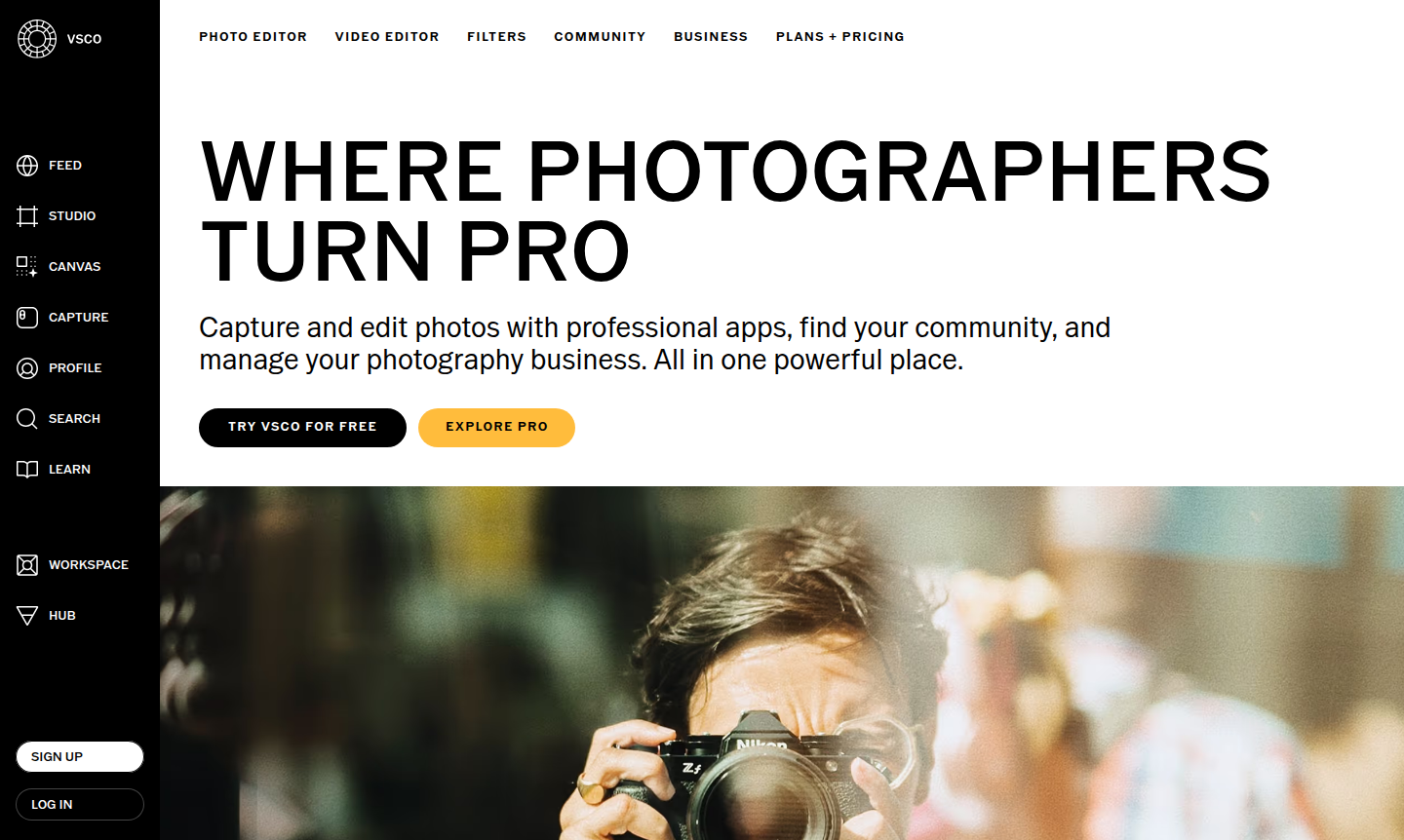
Overview of VSCO
VSCO is a comprehensive photography ecosystem that combines a powerful photo editor with community features and business management tools. Designed for photographers at every level, from hobbyists to professionals, it offers image editing tools like AI photo editing, iconic presets, and video capabilities within a single platform. This all-in-one solution helps users capture, edit, share, and monetize their work seamlessly, making it ideal for creators and freelancers looking to turn their passion into a career.
The platform supports diverse needs through tiered memberships, including free and paid plans. Photographers can access VSCO's signature presets, advanced editing tools, and collaborative spaces like VSCO Spaces. With features such as client galleries, booking systems, and portfolio websites, VSCO provides a complete workflow for photography businesses, enhancing productivity and creativity.
How to Use VSCO
Getting started with VSCO is straightforward: create a free account on their website or mobile app, then explore the Starter plan to access basic editing tools and community features. Users can immediately begin editing photos using presets, share work on public profiles, and connect with other creators. As skills grow, upgrade to Plus or Pro plans for advanced features like unlimited AI editing, video tools, and professional website building. For business management, activate VSCO Workspace to handle client communication, scheduling, and automation, streamlining the workflow from capture to delivery.
Core Features of VSCO
- AI Photo Editor – Advanced artificial intelligence tools for professional-grade photo enhancement and editing.
- VSCO Presets Collection – Hundreds of iconic photo filters and Lightroom presets for signature visual styles.
- Video Editing Suite – Comprehensive video editing tools with filters, effects, and professional controls.
- VSCO Canvas Moodboarding – Collaborative space for creating visual boards and planning photography projects.
- Professional Website Builder – Custom portfolio websites that sync with VSCO profiles and galleries.
Use Cases for VSCO
- Beginner photographers exploring creative editing with free tools
- Professional photographers managing client projects through business tools
- Content creators building portfolios and connecting with communities
- Photography businesses streamlining operations with booking systems
- Mobile photographers using VSCO Capture app for instant results
- Video creators editing content with comprehensive video features
- Photographers removing unwanted objects with AI Remove tools
Support and Contact
For support, email contact@vsco.co or visit the VSCO help center. Paid plan members can access phone, email, and chat support through the membership portal.
Company Info
VSCO (Visual Supply Company) is a photography technology company based in the United States, founded to empower photographers through creative tools and community.
Login and Signup
Log in or sign up at VSCO's website to access free tools, editing features, and community spaces.
VSCO Frequently Asked Questions
VSCO Pricing
Current prices may vary due to updates
STARTER
Perfect for beginners exploring photography tools with 15 presets, standard mobile editor, public profile, and community access through VSCO Spaces.
PLUS
Designed for photographers wanting advanced editing with 200+ presets, video tools, VSCO Canvas moodboards, and full community access for sharing work
PRO RECOMMENDED
Professional package offering unlimited AI editing, full desktop/mobile suite, video effects, website builder, and business tools for turning photogra
VSCO Reviews0 review
Would you recommend VSCO? Leave a comment