


Sider
Sider AI browser extension offers multi-model chat, summarization, translation, and Wisebase knowledge management. Trusted by 10M+ users for efficient browsing.
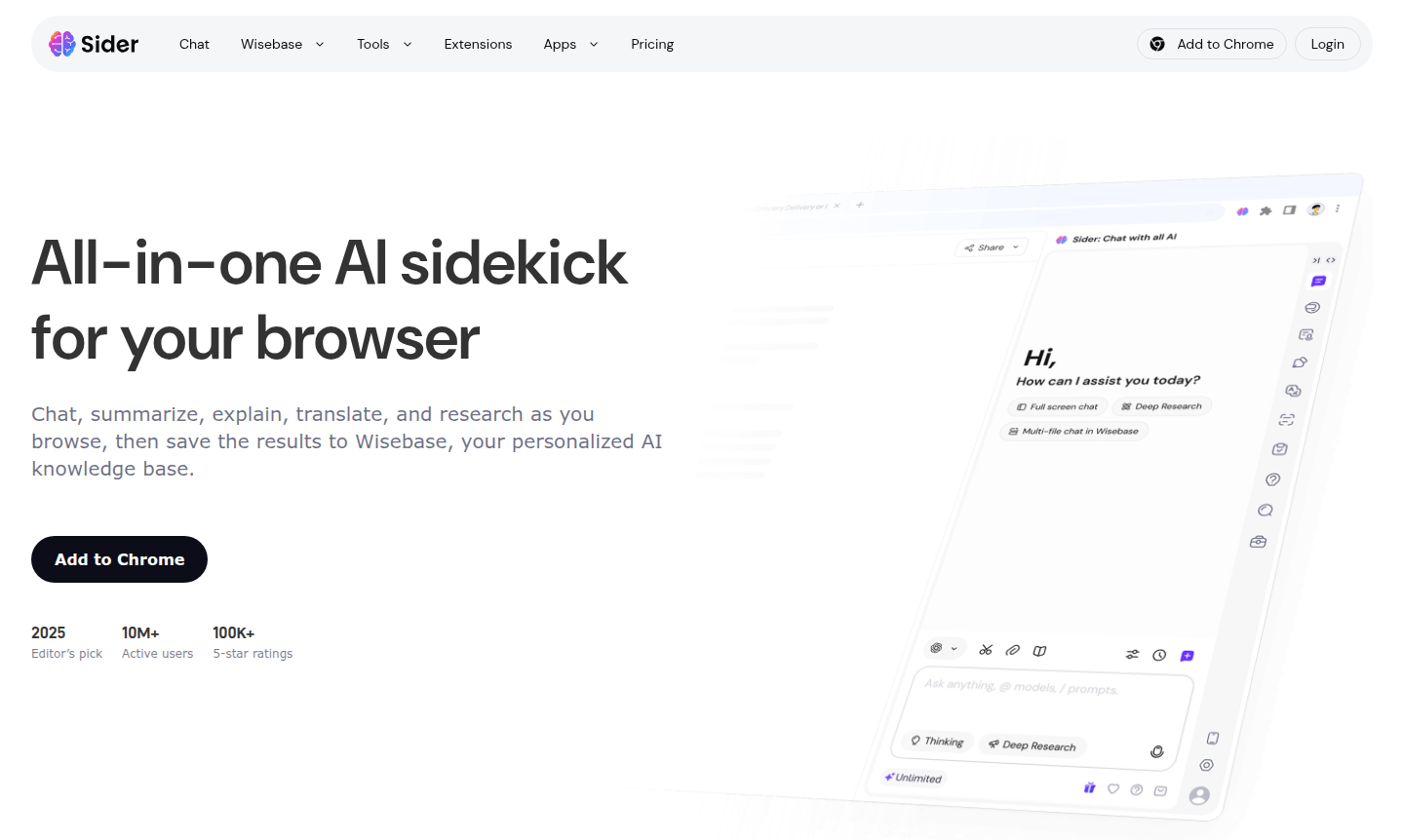
Overview of Sider
Sider is an all-in-one AI sidekick browser extension that transforms your browsing experience by integrating powerful AI tools directly into your workflow. This versatile assistant allows you to chat with multiple AI models, summarize webpages and YouTube videos, explain highlighted text, translate content across 50+ languages, and conduct deep research – all without leaving your current tab. Trusted by over 10 million users worldwide with 100K+ 5-star ratings, Sider has earned recognition as Chrome's favorite and an Editor's pick for 2025, making it an essential tool for professionals, students, and researchers who need efficient information processing.
The tool's standout feature is Wisebase, a personalized AI knowledge base that automatically organizes your research findings, saved chats, document highlights, and meeting summaries into a searchable library. This creates a growing repository of knowledge that evolves with your browsing habits, enabling you to query across saved PDFs, webpages, and notes with answers grounded in original sources. As a comprehensive AI Agents & Assistants solution and Browser Tools enhancement, Sider bridges the gap between casual browsing and serious research, offering both immediate utility and long-term knowledge management.
How to Use Sider
Getting started with Sider is straightforward: simply install the browser extension from the Chrome Web Store or other supported platforms, and the AI side panel becomes instantly accessible. Once installed, you can immediately begin chatting with top AI models by opening the side panel, where you can switch between different models with a single click and even ask the same question to multiple models simultaneously to compare responses. For research tasks, highlight any text on a webpage to get instant explanations, use the summarize function for entire articles or YouTube videos, or activate the bilingual translation view for side-by-side language conversion. All results can be copied, shared, or saved directly to your Wisebase knowledge base with a single click, creating a seamless workflow from discovery to organization.
Core Features of Sider
- Multi-Model AI Chat – Access and switch between top AI models in one side panel for comprehensive responses
- Instant Summarization – Generate key takeaways and clean outlines from webpages and videos in seconds
- Text Explanation – Get clear explanations for any highlighted text without interrupting your browsing flow
- Bilingual Translation – Translate pages instantly with side-by-side view across 50+ languages
- Wisebase Knowledge Base – Store and organize chats, clips, sources, and reports in a searchable AI library
Use Cases for Sider
- Research and academic writing with instant source summarization and citation tracking
- Content creation and editing using AI-powered writing assistance and text explanation
- Language learning and translation with bilingual webpage viewing and vocabulary support
- Professional research and competitive analysis through multi-model AI comparison
- Meeting productivity with automatic recording, summarization, and action item extraction
- Document conversion from research materials to presentation-ready slides
- Knowledge management through organized saving of web highlights and research findings
Support and Contact
For support inquiries, visit the Sider official website for documentation and resources or email contact@sider.ai for assistance.
Company Info
Sider is developed by an innovative team focused on AI-powered productivity tools, though specific company details and country of origin weren't available in the research data. The tool represents a significant advancement in browser-based AI assistance.
Login and Signup
Access Sider by visiting the official website where you can find installation links and get started with the free version.
Sider Frequently Asked Questions
Sider Reviews0 review
Would you recommend Sider? Leave a comment