


CodePen
CodePen is a browser-based IDE and front-end community for real-time HTML, CSS, JavaScript editing with live previews, collaboration tools, and private development options.
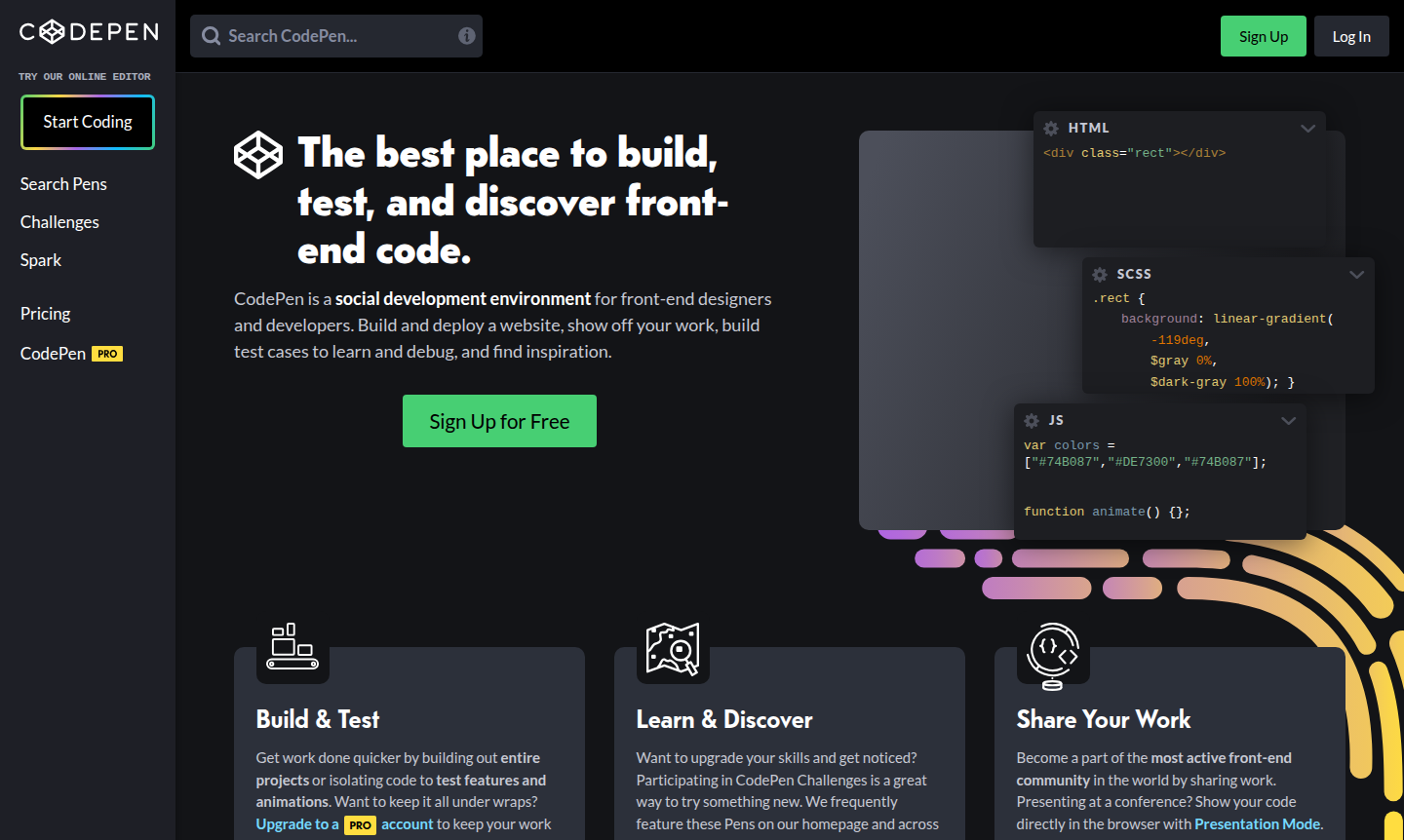
Overview of CodePen
CodePen is a vibrant online community and browser-based development environment designed for front-end designers and developers. It enables real-time coding with HTML, CSS, and JavaScript, providing instant previews and a social platform for sharing work. With over 1.8 million users, it's a hub for creativity and learning in IDE and code repository hosting categories.
The platform supports both public and private projects, with features like weekly challenges and collaboration tools. It's ideal for prototyping, testing code snippets, and building complete websites directly in the browser, making it a top choice for front-end development and code sharing.
How to Use CodePen
To start using CodePen, visit the site and click "Try the Editor" to code immediately without registration. The interface has panes for HTML, CSS, and JavaScript with a live preview. You can fork existing Pens, use templates, or create from scratch. Sign up for a free account to save work, or upgrade to PRO for private Pens and team features.
Core Features of CodePen
- Real-time Code Editor – Browser-based IDE with live previews, autocomplete, and Emmet support for fast coding.
- Project Development – Full IDE for building websites with preprocessing, drag-and-drop uploads, and deployment.
- Collaboration Tools – Live Collab Mode allows multiple users to edit code simultaneously with shared previews.
- Asset Hosting – Upload images, CSS files, JSON, and media via drag-and-drop for easy integration.
- Privacy Controls – PRO accounts offer private Pens with secure, non-searchable URLs for confidential work.
Use Cases for CodePen
- Testing code snippets and animations in isolated environments before implementation
- Building and prototyping front-end projects with real-time browser previews
- Creating shareable demos for bug reporting, documentation, or education
- Learning front-end technologies by exploring and forking community Pens
- Developing reusable components and design patterns for web projects
- Participating in challenges to enhance skills and gain recognition
- Embedding interactive code examples on blogs, portfolios, or sites
Support and Contact
For assistance, contact contact@codepen.io or visit the CodePen official website for documentation and forums. Engage on social media via Facebook and Twitter/X for updates and community support.
Company Info
CodePen is developed by CodePen LLC, based in the United States. It has grown into a leading front-end community with millions of users worldwide, offering subscription-based and free tiers for developers.
Login and Signup
Access full features by signing up at CodePen signup page. Log in through the same portal to manage your account, Pens, and team workspaces for collaboration.
CodePen Frequently Asked Questions
CodePen Reviews0 review
Would you recommend CodePen? Leave a comment