


LibreOffice Draw
LibreOffice Draw is a free, open-source vector graphics editor and diagramming tool for technical drawings, flowcharts, and posters. Perfect for engineers and designers.
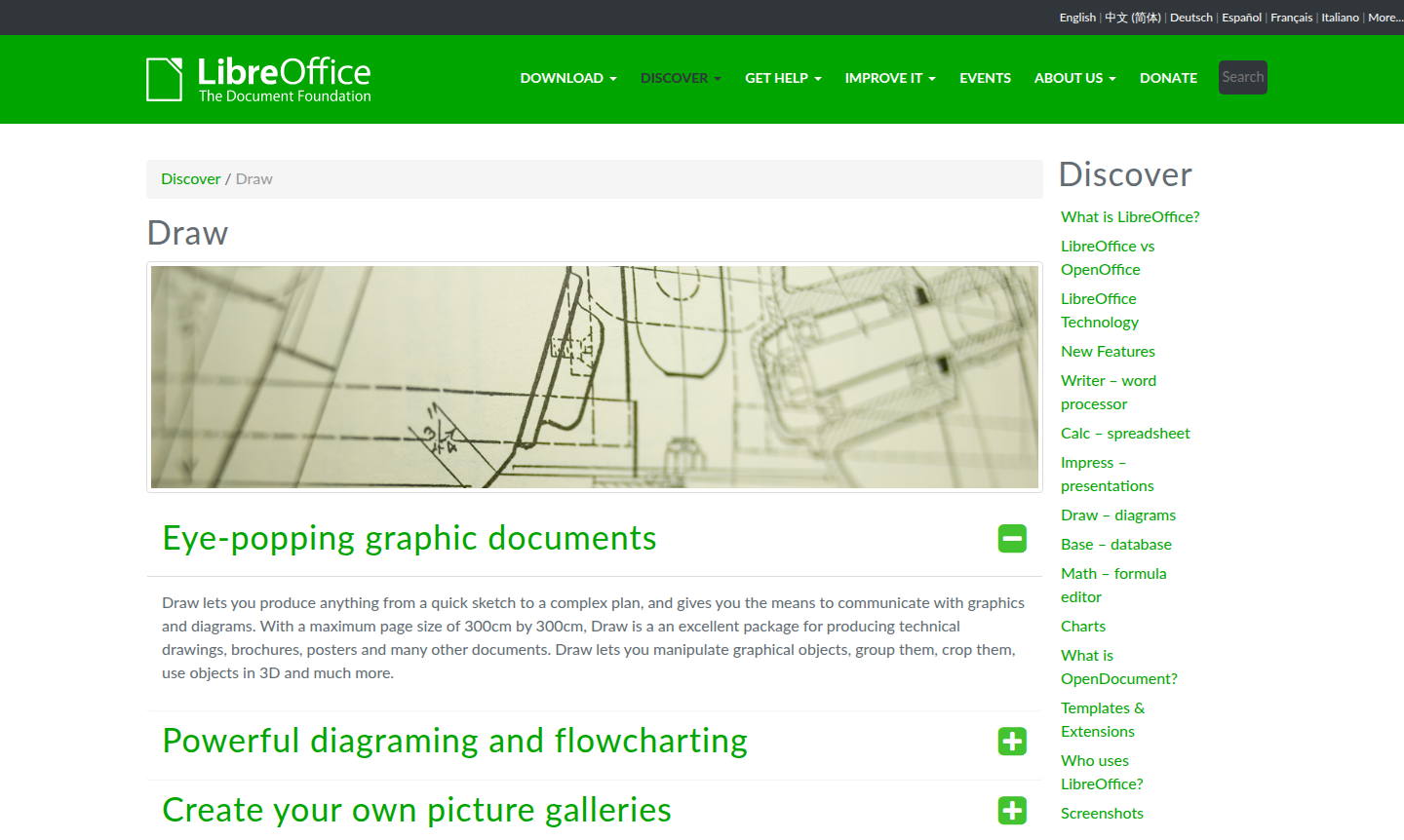
Overview of LibreOffice Draw
LibreOffice Draw is a powerful, open-source vector graphics editor and diagramming tool that transforms complex ideas into visual clarity. Part of the comprehensive LibreOffice suite, Draw enables users to create everything from simple sketches to detailed technical drawings, flowcharts, organization charts, and professional posters. With support for large page sizes up to 300cm × 300cm, it is a valuable vector graphics and diagram creator tool for engineers, architects, educators, and business professionals who need precise visual communication without licensing costs.
As a completely free alternative to proprietary graphic design software, Draw offers robust functionality for creating technical drawings, brochures, posters, and other graphic documents. Its intuitive interface and extensive format support make it accessible to both casual users and professionals, with features ideal for vector graphics projects and diagram creation. The tool integrates seamlessly with other LibreOffice applications while supporting a wide range of image and document formats.
How to Use LibreOffice Draw
To get started with LibreOffice Draw, download and install the complete LibreOffice suite from the official website. Once launched, you can begin creating new documents using the extensive template library or start from a blank canvas. The interface organizes drawing tools for easy access, and the "Styles and Formatting" panel keeps graphic styles readily available. You can manipulate objects with precision, rotate them in 3D using the 3D Controller, and utilize smart connectors for building flowcharts and diagrams efficiently.
Core Features of LibreOffice Draw
- Advanced Diagramming Tools – Create professional flowcharts, organization charts, and network diagrams with smart connectors.
- Technical Drawing Capabilities – Produce precise technical drawings with large format support and comprehensive measurement tools.
- 3D Object Manipulation – Access and manipulate 3D objects like spheres and cubes for enhanced visual presentations.
- Image and Document Conversion – Convert between numerous formats using the built-in conversion engine for flexible workflows.
- Photo Album Creation – Organize and edit pictures to create complete photo albums with professional layout options.
Use Cases for LibreOffice Draw
- Creating detailed technical drawings and engineering schematics
- Designing professional flowcharts and organizational charts
- Producing marketing brochures and promotional posters
- Developing educational diagrams and instructional materials
- Building network diagrams and system architecture visuals
- Creating photo albums and image galleries
- Designing business presentations with custom graphics
Support and Contact
For support and inquiries, visit the official LibreOffice website or email contact@libreoffice.org. The LibreOffice community provides extensive documentation, tutorials, and user forums to help you maximize Draw's capabilities.
Company Info
LibreOffice Draw is developed by The Document Foundation, an independent organization dedicated to developing and promoting free office software. The foundation maintains the software as open-source, ensuring it remains freely available worldwide.
Login and Signup
LibreOffice Draw requires no login or signup. Simply download the software from the LibreOffice website and install it on your computer. The application works completely offline once installed, with no subscription or account requirements.
LibreOffice Draw Frequently Asked Questions
LibreOffice Draw Pricing
Current prices may vary due to updates
Free
LibreOffice Draw is completely free and open-source software with no subscription fees or hidden costs. It offers full functionality for creating tech
LibreOffice Draw Reviews0 review
Would you recommend LibreOffice Draw? Leave a comment