


Blender
Discover Blender 5.0, the free open-source 3D creation suite for modeling, animation, rendering, and VFX. Perfect for artists and developers seeking powerful tools.
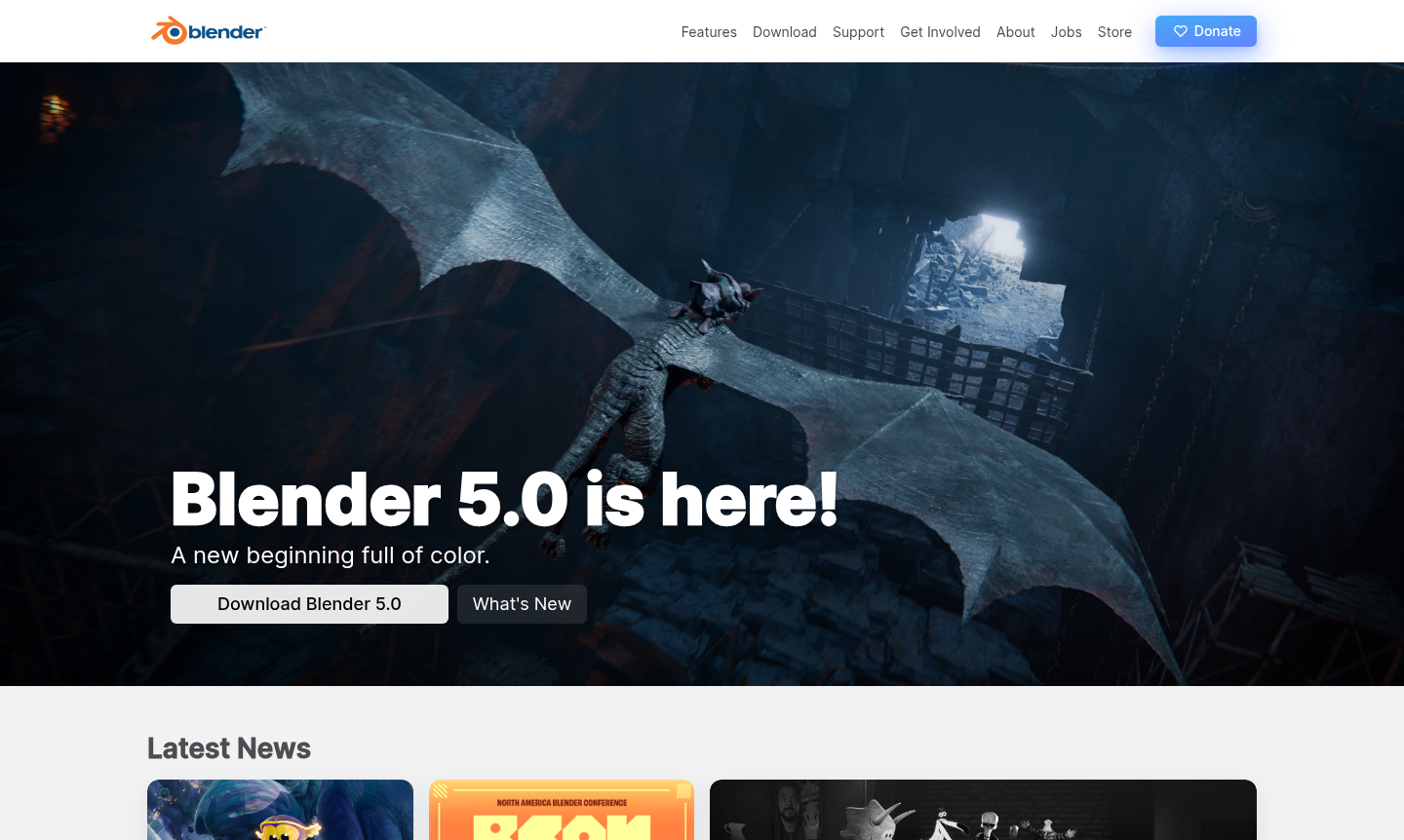
Overview of Blender
Blender is a powerful, free, and open-source 3D content creation suite that has become an industry standard for artists, designers, and developers worldwide. As a comprehensive solution for 3D modeling, animation, rendering, visual effects, and video editing, it offers professional-grade tools without any licensing costs. The software is licensed under the GNU General Public License, ensuring it remains free to use for any purpose forever, making it accessible to everyone from hobbyists to major studios. Blender serves a diverse community of creators across multiple domains, including 3D Modeling and Animation Software. Its latest version, Blender 5.0, introduces significant enhancements in rendering, modeling workflows, and user interface improvements. The software is supported by major industry organizations like the Academy Software Foundation and hardware vendors including AMD, Apple, Intel, NVIDIA, and Qualcomm, ensuring robust performance across different platforms.
Blender is ideal for 3D Modeling and Animation Software needs, offering tools for blender 3d software, blender animation tutorial, and blender cycles render engine. Users can download it for free from the official website, making blender download free a key feature.
How to Use Blender
Getting started with Blender involves downloading the software from the official website, which offers versions for Windows, macOS, and Linux. After installation, users can explore the comprehensive interface that includes workspace layouts for modeling, sculpting, animation, rendering, and video editing. The software supports Python scripting for custom tools and add-ons, allowing users to extend functionality through community-developed extensions available in the Blender marketplace. Beginners can access extensive tutorials and documentation through the Blender community forums and official training resources, making it easy to learn blender animation tutorial techniques.
Core Features of Blender
- Cycles Render Engine – Powerful unbiased path-tracer for ultra-realistic rendering with CPU and GPU support, perfect for blender cycles render engine needs.
- Comprehensive Modeling Tools – Full N-Gon support, advanced sculpting brushes, and dynamic subdivision for detailed 3D models, including blender sculpting tools.
- Professional Animation & Rigging – High-quality character animation tools with envelope, skeleton, and automatic skinning capabilities for blender character rigging.
- Production-Ready VFX – Camera and object tracking with auto and manual tracking for visual effects integration, supporting blender vfx tracking.
- Flexible Python API – Customizable interface and extensible functionality through Python scripting and add-ons, enabling blender python scripting.
Use Cases for Blender
- Creating 3D models for blender for game development and 3D printing projects
- Producing character animations for short films and feature films
- Developing visual effects for advertisements and television series
- Rendering architectural visualizations and product designs
- Editing video content with non-linear editing capabilities
- Creating interactive 3D applications and simulations
- Developing educational content and training materials
Support and Contact
For support and inquiries, email contact@blender.org or visit the official Blender website at blender.org. The Blender community provides extensive support through forums, documentation, and tutorial resources. The development is managed by the Blender Foundation, which oversees the open-source project and coordinates community contributions.
Company Info
Blender is developed and maintained by the Blender Foundation, a non-profit organization based in the Netherlands dedicated to providing free and open-source 3D creation tools. The foundation coordinates development, community support, and educational initiatives to advance 3D technology accessibility worldwide.
Login and Signup
Blender does not require login or signup for software usage. Users can directly download the software from blender.org/download without any registration. For community features, forums, and additional resources, account creation on the Blender website may be required at blender.org/community for full access to collaborative features and support systems.
Blender Frequently Asked Questions
Blender Pricing
Current prices may vary due to updates
Free
Blender is completely free and open source software licensed under GNU GPL, available for download without any cost. It includes all core features for
Blender Reviews0 review
Would you recommend Blender? Leave a comment