


Tinkercad
Tinkercad is a free web-based platform for 3D design, electronics, and coding. Perfect for STEM education, it offers intuitive tools for students, teachers, and beginners to create projects.
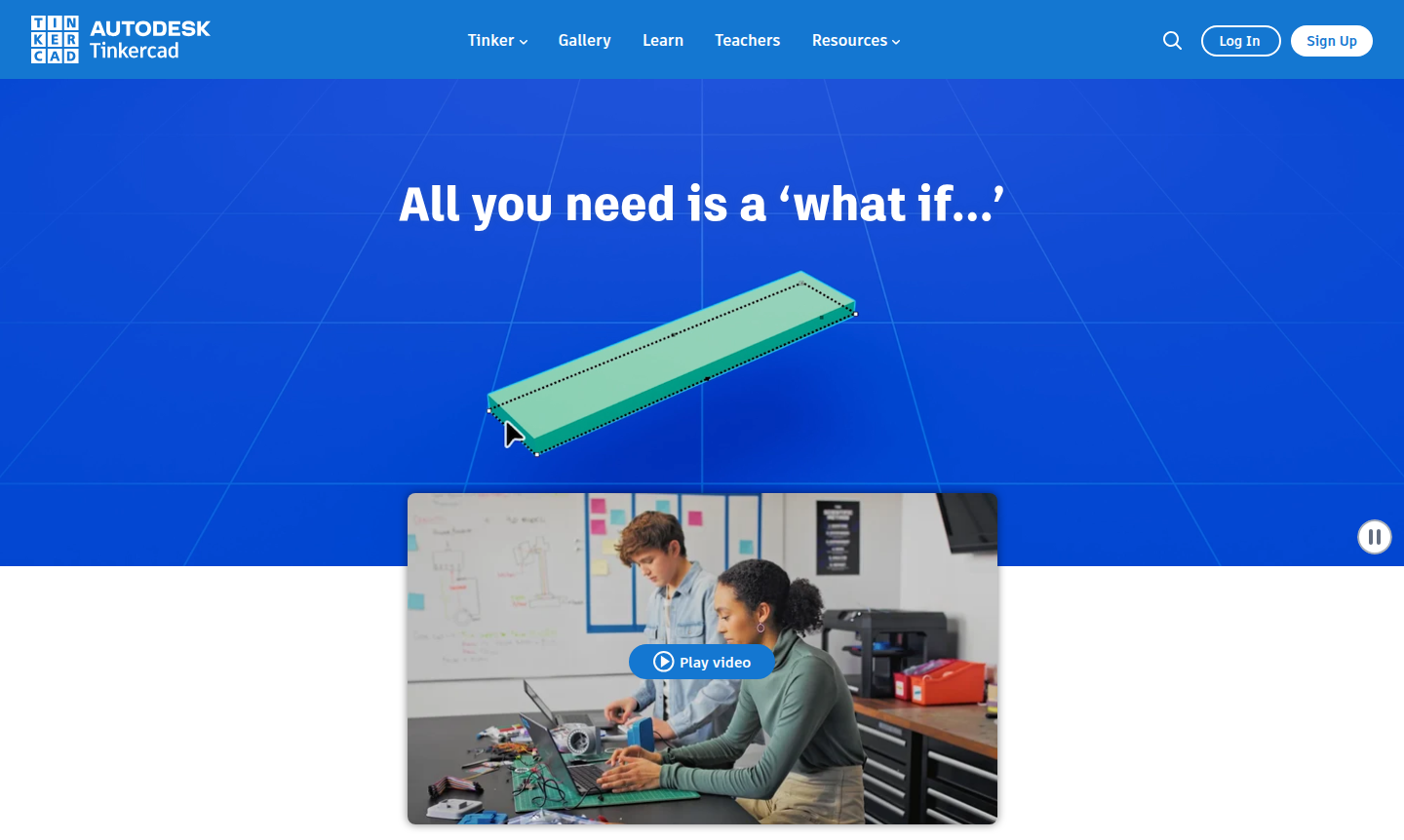
Overview of Tinkercad
Tinkercad is a free, web-based platform that empowers creators of all ages to explore 3D design, electronics, and coding through an intuitive, no-download interface. Trusted by over 100 million users worldwide, it transforms abstract ideas into tangible projects – from printable 3D models and functional circuits to dynamic, code-driven designs. As a cornerstone of STEM education, Tinkercad builds confidence through hands-on, project-based learning, making complex concepts accessible in classrooms and beyond.
Designed for beginners yet powerful enough for enthusiasts, Tinkercad serves educators, students, hobbyists, and aspiring engineers. Its ad-free, kidSAFE-certified environment ensures a safe space for learning, while alignment with Common Core and NGSS standards makes it a valuable resource for structured curricula. Whether you're teaching architecture, robotics, or computer science, Tinkercad provides the tools to bring creative visions to life without technical barriers. Explore related tools in 3D Modeling and Classroom Tools.
How to Use Tinkercad
Getting started with Tinkercad is straightforward: simply visit the website, create a free account, and begin designing immediately from your browser. The platform offers three main workspaces – 3D Design for modeling objects, Circuits for building and simulating electronic projects, and Codeblocks for visual programming. Users can drag and drop components, adjust parameters with simple controls, and instantly see their creations take shape. Projects can be saved, shared, or exported for 3D printing, making the entire workflow from concept to reality seamless and educational.
Core Features of Tinkercad
- 3D Design Workspace – Create detailed models using basic shapes, holes, and grouping tools for prototyping or printing.
- Circuits Simulator – Build electronic projects with virtual components like LEDs, resistors, and microcontrollers.
- Codeblocks Editor – Learn programming logic through block-based coding to animate and parameterize designs.
- Educational Resources – Access lesson plans, tutorials, and project galleries aligned with STEM standards.
- Collaboration Tools – Share designs, join classes, and work together in a safe, moderated environment.
Use Cases for Tinkercad
- Introducing students to STEM concepts through interactive 3D design and electronics projects.
- Creating custom 3D printable objects, from simple prototypes to complex artistic models.
- Teaching basic coding principles with visual, block-based programming for dynamic designs.
- Developing hands-on electronics skills by simulating circuits without physical components.
- Enhancing classroom engagement with curriculum-aligned projects across multiple subjects.
- Empowering hobbyists and makers to experiment with design, coding, and circuit building.
- Supporting remote learning with a web-based platform accessible from any device.
Support and Contact
For assistance, visit the official Tinkercad website for resources and community support. While a direct support email isn't publicly listed, the platform provides extensive help documentation and educational guides to address user questions. For general inquiries, you can email contact@tinkercad.com.
Company Info
Tinkercad is developed by Autodesk, a global leader in design and engineering software. The company, headquartered in the United States, focuses on making professional-grade tools accessible for education and personal use. Learn more about their mission and other products on their corporate website.
Login and Signup
Access Tinkercad by visiting the signup page to create a free account. Existing users can login here to continue their projects and explore new features.
Tinkercad Frequently Asked Questions
Tinkercad Pricing
Current prices may vary due to updates
Free
A comprehensive web app for 3D design, electronics simulation, and block-based coding, trusted by millions worldwide with no cost, ads, or age restric
Tinkercad Reviews0 review
Would you recommend Tinkercad? Leave a comment