


Opera Browser
Opera browser offers free VPN, AI assistance, ad blocking, and Tab Islands for secure, fast browsing. Compare features with Chrome and Safari, available on multiple platforms.
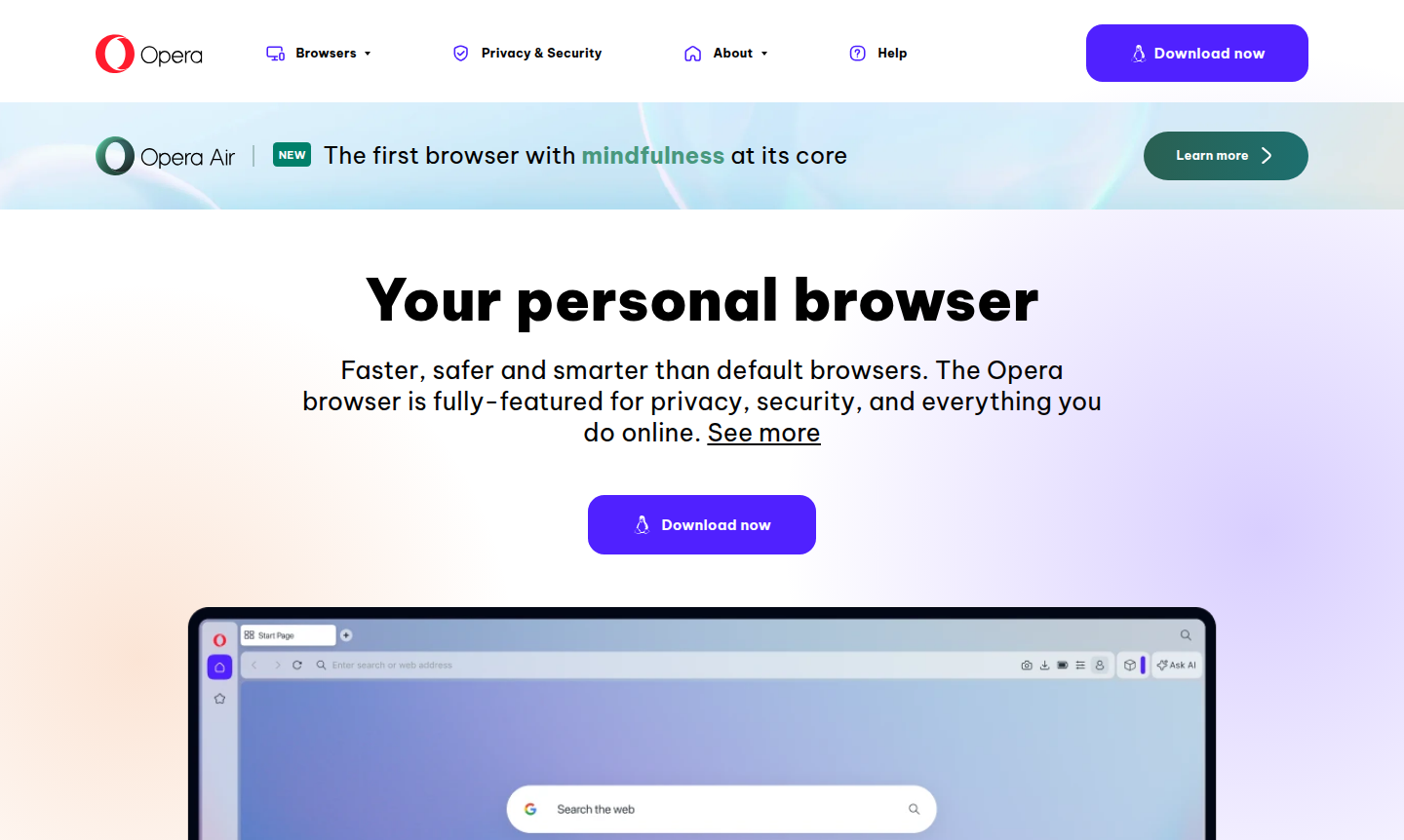
Overview of Opera Browser
Opera is a feature-rich web browser that prioritizes privacy, security, and innovative browsing experiences. As the first browser with mindfulness at its core, it offers a complete web experience beyond default options like Chrome, Safari, and Edge. With over 30 years of development, Opera provides superior performance, built-in AI capabilities, and advanced privacy features, making it a compelling alternative. Designed for personal and professional use, it caters to users valuing speed, security, and smart tools. Explore more Web Browser tools and Secure Browser alternatives in our directory.
How to Use Opera Browser
Download Opera from the official website for Windows, macOS, Linux, Android, or iOS. After installation, access built-in features like free VPN, ad blocker, and Opera AI immediately. Customize by organizing tabs into Tab Islands, enabling dark mode, and syncing data across devices with Opera Flow for seamless file sharing and continuity.
Core Features of Opera Browser
- Free Built-in VPN – Protect your privacy and browse securely without additional software or subscriptions.
- Opera AI Integration – Access AI assistance directly in the browser for research, writing, and content creation.
- Tab Islands Organization – Group related tabs visually to maintain context and reduce clutter during work.
- Advanced Ad Blocker – Block intrusive ads and trackers for faster loading and distraction-free browsing.
- Cross-Device Synchronization – Share files and continue browsing seamlessly between desktop and mobile with Opera Flow.
Use Cases for Opera Browser
- Secure browsing with built-in VPN for privacy-conscious users
- Research and content creation with integrated AI assistance
- Organized web research using Tab Islands for project management
- Faster browsing experience with native ad blocking and tracking protection
- Mobile browsing with full feature parity including VPN and ad blocker
- Alternative to Chrome, Safari, and Edge with enhanced privacy features
- Gaming browser experience through dedicated Opera GX version
Support and Contact
For support inquiries, visit the official Opera website for documentation and community resources. Contact via email at contact@opera.com for assistance with features and troubleshooting.
Company Info
Opera is developed by Opera Software AS, an international company with teams across Europe, Africa, and Asia. Learn more on their official website.
Login and Signup
Opera browser does not require account creation for basic use. To enable cross-device sync and additional features, create an Opera account on the Opera homepage.
Opera Browser Frequently Asked Questions
Opera Browser Reviews0 review
Would you recommend Opera Browser? Leave a comment