


GoTo Meeting
GoTo Meeting offers enterprise-grade web conferencing with HD video, audio, security, and mobile access. Ideal for remote teams with a 14-day free trial.
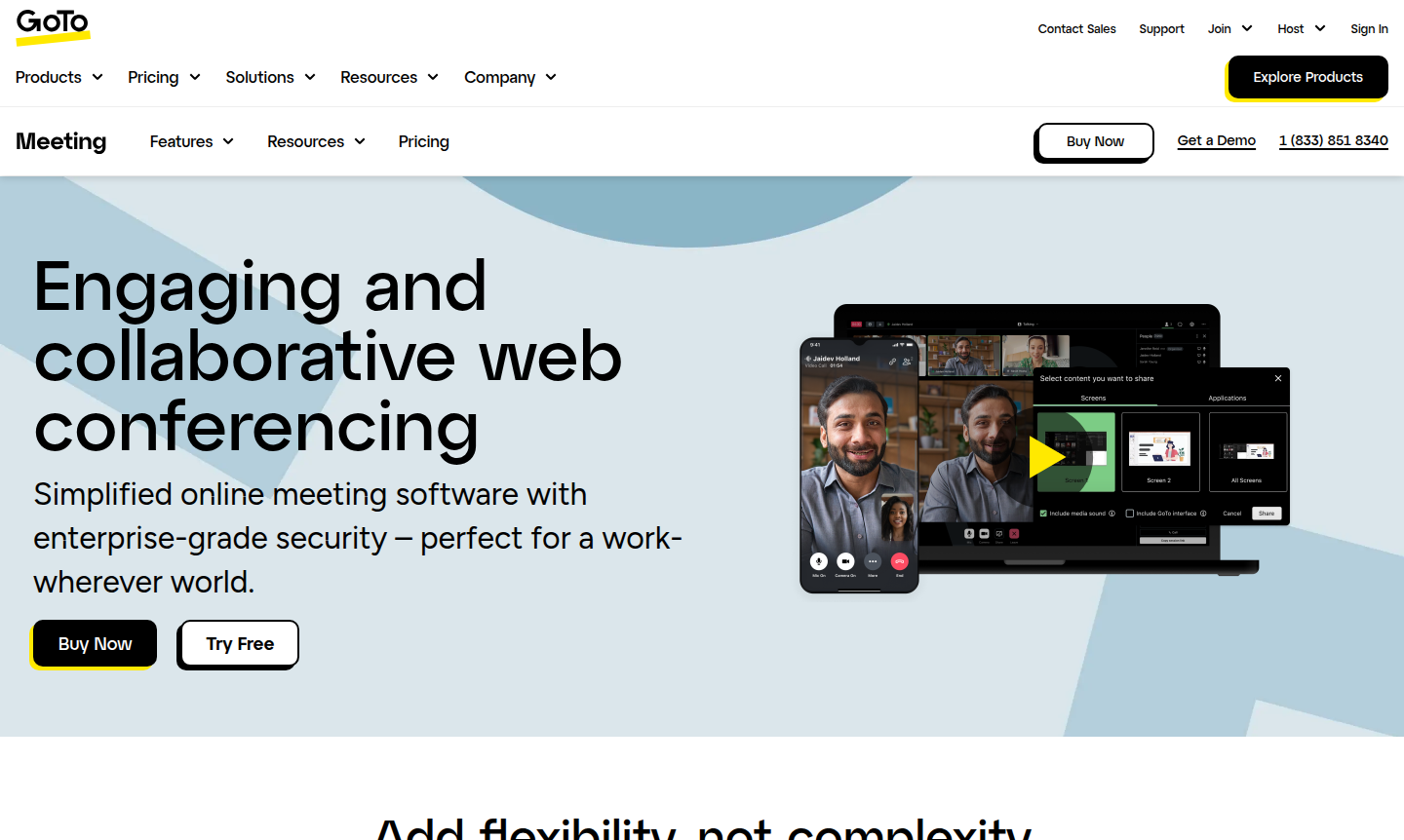
Overview of GoTo Meeting
GoTo Meeting is a leading web conferencing platform designed for flexible, secure, and collaborative virtual meetings. Built for a work-wherever world, it simplifies online collaboration with enterprise-grade security and reliable performance that supports up to 250 attendees. The platform is trusted globally, hosting over 80 million meetings annually with industry-leading 99.999% uptime, making it ideal for businesses of all sizes – from small teams to large enterprises – across sectors like Education, Health, Project Management, and Remote Work.
With features like HD video, crystal-clear audio with background noise suppression, and no-download joining, GoTo Meeting removes complexity from virtual collaboration. It offers robust security measures including end-to-end encryption, meeting locks, and single sign-on, ensuring worry-free sessions. The platform's mobile conferencing capabilities and availability in 190+ countries make it perfect for distributed teams needing reliable Video Conferencing solutions with seamless integrations and unified administration across GoTo products.
How to Use GoTo Meeting
Getting started with GoTo Meeting is straightforward: begin by signing up for a 14-day free trial through the website without needing a credit card. Once registered, you can schedule one-click meetings directly from your calendar or the web interface, and invite participants via email with custom templates. Participants can join meetings instantly from any device – desktop, mobile, or tablet – without downloads by clicking the meeting link. During sessions, hosts can manage attendees, share screens, use drawing tools, create breakout rooms, and record meetings to the cloud with automatic transcriptions. After meetings, access recordings and transcripts through your account dashboard for easy sharing and reference.
Core Features of GoTo Meeting
- HD Video Meetings – High-definition video with screen sharing, drawing tools, and interactive collaboration features.
- Crystal-Clear Audio – Built-in VoIP and toll audio with background noise suppression and toll-free calling in 50+ countries.
- Enterprise Security – End-to-end encryption, meeting locks, single sign-on, and encrypted session controls.
- Mobile Conferencing – Full-featured mobile apps for iOS and Android with no-download joining and adaptive call quality.
- Meeting Management – Cloud recording, automatic transcriptions, custom email templates, and support for up to 250 attendees.
Use Cases for GoTo Meeting
- Virtual classrooms and student collaboration in education with secure meeting locks and password protection.
- Healthcare provider consultations and telemedicine sessions with HIPAA-compliant security features.
- Sales demos and client presentations with screen sharing and interactive drawing tools.
- Team meetings and project collaboration with breakout rooms and in-session chat functionality.
- Professional services consultations and client meetings with cloud recording and transcriptions.
- Parent-teacher conferences and administrative meetings in educational institutions.
- Remote team stand-ups and daily check-ins with reliable audio and video quality.
Support and Contact
For support inquiries, visit the GoTo Meeting website for comprehensive help resources, knowledge base articles, and community forums. You can also contact support via email at contact@goto.com for assistance with technical issues, billing questions, or enterprise solutions.
Company Info
GoTo Meeting is developed by GoTo, a leading provider of communication and collaboration solutions. The company offers a suite of products including GoTo Meeting, GoTo Connect, and other collaboration tools designed for modern work environments. While specific country of origin details weren't provided in the AlternativeTo data, GoTo operates globally with services available in 190+ countries. For more information about the company, visit their main website.
Login and Signup
To access your GoTo Meeting account, visit the login page on the official website. New users can start with a 14-day free trial by visiting the signup page – no credit card or commitment required. The trial provides full access to all features, allowing you to experience the platform's capabilities before making a purchase decision.
GoTo Meeting Frequently Asked Questions
GoTo Meeting Reviews0 review
Would you recommend GoTo Meeting? Leave a comment