
Miro
Category of Miro:
Tags:
Web AppBrowser-BasedAI Integration
Description:
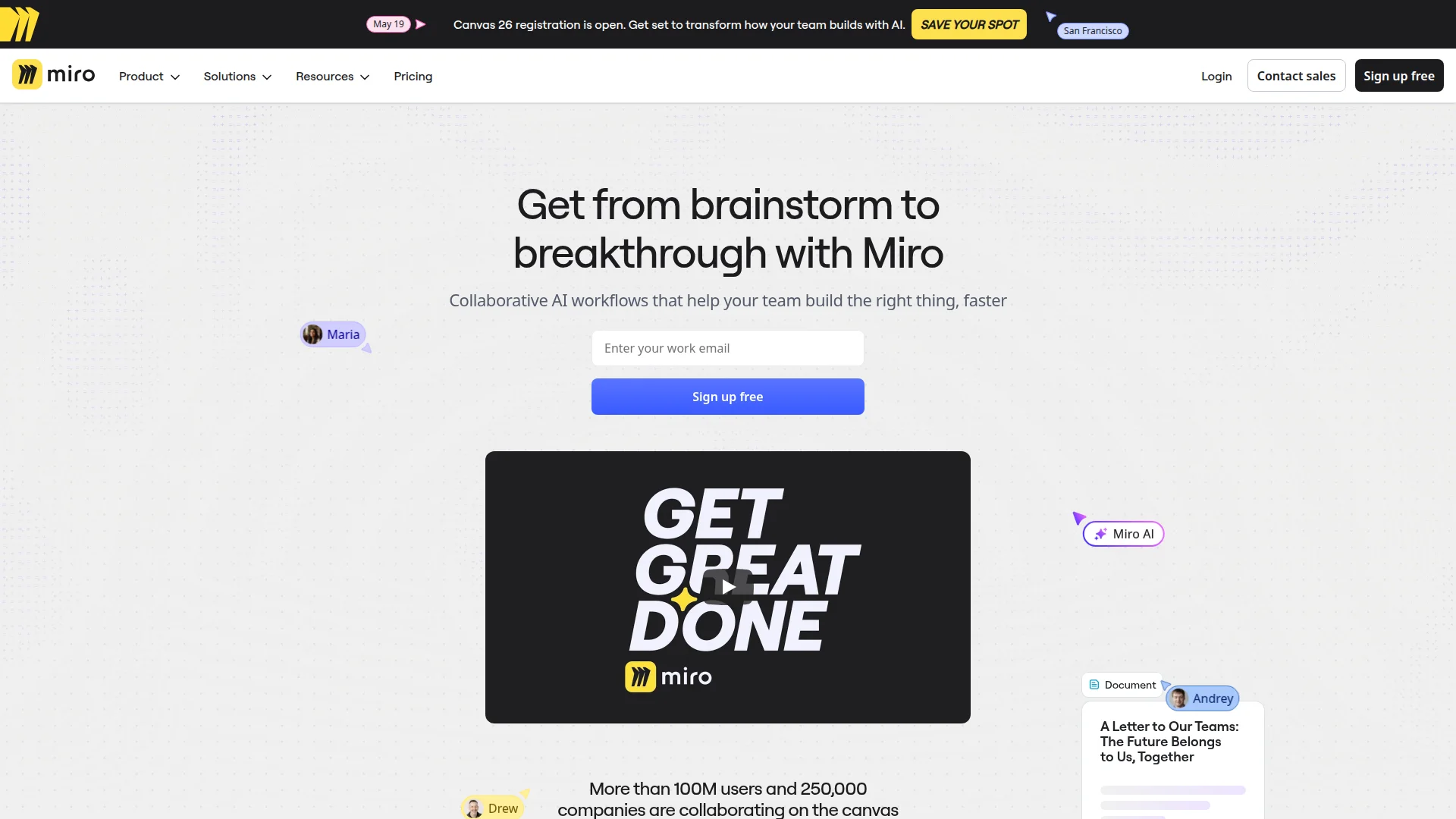
Miro is a collaborative online whiteboard platform that helps teams brainstorm, plan, and execute projects visually. With AI-powered workflows and an intelligent canvas, it enables real-time collaboration for product management, design, engineering, and business operations.
Everything You Need to Know About Miro Collaborative Whiteboard Platform
Miro transforms how teams work together by providing a digital canvas where ideas can flow freely. This visual collaboration platform enables distributed teams to brainstorm, plan projects, and execute strategies in real-time. With over 100 million users globally, it has become essential for modern workplaces.
The platform combines traditional whiteboarding with advanced digital tools, allowing teams to create diagrams, mind maps, wireframes, and presentations. Its intelligent canvas adapts to different workflows, making it suitable for various industries and departments. Teams can work simultaneously on the same board, eliminating geographical barriers.
Miro's AI capabilities enhance productivity by automating repetitive tasks and generating insights from team discussions. The platform integrates with popular tools like Slack, Google Drive, and Jira, creating a seamless workflow ecosystem. Security features ensure enterprise-grade protection for sensitive information.
Quick Start Guide for Miro Visual Collaboration Tools
Getting started with Miro is straightforward and requires minimal setup. Begin by creating an account and exploring the free plan, which offers basic functionality for small teams. The intuitive interface makes navigation simple even for first-time users.
Start your first board by selecting from hundreds of templates designed for specific use cases like brainstorming sessions or project planning. Invite team members via email to collaborate in real-time. Use the basic drawing tools to add sticky notes, shapes, and connectors to organize thoughts visually.
Core Functions and Tools in Miro Visual Collaboration Software
- AI Innovation Workspace: AI-powered workflows and knowledge management for smarter collaboration.
- Product Acceleration Tools: Prototypes, roadmaps, and planning features for product teams.
- Business Acceleration Solutions: Leadership, operations, and customer experience tools.
- Platform Capabilities: Diagrams, tables, timelines, and enterprise security features.
- Collaboration Features: Real-time editing, comments, and presentation modes.
Ideal Use Cases for Miro Digital Whiteboard Solutions
Remote team brainstorming and ideation sessions are ideal for Miro. Product development and roadmap planning benefit from its visual approach. Design thinking workshops and UX prototyping work well on the platform.
Agile project management and sprint planning are streamlined with Miro. Business process mapping and optimization become clearer visually. Educational activities and virtual classrooms engage students effectively.
Contact and Support Options for Miro Collaboration Platform
For support, contact Miro's customer service team. The platform offers comprehensive help resources including an extensive knowledge base, user forums, and webinars. Professional services and solution partners are available for enterprise implementations.
Reviews0
Would you recommend Miro? Leave a comment
No reviews yet. Be the first to share your experience!
Alternatives
The best modern alternatives to Miro
Yandex
5.0
Last update: 10 hours ago
Yandex is a comprehensive Russian technology company offering internet services including search, maps, translation, email, and AI-powered tools with localized solutions for Russian-speaking regions and beyond.
View YandexTags:FreeEnglishBrowser-Based
View YandexGrok
5.0
Grok is an AI-powered chatbot platform offering automated conversations, deep search capabilities, and persona-based interactions for intelligent communication solutions.
Web AppBrowser-BasedFree
View Grok
Notion
5.0
Notion is an AI-powered workspace that helps teams get more done, faster. It combines notes, docs, projects, and knowledge bases with AI tools to automate busywork and enhance productivity. The platform offers custom agents, enterprise search, and seamless integrations for comprehensive workflow management.
NotionAI IntegrationAutomation
View Notion
Dropbox
5.0
Dropbox is a comprehensive cloud storage and collaboration platform that helps you find, organize, and share your work all in one place. With over 700 million registered users, it offers secure file storage, AI-powered search, and seamless team collaboration across devices.
Web AppMobile AppDesktop App
View Dropbox
DeepL
5.0
DeepL is an AI-powered language platform offering accurate text, document, and voice translation across 100+ languages. It includes DeepL Agent for task automation and enterprise-grade features like glossaries and security.
Browser-BasedAPIFor Enterprises
View DeepL
New Tools Releases
Recently added tools
Hitabs
5.0
Hitabs is an innovative online tool designed to streamline how users save, organize, and share their digital resources. Whether you're collecting articles to read later, bookmarking valuable websites, or curating links for a project, Hitabs offers a centralized and intuitive platform. It caters to students, researchers, professionals, and anyone looking to manage their online information more effe
Browser-BasedWeb AppLightweight
View Hitabs
Apache Subversion
5.0
Apache Subversion (SVN) is a robust, open-source, centralized version control system designed for managing code and project data. It offers reliability, simplicity, and scalability, making it suitable for individual developers and large enterprise operations. Subversion excels at tracking changes, facilitating collaboration, and ensuring data integrity. Its widespread adoption in both open-source
Open SourceGPLFor Developers
View Apache Subversion
Spamgourmet
5.0
Spamgourmet provides free, auto-creating email addresses that forward messages to your primary inbox and then expire, acting as a powerful spam blocker. It's ideal for anyone who wants to protect their main email from spam when signing up for new services or giving out contact information. The tool requires no installation and is designed for minimal user intervention after initial setup, making i
FreeWeb AppPrivacy-Focused
View Spamgourmet
Crew
5.0
Crew is a high-yield checking account that actively manages your finances through automated 'pockets,' paycheck splitting, and bill management. It offers a subscription-free approach to personal finance, empowering users with control and clarity over their money, alongside features like parental controls and competitive APY on deposits. Banking services are provided by Bangor Savings Bank, Member
Trial AvailableSubscription-BasedMobile App
View Crew
Ludwig
5.0
Ludwig is an open-source declarative deep learning framework that simplifies building, fine-tuning, and deploying ML models using a YAML file. It supports various data modalities and scales seamlessly from a laptop to distributed clusters, offering the flexibility of PyTorch with the ease of AutoML.
Open SourceFor DevelopersAutomation
View Ludwig
Reeder
5.0
Reeder is a modern news reader that unifies RSS feeds, videos, podcasts, and social media into a single timeline. It features seamless cross-device syncing via iCloud, powerful custom filters, and a simple way to save links. Reeder prioritizes a clean interface and user privacy, making it an efficient tool for content consumption.
Desktop AppMobile AppmacOS
View Reeder
SurveyJS
5.0
SurveyJS is a powerful JavaScript library that enables developers to build custom survey and form management systems directly within their applications. It offers unparalleled flexibility through JSON-based configuration, ensuring users retain full ownership of their data and can handle an unlimited number of responses. The latest version, v3.0, introduces significant enhancements like a shared st
Open SourceFor Developers
View SurveyJS
Small Basic
5.0
Small Basic is a free, beginner-friendly programming language developed by Microsoft, designed to make coding accessible and fun for learners of all ages. It simplifies complex programming concepts with an easy-to-understand syntax and a built-in Integrated Development Environment (IDE) that includes helpful features like syntax highlighting and debugging tools. This educational tool empowers user
Open SourceFor StudentsFor Teachers
View Small Basic