
MediaCoder
Category of MediaCoder:
Tags:
Open SourceTrial Available
Description:
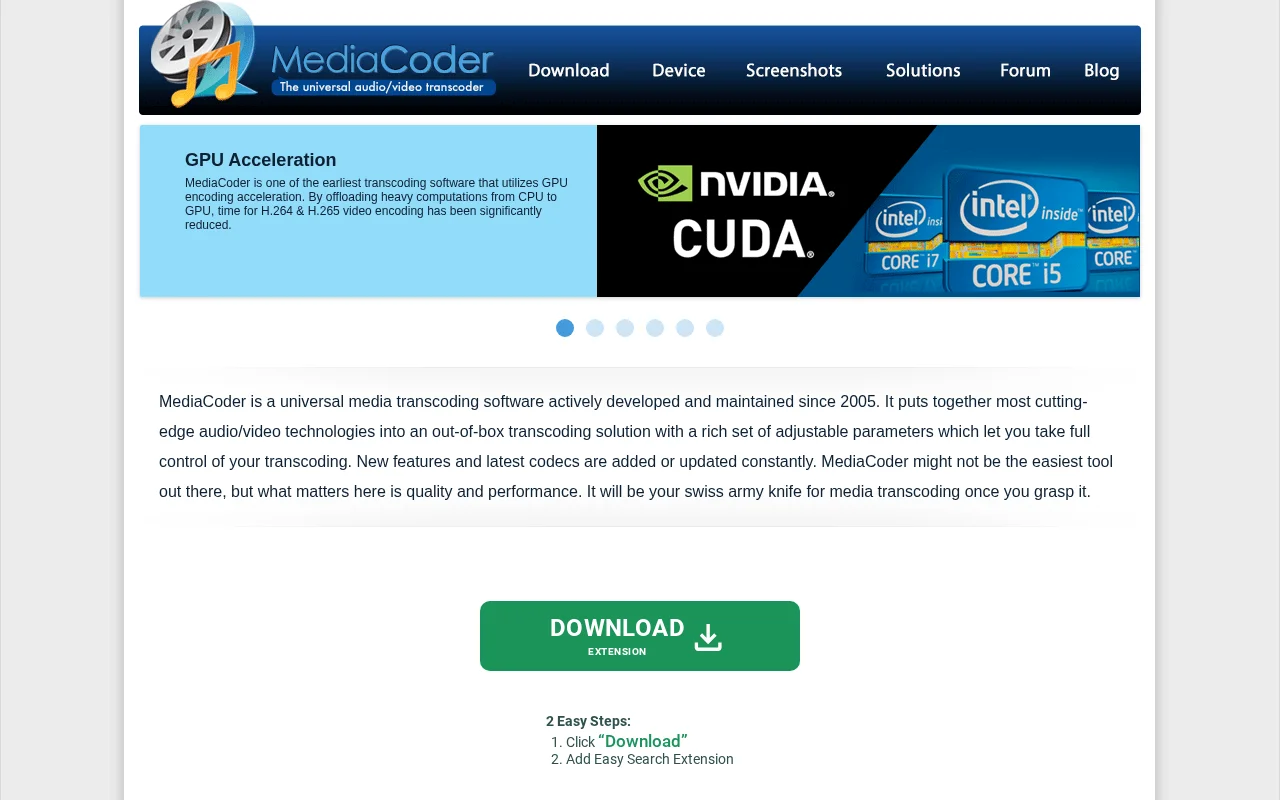
MediaCoder is a powerful, universal media transcoding software with extensive control over audio and video conversion. It integrates advanced technologies, supports GPU acceleration for faster encoding, and handles a vast array of formats and codecs, making it ideal for professionals and enthusiasts.
What is MediaCoder and How Does It Work?
MediaCoder is a robust and versatile media transcoding software designed to handle a wide range of audio and video conversion tasks. Since its inception in 2005, it has evolved into a comprehensive solution by integrating numerous advanced open-source audio and video technologies. MediaCoder offers users granular control over the transcoding process, allowing for deep customization through a multitude of adjustable parameters. Its primary function is to convert media files between various popular formats, ensuring compatibility across different devices and platforms.
The software is particularly noted for its focus on quality and performance, making it a preferred choice for users who require high-fidelity results and efficient processing. MediaCoder supports advanced features like GPU-accelerated encoding for H.264 and H.265 codecs, significantly speeding up conversion times. It also includes capabilities for ripping discs, capturing from video devices, and enhancing media content with various filters, positioning itself as a powerful all-in-one solution for complex media manipulation needs.
Getting Started with MediaCoder
Getting started with MediaCoder involves downloading the software from its official website and proceeding with the installation. Once installed, users can begin by loading their media files into the interface. The software provides a wide array of options for customizing encoding parameters, such as video and audio codecs, bitrates, resolutions, and filter settings. For beginners, it's advisable to start with the default settings or pre-defined profiles tailored for specific devices or platforms before exploring the more advanced customization options.
The rich parameter set can be overwhelming initially, but it offers immense flexibility for experienced users. It is recommended to consult the documentation or community forums for guidance on specific transcoding tasks or troubleshooting. MediaCoder's multi-threaded design and parallel filtering capabilities are automatically leveraged to maximize performance, especially on multi-core processors.
Key Features and Capabilities of MediaCoder
- Universal Transcoding: Convert between virtually all popular audio and video formats.
- GPU Accelerated Encoding: Supports H.264/H.265 encoding via QuickSync, NVENC, and CUDA.
- Disc Ripping & Capture: Rip Blu-ray, DVD, VCD, CD, and capture from video cameras.
- Advanced Filtering: Enhance audio and video content with a variety of built-in filters.
- Extensive Parameter Control: Fine-tune transcoding settings for optimal quality and performance.
- Multi-threaded Processing: Utilizes multi-core processors for faster, parallel encoding.
Who Should Use MediaCoder?
- Users needing to reduce file sizes for storage or bandwidth efficiency.
- Individuals converting media for playback on diverse devices (smartphones, tablets, consoles).
- Content creators preparing files for online publication or broadcasting.
- Professionals aiming to standardize media formats for archiving or distribution.
- Users requiring extraction of audio tracks from videos or discs.
- Technical users needing to capture and encode from various input sources.
MediaCoder Support and Contact Information
For support, users can typically find assistance through the official MediaCoder community forum. While a direct contact email is not readily available on the primary product page, the website often directs users to community resources for help and troubleshooting. The active development and community engagement suggest a supportive environment for users seeking assistance with the software.
Reviews0
Would you recommend MediaCoder? Leave a comment
No reviews yet. Be the first to share your experience!
Alternatives
The best modern alternatives to MediaCoder
Mp3DirectCut
5.0
Last update: 5 days ago
mp3DirectCut is a free audio editor for Windows and Linux (via Wine) that allows for fast and lossless editing of MP3 and AAC files. It supports cutting, cropping, splitting, joining, fading, and recording audio without re-encoding, preserving original quality. Key features include batch processing, pause detection, and cue sheet support, making it efficient for podcasters, musicians, and audio en
View Mp3DirectCutTags:WindowsOpen SourceFree
View Mp3DirectCutAudacious
5.0
Audacious is a free, open-source audio player known for its efficiency and flexibility. As a descendant of XMMS, it offers a lightweight yet powerful music management and playback experience. It supports a wide range of audio formats, advanced playback controls including a graphical equalizer and effects, customizable interfaces with themes and skins, and extensive plugin support. Audacious is com
Open SourceDesktop AppWindows
View Audacious
CUERipper
5.0
CUERipper is an open-source audio CD ripping utility that offers a simpler alternative to Exact Audio Copy (EAC). It provides essential functionality for extracting digital audio from CDs with fewer configuration options, making it user-friendly. CUERipper supports metadata lookups via MusicBrainz and freeDB, along with integrity checks through AccurateRip and CTDB, ensuring accurate audio extract
Open SourceDesktop AppCLI Tool
View CUERipper
SoundConverter
5.0
SoundConverter is a free, open-source audio file transcoding tool for the GNOME Desktop environment. It supports a wide range of input formats via GStreamer and converts them to popular output formats like Opus, Ogg Vorbis, FLAC, WAV, AAC, and MP3. Its multithreaded architecture ensures fast batch conversions, and it can also extract audio from video files.
Open SourceGPLLinux
View SoundConverter
YouTube
5.0
YouTube is the world's largest video-sharing platform where users can upload, watch, and share videos. It offers diverse content from entertainment and education to music and live streaming, with tools for creators to build audiences and monetize content.
YouTubeFor CreatorsFree
View YouTube
New Tools Releases
Recently added tools
Hitabs
5.0
Hitabs is an innovative online tool designed to streamline how users save, organize, and share their digital resources. Whether you're collecting articles to read later, bookmarking valuable websites, or curating links for a project, Hitabs offers a centralized and intuitive platform. It caters to students, researchers, professionals, and anyone looking to manage their online information more effe
Browser-BasedWeb AppLightweight
View Hitabs
Apache Subversion
5.0
Apache Subversion (SVN) is a robust, open-source, centralized version control system designed for managing code and project data. It offers reliability, simplicity, and scalability, making it suitable for individual developers and large enterprise operations. Subversion excels at tracking changes, facilitating collaboration, and ensuring data integrity. Its widespread adoption in both open-source
Open SourceGPLFor Developers
View Apache Subversion
Spamgourmet
5.0
Spamgourmet provides free, auto-creating email addresses that forward messages to your primary inbox and then expire, acting as a powerful spam blocker. It's ideal for anyone who wants to protect their main email from spam when signing up for new services or giving out contact information. The tool requires no installation and is designed for minimal user intervention after initial setup, making i
FreeWeb AppPrivacy-Focused
View Spamgourmet
Crew
5.0
Crew is a high-yield checking account that actively manages your finances through automated 'pockets,' paycheck splitting, and bill management. It offers a subscription-free approach to personal finance, empowering users with control and clarity over their money, alongside features like parental controls and competitive APY on deposits. Banking services are provided by Bangor Savings Bank, Member
Trial AvailableSubscription-BasedMobile App
View Crew
Ludwig
5.0
Ludwig is an open-source declarative deep learning framework that simplifies building, fine-tuning, and deploying ML models using a YAML file. It supports various data modalities and scales seamlessly from a laptop to distributed clusters, offering the flexibility of PyTorch with the ease of AutoML.
Open SourceFor DevelopersAutomation
View Ludwig
Reeder
5.0
Reeder is a modern news reader that unifies RSS feeds, videos, podcasts, and social media into a single timeline. It features seamless cross-device syncing via iCloud, powerful custom filters, and a simple way to save links. Reeder prioritizes a clean interface and user privacy, making it an efficient tool for content consumption.
Desktop AppMobile AppmacOS
View Reeder
SurveyJS
5.0
SurveyJS is a powerful JavaScript library that enables developers to build custom survey and form management systems directly within their applications. It offers unparalleled flexibility through JSON-based configuration, ensuring users retain full ownership of their data and can handle an unlimited number of responses. The latest version, v3.0, introduces significant enhancements like a shared st
Open SourceFor Developers
View SurveyJS
Small Basic
5.0
Small Basic is a free, beginner-friendly programming language developed by Microsoft, designed to make coding accessible and fun for learners of all ages. It simplifies complex programming concepts with an easy-to-understand syntax and a built-in Integrated Development Environment (IDE) that includes helpful features like syntax highlighting and debugging tools. This educational tool empowers user
Open SourceFor StudentsFor Teachers
View Small Basic