
Gradio
Category of Gradio:
Tags:
Open SourceFor DevelopersBrowser-Based
Description:
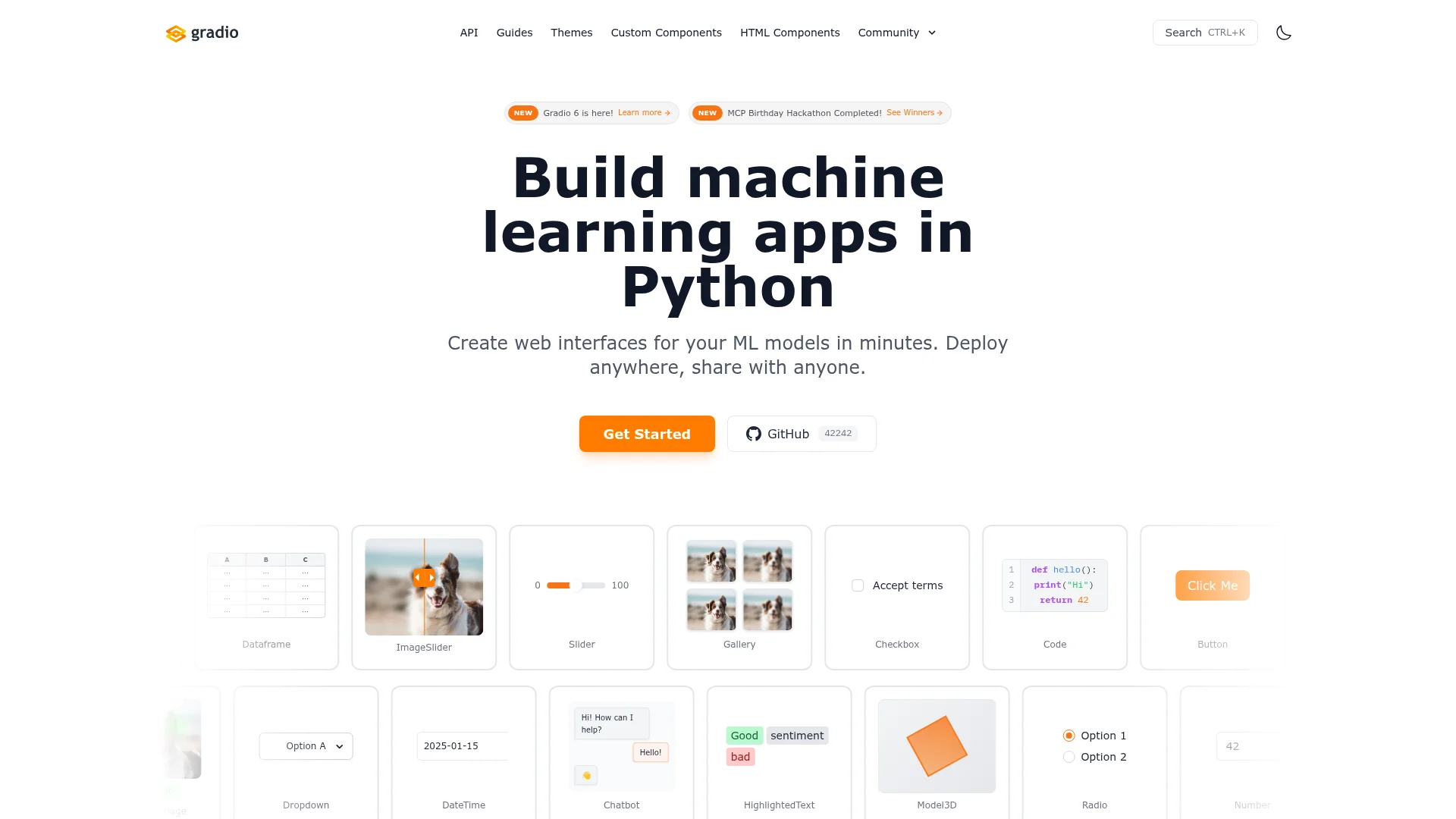
Gradio is a Python library for building interactive web interfaces for machine learning models. It enables developers to create demos and deploy applications without frontend coding, supporting various input/output types and integration with popular ML frameworks.
Everything You Need to Know About Gradio Tool
Gradio is an open-source Python library that simplifies the process of building and sharing machine learning applications. It allows developers to create interactive web interfaces by wrapping Python functions with minimal code, making models accessible to non-technical users. The library is widely used for prototyping, demos, and collaborative projects in the AI and data science communities.
With Gradio, you can deploy models locally or on cloud platforms, enabling real-time interaction through customizable UI components. It supports various deployment options including Hugging Face Spaces, which offers free hosting for public projects. The tool is designed to be lightweight and easy to use, reducing the barrier to showcasing ML work.
Gradio's active community and extensive documentation provide resources for beginners and advanced users alike. Regular updates introduce new features and improvements, ensuring compatibility with the latest ML frameworks. This makes it a reliable choice for both educational and professional environments.
Gradio Quick Start Guide: First Steps Tutorial
To begin with Gradio, install it via pip with the command 'pip install gradio'. Then, import the library in your Python script and define a function that processes inputs and returns outputs. Use the 'gr.Interface' class to create an interface by specifying the function, input types, and output types.
Launch the application locally by calling the 'launch' method, which opens a web browser with the interactive interface. For sharing, you can deploy the app on Hugging Face Spaces by pushing your code to a repository. This quick setup allows you to test and demonstrate models within minutes.
Core Functions and Tools in Gradio Library
- Interface Creation: Build web UIs by wrapping Python functions with minimal code.
- Component Library: Use pre-built inputs and outputs like sliders, images, and text boxes.
- Model Deployment: Deploy apps locally or on cloud platforms for easy sharing.
- Real-time Interaction: Enable live predictions and feedback through interactive elements.
- Customization Options: Adjust themes, layouts, and styles to match project needs.
Ideal Use Cases and Applications for Gradio
Creating demos for machine learning models to share with stakeholders. Building educational tools for teaching AI concepts interactively. Prototyping new ML algorithms with quick feedback loops.
Developing internal tools for data analysis and visualization. Hosting public showcases of research projects on platforms like Hugging Face. Testing model performance with diverse user inputs in real-time.
Contact and Support Options for Gradio Users
For support, users can refer to the comprehensive documentation and community forums available on the official website. Since contactEmail is Not found, it is recommended to check the GitHub repository for issues and discussions.
The active community on platforms like GitHub and Hugging Face provides assistance and shares examples.
Reviews0
Would you recommend Gradio? Leave a comment
No reviews yet. Be the first to share your experience!
Alternatives
The best modern alternatives to Gradio
DeepSeek
5.0
Last update: 6 hours ago
DeepSeek is an advanced AI platform offering powerful language models with enhanced agent capabilities and integrated thinking reasoning. The platform provides free chatbot access, API integration, and specialized models for coding, mathematics, and vision tasks.
View DeepSeekTags:Open SourceAPIFor Developers
View DeepSeekDailymotion
5.0
Dailymotion is a global video-sharing platform for creators and viewers, offering tools for uploading, monetizing, and discovering diverse video content across news, sports, music, and entertainment.
YouTubeFor CreatorsFor Developers
View Dailymotion
Yandex
5.0
Yandex is a comprehensive Russian technology company offering internet services including search, maps, translation, email, and AI-powered tools with localized solutions for Russian-speaking regions and beyond.
FreeEnglishBrowser-Based
View Yandex
Grok
5.0
Grok is an AI-powered chatbot platform offering automated conversations, deep search capabilities, and persona-based interactions for intelligent communication solutions.
Web AppBrowser-BasedFree
View Grok
DeepL
5.0
DeepL is an AI-powered language platform offering accurate text, document, and voice translation across 100+ languages. It includes DeepL Agent for task automation and enterprise-grade features like glossaries and security.
Browser-BasedAPIFor Enterprises
View DeepL
New Tools Releases
Recently added tools
Ludwig
5.0
Ludwig is an open-source declarative deep learning framework that simplifies building, fine-tuning, and deploying ML models using a YAML file. It supports various data modalities and scales seamlessly from a laptop to distributed clusters, offering the flexibility of PyTorch with the ease of AutoML.
Open SourceFor DevelopersAutomation
View Ludwig
Reeder
5.0
Reeder is a modern news reader that unifies RSS feeds, videos, podcasts, and social media into a single timeline. It features seamless cross-device syncing via iCloud, powerful custom filters, and a simple way to save links. Reeder prioritizes a clean interface and user privacy, making it an efficient tool for content consumption.
Desktop AppMobile AppmacOS
View Reeder
SurveyJS
5.0
SurveyJS is a powerful JavaScript library that enables developers to build custom survey and form management systems directly within their applications. It offers unparalleled flexibility through JSON-based configuration, ensuring users retain full ownership of their data and can handle an unlimited number of responses. The latest version, v3.0, introduces significant enhancements like a shared st
Open SourceFor Developers
View SurveyJS
Small Basic
5.0
Small Basic is a free, beginner-friendly programming language developed by Microsoft, designed to make coding accessible and fun for learners of all ages. It simplifies complex programming concepts with an easy-to-understand syntax and a built-in Integrated Development Environment (IDE) that includes helpful features like syntax highlighting and debugging tools. This educational tool empowers user
Open SourceFor StudentsFor Teachers
View Small Basic
Scenari Dokiel
5.0
Scenari Dokiel is a high-performance distributed ledger technology utilizing a hybrid consensus mechanism for rapid transactions. Ideal for DeFi, supply chain management, and gaming, its scalable and secure architecture empowers developers to build next-generation decentralized applications with confidence and efficiency.
AutomationWeb3Open Source
View Scenari Dokiel
SpurtCMS
5.0
spurtCMS is a powerful, open-source Content Management System built with Golang, designed to be adaptable for diverse industry needs and content delivery requirements. It offers a robust admin panel powered by Golang and integrates seamlessly with TailwindCSS for modern, stylish front-end development. Developers can leverage its GraphQL APIs for efficient data fetching and scalability, making it s
Open SourceFor DevelopersAPI
View SpurtCMS
Glogg
5.0
glogg is a powerful, multi-platform GUI application for programmers and system administrators to efficiently browse and search through large log files. It combines the functionalities of grep and less with features like case-insensitive filtering and auto-reloading, streamlining log analysis and troubleshooting.
Open SourceDesktop AppDev Tools
View Glogg
VokoscreenNG
5.0
vokoscreenNG is a free and open-source screen recorder for Linux and Windows, offering full screen, area, or window capture with simultaneous multi-audio recording and built-in camera support. It supports various output formats like MKV, GIF, and MP4, making it a versatile tool for tutorials, presentations, and more.
Open Source
View VokoscreenNG