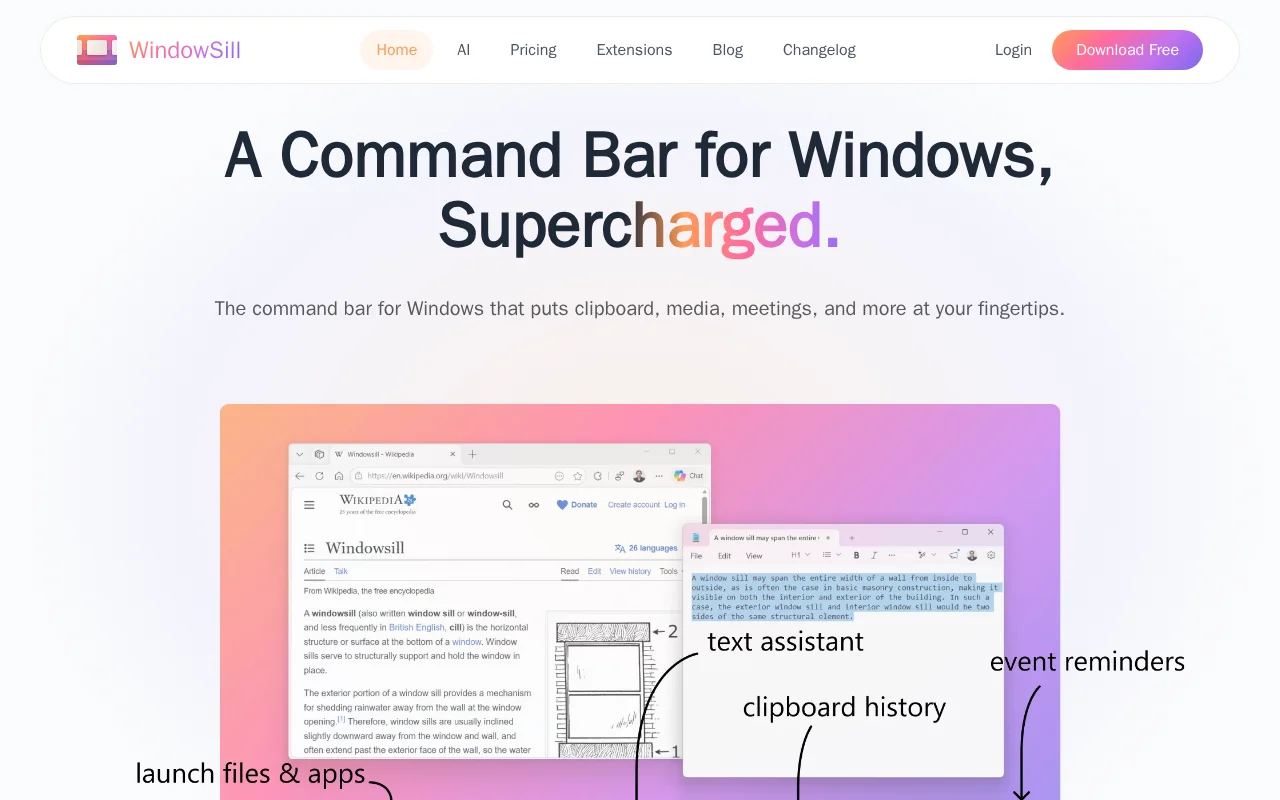

Windowsill
Category of Windowsill:
Tags:
Note-TakingProductivity
Description:
Windowsill is a streamlined digital notebook designed for efficiently capturing, organizing, and retrieving your thoughts, ideas, and notes. Its intuitive interface allows for quick idea capture, while robust tagging and search functionalities ensure that your information is always accessible. Perfect for students, professionals, and anyone looking to enhance personal knowledge management, Windows
Introducing Windowsill: Your Streamlined Digital Notebook
Windowsill is a user-friendly application designed to help you manage your thoughts and ideas effortlessly. It provides a clean and intuitive platform for jotting down notes, capturing fleeting inspirations, and organizing them in a structured manner. Whether you're brainstorming for a project, keeping track of daily tasks, or simply want a place to store important information, Windowsill streamlines the process.
The tool emphasizes simplicity and efficiency, allowing you to focus on your ideas rather than the complexities of the software. With features like quick capture and effective organization, Windowsill aims to be your go-to digital companion for personal knowledge management.
Getting Started with Windowsill: A Quick Guide
Beginning your journey with Windowsill is straightforward. Upon launching the application, you can immediately start typing your first note. Utilize the tagging system to categorize your entries, making them easier to find later. For instance, tag notes with project names, topics, or keywords relevant to your work or studies. Syncing across devices is automatic, ensuring your notes are backed up and accessible from any computer or mobile device you use.
Key Features and Capabilities of Windowsill
- Quick Idea Capture: Jot down thoughts instantly without any friction.
- Efficient Organization: Use tags to categorize and group your notes effectively.
- Cross-Device Sync: Access and update your notes seamlessly across all your devices.
- Powerful Search: Quickly find any note using keywords or tags.
- Clean Interface: Enjoy a clutter-free environment focused on your thoughts.
Who Benefits Most from Windowsill
- Students looking to organize study notes and research.
- Professionals needing a simple way to capture meeting minutes and ideas.
- Writers and creatives for brainstorming and drafting content.
- Anyone seeking a straightforward personal knowledge management system.
- Users who value simplicity and cross-platform accessibility.
- Individuals aiming to improve their daily productivity and organization.
Windowsill Help and Support Resources
For assistance with Windowsill, please visit our website for FAQs and guides. If you require further help, you can reach our support team via email at support@getwindowsill.app. We are dedicated to ensuring you have a smooth and productive experience with our tool.
Reviews0
Would you recommend Windowsill? Leave a comment
No reviews yet. Be the first to share your experience!
Alternatives
The best modern alternatives to Windowsill
Noteshelf
5.0
Last update: 6 days ago
Noteshelf is a versatile note-taking application for effortless digital note-taking, document annotation, and creative journaling. It offers a realistic writing experience with various pens, allowing users to capture ideas, record lectures, and annotate PDFs. Features like handwriting search and AI assistance enhance productivity for students, professionals, and creatives.
View NoteshelfTags:Note-TakingEarly AccessDark Mode
View NoteshelfMochi
5.0
Mochi is a versatile spaced repetition flashcard application designed for efficient learning and note-taking. It empowers users to create notes and flashcards using Markdown, offering a flexible and intuitive way to organize information. With its intelligent spaced repetition system, Mochi optimizes study schedules to enhance long-term retention. The app's 'local-first' approach ensures data priva
Note-TakingEducationFor Students
View Mochi
Tagpacker
5.0
Tagpacker is a user-friendly tag management tool for organizing links and notes. It simplifies information retrieval with a flexible tagging system, a clean interface, and cross-device synchronization, enhancing personal knowledge management and productivity.
Note-Taking
View Tagpacker
Endless Paper
5.0
Endless Paper provides an infinite digital canvas for handwritten notes, art creation, and visual idea exploration. Designed for students, artists, and managers, it offers a natural pen-and-paper experience without physical limitations, allowing seamless zooming and intuitive spatial organization. The app ensures work is always safe with automatic background saving, freeing users to focus on creat
Note-TakingUX/UI DesignFor Creators
View Endless Paper
YouTube
5.0
YouTube is the world's largest video-sharing platform where users can upload, watch, and share videos. It offers diverse content from entertainment and education to music and live streaming, with tools for creators to build audiences and monetize content.
YouTubeFor CreatorsFree
View YouTube
New Tools Releases
Recently added tools
Crew
5.0
Crew is a high-yield checking account that actively manages your finances through automated 'pockets,' paycheck splitting, and bill management. It offers a subscription-free approach to personal finance, empowering users with control and clarity over their money, alongside features like parental controls and competitive APY on deposits. Banking services are provided by Bangor Savings Bank, Member
Trial AvailableSubscription-BasedMobile App
View Crew
Ludwig
5.0
Ludwig is an open-source declarative deep learning framework that simplifies building, fine-tuning, and deploying ML models using a YAML file. It supports various data modalities and scales seamlessly from a laptop to distributed clusters, offering the flexibility of PyTorch with the ease of AutoML.
Open SourceFor DevelopersAutomation
View Ludwig
Reeder
5.0
Reeder is a modern news reader that unifies RSS feeds, videos, podcasts, and social media into a single timeline. It features seamless cross-device syncing via iCloud, powerful custom filters, and a simple way to save links. Reeder prioritizes a clean interface and user privacy, making it an efficient tool for content consumption.
Desktop AppMobile AppmacOS
View Reeder
SurveyJS
5.0
SurveyJS is a powerful JavaScript library that enables developers to build custom survey and form management systems directly within their applications. It offers unparalleled flexibility through JSON-based configuration, ensuring users retain full ownership of their data and can handle an unlimited number of responses. The latest version, v3.0, introduces significant enhancements like a shared st
Open SourceFor Developers
View SurveyJS
Small Basic
5.0
Small Basic is a free, beginner-friendly programming language developed by Microsoft, designed to make coding accessible and fun for learners of all ages. It simplifies complex programming concepts with an easy-to-understand syntax and a built-in Integrated Development Environment (IDE) that includes helpful features like syntax highlighting and debugging tools. This educational tool empowers user
Open SourceFor StudentsFor Teachers
View Small Basic
Scenari Dokiel
5.0
Scenari Dokiel is a high-performance distributed ledger technology utilizing a hybrid consensus mechanism for rapid transactions. Ideal for DeFi, supply chain management, and gaming, its scalable and secure architecture empowers developers to build next-generation decentralized applications with confidence and efficiency.
AutomationWeb3Open Source
View Scenari Dokiel
SpurtCMS
5.0
spurtCMS is a powerful, open-source Content Management System built with Golang, designed to be adaptable for diverse industry needs and content delivery requirements. It offers a robust admin panel powered by Golang and integrates seamlessly with TailwindCSS for modern, stylish front-end development. Developers can leverage its GraphQL APIs for efficient data fetching and scalability, making it s
Open SourceFor DevelopersAPI
View SpurtCMS
Glogg
5.0
glogg is a powerful, multi-platform GUI application for programmers and system administrators to efficiently browse and search through large log files. It combines the functionalities of grep and less with features like case-insensitive filtering and auto-reloading, streamlining log analysis and troubleshooting.
Open SourceDesktop AppDev Tools
View Glogg