YEd Graph Editor
Category of YEd Graph Editor:
Tags:
Desktop AppFree
Description:
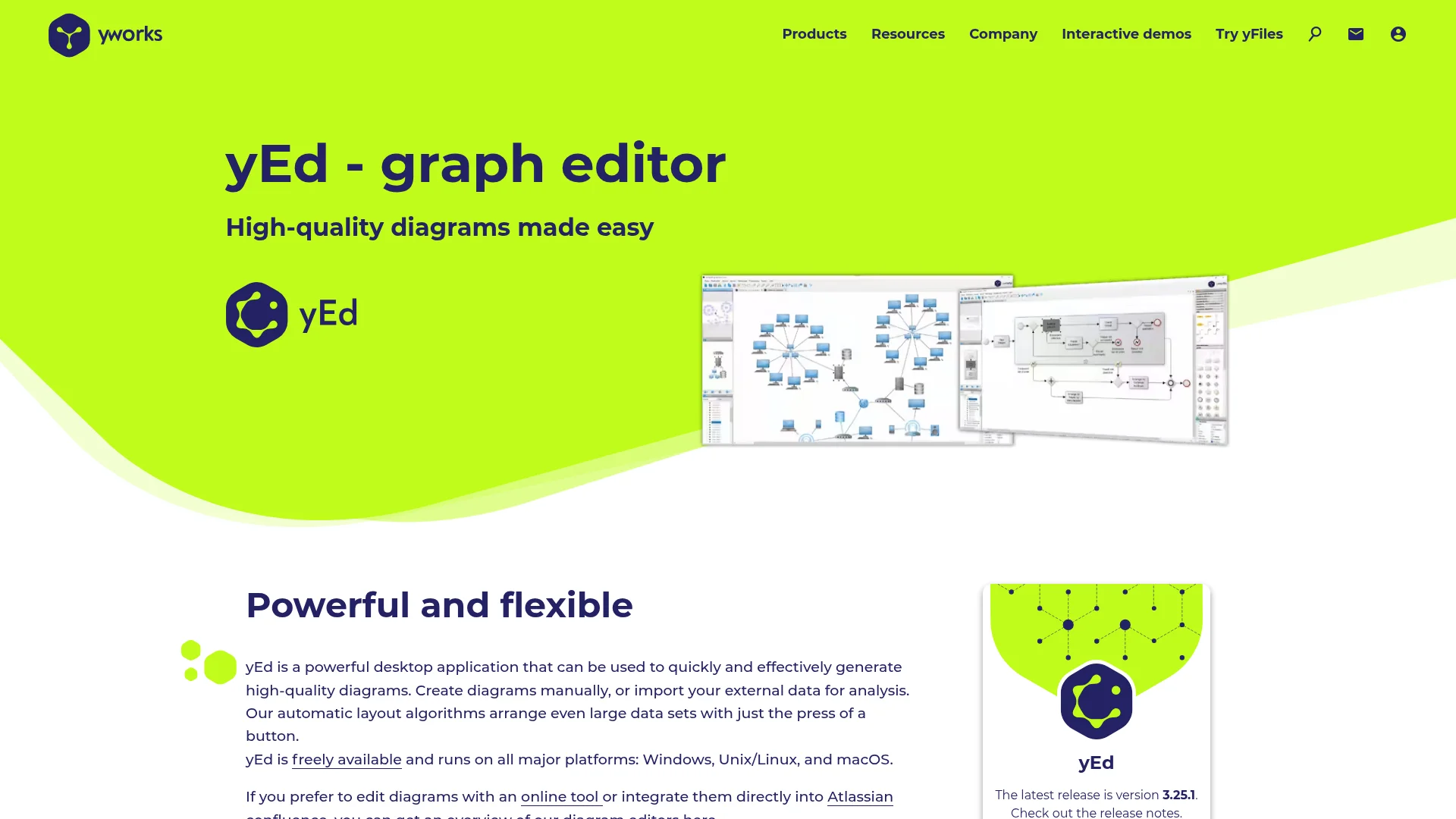
yEd Graph Editor is a free, powerful desktop application for creating, importing, and arranging diagrams. It features intuitive design and sophisticated automatic layout algorithms, making it ideal for visualizing complex data, networks, organizational charts, and flowcharts efficiently. It's a robust alternative to online diagramming tools.
yEd Graph Editor: Powerful Diagramming and Graph Visualization
yEd Graph Editor is a versatile and free desktop application renowned for its ability to simplify the process of creating, importing, editing, and automatically arranging diagrams. It is an ideal solution for visualizing complex data, network structures, organizational hierarchies, and business processes. The software's primary strength lies in its intelligent automatic layout algorithms, which can swiftly arrange large and intricate diagrams, saving users significant time and effort.
Designed for a broad audience, yEd is particularly useful for IT professionals, software engineers, business analysts, and anyone who needs to represent complex information visually. Its user-friendly interface ensures that even beginners can quickly become proficient, while its advanced features satisfy the needs of experienced users. The application's cross-platform compatibility, running on Windows, macOS, and Linux, further enhances its accessibility and widespread appeal.
Getting Started with yEd Graph Editor
To begin using yEd Graph Editor, simply download the installer from the official website and follow the on-screen instructions for installation on your preferred operating system (Windows, macOS, or Linux). Once installed, launch the application to access its clean and intuitive interface. You can start creating a new diagram from scratch, or import existing data from various formats like GEDCOM, GraphML, or Excel to visualize your information.
yEd offers a variety of pre-defined layouts, including hierarchical, organic, circular, and orthogonal, which can be applied with a single click to automatically arrange your diagram elements. Experiment with these layouts to find the most effective representation for your data. The built-in editor allows for easy customization of nodes, edges, and labels, ensuring your diagrams are both informative and visually appealing.
Key Features of yEd Graph Editor
- Automatic Layout Algorithms: Effortlessly arrange complex diagrams with diverse layout options like hierarchical, organic, and circular.
- Multiple Data Import Options: Import data from various sources including Excel, GEDCOM, and GraphML for seamless visualization.
- Extensive Diagramming Capabilities: Create flowcharts, organization charts, network diagrams, UML diagrams, and more with ease.
- Cross-Platform Compatibility: Runs smoothly on Windows, macOS, and Unix/Linux operating systems.
- Free to Use: A powerful, full-featured diagramming tool available at no cost.
Who Benefits Most from yEd Graph Editor
- IT professionals visualizing network topologies and system architectures.
- Software developers mapping out code structures and algorithms.
- Business analysts creating process flows and organizational charts.
- Project managers illustrating project timelines and dependencies.
- Students and educators for academic diagrams and presentations.
- Anyone needing to quickly generate clear and organized visual representations of complex data.
yEd Graph Editor Support Resources
For assistance with yEd Graph Editor, users can access a comprehensive help manual and a FAQ section on the official yWorks website. These resources provide detailed information on features, usage, and troubleshooting. Additionally, users can find tutorials and examples to help them get the most out of the application.
Reviews0
Would you recommend YEd Graph Editor? Leave a comment
No reviews yet. Be the first to share your experience!
Alternatives
The best modern alternatives to YEd Graph Editor
YouTube
5.0
Last update: 3 hours ago
YouTube is the world's largest video-sharing platform where users can upload, watch, and share videos. It offers diverse content from entertainment and education to music and live streaming, with tools for creators to build audiences and monetize content.
View YouTubeTags:YouTubeFor CreatorsFree
View YouTubeFacebook
5.0
Facebook is the world's leading social networking platform that enables users to connect with friends, family, and communities. Create personalized profiles, share photos and videos, join groups, and stay updated with news and events.
Web AppMobile AppFree
View Facebook
Gmail
5.0
Gmail is Google's free email service offering 15GB of storage, powerful spam filtering, and seamless integration with Google Workspace. It provides smart features like priority inbox, scheduled sending, and offline access across web and mobile apps.
FreeWeb AppMobile App
View Gmail
X
5.0
X is a leading social media platform where users share short messages, follow others, and engage with real-time content. Connect with people worldwide and join global conversations through this dynamic communication tool.
EnglishFreeBrowser-Based
View X
Reddit
5.0
Reddit is a social news aggregation and discussion platform where users can explore communities based on their interests. From gaming and sports to news and hobbies, there's a subreddit for every topic where members can vote, comment, and share content.
FreeEnglishWeb
View Reddit
New Tools Releases
Recently added tools
Quiver
5.0
Quiver is a modern, user-friendly editor designed for creating commutative diagrams. It offers robust support for the popular tikz-cd package, making it an ideal tool for mathematicians, researchers, and students who need to visualize complex relationships and structures. The intuitive interface allows for efficient diagram construction, enabling users to focus on their mathematical content rather
Open SourceWeb AppWeb
View Quiver
Retro Game Trivia
5.0
Retro Game Trivia is a free, daily browser game for retro video game enthusiasts. Players guess classic video games using various methods, including letter reveals, textual clues, iconic screenshots, and box art. This engaging Wordle-style game provides a fun way to test and expand your knowledge of gaming history. With multiple game modes and an archive of past challenges, it caters to both casua
Browser-BasedFreeEarly Access
View Retro Game Trivia
Iron Marines
5.0
Iron Marines is a real-time strategy game blending action and tower defense. Players command heroes and units across a sci-fi universe to battle alien invaders. Available on mobile (iOS, Android) and PC (Steam), it offers engaging campaigns and tactical gameplay.
Gaming ToolsFor CreatorsMobile App
View Iron Marines
BiblioReads
5.0
BiblioReads is a free and open-source front-end for Goodreads, prioritizing user privacy. It allows users to search for book information directly from the Goodreads database without the privacy concerns associated with the official platform. Ideal for readers who want a clean, private way to track their reading, manage lists, and discover book details.
Open SourceFreePrivacy-Focused
View BiblioReads
IVentoy
5.0
iVentoy is a powerful and user-friendly network boot solution that transforms any computer into a PXE/HTTPBoot server. It allows for simultaneous operating system installation and booting across multiple machines without complex configuration. Supporting a wide range of operating systems and UEFI modes, including Secure Boot, iVentoy is ideal for IT professionals, system administrators, and anyone
Open SourceWindowsLinux
View IVentoy
PocketBase
5.0
PocketBase is an open-source backend solution that simplifies application development by bundling a real-time database, authentication services, file storage, and an integrated admin dashboard into a single, self-contained file. This all-in-one approach is ideal for developers seeking a lightweight yet powerful backend for rapid prototyping, small to medium-sized applications, and projects where m
Open SourceLinuxDev Tools
View PocketBase
OpenRCT2
5.0
OpenRCT2 is a community-driven, open-source re-implementation of RollerCoaster Tycoon 2, enhancing the classic game with bug fixes, improved performance, and new features. It offers modern gameplay enhancements, extensive customization, and robust multiplayer support, making it ideal for fans seeking a more stable and feature-rich theme park simulation experience. This free project is actively dev
Open SourcemacOSLinux
View OpenRCT2
MagicHow
5.0
MagicHow is an AI-powered SaaS platform that automates the creation of step-by-step guides, SOPs, and training manuals. It captures processes visually and uses AI to refine content, making documentation creation efficient and accessible for teams aiming to standardize operations and knowledge management.
View MagicHow