XMLmind XML Editor
Category of XMLmind XML Editor:
Tags:
Desktop AppAPIWriting
Description:
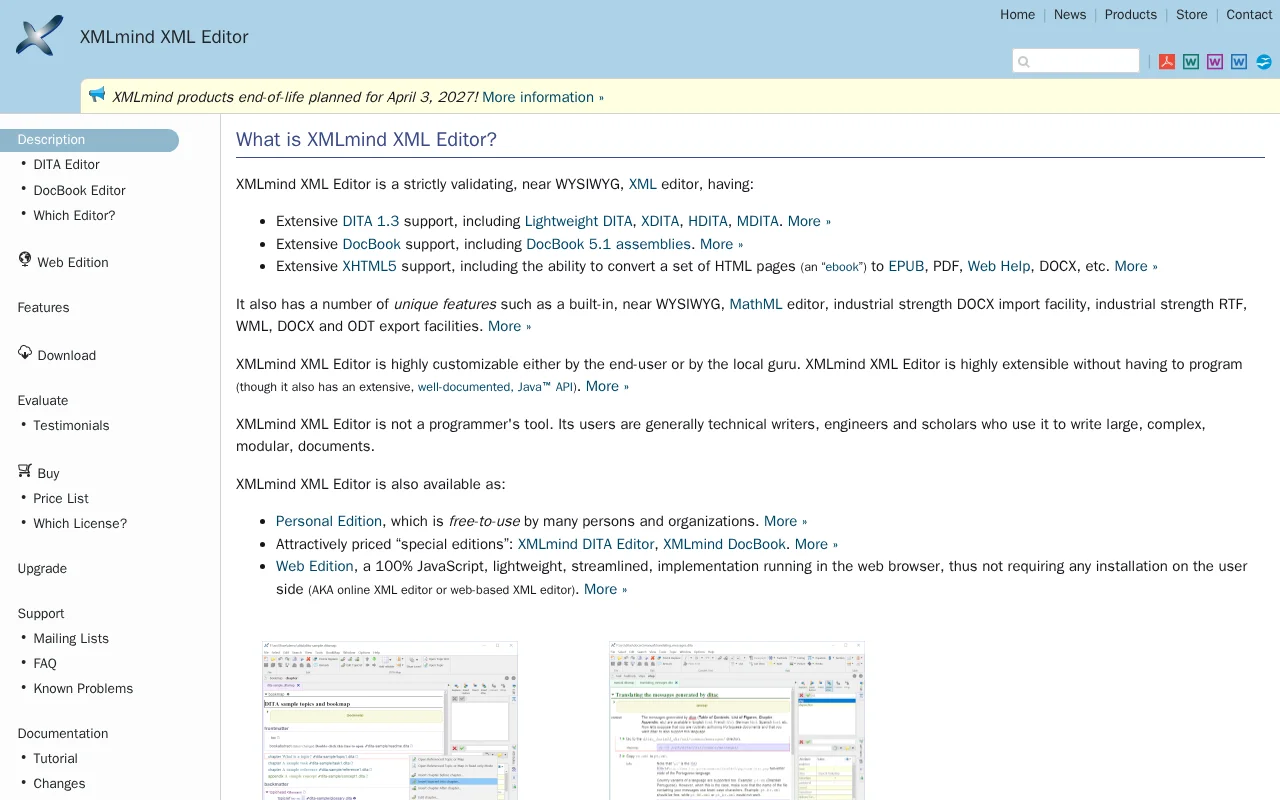
XMLmind XML Editor is a robust, validating, near-WYSIWYG editor for technical writers, engineers, and scholars. It supports DITA 1.3, DocBook 5.1, and XHTML5, featuring a MathML editor and extensive import/export capabilities. A free Personal Edition is available, alongside specialized DITA and DocBook editors.
What is XMLmind XML Editor and How Does It Work
XMLmind XML Editor is a sophisticated, validating, near-WYSIWYG XML editor tailored for technical documentation and scholarly writing. It excels in handling complex formats like DITA 1.3, DocBook 5.1, and XHTML5, allowing users to create, edit, and manage intricate documents with ease. The editor's near-WYSIWYG interface provides a visual representation of the content, making it accessible even for those not deeply familiar with XML syntax.
The tool's strength lies in its extensive support for industry-standard schemas and its unique features, such as a built-in MathML editor for mathematical equations and robust import/export functionalities for formats like DOCX, PDF, and EPUB. This makes it an all-in-one solution for content creators who need to produce high-quality, structured content across various platforms and outputs.
How to Get Started with XMLmind XML Editor
To begin using XMLmind XML Editor, download the appropriate version from their official website. The editor offers a free Personal Edition, making it accessible for individual use. Once installed, you can start a new XML document, select a schema (like DITA or DocBook), and begin authoring content using the intuitive interface. The tool provides comprehensive documentation and tutorials to guide users through its features and functionalities.
For advanced users or specific project needs, XMLmind also offers specialized editors like the DITA Editor and DocBook Editor, as well as a Web Edition that runs directly in the browser. Exploring the available documentation and tutorials is highly recommended to fully leverage the editor's capabilities and customization options.
Key Features and Capabilities of XMLmind XML Editor
- Extensive DITA 1.3 Support: Includes Lightweight DITA, XDITA, HDITA, and MDITA.
- Comprehensive DocBook Support: Features full support for DocBook 5.1 assemblies.
- Near WYSIWYG Editing: Provides a visual editing experience for XML content.
- Built-in MathML Editor: Allows for seamless creation and editing of mathematical equations.
- Robust Export Options: Converts XML documents to EPUB, PDF, DOCX, and more.
Who Should Use XMLmind XML Editor
- Technical writers creating documentation.
- Engineers documenting complex systems.
- Scholars and researchers writing academic papers.
- Content creators needing structured authoring.
- Users requiring DITA or DocBook specific tools.
- Anyone needing a validating XML editor with a visual interface.
XMLmind XML Editor Support and Contact Information
For support, you can explore the extensive FAQ and documentation available on the XMLmind website. For direct inquiries, please refer to the contact information provided on their official site.
Reviews0
Would you recommend XMLmind XML Editor? Leave a comment
No reviews yet. Be the first to share your experience!
Alternatives
The best modern alternatives to XMLmind XML Editor
Brackets
5.0
Last update: 8 hours ago
Brackets is a free, open-source code editor for web development, featuring live preview and inline editors. It has evolved into Phoenix Code, offering enhanced cross-platform compatibility and features.
View BracketsTags:Open SourceFreeDesktop App
View BracketsGeany
5.0
Geany is a powerful, stable, and lightweight programmer's text editor designed to enhance your workflow without causing slowdowns. It's a versatile tool that runs seamlessly on Linux, Windows, and macOS, and boasts translations in over 40 languages, making it accessible globally. With built-in support for more than 50 programming languages, Geany is ideal for developers of all levels seeking a fas
Open SourceGPLDesktop App
View Geany
BBEdit
5.0
BBEdit is a professional-grade text and code editor for macOS, offering advanced features for developers and writers. It provides a powerful and versatile environment for editing, searching, and transforming text and code, with a free mode offering extensive functionality.
Desktop AppChrome Extension
View BBEdit
Pulsar Edit
5.0
Pulsar Edit is a community-driven, open-source text editor that serves as a spiritual successor to the Atom editor. It offers a powerful and flexible environment for developers and writers alike, combining hackability with a user-friendly interface. Pulsar Edit runs seamlessly across macOS, Windows, and Linux, ensuring a consistent experience regardless of your operating system. Its built-in packa
Open SourceDesktop AppFor Developers
View Pulsar Edit
GNU TeXmacs
5.0
GNU TeXmacs is a free, WYSIWYG scientific editing platform designed for creating beautiful and structured technical documents. It seamlessly integrates text, mathematics, graphics, and interactive content, making it suitable for researchers, academics, and anyone needing to produce professional-looking scientific publications. Its extensibility through Scheme allows for custom features and styles,
Open SourceDesktop App
View GNU TeXmacs
New Tools Releases
Recently added tools
OpenRCT2
5.0
OpenRCT2 is a community-driven, open-source re-implementation of RollerCoaster Tycoon 2, enhancing the classic game with bug fixes, improved performance, and new features. It offers modern gameplay enhancements, extensive customization, and robust multiplayer support, making it ideal for fans seeking a more stable and feature-rich theme park simulation experience. This free project is actively dev
Open SourcemacOSLinux
View OpenRCT2
MagicHow
5.0
MagicHow is an AI-powered SaaS platform that automates the creation of step-by-step guides, SOPs, and training manuals. It captures processes visually and uses AI to refine content, making documentation creation efficient and accessible for teams aiming to standardize operations and knowledge management.
View MagicHow
Neon White
5.0
Neon White is a high-octane first-person shooter that throws players into a celestial battle against demons. Players navigate fast-paced levels, utilizing a unique card-based combat and movement system to achieve the fastest times. The game challenges players to master card combinations for massive shortcuts, uncover the mysteries of Heaven by interacting with other assassins, and compete for a ch
GamingBrowser-BasedMobile App
View Neon White
Xreveal
5.0
Xreveal is a Windows application that automatically and transparently removes restrictions from DVD and Blu-ray media, including region codes. It enables seamless read access to disc content and can also back up discs to ISO or folder formats. Designed for users who want to bypass copy protection and region codes effortlessly, Xreveal operates in the background, making your physical media library
View Xreveal
LBRY
5.0
LBRY is a decentralized content sharing and publishing platform that empowers creators and users by offering an open, free, and fair alternative to traditional media distribution. It functions similarly to how Bitcoin revolutionized digital currency, providing a censorship-resistant network for digital content. Users can access content through various applications like the LBRY Desktop client or t
Open SourceFor CreatorsWeb3
View LBRY
Nitreo
5.0
Nitreo is an Instagram growth service that automates key social media tasks like following accounts, liking posts, and viewing stories to organically increase follower count and engagement. It saves users an average of 9 hours per week, making it ideal for creators, businesses, and agencies seeking to expand their reach and build their brand with real, engaged followers.
Social Media ManagementFor Creators
View Nitreo
Tux Rider
5.0
Tux Rider is an engaging 3D racing game for Android, offering a mobile port of the classic "Tux Racer" experience. Players control the Linux mascot, Tux the penguin, as they race down snowy slopes, collecting fish and aiming for the best times. The game features intuitive controls using the accelerometer and touchscreen, providing an accessible and fun gameplay experience. With multiple levels and
Open SourceFor CreatorsAndroid
View Tux Rider
Automad
5.0
Automad is a fast, lightweight, and flexible flat-file content management system and template engine designed for creatives. It offers an intuitive dashboard with a block editor and in-page editing capabilities, eliminating the need for a database by storing all content in human-readable text files. This approach simplifies version control and makes managing your website straightforward. Despite i
Open SourceFor Creators
View Automad