VidCoder
Category of VidCoder:
Tags:
Open SourceWindowsPaid
Description:
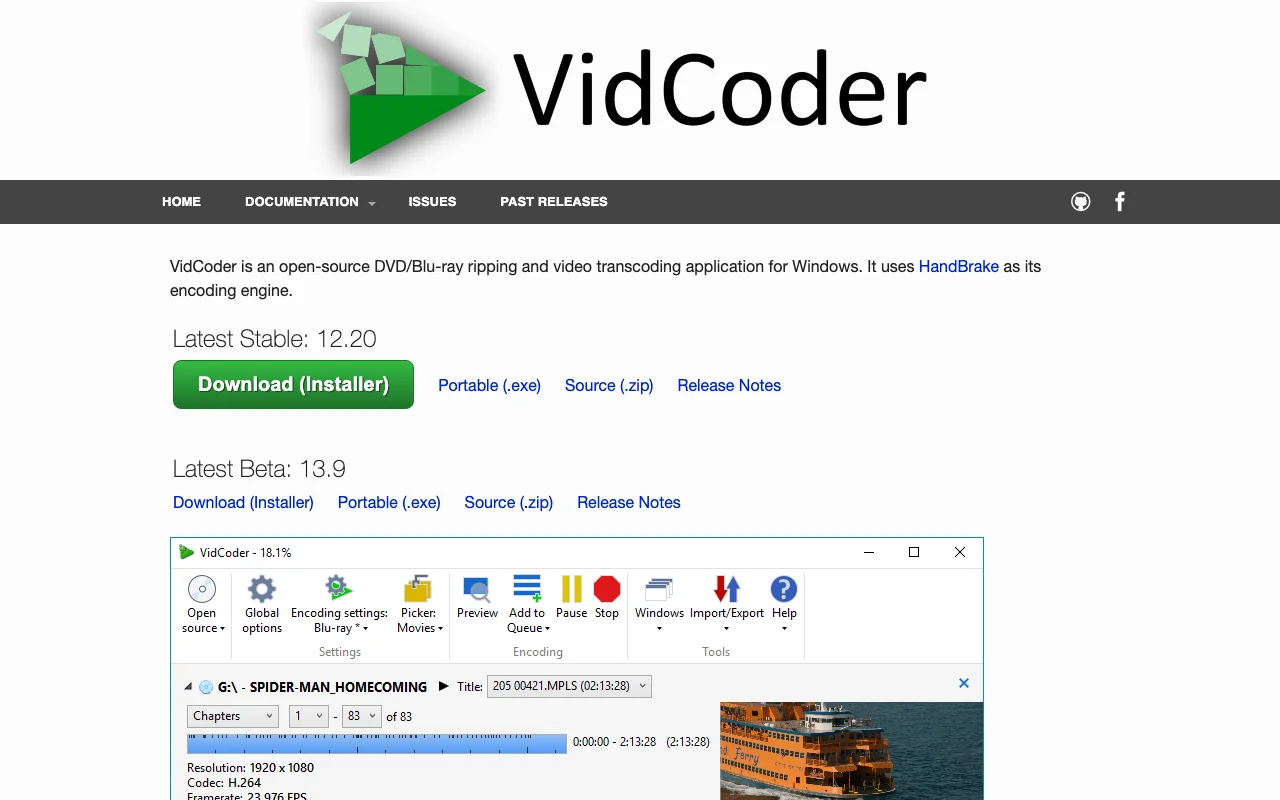
VidCoder is a free, open-source Windows application that acts as a front-end for HandBrake, enabling users to transcode video files and rip DVDs/Blu-rays. It supports hardware-accelerated encoding, batch processing, and a variety of video and audio formats, making it a versatile tool for video conversion and optimization.
VidCoder: Powerful Video Transcoding and Disc Ripping for Windows
VidCoder is a robust, open-source video transcoding application designed exclusively for Windows users. It leverages the powerful encoding engine of HandBrake, providing an intuitive interface for complex video conversion tasks. Whether you need to rip DVDs and Blu-rays, convert video files into various formats like MP4 and MKV, or optimize video quality, VidCoder offers a comprehensive suite of tools.
The application is ideal for both casual users and professionals seeking precise control over their video conversions. Features such as multi-pass encoding, advanced filters, and batch processing enhance its utility. VidCoder supports numerous container and codec formats, ensuring compatibility with a wide range of devices and platforms. Its intuitive interface and comprehensive toolset make it a versatile choice for managing and optimizing video content.
Key Features of VidCoder
- Video Transcoding: Convert video files to MP4, MKV, and other formats using HandBrake's engine.
- Disc Ripping: Extract content from DVDs and Blu-rays for digital conversion.
- Hardware Acceleration: Utilize Intel QuickSync, Nvidia NVENC, and AMD VCE for faster encoding.
- Advanced Filters: Apply deinterlace, decomb, and color correction filters for enhanced quality.
- Batch Encoding: Process multiple video files simultaneously for efficient workflows.
- Folder Watcher: Automatically encode video files placed in a designated folder.
- Customizable Pickers: Automatically select audio and subtitle tracks, destinations, and titles.
- Instant Previews: Generate small encoded preview clips for quick checks.
Getting Started with VidCoder
To begin using VidCoder, download the latest stable or beta version from the official GitHub releases page and install it, or use the portable version for immediate use. Once launched, you can load your DVD or Blu-ray disc, or select a video file for transcoding. VidCoder utilizes HandBrake as its core engine, so you will interact with familiar encoding presets and settings. Navigate through the intuitive interface to select your desired output format, video and audio codecs, and quality settings. For disc ripping, VidCoder can handle the initial read but may require third-party tools like MakeMKV to decrypt commercial discs before encoding.
VidCoder Use Cases
- Converting large video files to smaller, more manageable sizes.
- Archiving personal DVD and Blu-ray collections into digital formats.
- Preparing videos for playback on specific devices like smartphones or tablets.
- Optimizing video quality for streaming or online sharing.
- Batch processing multiple video files with consistent settings.
- Experimenting with advanced video encoding parameters for professional results.
Support and Reporting Bugs
For technical assistance and bug reporting, users are encouraged to first check if the issue also occurs with the official HandBrake client. If the problem is specific to VidCoder, bug reports should be submitted to the VidCoder GitHub repository. Community support and translations are available through the project's Crowdin page.
Reviews0
Would you recommend VidCoder? Leave a comment
No reviews yet. Be the first to share your experience!
Alternatives
The best modern alternatives to VidCoder
DVDStyler
5.0
Last update: October 27, 2026
DVDStyler is a free, open-source DVD authoring application that allows users to create professional-looking DVDs with custom interactive menus. It supports a wide range of video and audio formats, making it a versatile tool for both beginners and experienced users.
View DVDStylerTags:Open SourceWindowsChrome Extension
View DVDStylerBurn-osx
5.0
burn-osx is a free, open-source application for macOS designed to help users burn CDs and DVDs. It provides a straightforward interface for creating data discs, audio CDs, and video DVDs, making it accessible for beginners and experienced users alike. Whether you need to back up important files, create music compilations, or archive video content, burn-osx offers a reliable solution without any co
Open SourcemacOS
View Burn-osx
DVD Flick
5.0
DVD Flick is a free and open-source DVD authoring tool that converts various video files into a playable DVD format. It allows users to add custom audio tracks, subtitles, and navigation menus, supporting over 45 file formats and a wide array of codecs. Its intuitive interface makes DVD creation straightforward for beginners and advanced users alike.
Open SourceChrome Extension
View DVD Flick
DVDSmith Movie Backup
5.0
DVDSmith Movie Backup is a free DVD copying and backup software that removes various DVD copy protections. It allows users to copy entire DVD discs or just the main movie to their computer's hard drive, preserving the original 1:1 ratio. Ideal for creating digital backups of your DVD collection for personal use.
WindowsFree
View DVDSmith Movie Backup
YouTube
5.0
YouTube is the world's largest video-sharing platform where users can upload, watch, and share videos. It offers diverse content from entertainment and education to music and live streaming, with tools for creators to build audiences and monetize content.
YouTubeFor CreatorsFree
View YouTube
New Tools Releases
Recently added tools
Quiver
5.0
Quiver is a modern, user-friendly editor designed for creating commutative diagrams. It offers robust support for the popular tikz-cd package, making it an ideal tool for mathematicians, researchers, and students who need to visualize complex relationships and structures. The intuitive interface allows for efficient diagram construction, enabling users to focus on their mathematical content rather
Open SourceWeb AppWeb
View Quiver
Retro Game Trivia
5.0
Retro Game Trivia is a free, daily browser game for retro video game enthusiasts. Players guess classic video games using various methods, including letter reveals, textual clues, iconic screenshots, and box art. This engaging Wordle-style game provides a fun way to test and expand your knowledge of gaming history. With multiple game modes and an archive of past challenges, it caters to both casua
Browser-BasedFreeEarly Access
View Retro Game Trivia
Iron Marines
5.0
Iron Marines is a real-time strategy game blending action and tower defense. Players command heroes and units across a sci-fi universe to battle alien invaders. Available on mobile (iOS, Android) and PC (Steam), it offers engaging campaigns and tactical gameplay.
Gaming ToolsFor CreatorsMobile App
View Iron Marines
BiblioReads
5.0
BiblioReads is a free and open-source front-end for Goodreads, prioritizing user privacy. It allows users to search for book information directly from the Goodreads database without the privacy concerns associated with the official platform. Ideal for readers who want a clean, private way to track their reading, manage lists, and discover book details.
Open SourceFreePrivacy-Focused
View BiblioReads
IVentoy
5.0
iVentoy is a powerful and user-friendly network boot solution that transforms any computer into a PXE/HTTPBoot server. It allows for simultaneous operating system installation and booting across multiple machines without complex configuration. Supporting a wide range of operating systems and UEFI modes, including Secure Boot, iVentoy is ideal for IT professionals, system administrators, and anyone
Open SourceWindowsLinux
View IVentoy
PocketBase
5.0
PocketBase is an open-source backend solution that simplifies application development by bundling a real-time database, authentication services, file storage, and an integrated admin dashboard into a single, self-contained file. This all-in-one approach is ideal for developers seeking a lightweight yet powerful backend for rapid prototyping, small to medium-sized applications, and projects where m
Open SourceLinuxDev Tools
View PocketBase
OpenRCT2
5.0
OpenRCT2 is a community-driven, open-source re-implementation of RollerCoaster Tycoon 2, enhancing the classic game with bug fixes, improved performance, and new features. It offers modern gameplay enhancements, extensive customization, and robust multiplayer support, making it ideal for fans seeking a more stable and feature-rich theme park simulation experience. This free project is actively dev
Open SourcemacOSLinux
View OpenRCT2
MagicHow
5.0
MagicHow is an AI-powered SaaS platform that automates the creation of step-by-step guides, SOPs, and training manuals. It captures processes visually and uses AI to refine content, making documentation creation efficient and accessible for teams aiming to standardize operations and knowledge management.
View MagicHow