TortoiseSVN
Category of TortoiseSVN:
Tags:
WindowsOpen SourcePaid
Description:
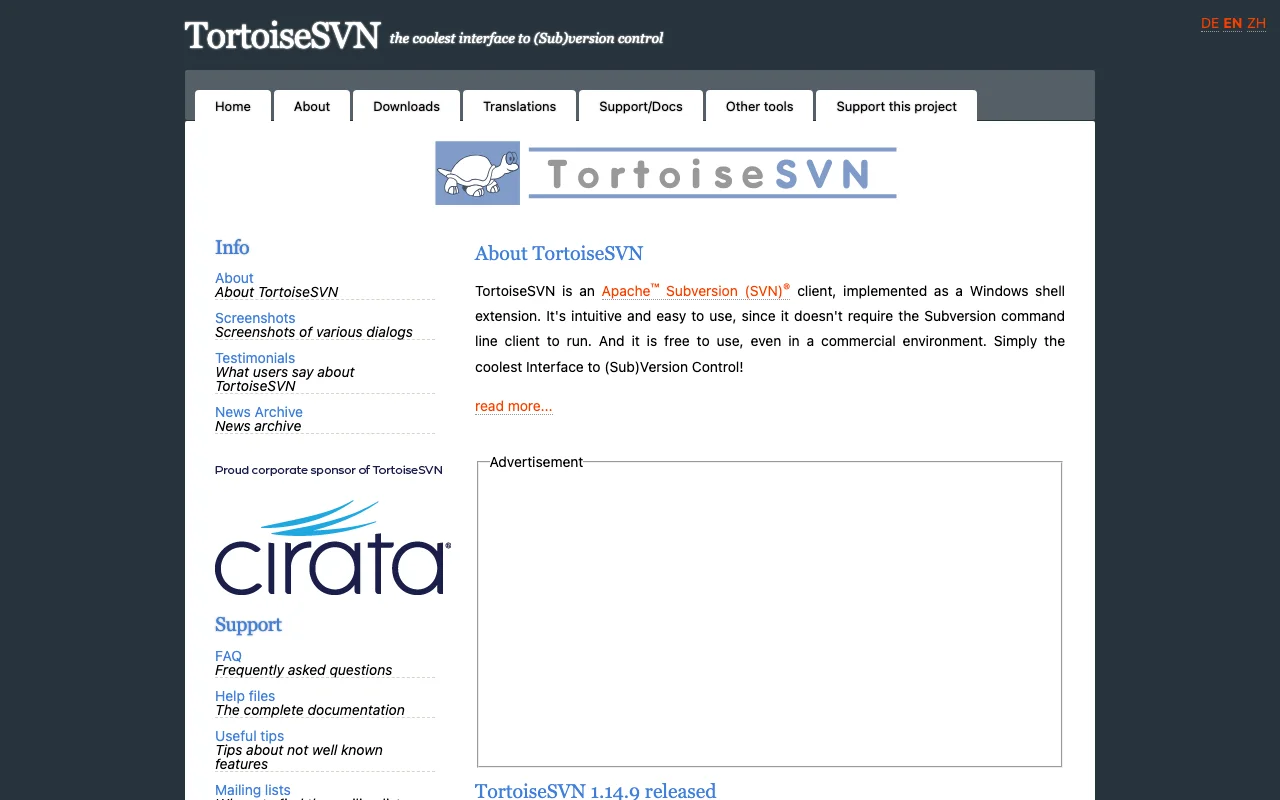
TortoiseSVN is an intuitive and user-friendly Apache Subversion (SVN) client designed as a Windows shell extension. It eliminates the need for command-line interaction, making version control accessible to a wider audience. Free for both personal and commercial use, TortoiseSVN offers a seamless and efficient way to manage code repositories directly within the Windows File Explorer. Its graphical
About TortoiseSVN: An Intuitive Windows SVN Client
TortoiseSVN is a powerful yet easy-to-use Apache Subversion (SVN) client that integrates directly into the Windows File Explorer as a shell extension. This integration allows users to perform version control operations like committing, updating, and branching directly from their file context menus, without needing to interact with the command line. It's an ideal solution for developers, designers, and anyone managing code or project files who prefers a graphical interface for version control.
The software is completely free to use, even in commercial environments, making it an accessible choice for individuals and organizations of all sizes. Its intuitive design lowers the barrier to entry for version control, enabling smoother collaboration and more efficient project management. TortoiseSVN's robust feature set ensures that all essential SVN functionalities are readily available, streamlining workflows and reducing the complexity often associated with version control systems.
TortoiseSVN provides a visual representation of your repository's history and status, making it easier to track changes, resolve conflicts, and understand project evolution. The ability to integrate with Visual Studio further enhances its utility for developers using that IDE, offering direct access to TortoiseSVN commands within their development environment. This makes it a versatile tool for managing code across different platforms and workflows.
TortoiseSVN Quick Start Guide
Getting started with TortoiseSVN is straightforward. First, download and install the latest version from the official website. Once installed, TortoiseSVN integrates automatically with Windows File Explorer. To begin using it, right-click on a folder you wish to version control and select 'Create repository here' or 'Import into repository' if you already have one set up. Follow the on-screen prompts to initialize your project's version control.
After setting up your repository, you can perform common version control actions like committing changes, updating your local copy, or viewing the log directly from the context menu. Understanding the basic commands like 'Commit,' 'Update,' and 'Checkout' is key to effectively managing your project's history and collaborating with others. The tool's documentation provides comprehensive guides for these and more advanced features.
Core Functions of TortoiseSVN
- Commit Changes: Save your modifications to the repository.
- Update from Repository: Fetch the latest changes from the SVN server.
- View Log: Browse the revision history of files and folders.
- Branching and Merging: Manage different lines of development efficiently.
Ideal Use Cases for TortoiseSVN
- Managing source code for software projects.
- Tracking changes in design assets and documents.
- Collaborating on projects with multiple team members.
- Maintaining a history of file revisions for easy rollback.
- Integrating version control into Windows workflows.
- Users who prefer graphical interfaces over command-line tools.
TortoiseSVN Support and Resources
For support, you can access the comprehensive FAQ and help files available on the TortoiseSVN website. For community discussions and assistance, the mailing lists are a valuable resource. For bug reports, please follow the guidelines provided on the website to ensure efficient resolution.
Reviews0
Would you recommend TortoiseSVN? Leave a comment
No reviews yet. Be the first to share your experience!
Alternatives
The best modern alternatives to TortoiseSVN
MobaXterm
5.0
Last update: 6 days ago
MobaXterm is a comprehensive remote computing toolbox for Windows, featuring an X server, enhanced SSH client, and integrated network tools like RDP, VNC, and FTP. It supports a wide array of Unix commands, offering a graphical SFTP browser and seamless X11 display for remote applications. Available in free Home and paid Professional editions, it's ideal for IT professionals, programmers, and webm
View MobaXtermTags:WindowsOpen SourceLifetime Deal
View MobaXtermFreeCommander
5.0
FreeCommander is a free, dual-pane file manager for Windows, offering a more efficient and flexible alternative to the default Windows file explorer. It features a tabbed interface, built-in file viewer, file synchronization, and batch file renaming to simplify complex file operations and enhance user productivity.
WindowsOpen Source
View FreeCommander
Commander One
5.0
Commander One is a powerful, free dual-panel file manager for macOS, offering an advanced alternative to Finder. It includes a built-in FTP client for seamless remote server access and management, streamlining file operations and enhancing productivity for Mac users seeking advanced control over their data.
macOSOpen Source
View Commander One
KiTTY
5.0
KiTTY is a free, open-source terminal emulator for Windows, offering a robust alternative to PuTTY with enhanced features for network professionals and developers. It streamlines remote server management through SSH, Telnet, and Rlogin connections, providing a stable and efficient user experience. KiTTY's design focuses on improving usability and productivity for tasks such as automated command ex
Open SourceWindows
View KiTTY
Mountain Duck
5.0
Mountain Duck mounts server and cloud storage as local disks on macOS and Windows, allowing seamless access to remote files through Finder and File Explorer. It offers smart synchronization for offline access, background uploads, and unobtrusive integration, ideal for professionals working with cloud storage or remote servers.
WindowsmacOSTrial Available
View Mountain Duck
New Tools Releases
Recently added tools
Quiver
5.0
Quiver is a modern, user-friendly editor designed for creating commutative diagrams. It offers robust support for the popular tikz-cd package, making it an ideal tool for mathematicians, researchers, and students who need to visualize complex relationships and structures. The intuitive interface allows for efficient diagram construction, enabling users to focus on their mathematical content rather
Open SourceWeb AppWeb
View Quiver
Retro Game Trivia
5.0
Retro Game Trivia is a free, daily browser game for retro video game enthusiasts. Players guess classic video games using various methods, including letter reveals, textual clues, iconic screenshots, and box art. This engaging Wordle-style game provides a fun way to test and expand your knowledge of gaming history. With multiple game modes and an archive of past challenges, it caters to both casua
Browser-BasedFreeEarly Access
View Retro Game Trivia
Iron Marines
5.0
Iron Marines is a real-time strategy game blending action and tower defense. Players command heroes and units across a sci-fi universe to battle alien invaders. Available on mobile (iOS, Android) and PC (Steam), it offers engaging campaigns and tactical gameplay.
Gaming ToolsFor CreatorsMobile App
View Iron Marines
BiblioReads
5.0
BiblioReads is a free and open-source front-end for Goodreads, prioritizing user privacy. It allows users to search for book information directly from the Goodreads database without the privacy concerns associated with the official platform. Ideal for readers who want a clean, private way to track their reading, manage lists, and discover book details.
Open SourceFreePrivacy-Focused
View BiblioReads
IVentoy
5.0
iVentoy is a powerful and user-friendly network boot solution that transforms any computer into a PXE/HTTPBoot server. It allows for simultaneous operating system installation and booting across multiple machines without complex configuration. Supporting a wide range of operating systems and UEFI modes, including Secure Boot, iVentoy is ideal for IT professionals, system administrators, and anyone
Open SourceWindowsLinux
View IVentoy
PocketBase
5.0
PocketBase is an open-source backend solution that simplifies application development by bundling a real-time database, authentication services, file storage, and an integrated admin dashboard into a single, self-contained file. This all-in-one approach is ideal for developers seeking a lightweight yet powerful backend for rapid prototyping, small to medium-sized applications, and projects where m
Open SourceLinuxDev Tools
View PocketBase
OpenRCT2
5.0
OpenRCT2 is a community-driven, open-source re-implementation of RollerCoaster Tycoon 2, enhancing the classic game with bug fixes, improved performance, and new features. It offers modern gameplay enhancements, extensive customization, and robust multiplayer support, making it ideal for fans seeking a more stable and feature-rich theme park simulation experience. This free project is actively dev
Open SourcemacOSLinux
View OpenRCT2
MagicHow
5.0
MagicHow is an AI-powered SaaS platform that automates the creation of step-by-step guides, SOPs, and training manuals. It captures processes visually and uses AI to refine content, making documentation creation efficient and accessible for teams aiming to standardize operations and knowledge management.
View MagicHow