Taskwarrior
Category of Taskwarrior:
Tags:
Open SourceCLI ToolFor Students
Description:
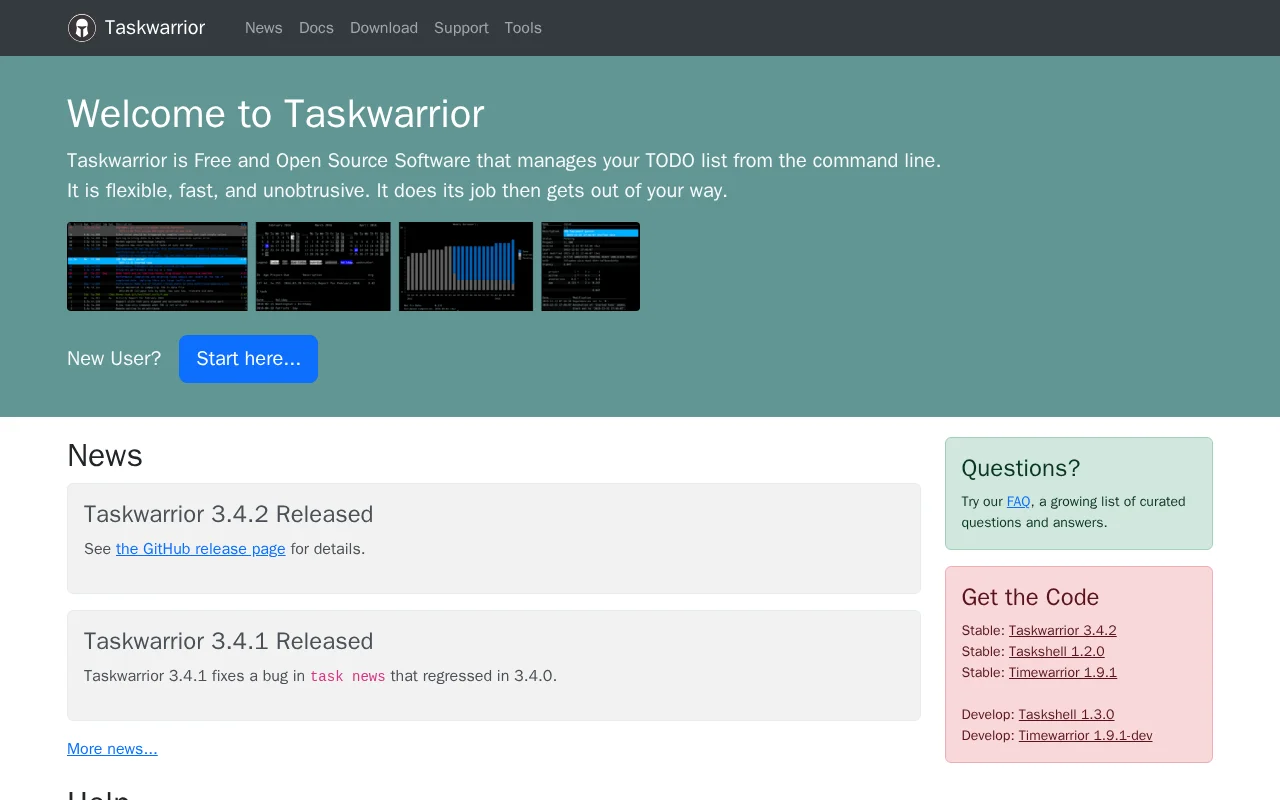
Taskwarrior is a powerful, free, and open-source command-line tool for efficient task management. It helps users organize to-do lists, track projects, and deadlines with speed and flexibility, integrating seamlessly into terminal workflows for enhanced productivity.
Taskwarrior: Command-Line Task Management Powerhouse
Taskwarrior is a highly efficient, free, and open-source command-line application for managing your tasks and to-do lists. It is designed to be fast, flexible, and unobtrusive, allowing users to quickly add, modify, and track tasks without leaving the terminal environment. Taskwarrior excels at helping individuals and teams organize their projects, set priorities, and monitor progress effectively. Its minimalist approach ensures that it integrates seamlessly into any workflow, making it a powerful tool for enhancing productivity for command-line users.
The core philosophy of Taskwarrior is to provide a powerful yet simple interface for task management. Users can leverage its extensive command set to create tasks, assign them to projects, set due dates, add tags, and even track time spent on specific activities. The tool's flexibility allows for extensive customization through configuration files and user-defined attributes, catering to a wide range of organizational needs. Whether you're managing personal errands or complex project workflows, Taskwarrior offers a robust and reliable solution.
Getting Started with Taskwarrior Step-by-Step
Getting started with Taskwarrior involves installing the application and then interacting with it via the command line. Users type commands such as 'task add Buy groceries' to create a new task. Subsequently, they can use commands like 'task list' to view pending tasks, 'task 1 done' to mark a task as completed, or 'task project:Work list' to filter tasks by project. The tool processes these commands instantly, updating the internal task database and providing immediate feedback to the user.
Advanced usage includes setting recurring tasks, creating dependencies, filtering tasks with complex queries, and exporting data in various formats. The companion tool, Taskell, offers a more visual, Kanban-style board interface that syncs with the Taskwarrior backend, providing an alternative way to manage tasks for those who prefer a graphical approach. This dual approach ensures Taskwarrior is accessible and powerful for a broad user base.
Key Features of Taskwarrior for Productivity
- Task Creation and Management: Quickly add, edit, delete, and organize tasks with simple commands.
- Project and Tag Support: Categorize tasks using projects and tags for better organization.
- Filtering and Queries: Search and filter tasks based on various criteria like due date, project, or priority.
- Due Dates and Reminders: Set deadlines and receive notifications for upcoming tasks.
- Time Tracking: Log time spent on tasks to monitor productivity and project effort.
Best Use Cases for Taskwarrior
- Command-line power users managing daily to-dos.
- Developers tracking bugs and feature requests.
- System administrators organizing maintenance tasks.
- Students managing assignments and study schedules.
- Individuals seeking a simple, fast, and flexible task manager.
- Anyone preferring text-based interfaces for productivity.
Contacting Taskwarrior Support and Community
For support and inquiries regarding Taskwarrior, you can reach out via email to support@gothenburgbitfactory.org. For community discussions and to report bugs, the project's GitHub repository is the primary resource. You can also find extensive documentation and FAQs on the official Taskwarrior website to help you get started and troubleshoot common issues.
Reviews0
Would you recommend Taskwarrior? Leave a comment
No reviews yet. Be the first to share your experience!
Alternatives
The best modern alternatives to Taskwarrior
Mochi
5.0
Last update: 3 hours ago
Mochi is a versatile spaced repetition flashcard application designed for efficient learning and note-taking. It empowers users to create notes and flashcards using Markdown, offering a flexible and intuitive way to organize information. With its intelligent spaced repetition system, Mochi optimizes study schedules to enhance long-term retention. The app's 'local-first' approach ensures data priva
View MochiTags:Note-TakingEducationFor Students
View MochiMnemosyne Project
5.0
The Mnemosyne Project offers a free, open-source flashcard tool that optimizes learning through a spaced repetition algorithm. It prioritizes difficult cards for efficient review and retention. Mnemosyne also functions as a research project, collecting anonymous user statistics to refine its memory optimization capabilities. Ideal for students and lifelong learners seeking to improve long-term mem
Open SourceFreeFor Students
View Mnemosyne Project
YouTube
5.0
YouTube is the world's largest video-sharing platform where users can upload, watch, and share videos. It offers diverse content from entertainment and education to music and live streaming, with tools for creators to build audiences and monetize content.
YouTubeFor CreatorsFree
View YouTube
Facebook
5.0
Facebook is the world's leading social networking platform that enables users to connect with friends, family, and communities. Create personalized profiles, share photos and videos, join groups, and stay updated with news and events.
Web AppMobile AppFree
View Facebook
Gmail
5.0
Gmail is Google's free email service offering 15GB of storage, powerful spam filtering, and seamless integration with Google Workspace. It provides smart features like priority inbox, scheduled sending, and offline access across web and mobile apps.
FreeWeb AppMobile App
View Gmail
New Tools Releases
Recently added tools
Quiver
5.0
Quiver is a modern, user-friendly editor designed for creating commutative diagrams. It offers robust support for the popular tikz-cd package, making it an ideal tool for mathematicians, researchers, and students who need to visualize complex relationships and structures. The intuitive interface allows for efficient diagram construction, enabling users to focus on their mathematical content rather
Open SourceWeb AppWeb
View Quiver
Retro Game Trivia
5.0
Retro Game Trivia is a free, daily browser game for retro video game enthusiasts. Players guess classic video games using various methods, including letter reveals, textual clues, iconic screenshots, and box art. This engaging Wordle-style game provides a fun way to test and expand your knowledge of gaming history. With multiple game modes and an archive of past challenges, it caters to both casua
Browser-BasedFreeEarly Access
View Retro Game Trivia
Iron Marines
5.0
Iron Marines is a real-time strategy game blending action and tower defense. Players command heroes and units across a sci-fi universe to battle alien invaders. Available on mobile (iOS, Android) and PC (Steam), it offers engaging campaigns and tactical gameplay.
Gaming ToolsFor CreatorsMobile App
View Iron Marines
BiblioReads
5.0
BiblioReads is a free and open-source front-end for Goodreads, prioritizing user privacy. It allows users to search for book information directly from the Goodreads database without the privacy concerns associated with the official platform. Ideal for readers who want a clean, private way to track their reading, manage lists, and discover book details.
Open SourceFreePrivacy-Focused
View BiblioReads
IVentoy
5.0
iVentoy is a powerful and user-friendly network boot solution that transforms any computer into a PXE/HTTPBoot server. It allows for simultaneous operating system installation and booting across multiple machines without complex configuration. Supporting a wide range of operating systems and UEFI modes, including Secure Boot, iVentoy is ideal for IT professionals, system administrators, and anyone
Open SourceWindowsLinux
View IVentoy
PocketBase
5.0
PocketBase is an open-source backend solution that simplifies application development by bundling a real-time database, authentication services, file storage, and an integrated admin dashboard into a single, self-contained file. This all-in-one approach is ideal for developers seeking a lightweight yet powerful backend for rapid prototyping, small to medium-sized applications, and projects where m
Open SourceLinuxDev Tools
View PocketBase
OpenRCT2
5.0
OpenRCT2 is a community-driven, open-source re-implementation of RollerCoaster Tycoon 2, enhancing the classic game with bug fixes, improved performance, and new features. It offers modern gameplay enhancements, extensive customization, and robust multiplayer support, making it ideal for fans seeking a more stable and feature-rich theme park simulation experience. This free project is actively dev
Open SourcemacOSLinux
View OpenRCT2
MagicHow
5.0
MagicHow is an AI-powered SaaS platform that automates the creation of step-by-step guides, SOPs, and training manuals. It captures processes visually and uses AI to refine content, making documentation creation efficient and accessible for teams aiming to standardize operations and knowledge management.
View MagicHow