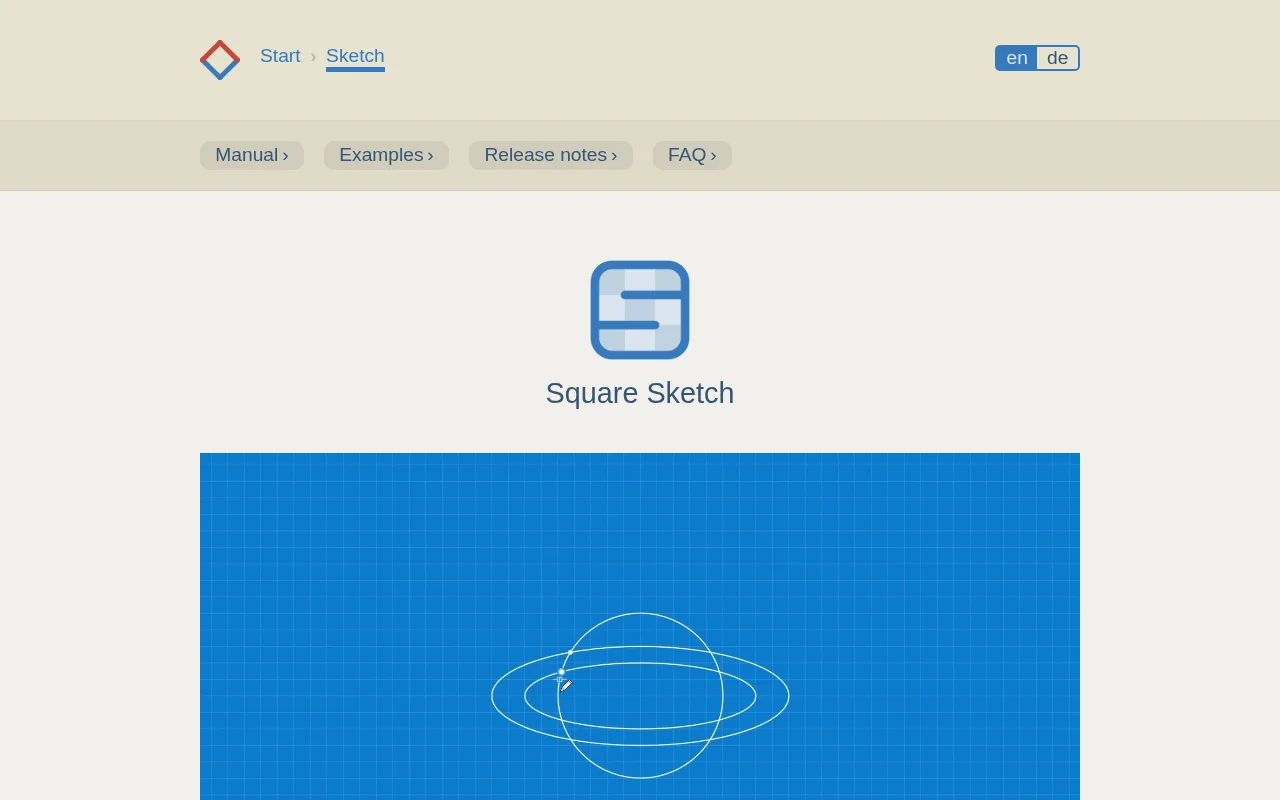
Square Sketch is a minimalist drawing application for macOS and Windows that offers a distraction-free environment for visualizing ideas on digital graph paper. It combines the simplicity of pen and paper with the flexibility of vector graphics, making it ideal for quick drafts, diagrams, and technical sketches. Its intuitive interface allows users to start drawing immediately, focusing on essenti
Square Sketch provides a streamlined digital drawing experience, merging the ease of pen and paper with the power of vector graphics. Its minimalist, distraction-free interface on a digital graph paper canvas is perfect for quickly visualizing ideas, creating diagrams, and drafting technical sketches without the clutter of complex software.
Designed for accessibility on both macOS and Windows, Square Sketch prioritizes an intuitive workflow. Users can begin sketching or typing immediately upon launching the application. The toolset is versatile, responding to gestures for drawing, shape creation, and text input, ensuring a fluid creative process. All created objects remain editable, offering flexibility as your concepts evolve. The application supports exporting work as PNG or SVG files, and printing directly as a PDF.
For support or inquiries, users can refer to the official Square Sketch website for contact information and resources. The application is available for purchase on the Mac App Store and Microsoft Store as an affordable one-time purchase, offering free lifetime support and updates.
Would you recommend Square Sketch? Leave a comment
The best modern alternatives to Square Sketch
Recently added tools


