SMPlayer
Category of SMPlayer:
Tags:
Open SourceWindowsLinux
Description:
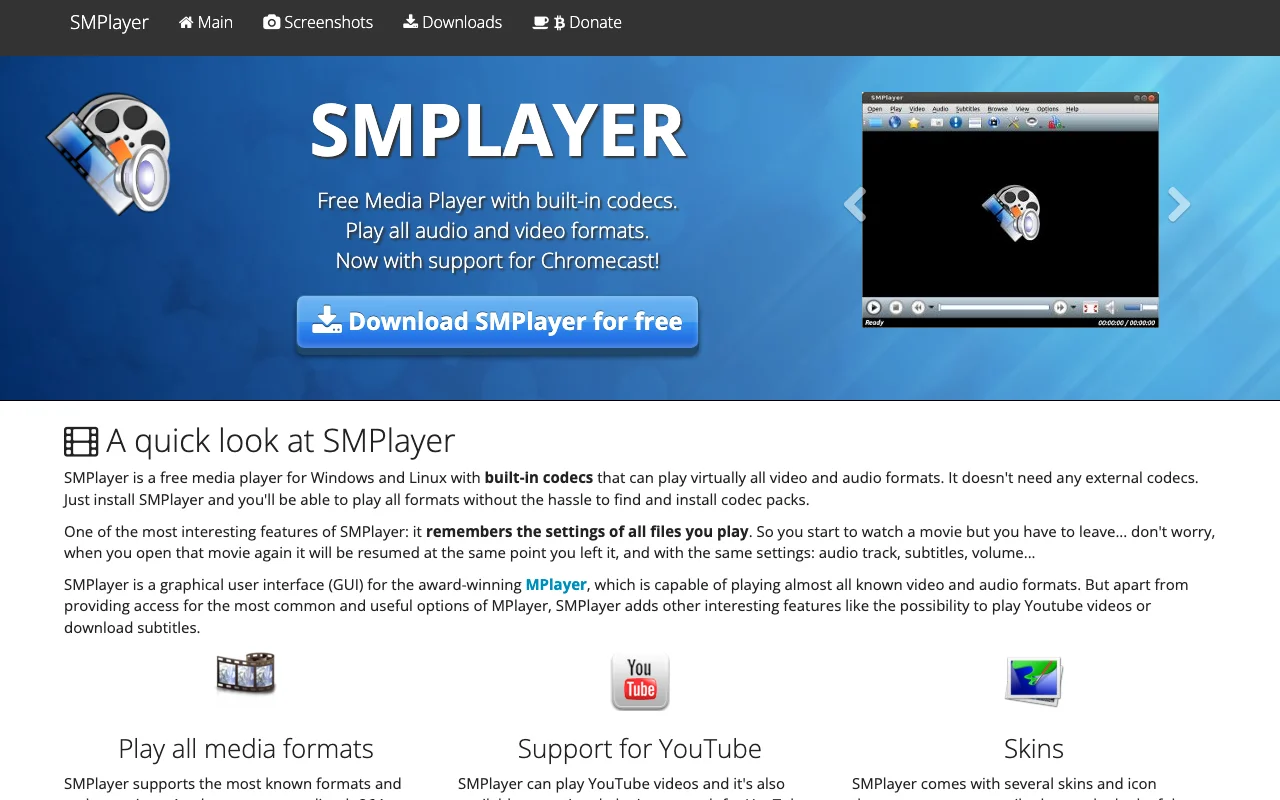
SMPlayer is a free, open-source media player for Windows and Linux that supports virtually all audio and video formats thanks to its built-in codecs. It remembers playback settings for each file, allowing you to resume movies exactly where you left off. Features include YouTube playback, subtitle downloading, customizable skins, and advanced options like video filters and playback speed control.
SMPlayer: Your All-in-One Free Media Player
SMPlayer is a robust, free, and open-source media player designed for both Windows and Linux. It distinguishes itself by including a comprehensive set of built-in codecs, enabling it to play nearly any audio or video format without the need for external codec packs. This ensures a seamless playback experience right out of the box.
Key Features and Benefits of SMPlayer
One of SMPlayer's most user-friendly features is its ability to remember playback settings for each file. This means you can pause a movie and return later to find it resumed at the exact same point, with your preferred audio track, subtitles, and volume settings intact. As a graphical front-end for MPlayer and mpv, SMPlayer enhances functionality with features like direct YouTube playback, automatic subtitle downloading from opensubtitles.org, customizable skins, and advanced controls for video filters, playback speed, and audio/subtitle synchronization.
Getting Started and Customization
Installation is straightforward: download the installer for your OS from the official website and follow the prompts. Once installed, SMPlayer's intuitive interface provides easy access to playback controls and settings. For deeper customization, explore the preferences menu to adjust video filters, playback speed, audio/subtitle delays, and more. The player is available in over 30 languages, making it accessible to a global audience.
Who Should Use SMPlayer?
- Universal Format Support: Plays all audio and video formats with built-in codecs.
- Playback Resumption: Remembers settings and playback position for each file.
- YouTube Integration: Stream and search for videos directly within the player.
- Subtitle Downloading: Easily find and download subtitles from opensubtitles.org.
- Customizable Skins: Change the player's appearance with various themes.
- Advanced Controls: Adjust video filters, playback speed, and audio/subtitle sync.
Support and Resources
SMPlayer offers community support through its GitHub repository, where users can find bug tracking, feature requests, and discussion forums. Comprehensive FAQs and documentation are also available on the official website to help users maximize their experience with the player.
Reviews0
Would you recommend SMPlayer? Leave a comment
No reviews yet. Be the first to share your experience!
Alternatives
The best modern alternatives to SMPlayer
3uTools
5.0
Last update: 3 days ago
3uTools is a comprehensive, all-in-one management software designed for iOS devices, including iPhones and iPads. It provides a centralized platform for users to download applications, perform data backups and restores, flash device firmware, and conduct system maintenance. The tool is particularly useful for users looking to manage their iOS devices more effectively, offering functionalities that
View 3uToolsTags:WindowsiOS
View 3uToolsOSMC
5.0
OSMC (Open Source Media Center) is a free and open-source media center software that transforms any computer into a powerful home theater PC. Built upon the Kodi Media Center, OSMC provides a streamlined and user-friendly interface for accessing and organizing your entire digital media library, including movies, TV shows, music, and photos. It offers deep customization possibilities and an extensi
Open SourceFree
View OSMC
IVentoy
5.0
iVentoy is a powerful and user-friendly network boot solution that transforms any computer into a PXE/HTTPBoot server. It allows for simultaneous operating system installation and booting across multiple machines without complex configuration. Supporting a wide range of operating systems and UEFI modes, including Secure Boot, iVentoy is ideal for IT professionals, system administrators, and anyone
Open SourceWindowsLinux
View IVentoy
Caffeine
5.0
Caffeine is a free Windows utility that prevents your computer from automatically sleeping or locking the screen. It achieves this by simulating key presses at a user-defined interval, ensuring your system remains active during long downloads, presentations, or background tasks. With a simple system tray icon and extensive command-line options, Caffeine offers a flexible and unobtrusive solution t
Open SourceWindows
View Caffeine
Bazarr
5.0
Bazarr is a sophisticated subtitle management tool designed to seamlessly integrate with Sonarr and Radarr. It automates the process of finding and downloading subtitles in your preferred languages, ensuring your media library is always ready for viewing. Its user-friendly interface and robust automation make it an essential companion for any media server enthusiast.
Open SourceDesktop AppLinux
View Bazarr
New Tools Releases
Recently added tools
Quiver
5.0
Quiver is a modern, user-friendly editor designed for creating commutative diagrams. It offers robust support for the popular tikz-cd package, making it an ideal tool for mathematicians, researchers, and students who need to visualize complex relationships and structures. The intuitive interface allows for efficient diagram construction, enabling users to focus on their mathematical content rather
Open SourceWeb AppWeb
View Quiver
Retro Game Trivia
5.0
Retro Game Trivia is a free, daily browser game for retro video game enthusiasts. Players guess classic video games using various methods, including letter reveals, textual clues, iconic screenshots, and box art. This engaging Wordle-style game provides a fun way to test and expand your knowledge of gaming history. With multiple game modes and an archive of past challenges, it caters to both casua
Browser-BasedFreeEarly Access
View Retro Game Trivia
Iron Marines
5.0
Iron Marines is a real-time strategy game blending action and tower defense. Players command heroes and units across a sci-fi universe to battle alien invaders. Available on mobile (iOS, Android) and PC (Steam), it offers engaging campaigns and tactical gameplay.
Gaming ToolsFor CreatorsMobile App
View Iron Marines
BiblioReads
5.0
BiblioReads is a free and open-source front-end for Goodreads, prioritizing user privacy. It allows users to search for book information directly from the Goodreads database without the privacy concerns associated with the official platform. Ideal for readers who want a clean, private way to track their reading, manage lists, and discover book details.
Open SourceFreePrivacy-Focused
View BiblioReads
IVentoy
5.0
iVentoy is a powerful and user-friendly network boot solution that transforms any computer into a PXE/HTTPBoot server. It allows for simultaneous operating system installation and booting across multiple machines without complex configuration. Supporting a wide range of operating systems and UEFI modes, including Secure Boot, iVentoy is ideal for IT professionals, system administrators, and anyone
Open SourceWindowsLinux
View IVentoy
PocketBase
5.0
PocketBase is an open-source backend solution that simplifies application development by bundling a real-time database, authentication services, file storage, and an integrated admin dashboard into a single, self-contained file. This all-in-one approach is ideal for developers seeking a lightweight yet powerful backend for rapid prototyping, small to medium-sized applications, and projects where m
Open SourceLinuxDev Tools
View PocketBase
OpenRCT2
5.0
OpenRCT2 is a community-driven, open-source re-implementation of RollerCoaster Tycoon 2, enhancing the classic game with bug fixes, improved performance, and new features. It offers modern gameplay enhancements, extensive customization, and robust multiplayer support, making it ideal for fans seeking a more stable and feature-rich theme park simulation experience. This free project is actively dev
Open SourcemacOSLinux
View OpenRCT2
MagicHow
5.0
MagicHow is an AI-powered SaaS platform that automates the creation of step-by-step guides, SOPs, and training manuals. It captures processes visually and uses AI to refine content, making documentation creation efficient and accessible for teams aiming to standardize operations and knowledge management.
View MagicHow