Pomo
Category of Pomo:
Tags:
Description:
Pomo is a free and privacy-focused Pomodoro timer designed to enhance focus and productivity. It allows users to set clear intentions for each work session, track their progress over time, and customize their timer experience. It prioritizes user privacy with a local-first approach, ensuring data remains on the device and no account is required. It offers a clean, ad-free interface, making it an i
What Is Pomo
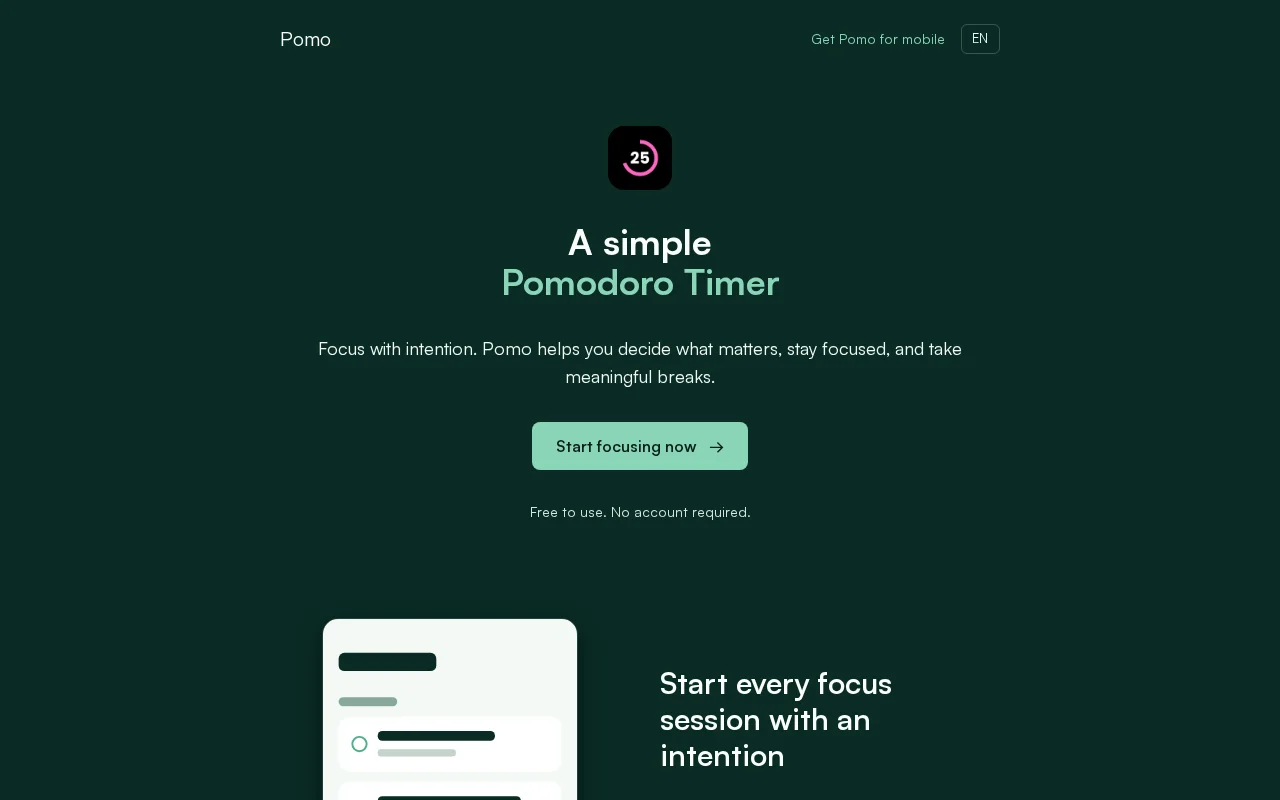
Pomo is a straightforward Pomodoro timer application built to help users concentrate and boost their productivity. It encourages setting a specific intention before each work interval, fostering a more mindful approach to tasks. The tool provides visual tracking of progress, allowing users to see their focus sessions and daily activity at a glance.
Designed with privacy at its core, Pomo operates on a local-first principle, meaning your data is stored directly on your device. This ensures no account creation is necessary, and your sessions and intentions remain private. It’s an ad-free experience focused purely on helping you achieve deep work and structured breaks.
Key Features and Capabilities of Pomo
- Set Intentions: Define clear goals for each focus session before starting the timer.
- Progress Tracking: Monitor completed sessions and daily activity at a glance.
- Customization Options: Personalize timer settings, sounds, and visual themes.
- Local-First Privacy: All data is stored on your device; no account required.
- Backup and Restore: Easily export and import your Pomo data locally.
Who Pomo Is Built For
- Individuals looking to improve focus and concentration.
- Students seeking a structured study aid.
- Professionals aiming for better time management.
- Anyone who values privacy and a minimalist tool.
- Users who prefer tools without mandatory account creation.
Getting Started with Pomo
Getting started with Pomo is simple. Visit the website to begin using the timer directly in your browser. For a seamless experience on your mobile devices, download the Pomo app from the App Store or Google Play. No registration is needed; you can start timing your focus sessions immediately.
You can customize your timer's rhythm, sounds, and appearance to suit your workflow. Pomo also allows for local data backup and restoration, ensuring you don't lose your progress.
Limitations to Consider for Pomo
- Pomo Pro features, such as unlimited intentions and complete history, require an optional upgrade.
- The core free version focuses on essential Pomodoro functionality without advanced analytics.
Support and Contact for Pomo
For support or inquiries, please refer to the information available on the Pomo website. Additional details regarding privacy and data handling can be found in the Privacy Policy.
Reviews0
Would you recommend Pomo? Leave a comment
No reviews yet. Be the first to share your experience!
Alternatives
The best modern alternatives to Pomo
YouTube
5.0
Last update: 12 hours ago
YouTube is the world's largest video-sharing platform where users can upload, watch, and share videos. It offers diverse content from entertainment and education to music and live streaming, with tools for creators to build audiences and monetize content.
View YouTubeTags:YouTubeFor CreatorsFree
View YouTubeLuna
5.0
Amazon's cloud gaming platform that streams hundreds of games instantly to TVs, PCs, mobile devices, and Fire TV without requiring a console. Enjoy exclusive titles, GameNight social experiences, and cross-device play with a subscription.
Subscription-BasedTrial AvailableBrowser-Based
View Luna
Google Drive
5.0
Google Drive is a secure, AI-powered cloud storage platform that enables seamless file sharing and real-time collaboration. Store, access, and edit documents from any device with scalable storage up to 5TB per user. Integrated with Google Workspace tools for enhanced productivity and workflow management.
Web AppMobile AppBrowser-Based
View Google Drive
Twitch
5.0
Twitch is the world's leading live streaming platform for gamers and content creators, enabling real-time broadcasting of gameplay, creative content, and interactive chat to build massive communities.
Web AppFreeChat
View Twitch
Zoom
5.0
Zoom is a leading video conferencing platform that enables reliable HD video meetings, screen sharing, and team collaboration. It offers features like virtual backgrounds, breakout rooms, and webinar hosting for businesses, educators, and remote teams.
ZoomSubscription-BasedTrial Available
View Zoom
New Tools Releases
Recently added tools
Quiver
5.0
Quiver is a modern, user-friendly editor designed for creating commutative diagrams. It offers robust support for the popular tikz-cd package, making it an ideal tool for mathematicians, researchers, and students who need to visualize complex relationships and structures. The intuitive interface allows for efficient diagram construction, enabling users to focus on their mathematical content rather
Open SourceWeb AppWeb
View Quiver
Retro Game Trivia
5.0
Retro Game Trivia is a free, daily browser game for retro video game enthusiasts. Players guess classic video games using various methods, including letter reveals, textual clues, iconic screenshots, and box art. This engaging Wordle-style game provides a fun way to test and expand your knowledge of gaming history. With multiple game modes and an archive of past challenges, it caters to both casua
Browser-BasedFreeEarly Access
View Retro Game Trivia
Iron Marines
5.0
Iron Marines is a real-time strategy game blending action and tower defense. Players command heroes and units across a sci-fi universe to battle alien invaders. Available on mobile (iOS, Android) and PC (Steam), it offers engaging campaigns and tactical gameplay.
Gaming ToolsFor CreatorsMobile App
View Iron Marines
BiblioReads
5.0
BiblioReads is a free and open-source front-end for Goodreads, prioritizing user privacy. It allows users to search for book information directly from the Goodreads database without the privacy concerns associated with the official platform. Ideal for readers who want a clean, private way to track their reading, manage lists, and discover book details.
Open SourceFreePrivacy-Focused
View BiblioReads
IVentoy
5.0
iVentoy is a powerful and user-friendly network boot solution that transforms any computer into a PXE/HTTPBoot server. It allows for simultaneous operating system installation and booting across multiple machines without complex configuration. Supporting a wide range of operating systems and UEFI modes, including Secure Boot, iVentoy is ideal for IT professionals, system administrators, and anyone
Open SourceWindowsLinux
View IVentoy
PocketBase
5.0
PocketBase is an open-source backend solution that simplifies application development by bundling a real-time database, authentication services, file storage, and an integrated admin dashboard into a single, self-contained file. This all-in-one approach is ideal for developers seeking a lightweight yet powerful backend for rapid prototyping, small to medium-sized applications, and projects where m
Open SourceLinuxDev Tools
View PocketBase
OpenRCT2
5.0
OpenRCT2 is a community-driven, open-source re-implementation of RollerCoaster Tycoon 2, enhancing the classic game with bug fixes, improved performance, and new features. It offers modern gameplay enhancements, extensive customization, and robust multiplayer support, making it ideal for fans seeking a more stable and feature-rich theme park simulation experience. This free project is actively dev
Open SourcemacOSLinux
View OpenRCT2
MagicHow
5.0
MagicHow is an AI-powered SaaS platform that automates the creation of step-by-step guides, SOPs, and training manuals. It captures processes visually and uses AI to refine content, making documentation creation efficient and accessible for teams aiming to standardize operations and knowledge management.
View MagicHow