
PDFCreator
Category of PDFCreator:
Tags:
WindowsOpen SourcePaid
Description:
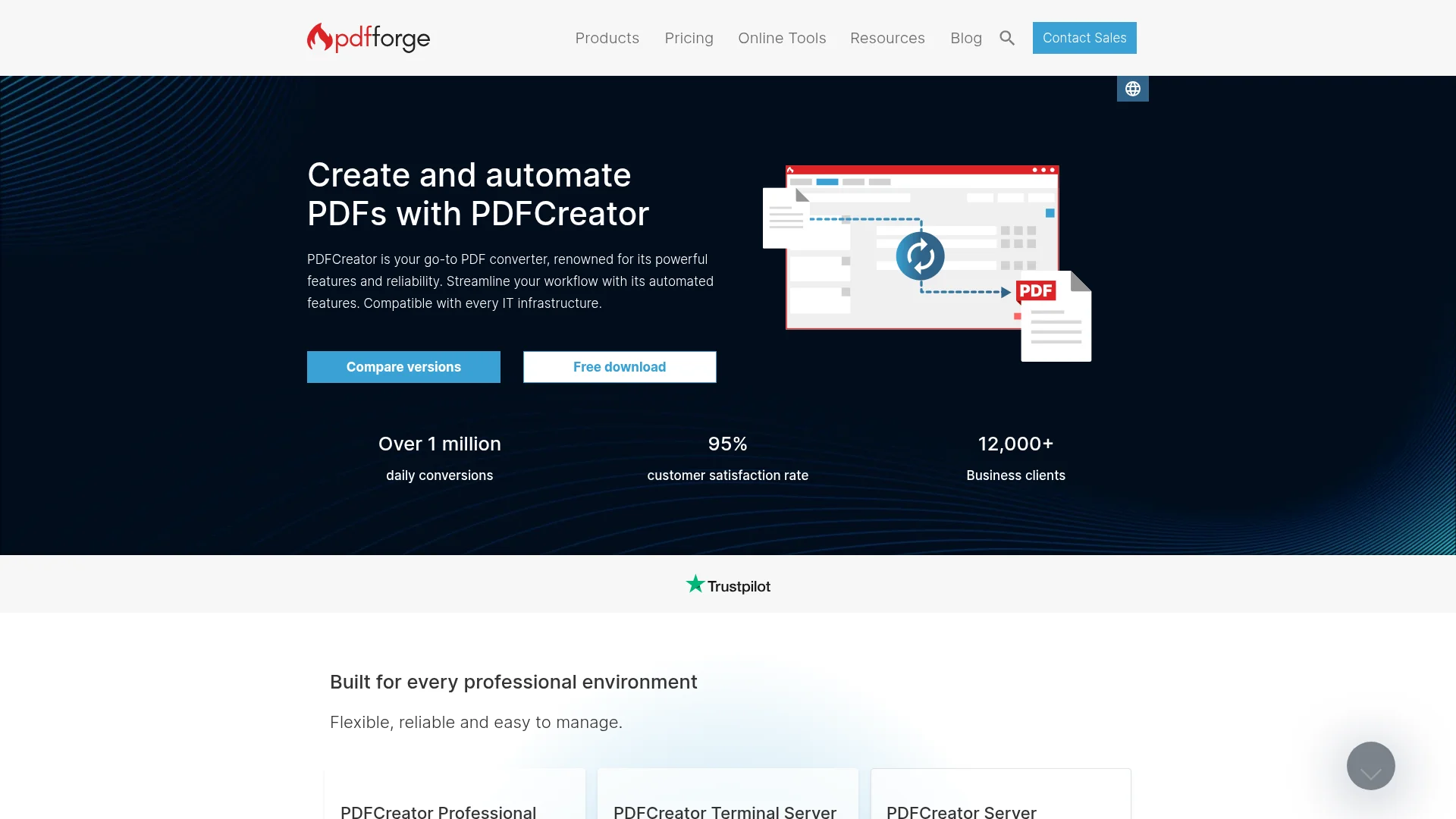
PDFCreator is a versatile PDF converter designed for efficient document creation and workflow automation. It caters to individuals, businesses, and server environments, offering features like automated batch processing, advanced encryption, and custom scripting. With over a million daily conversions and a 95% customer satisfaction rate, PDFCreator provides flexible and reliable PDF solutions for v
PDFCreator: Powerful PDF Conversion and Automation Tool
PDFCreator is a robust PDF conversion tool renowned for its reliability and extensive features, designed to streamline document workflows for users of all types. Whether you're an individual seeking basic PDF creation capabilities or a business requiring automated, high-volume processing, PDFCreator offers a scalable solution. It integrates seamlessly into various IT infrastructures, ensuring consistent performance across different environments.
The software is particularly beneficial for industries that handle sensitive data or require standardized document generation. Its core strengths lie in its automation capabilities, allowing for features like auto-saving, merging documents, and applying user tokens to pre-fill information. This focus on efficiency and user-friendliness makes it a go-to choice for professionals looking to optimize their PDF management processes.
PDFCreator is built on an open-source foundation, which not only ensures transparency but also allows for customization to meet specific needs. The company offers various editions, including Free, Professional, Terminal Server, and Server versions, each tailored to different user requirements and scales of operation. This flexibility, combined with a strong emphasis on security and data integrity, positions PDFCreator as a comprehensive solution for modern PDF creation and management needs.
Getting Started with PDFCreator
Getting started with PDFCreator is straightforward. Upon installation, the tool typically integrates as a virtual printer on your system. To create a PDF, simply open any document or file that can be printed, navigate to the print function, and select 'PDFCreator' as your printer. The file will then be sent to PDFCreator for conversion into a PDF format.
For more advanced automation, explore the application's settings to configure automatic saving, define output directories, or set up custom actions like emailing or uploading converted files. The user interface is designed for ease of management, allowing you to quickly set up profiles and workflows that best suit your specific document processing tasks.
Core PDFCreator Features and Tools
- PDF Conversion: Effortlessly transform any printable document into a high-quality PDF file.
- Automatic Saving: Skip manual saving steps; PDFCreator can automatically save your converted documents.
- Merge and Rearrange: Combine multiple documents into a single PDF and reorder pages as needed.
- PDF Encryption: Secure your documents with passwords and user restrictions for enhanced privacy.
- User Tokens: Automate the filling of preset values, such as file names or target directories, for streamlined workflows.
Ideal Use Cases for PDFCreator Automation
- Automating the creation of policy documents and claims forms in the insurance sector.
- Digitizing and securing patient records and discharge summaries in healthcare.
- Batch processing financial statements, loan documents, and tax records.
- Standardizing technical documentation and QA reports in manufacturing.
- Streamlining the generation of invoices and reports for business operations.
- Creating professional-looking documents for personal use with ease.
Contact and Support for PDFCreator Users
For assistance with PDFCreator, you can access comprehensive support resources. Visit the official website for documentation, FAQs, and community forums. For specific inquiries or business-related questions, you can reach out via the contact form or email support@pdfforge.org.
Reviews0
Would you recommend PDFCreator? Leave a comment
No reviews yet. Be the first to share your experience!
Alternatives
The best modern alternatives to PDFCreator
ExifTool
5.0
Last update: 5 days ago
ExifTool is a platform-independent Perl library and command-line tool for reading, writing, and editing metadata across multiple file formats including images, audio, video, and documents.
View ExifToolTags:Open SourceCLI ToolWindows
View ExifToolSuperDisplay
5.0
SuperDisplay transforms your Android smartphone or tablet into a high-performance second monitor for your Windows 10 PC via USB connection. Extend or duplicate your desktop for multitasking, creative work, and productivity with pressure-sensitive stylus support.
WindowsAndroidTrial Available
View SuperDisplay
Internet Download Manager
5.0
Internet Download Manager (IDM) is a powerful download accelerator for Windows that increases download speeds by up to 8 times. It seamlessly integrates with all popular browsers, resumes interrupted downloads, and offers scheduling capabilities.
WindowsDesktop AppTrial Available
View Internet Download Manager
EaseUS ClipAce
5.0
EaseUS ClipAce is a free screen capture software for Windows 10 and 11, offering customizable screenshots, robust annotation and editing tools, and AI-powered features like image analysis and object removal. It simplifies creating tutorials, enhancing communication, and visually illustrating issues.
WindowsImage Editing
View EaseUS ClipAce
YouTube
5.0
YouTube is the world's largest video-sharing platform where users can upload, watch, and share videos. It offers diverse content from entertainment and education to music and live streaming, with tools for creators to build audiences and monetize content.
YouTubeFor CreatorsFree
View YouTube
New Tools Releases
Recently added tools
SurveyJS
5.0
SurveyJS is a powerful JavaScript library that enables developers to build custom survey and form management systems directly within their applications. It offers unparalleled flexibility through JSON-based configuration, ensuring users retain full ownership of their data and can handle an unlimited number of responses. The latest version, v3.0, introduces significant enhancements like a shared st
Open SourceFor Developers
View SurveyJS
Small Basic
5.0
Small Basic is a free, beginner-friendly programming language developed by Microsoft, designed to make coding accessible and fun for learners of all ages. It simplifies complex programming concepts with an easy-to-understand syntax and a built-in Integrated Development Environment (IDE) that includes helpful features like syntax highlighting and debugging tools. This educational tool empowers user
Open SourceFor StudentsFor Teachers
View Small Basic
Scenari Dokiel
5.0
Scenari Dokiel is a high-performance distributed ledger technology utilizing a hybrid consensus mechanism for rapid transactions. Ideal for DeFi, supply chain management, and gaming, its scalable and secure architecture empowers developers to build next-generation decentralized applications with confidence and efficiency.
AutomationWeb3Open Source
View Scenari Dokiel
SpurtCMS
5.0
spurtCMS is a powerful, open-source Content Management System built with Golang, designed to be adaptable for diverse industry needs and content delivery requirements. It offers a robust admin panel powered by Golang and integrates seamlessly with TailwindCSS for modern, stylish front-end development. Developers can leverage its GraphQL APIs for efficient data fetching and scalability, making it s
Open SourceFor DevelopersAPI
View SpurtCMS
Glogg
5.0
glogg is a powerful, multi-platform GUI application for programmers and system administrators to efficiently browse and search through large log files. It combines the functionalities of grep and less with features like case-insensitive filtering and auto-reloading, streamlining log analysis and troubleshooting.
Open SourceDesktop AppDev Tools
View Glogg
VokoscreenNG
5.0
vokoscreenNG is a free and open-source screen recorder for Linux and Windows, offering full screen, area, or window capture with simultaneous multi-audio recording and built-in camera support. It supports various output formats like MKV, GIF, and MP4, making it a versatile tool for tutorials, presentations, and more.
Open Source
View VokoscreenNG
Koofr
5.0
Koofr offers secure, private European cloud storage with a focus on user privacy and GDPR compliance. It allows users to consolidate multiple cloud accounts into a single interface, providing seamless access across devices. Features include encryption, secure file sharing, and online collaboration.
Privacy-FocusedSecurity
View Koofr
Hedgewars
5.0
Hedgewars is a free, open-source, turn-based artillery game inspired by the Worms series. It features charming hedgehog characters, a diverse arsenal of weapons, and strategic gameplay suitable for single-player or multiplayer modes. Available on Linux, macOS, and BSD.
Open SourceLinuxmacOS
View Hedgewars