OpenSCAD
Category of OpenSCAD:
Tags:
Open Source3D Modeling
Description:
OpenSCAD is a free, open-source 3D CAD modeler that uses a script-based approach for precise and parametric designs. Ideal for programmers, engineers, and makers who prefer a code-driven workflow for creating functional parts and prototypes.
What Is OpenSCAD and How Does It Work
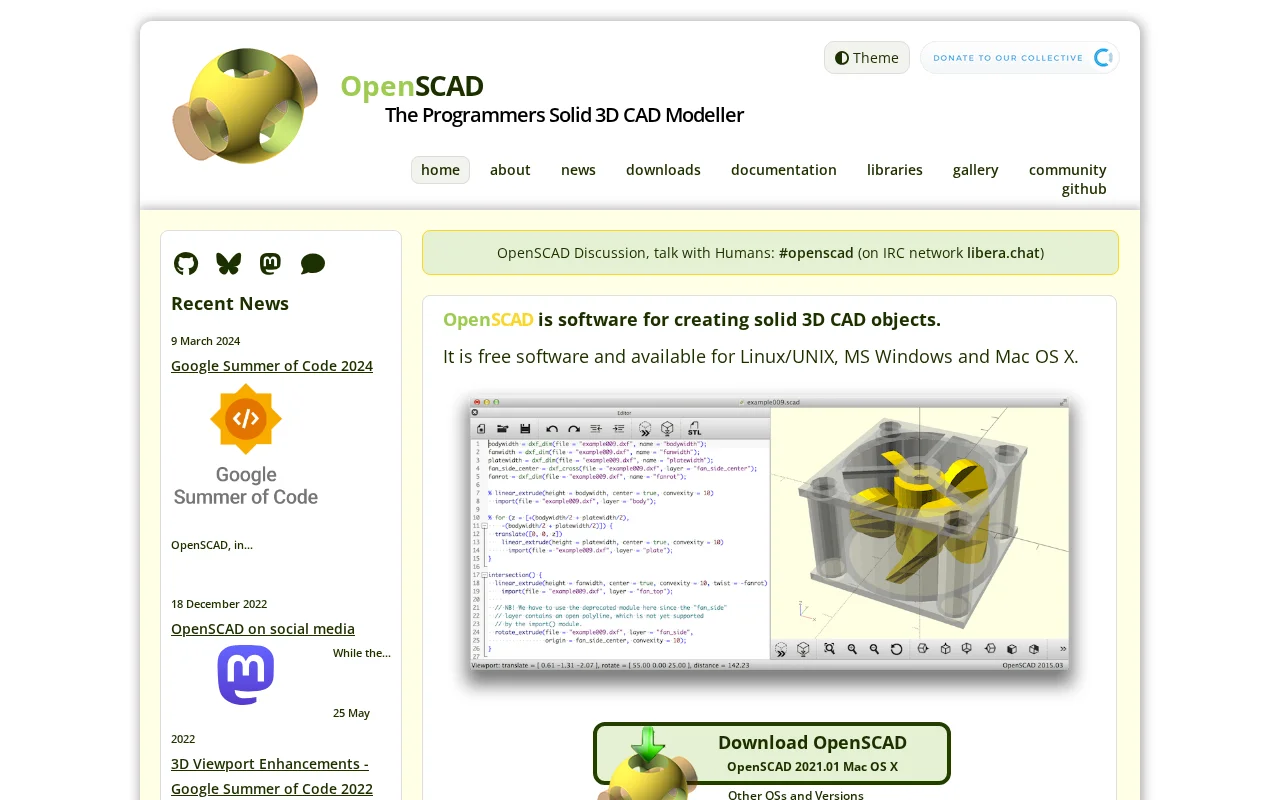
OpenSCAD is a free, open-source 3D CAD modeler that stands out for its unique approach to design. Instead of using interactive modeling, it relies on a descriptive programming language to create solid 3D objects. This makes it particularly well-suited for users who are comfortable with coding and prefer a script-based workflow for precise and parametric designs. The software allows you to define your models through code, which can then be rendered into 3D models.
The core principle behind OpenSCAD is its ability to define objects through code, offering a powerful way to create customizable and easily modifiable designs. This method ensures that your models are not only precise but also reproducible and scalable through parameter adjustments. It is an excellent tool for creating functional parts, mechanical components, and designs that require a high degree of accuracy and repeatability, appealing to engineers, makers, and anyone who values a programmatic approach to 3D modeling.
How to Get Started with OpenSCAD
Getting started with OpenSCAD is straightforward, especially if you have some programming background. You can download the software for free for Windows, macOS, or Linux from the official website. Once installed, you'll find a simple interface with a code editor and a preview window. Begin by writing basic commands to create shapes like cubes or spheres, then learn to combine them using Boolean operations and transformations.
The official documentation includes a comprehensive tutorial that guides you through the fundamental concepts and functions of OpenSCAD. Exploring the provided libraries and examples can also accelerate your learning curve, allowing you to build more complex models by leveraging pre-written code. The community forums are also a great resource for asking questions and finding inspiration.
Key Features and Capabilities of OpenSCAD
- Parametric Design: Create models that can be easily adjusted by changing parameters in the script.
- Script-Based Modeling: Define 3D objects using a dedicated programming language for precision.
- 2D to 3D Conversion: Extrude 2D shapes into 3D objects for versatile modeling.
- Export Options: Save your models in various formats like STL, AMF, and OFF for 3D printing and further use.
- Cross-Platform Availability: Use OpenSCAD on Windows, macOS, and Linux operating systems.
Who Should Use OpenSCAD
- Engineers and Mechanical Designers requiring precise, parametric models.
- Makers and Hobbyists creating custom parts for 3D printing.
- Programmers and Developers who prefer a code-driven design approach.
- Educators and Students learning about 3D modeling and CAD.
- Anyone needing to create reproducible and customizable 3D designs.
- Users looking for a free and open-source alternative to commercial CAD software.
OpenSCAD Support and Community Resources
OpenSCAD is supported by a vibrant community. For assistance, you can visit the official website's community section, which includes links to forums and chat channels like #openscad on Libera.Chat. While there isn't a direct email for support, the community is very responsive to user inquiries and contributions.
Reviews0
Would you recommend OpenSCAD? Leave a comment
No reviews yet. Be the first to share your experience!
Alternatives
The best modern alternatives to OpenSCAD
3D Slicer
5.0
Last update: October 13, 2026
3D Slicer is a free, open-source software platform for medical image analysis and visualization. It offers advanced tools for segmentation, registration, and 3D rendering, supporting applications in surgical planning, radiotherapy, and neuroimaging research. Its collaborative development ensures continuous innovation, making it a versatile tool for researchers and clinicians.
View 3D SlicerTags:Open SourceCV
View 3D SlicerWick Editor
5.0
The Wick Editor is a free, open-source, browser-based platform for creating motion graphics and interactive animations. It empowers users of all skill levels to design and develop directly within their web browser, eliminating the need for any software installation. With vector drawing tools, an animation timeline, and JavaScript scripting, it's ideal for animated videos, presentations, simple gam
Open SourceFreeBrowser-Based
View Wick Editor
Gaia Sky
5.0
Gaia Sky is an open-source, real-time 3D universe visualization platform for desktop and VR users. It allows exploration of the cosmos using scientific datasets, including star catalogs, galaxies, and more. Developed in collaboration with ESA's Gaia mission, it enables users to navigate through billions of stars and celestial objects with advanced graphics and VR support.
Open SourceDesktop App
View Gaia Sky
ArmorPaint
5.0
ArmorPaint is a powerful and intuitive 3D painting software developed by the creator of Krita. It offers advanced features such as PBR material painting, sophisticated brush engines, and a streamlined workflow, catering to a wide range of users from beginners to seasoned professionals. The software provides a node-based shader editor, enabling complex material creation and manipulation. ArmorPaint
Open SourceDesktop App3D Modeling
View ArmorPaint
Armory 3D
5.0
Armory is a powerful and versatile 3D engine designed for the real-time creation of immersive 3D games, applications, and interactive experiences. As a fork of the Blender game engine, it offers a robust solution for developers of all levels. Armory supports cross-platform development, including Windows, macOS, Linux, Android, and iOS, as well as web deployment via WebGL. It is a free and open-sou
Open SourceGPL
View Armory 3D
New Tools Releases
Recently added tools
Quiver
5.0
Quiver is a modern, user-friendly editor designed for creating commutative diagrams. It offers robust support for the popular tikz-cd package, making it an ideal tool for mathematicians, researchers, and students who need to visualize complex relationships and structures. The intuitive interface allows for efficient diagram construction, enabling users to focus on their mathematical content rather
Open SourceWeb AppWeb
View Quiver
Retro Game Trivia
5.0
Retro Game Trivia is a free, daily browser game for retro video game enthusiasts. Players guess classic video games using various methods, including letter reveals, textual clues, iconic screenshots, and box art. This engaging Wordle-style game provides a fun way to test and expand your knowledge of gaming history. With multiple game modes and an archive of past challenges, it caters to both casua
Browser-BasedFreeEarly Access
View Retro Game Trivia
Iron Marines
5.0
Iron Marines is a real-time strategy game blending action and tower defense. Players command heroes and units across a sci-fi universe to battle alien invaders. Available on mobile (iOS, Android) and PC (Steam), it offers engaging campaigns and tactical gameplay.
Gaming ToolsFor CreatorsMobile App
View Iron Marines
BiblioReads
5.0
BiblioReads is a free and open-source front-end for Goodreads, prioritizing user privacy. It allows users to search for book information directly from the Goodreads database without the privacy concerns associated with the official platform. Ideal for readers who want a clean, private way to track their reading, manage lists, and discover book details.
Open SourceFreePrivacy-Focused
View BiblioReads
IVentoy
5.0
iVentoy is a powerful and user-friendly network boot solution that transforms any computer into a PXE/HTTPBoot server. It allows for simultaneous operating system installation and booting across multiple machines without complex configuration. Supporting a wide range of operating systems and UEFI modes, including Secure Boot, iVentoy is ideal for IT professionals, system administrators, and anyone
Open SourceWindowsLinux
View IVentoy
PocketBase
5.0
PocketBase is an open-source backend solution that simplifies application development by bundling a real-time database, authentication services, file storage, and an integrated admin dashboard into a single, self-contained file. This all-in-one approach is ideal for developers seeking a lightweight yet powerful backend for rapid prototyping, small to medium-sized applications, and projects where m
Open SourceLinuxDev Tools
View PocketBase
OpenRCT2
5.0
OpenRCT2 is a community-driven, open-source re-implementation of RollerCoaster Tycoon 2, enhancing the classic game with bug fixes, improved performance, and new features. It offers modern gameplay enhancements, extensive customization, and robust multiplayer support, making it ideal for fans seeking a more stable and feature-rich theme park simulation experience. This free project is actively dev
Open SourcemacOSLinux
View OpenRCT2
MagicHow
5.0
MagicHow is an AI-powered SaaS platform that automates the creation of step-by-step guides, SOPs, and training manuals. It captures processes visually and uses AI to refine content, making documentation creation efficient and accessible for teams aiming to standardize operations and knowledge management.
View MagicHow