
OpenSCAD
Category of OpenSCAD:
Tags:
Open Source3D Modeling
Description:
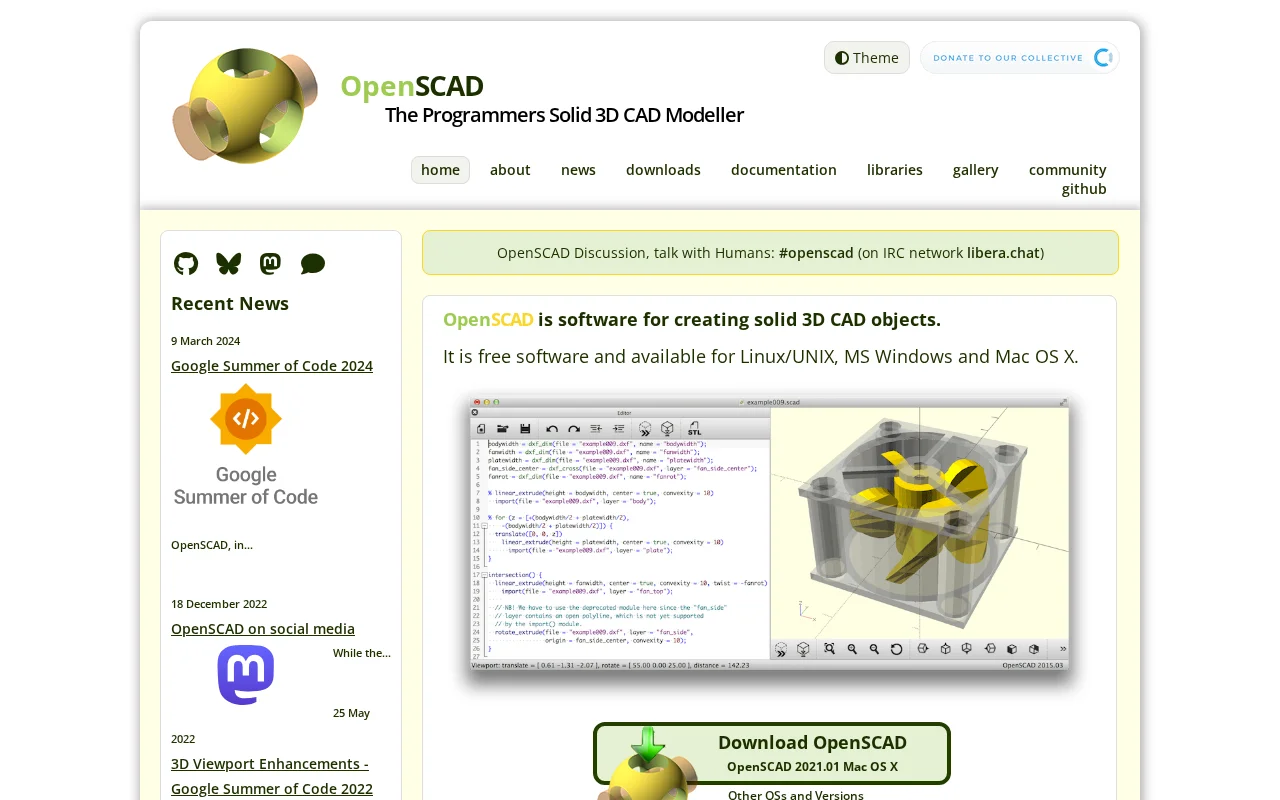
OpenSCAD is a free, open-source 3D CAD modeler that uses a script-based approach for precise and parametric designs. Ideal for programmers, engineers, and makers who prefer a code-driven workflow for creating functional parts and prototypes.
What Is OpenSCAD and How Does It Work
OpenSCAD is a free, open-source 3D CAD modeler that stands out for its unique approach to design. Instead of using interactive modeling, it relies on a descriptive programming language to create solid 3D objects. This makes it particularly well-suited for users who are comfortable with coding and prefer a script-based workflow for precise and parametric designs. The software allows you to define your models through code, which can then be rendered into 3D models.
The core principle behind OpenSCAD is its ability to define objects through code, offering a powerful way to create customizable and easily modifiable designs. This method ensures that your models are not only precise but also reproducible and scalable through parameter adjustments. It is an excellent tool for creating functional parts, mechanical components, and designs that require a high degree of accuracy and repeatability, appealing to engineers, makers, and anyone who values a programmatic approach to 3D modeling.
How to Get Started with OpenSCAD
Getting started with OpenSCAD is straightforward, especially if you have some programming background. You can download the software for free for Windows, macOS, or Linux from the official website. Once installed, you'll find a simple interface with a code editor and a preview window. Begin by writing basic commands to create shapes like cubes or spheres, then learn to combine them using Boolean operations and transformations.
The official documentation includes a comprehensive tutorial that guides you through the fundamental concepts and functions of OpenSCAD. Exploring the provided libraries and examples can also accelerate your learning curve, allowing you to build more complex models by leveraging pre-written code. The community forums are also a great resource for asking questions and finding inspiration.
Key Features and Capabilities of OpenSCAD
- Parametric Design: Create models that can be easily adjusted by changing parameters in the script.
- Script-Based Modeling: Define 3D objects using a dedicated programming language for precision.
- 2D to 3D Conversion: Extrude 2D shapes into 3D objects for versatile modeling.
- Export Options: Save your models in various formats like STL, AMF, and OFF for 3D printing and further use.
- Cross-Platform Availability: Use OpenSCAD on Windows, macOS, and Linux operating systems.
Who Should Use OpenSCAD
- Engineers and Mechanical Designers requiring precise, parametric models.
- Makers and Hobbyists creating custom parts for 3D printing.
- Programmers and Developers who prefer a code-driven design approach.
- Educators and Students learning about 3D modeling and CAD.
- Anyone needing to create reproducible and customizable 3D designs.
- Users looking for a free and open-source alternative to commercial CAD software.
OpenSCAD Support and Community Resources
OpenSCAD is supported by a vibrant community. For assistance, you can visit the official website's community section, which includes links to forums and chat channels like #openscad on Libera.Chat. While there isn't a direct email for support, the community is very responsive to user inquiries and contributions.
Reviews0
Would you recommend OpenSCAD? Leave a comment
No reviews yet. Be the first to share your experience!
Alternatives
The best modern alternatives to OpenSCAD
3D Slicer
5.0
Last update: 2 days ago
3D Slicer is a free, open-source software platform for medical image analysis and visualization. It offers advanced tools for segmentation, registration, and 3D rendering, supporting applications in surgical planning, radiotherapy, and neuroimaging research. Its collaborative development ensures continuous innovation, making it a versatile tool for researchers and clinicians.
View 3D SlicerTags:Open SourceCV
View 3D SlicerWick Editor
5.0
The Wick Editor is a free, open-source, browser-based platform for creating motion graphics and interactive animations. It empowers users of all skill levels to design and develop directly within their web browser, eliminating the need for any software installation. With vector drawing tools, an animation timeline, and JavaScript scripting, it's ideal for animated videos, presentations, simple gam
Open SourceFreeBrowser-Based
View Wick Editor
Gaia Sky
5.0
Gaia Sky is an open-source, real-time 3D universe visualization platform for desktop and VR users. It allows exploration of the cosmos using scientific datasets, including star catalogs, galaxies, and more. Developed in collaboration with ESA's Gaia mission, it enables users to navigate through billions of stars and celestial objects with advanced graphics and VR support.
Open SourceDesktop App
View Gaia Sky
ArmorPaint
5.0
ArmorPaint is a powerful and intuitive 3D painting software developed by the creator of Krita. It offers advanced features such as PBR material painting, sophisticated brush engines, and a streamlined workflow, catering to a wide range of users from beginners to seasoned professionals. The software provides a node-based shader editor, enabling complex material creation and manipulation. ArmorPaint
Open SourceDesktop App3D Modeling
View ArmorPaint
Armory 3D
5.0
Armory is a powerful and versatile 3D engine designed for the real-time creation of immersive 3D games, applications, and interactive experiences. As a fork of the Blender game engine, it offers a robust solution for developers of all levels. Armory supports cross-platform development, including Windows, macOS, Linux, Android, and iOS, as well as web deployment via WebGL. It is a free and open-sou
Open SourceGPL
View Armory 3D
New Tools Releases
Recently added tools
Crew
5.0
Crew is a high-yield checking account that actively manages your finances through automated 'pockets,' paycheck splitting, and bill management. It offers a subscription-free approach to personal finance, empowering users with control and clarity over their money, alongside features like parental controls and competitive APY on deposits. Banking services are provided by Bangor Savings Bank, Member
Trial AvailableSubscription-BasedMobile App
View Crew
Ludwig
5.0
Ludwig is an open-source declarative deep learning framework that simplifies building, fine-tuning, and deploying ML models using a YAML file. It supports various data modalities and scales seamlessly from a laptop to distributed clusters, offering the flexibility of PyTorch with the ease of AutoML.
Open SourceFor DevelopersAutomation
View Ludwig
Reeder
5.0
Reeder is a modern news reader that unifies RSS feeds, videos, podcasts, and social media into a single timeline. It features seamless cross-device syncing via iCloud, powerful custom filters, and a simple way to save links. Reeder prioritizes a clean interface and user privacy, making it an efficient tool for content consumption.
Desktop AppMobile AppmacOS
View Reeder
SurveyJS
5.0
SurveyJS is a powerful JavaScript library that enables developers to build custom survey and form management systems directly within their applications. It offers unparalleled flexibility through JSON-based configuration, ensuring users retain full ownership of their data and can handle an unlimited number of responses. The latest version, v3.0, introduces significant enhancements like a shared st
Open SourceFor Developers
View SurveyJS
Small Basic
5.0
Small Basic is a free, beginner-friendly programming language developed by Microsoft, designed to make coding accessible and fun for learners of all ages. It simplifies complex programming concepts with an easy-to-understand syntax and a built-in Integrated Development Environment (IDE) that includes helpful features like syntax highlighting and debugging tools. This educational tool empowers user
Open SourceFor StudentsFor Teachers
View Small Basic
Scenari Dokiel
5.0
Scenari Dokiel is a high-performance distributed ledger technology utilizing a hybrid consensus mechanism for rapid transactions. Ideal for DeFi, supply chain management, and gaming, its scalable and secure architecture empowers developers to build next-generation decentralized applications with confidence and efficiency.
AutomationWeb3Open Source
View Scenari Dokiel
SpurtCMS
5.0
spurtCMS is a powerful, open-source Content Management System built with Golang, designed to be adaptable for diverse industry needs and content delivery requirements. It offers a robust admin panel powered by Golang and integrates seamlessly with TailwindCSS for modern, stylish front-end development. Developers can leverage its GraphQL APIs for efficient data fetching and scalability, making it s
Open SourceFor DevelopersAPI
View SpurtCMS
Glogg
5.0
glogg is a powerful, multi-platform GUI application for programmers and system administrators to efficiently browse and search through large log files. It combines the functionalities of grep and less with features like case-insensitive filtering and auto-reloading, streamlining log analysis and troubleshooting.
Open SourceDesktop AppDev Tools
View Glogg