Microsoft
Category of Microsoft:
Tags:
WindowsSubscription-BasedProprietary
Description:
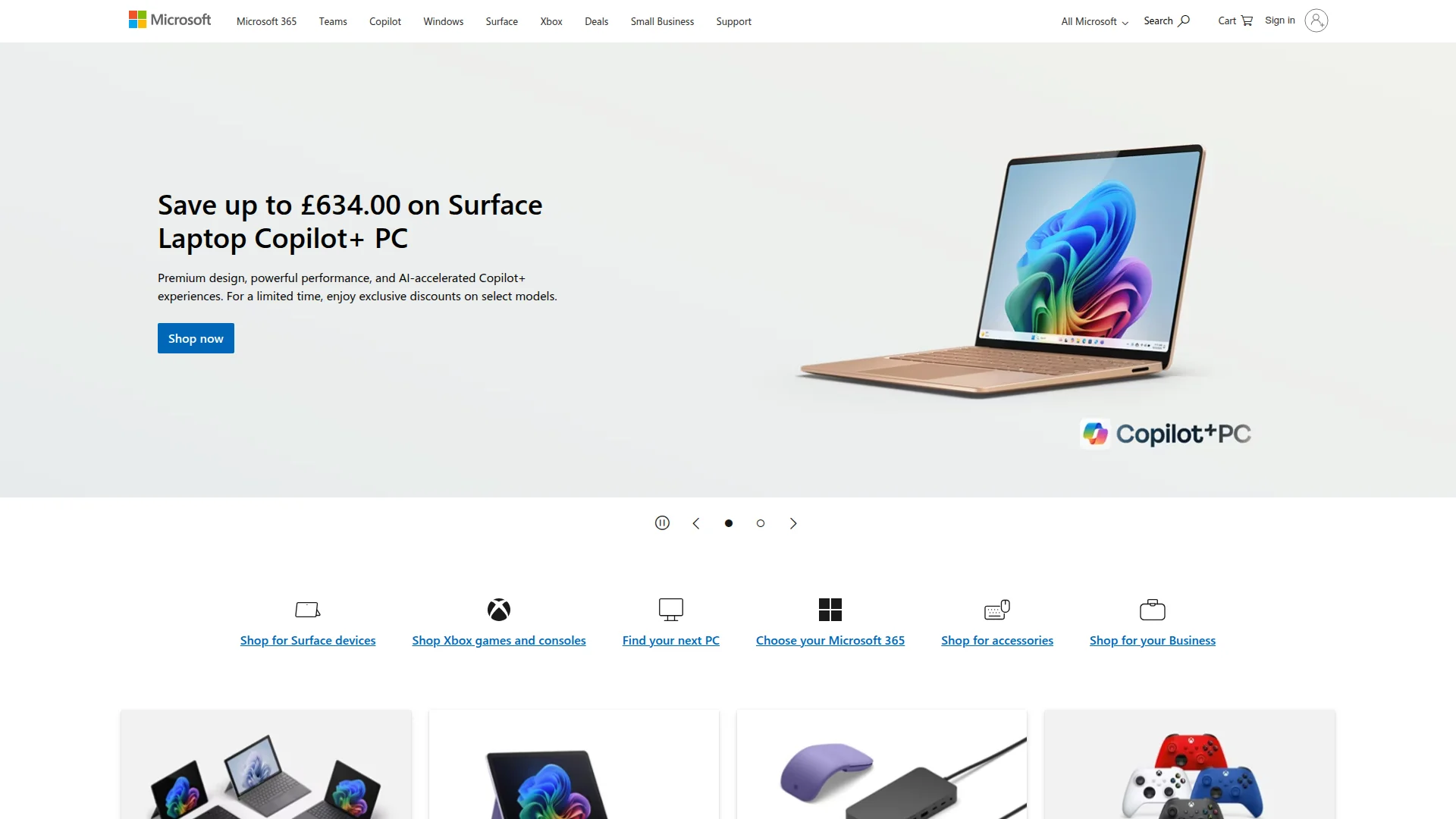
Microsoft is a global technology company offering a comprehensive suite of software, hardware, and cloud services including Windows, Microsoft 365, Surface devices, Xbox gaming, Azure cloud computing, and AI solutions like Copilot.
What Is Microsoft and How Does It Work
Microsoft provides a vast technology ecosystem that spans operating systems, productivity software, hardware devices, cloud services, and artificial intelligence solutions. The company's flagship products include Windows, Microsoft 365, Surface computers, Xbox gaming consoles, and Azure cloud infrastructure. This integrated approach allows users to work, create, and connect across devices and platforms with seamless compatibility.
The Microsoft platform serves diverse audiences from individual consumers to large enterprises, offering tools for everyday productivity, business operations, development, and entertainment. With recent emphasis on AI integration through Copilot features, Microsoft continues to evolve its offerings to support modern work and creativity needs. The company maintains a strong focus on security, accessibility, and sustainability across all its products and services.
How Microsoft Works Step by Step
Users typically begin by selecting the appropriate Microsoft products for their needs, whether that's Windows for their computer, Microsoft 365 for productivity tools, or Azure for cloud services. After installation or subscription setup, users can access Microsoft's ecosystem through various interfaces including desktop applications, web browsers, and mobile apps. The platform offers single sign-on capabilities through Microsoft accounts for unified access across services.
Microsoft's integrated approach allows data and settings to sync across devices through cloud services like OneDrive. AI features like Copilot work within applications to provide assistance with tasks ranging from document creation to data analysis. Regular updates and security patches ensure the platform remains current and protected against emerging threats.
Main Features You Get with Microsoft
- Windows Operating System: Provides the foundation for PC computing with security and productivity features.
- Microsoft 365 Suite: Includes Word, Excel, PowerPoint, and Outlook for document creation and communication.
- Surface Hardware: Offers premium laptops, tablets, and accessories designed for productivity and creativity.
- Azure Cloud Platform: Delivers enterprise-grade cloud computing, storage, and AI services for businesses.
- Xbox Gaming Ecosystem: Provides gaming consoles, games, and subscription services for entertainment.
Best Use Cases for Microsoft
- Business professionals needing office productivity tools and collaboration platforms
- Developers building applications with cloud infrastructure and development tools
- Students and educators requiring educational software and classroom management
- Gamers seeking console gaming experiences and online multiplayer services
- Enterprises requiring secure, scalable cloud solutions and business applications
- Creative professionals using design software and hardware for content creation
How to Contact Microsoft Support
Microsoft provides comprehensive support through its official website with troubleshooting guides, community forums, and virtual agent assistance. For direct support, users can access help options based on their specific products and subscription levels. Contact support at contact@microsoft.com.
Reviews0
Would you recommend Microsoft? Leave a comment
No reviews yet. Be the first to share your experience!
Alternatives
The best modern alternatives to Microsoft
Zoom
5.0
Last update: 2 hours ago
Zoom is a leading video conferencing platform that enables reliable HD video meetings, screen sharing, and team collaboration. It offers features like virtual backgrounds, breakout rooms, and webinar hosting for businesses, educators, and remote teams.
View ZoomTags:ZoomSubscription-BasedTrial Available
View ZoomSubstack
5.0
Substack is a newsletter platform that empowers independent writers and creators to publish content, build audiences, and monetize through subscriptions. It provides tools for email distribution, community engagement, and payment processing in one integrated solution.
Subscription-BasedFor CreatorsWeb App
View Substack
Slideshare
5.0
Slideshare is a presentation-sharing platform with over 25 million decks across every topic. It offers AI tools to rewrite and simplify slide content, plus the ability to download original files. Users can browse for inspiration or upload their own presentations to share knowledge with a global community of 70 million users.
Subscription-BasedTrial AvailableFree
View Slideshare
Prezi
5.0
Prezi is an AI-powered presentation tool that helps users create engaging and visually striking presentations quickly and efficiently. It offers AI-driven design assistance, personalized recommendations, and the ability to generate entire presentations from text prompts or existing documents, transforming ideas into polished presentations in minutes.
Subscription-BasedTrial Available
View Prezi
CorelDRAW Graphics Suite
5.0
CorelDRAW Graphics Suite 2026 is a comprehensive professional graphic design software package for Windows and macOS that delivers powerful vector illustration, photo editing, layout, and typography capabilities.
Subscription-BasedDesktop AppFor Designers
View CorelDRAW Graphics Suite
New Tools Releases
Recently added tools
LBRY
5.0
LBRY is a decentralized content sharing and publishing platform that empowers creators and users by offering an open, free, and fair alternative to traditional media distribution. It functions similarly to how Bitcoin revolutionized digital currency, providing a censorship-resistant network for digital content. Users can access content through various applications like the LBRY Desktop client or t
Open SourceFor CreatorsWeb3
View LBRY
Nitreo
5.0
Nitreo is an Instagram growth service that automates key social media tasks like following accounts, liking posts, and viewing stories to organically increase follower count and engagement. It saves users an average of 9 hours per week, making it ideal for creators, businesses, and agencies seeking to expand their reach and build their brand with real, engaged followers.
Social Media ManagementFor Creators
View Nitreo
Tux Rider
5.0
Tux Rider is an engaging 3D racing game for Android, offering a mobile port of the classic "Tux Racer" experience. Players control the Linux mascot, Tux the penguin, as they race down snowy slopes, collecting fish and aiming for the best times. The game features intuitive controls using the accelerometer and touchscreen, providing an accessible and fun gameplay experience. With multiple levels and
Open SourceFor CreatorsAndroid
View Tux Rider
Automad
5.0
Automad is a fast, lightweight, and flexible flat-file content management system and template engine designed for creatives. It offers an intuitive dashboard with a block editor and in-page editing capabilities, eliminating the need for a database by storing all content in human-readable text files. This approach simplifies version control and makes managing your website straightforward. Despite i
Open SourceFor Creators
View Automad
Boost.ai
5.0
Boost.ai is a leading conversational AI platform trusted by regulated industries for its robust security, privacy, and auditability features. The platform empowers enterprises to deliver exceptional customer experiences through advanced agentic AI capabilities, enabling seamless self-service across chat and voice channels. It offers a hybrid AI approach, integrating generative AI for hyper-persona
For EnterprisesAutomation
View Boost.ai
Newshosting
5.0
Newshosting offers a comprehensive solution for Usenet access and online privacy, bundling a high-speed Usenet service with a robust VPN. It provides unlimited VPN access, secure SSL encryption, advanced threat protection, and ad blocking for a safe and private online experience. With extensive article retention and a vast server network, Newshosting ensures unparalleled access to Usenet content,
Subscription-BasedProprietaryWeb App
View Newshosting
Paperwork
5.0
Paperwork is an intuitive personal document management solution designed to streamline the organization and retrieval of your important files. By transforming scanned documents into searchable digital assets, it eliminates the need for manual filing and tedious searching. Ideal for individuals and small businesses seeking an efficient way to manage their paperwork, Paperwork offers intelligent sor
Open SourceDesktop AppDocument Creation
View Paperwork
Glyphr Studio
5.0
Glyphr Studio is a free, open-source, browser-based font editor designed for hobbyists and beginners. It allows users to import various font formats, utilize familiar vector editing tools, combine glyphs, and export custom typefaces directly from their browser, offering an accessible entry into font design without the need for complex professional software.
Open SourceWeb AppBrowser-Based
View Glyphr Studio