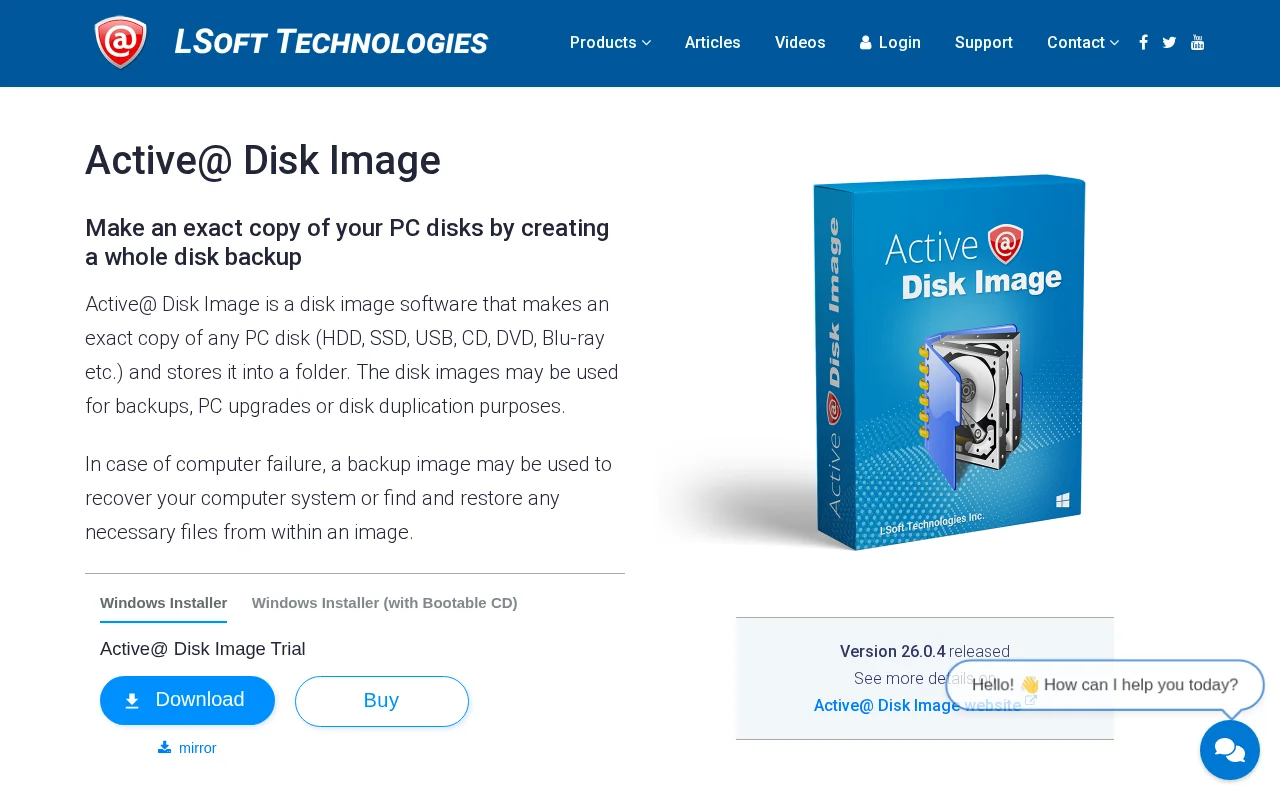

Active@ Disk Image
Category of Active@ Disk Image:
Tags:
Trial AvailableSubscription-BasedProprietary
Description:
Active@ Disk Image is a comprehensive disk imaging utility that creates exact copies of your PC's disks (HDDs, SSDs, USB drives, etc.) for backup, system upgrades, or duplication. It allows for full system restoration or individual file retrieval, featuring incremental backups, compression, virtual drive mounting, and scheduled tasks for automated data protection. Suitable for both home users and
Active@ Disk Image: Complete Platform Overview
Active@ Disk Image provides robust disk imaging capabilities, allowing users to create exact replicas of their hard drives, SSDs, and other storage devices. This ensures that a complete backup of your system is readily available for disaster recovery or hardware migration. The software supports various backup types, including full, incremental, and differential images, along with compression options to optimize storage space. Its user-friendly interface makes it accessible for home users, while advanced features like scripting and scheduled backups cater to IT professionals and businesses.
The core functionality of Active@ Disk Image revolves around creating sector-by-sector copies of disks or partitions. These images can then be restored to the original disk or a new one, facilitating seamless system upgrades or recovery from hardware failures. The tool also offers the ability to mount disk images as virtual drives, allowing for easy browsing and file extraction without the need to restore the entire image. This flexibility ensures that your data is always accessible when you need it, whether for routine backups or critical recovery operations.
Key Features and Capabilities of Active@ Disk Image
- Complete Disk Backup: Creates and restores exact disk image backups using only occupied clusters.
- Image Compression: Utilizes various levels of data compression to save storage space.
- Virtual Drive Mounting: Allows mounting images as virtual drives for easy backup browsing.
- Image Verification: Performs automatic image verification after creation for data integrity.
- Scheduled Backups: Enables scheduling Disk Image to run at specific times for automation.
How Active@ Disk Image Works Step by Step
To create a disk image, launch Active@ Disk Image, select the source disk or partition you wish to back up, and choose a destination folder for the image file. You can configure options such as compression level, verification, and scheduling. Once set, the software will create an exact copy of your selected data. To restore, you boot from the Active@ Boot Disk or use the software within Windows, select the image file, and choose the target drive for restoration.
Best Use Cases for Active@ Disk Image
- Full system backups for disaster recovery.
- Cloning disks for hardware upgrades.
- Creating bootable media for system rescue.
- Automating backups with scheduled tasks.
- Duplicating disks for multiple workstations.
- Recovering individual files from disk images.
Reviews0
Would you recommend Active@ Disk Image? Leave a comment
No reviews yet. Be the first to share your experience!
Alternatives
The best modern alternatives to Active@ Disk Image
PingPlotter
5.0
Last update: 18 hours ago
PingPlotter is a network monitoring and troubleshooting tool that visualizes latency, packet loss, and jitter over time. It helps users pinpoint network issues, share diagnostic data, and maintain stable network performance. Available in desktop and cloud versions.
View PingPlotterTags:Desktop AppTrial AvailableDev Tools
View PingPlotterHDD Regenerator
5.0
HDD Regenerator is a software tool designed to diagnose and repair physically damaged hard disk drives by restoring bad sectors, making previously inaccessible data recoverable. It supports a wide range of drive types including HDD, SSD, and NVMe, and can be run from Windows or bootable media.
Trial AvailableProprietary
View HDD Regenerator
DropSync 3
5.0
DropSync 3 is a powerful and versatile Mac application designed for efficient file synchronization and folder updating. It streamlines the process of managing files across different locations, whether you're updating a web server, backing up large photo collections, or simply keeping folders in sync. Its intelligent rsync-based engine ensures speed by only transferring changed file portions, makin
Desktop AppTrial AvailablemacOS
View DropSync 3
YouTube
5.0
YouTube is the world's largest video-sharing platform where users can upload, watch, and share videos. It offers diverse content from entertainment and education to music and live streaming, with tools for creators to build audiences and monetize content.
YouTubeFor CreatorsFree
View YouTube
Facebook
5.0
Facebook is the world's leading social networking platform that enables users to connect with friends, family, and communities. Create personalized profiles, share photos and videos, join groups, and stay updated with news and events.
Web AppMobile AppFree
View Facebook
New Tools Releases
Recently added tools
DropSync 3
5.0
DropSync 3 is a powerful and versatile Mac application designed for efficient file synchronization and folder updating. It streamlines the process of managing files across different locations, whether you're updating a web server, backing up large photo collections, or simply keeping folders in sync. Its intelligent rsync-based engine ensures speed by only transferring changed file portions, makin
Desktop AppTrial AvailablemacOS
View DropSync 3
Collectorz.com
5.0
Collectorz.com is a robust software solution for music enthusiasts to meticulously catalog and manage their entire music collection, including CDs, vinyl records, and digital albums. It simplifies adding items via barcode scanning or online database searches, ensuring accurate details are captured. Users can personalize their catalog with notes, ratings, and tags, and utilize features like a loan
Trial AvailableSubscription-Based
View Collectorz.com
FUTO Keyboard
5.0
FUTO Keyboard is a privacy-first mobile keyboard designed for complete offline functionality. It offers essential features like swipe typing, autocorrect, and predictive text without requiring an internet connection, ensuring your data remains private and secure. Ideal for users who prioritize data security and wish to avoid online data transmission, FUTO Keyboard provides a reliable and user-frie
Open SourceMobile AppPrivacy-Focused
View FUTO Keyboard
Amethyst
5.0
Amethyst is a powerful tiling window manager designed exclusively for macOS, offering users a highly efficient and customizable way to organize their application windows. Inspired by the principles of xmonad, it allows users to maximize productivity by automatically arranging windows into non-overlapping tiles, eliminating the need for manual resizing and repositioning. This tool is ideal for powe
macOSOpen SourcemacOS
View Amethyst
Maker 3D
5.0
Maker 3D is a comprehensive 3D modeling software for beginners and professionals. It offers an intuitive interface, advanced tools for creation, editing, and rendering, plus robust animation capabilities. Ideal for diverse creative projects, it ensures cross-platform compatibility and flexible pricing.
3D ModelingFor Designers
View Maker 3D
Windowsill
5.0
Windowsill is a streamlined digital notebook designed for efficiently capturing, organizing, and retrieving your thoughts, ideas, and notes. Its intuitive interface allows for quick idea capture, while robust tagging and search functionalities ensure that your information is always accessible. Perfect for students, professionals, and anyone looking to enhance personal knowledge management, Windows
Note-TakingProductivity
View Windowsill
Hello History
5.0
Hello History is an AI-powered application that allows users to engage in life-like conversations with historical figures like Cleopatra, Einstein, and Buddha. It offers a unique and immersive educational experience for students, educators, and history enthusiasts.
For StudentsFor TeachersContent Generation
View Hello History
TheFor
5.0
TheFor is a comprehensive routine and habit tracker designed to inspire users with thousands of routines from creators worldwide. It offers a powerful yet minimalistic interface, making habit management effortless. Key features include curated collections of routines, home screen widgets for easy tracking, and a visually appealing, calming aesthetic. Ideal for individuals seeking to build consiste
View TheFor