Lomiri
Category of Lomiri:
Tags:
Open SourceLinux
Description:
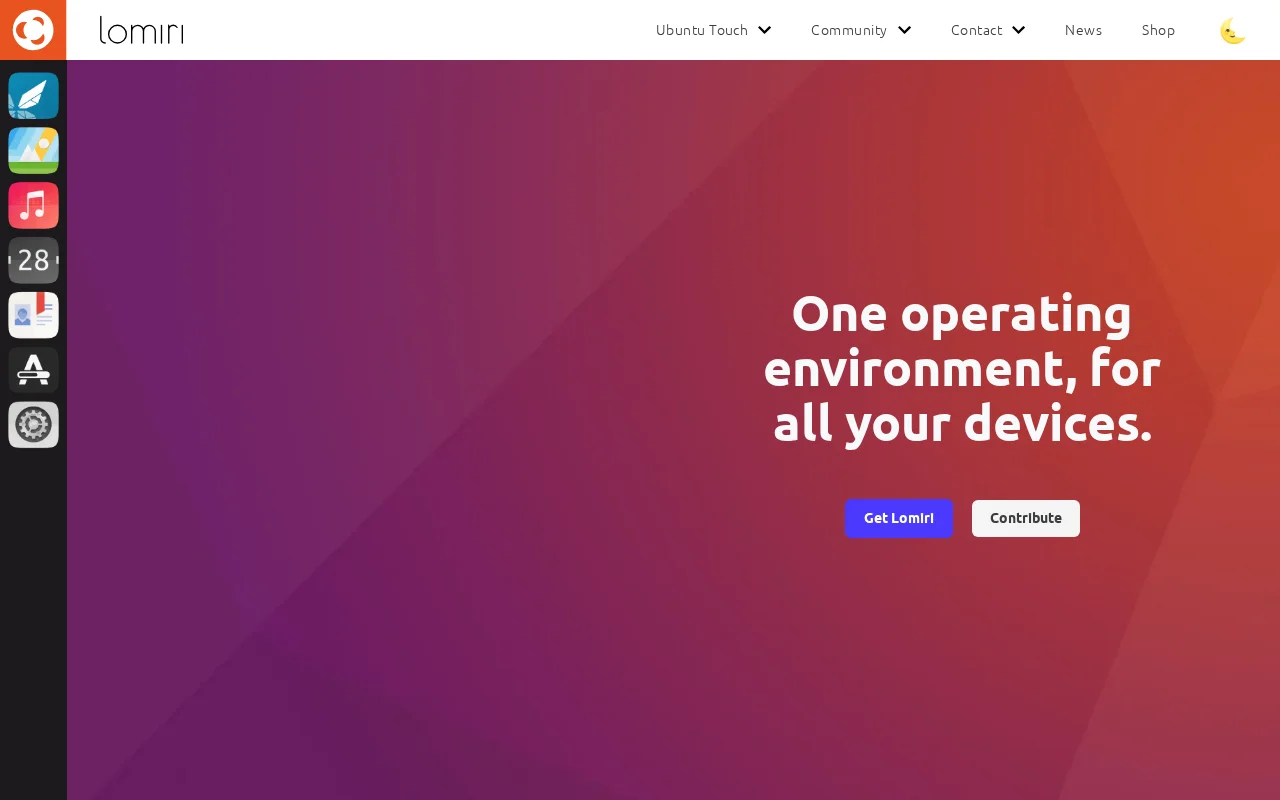
Lomiri is an open-source, convergent operating environment designed to adapt seamlessly across various devices, including phones, tablets, laptops, and desktops. It offers a unified interface and consistent user experience, ensuring applications function optimally regardless of screen size or input method. Built on a lightweight and stable foundation using the Qt framework and next-generation comp
What is Lomiri? A Convergent Operating Environment
Lomiri is a versatile, open-source operating environment engineered for convergence, meaning it provides a consistent and adaptable user experience across a wide range of devices. Whether you're using a smartphone, tablet, laptop, or desktop computer, Lomiri aims to deliver a unified interface and functionality. Its core principle is to offer a single operating environment that intelligently adjusts to the user's needs and the device's capabilities, ensuring seamless transitions and interoperability.
The system is built with a focus on performance and efficiency, utilizing lightweight components and modern technologies like the Qt framework, Mir, and Wayland compositors. This approach not only ensures a smooth user experience but also extends the life of older hardware, making it an environmentally conscious choice. Lomiri's development is community-driven, emphasizing open-source principles and user control over their digital devices.
Getting Started with Lomiri Installation
Getting started with Lomiri involves choosing the installation method that best suits your device and technical expertise. For desktop and laptop users, preview ISO images are available, allowing you to test the environment before its full release. For mobile devices, Lomiri can be installed on supported hardware through platforms like UBports Installer or by using tools such as pmbootstrap for Postmarket OS installations. Detailed installation guides are provided on the respective project wikis for Debian, Alpine, and NixOS users.
It is recommended to follow the specific instructions for your chosen operating system or device. For users new to Linux or advanced configurations, starting with the Ubuntu Lomiri preview ISO or the UBports installer for supported phones offers the most straightforward path to experiencing Lomiri's convergent capabilities.
Key Features of the Lomiri Operating System
- Convergent Environment: A single interface that adapts across phones, tablets, laptops, and desktops.
- Lightweight Design: Revitalizes older hardware and offers efficient performance.
- Stable Qt Framework: Built on a reliable and refined foundation for consistent operation.
- Next-Gen Compositors: Utilizes Mir and Wayland for enhanced speed and security.
- Cross-Device App Support: Applications adapt to different screen sizes and input methods.
Who Should Use Lomiri? Target Audience
- Users seeking a unified operating system across multiple devices.
- Individuals interested in open-source and community-driven software.
- Tech enthusiasts looking to revitalize older smartphones or computers.
- Developers interested in building cross-platform applications.
- Users who prioritize privacy and control over their digital environment.
- Anyone wanting a flexible and adaptable computing experience.
Lomiri Support and Community Resources
For support and community assistance, you can join the Lomiri community on Telegram at t.me/UBports_Lomiri. Source code and development discussions are available on GitLab. For general inquiries and contributions, please refer to the UBports community portal at ubports.com/get-involved.
Reviews0
Would you recommend Lomiri? Leave a comment
No reviews yet. Be the first to share your experience!
Alternatives
The best modern alternatives to Lomiri
ScreenPlay
5.0
Last update: September 13, 2026
ScreenPlay is a free, open-source live wallpaper and interactive desktop widget application for Windows and macOS. Built with C++20, Qt6, and QML, it supports video, HTML5, GIF, and QML wallpapers. Customize your desktop with system stats, weather, and news feeds.
View ScreenPlayTags:Open SourceDesktop AppFor Creators
View ScreenPlayPlasma Mobile
5.0
Plasma Mobile is an open-source, privacy-focused mobile operating system developed by the KDE community. It offers a secure and customizable alternative to mainstream mobile platforms, built on the flexibility of the Plasma desktop environment. Designed for users who value openness and control, Plasma Mobile aims to provide a truly user-centric experience.
Open SourceLinuxPrivacy-Focused
View Plasma Mobile
Ultramarine Linux
5.0
Ultramarine Linux is a community-driven fork of Fedora Linux, designed to offer an enhanced and more user-friendly desktop experience. It builds upon Fedora's robust foundation, integrating popular desktop environments like GNOME and KDE Plasma, along with a carefully selected suite of essential software. This distribution prioritizes ease of use, stability, and a polished user interface, making i
Open SourceDesktop AppFor Developers
View Ultramarine Linux
YouTube
5.0
YouTube is the world's largest video-sharing platform where users can upload, watch, and share videos. It offers diverse content from entertainment and education to music and live streaming, with tools for creators to build audiences and monetize content.
YouTubeFor CreatorsFree
View YouTube
Facebook
5.0
Facebook is the world's leading social networking platform that enables users to connect with friends, family, and communities. Create personalized profiles, share photos and videos, join groups, and stay updated with news and events.
Web AppMobile AppFree
View Facebook
New Tools Releases
Recently added tools
LBRY
5.0
LBRY is a decentralized content sharing and publishing platform that empowers creators and users by offering an open, free, and fair alternative to traditional media distribution. It functions similarly to how Bitcoin revolutionized digital currency, providing a censorship-resistant network for digital content. Users can access content through various applications like the LBRY Desktop client or t
Open SourceFor CreatorsWeb3
View LBRY
Nitreo
5.0
Nitreo is an Instagram growth service that automates key social media tasks like following accounts, liking posts, and viewing stories to organically increase follower count and engagement. It saves users an average of 9 hours per week, making it ideal for creators, businesses, and agencies seeking to expand their reach and build their brand with real, engaged followers.
Social Media ManagementFor Creators
View Nitreo
Tux Rider
5.0
Tux Rider is an engaging 3D racing game for Android, offering a mobile port of the classic "Tux Racer" experience. Players control the Linux mascot, Tux the penguin, as they race down snowy slopes, collecting fish and aiming for the best times. The game features intuitive controls using the accelerometer and touchscreen, providing an accessible and fun gameplay experience. With multiple levels and
Open SourceFor CreatorsAndroid
View Tux Rider
Automad
5.0
Automad is a fast, lightweight, and flexible flat-file content management system and template engine designed for creatives. It offers an intuitive dashboard with a block editor and in-page editing capabilities, eliminating the need for a database by storing all content in human-readable text files. This approach simplifies version control and makes managing your website straightforward. Despite i
Open SourceFor Creators
View Automad
Boost.ai
5.0
Boost.ai is a leading conversational AI platform trusted by regulated industries for its robust security, privacy, and auditability features. The platform empowers enterprises to deliver exceptional customer experiences through advanced agentic AI capabilities, enabling seamless self-service across chat and voice channels. It offers a hybrid AI approach, integrating generative AI for hyper-persona
For EnterprisesAutomation
View Boost.ai
Newshosting
5.0
Newshosting offers a comprehensive solution for Usenet access and online privacy, bundling a high-speed Usenet service with a robust VPN. It provides unlimited VPN access, secure SSL encryption, advanced threat protection, and ad blocking for a safe and private online experience. With extensive article retention and a vast server network, Newshosting ensures unparalleled access to Usenet content,
Subscription-BasedProprietaryWeb App
View Newshosting
Paperwork
5.0
Paperwork is an intuitive personal document management solution designed to streamline the organization and retrieval of your important files. By transforming scanned documents into searchable digital assets, it eliminates the need for manual filing and tedious searching. Ideal for individuals and small businesses seeking an efficient way to manage their paperwork, Paperwork offers intelligent sor
Open SourceDesktop AppDocument Creation
View Paperwork
Glyphr Studio
5.0
Glyphr Studio is a free, open-source, browser-based font editor designed for hobbyists and beginners. It allows users to import various font formats, utilize familiar vector editing tools, combine glyphs, and export custom typefaces directly from their browser, offering an accessible entry into font design without the need for complex professional software.
Open SourceWeb AppBrowser-Based
View Glyphr Studio