
Linguin
Category of Linguin:
Tags:
iOSmacOSAI IntegrationMobile App
Description:
AI-powered instant translator for Mac, iPhone, and Chrome. Translates text into 100+ languages in real time using Gemini AI. Available as a web app, iOS app, macOS app, and browser extensions for Chrome and Safari.
What is Linguin?
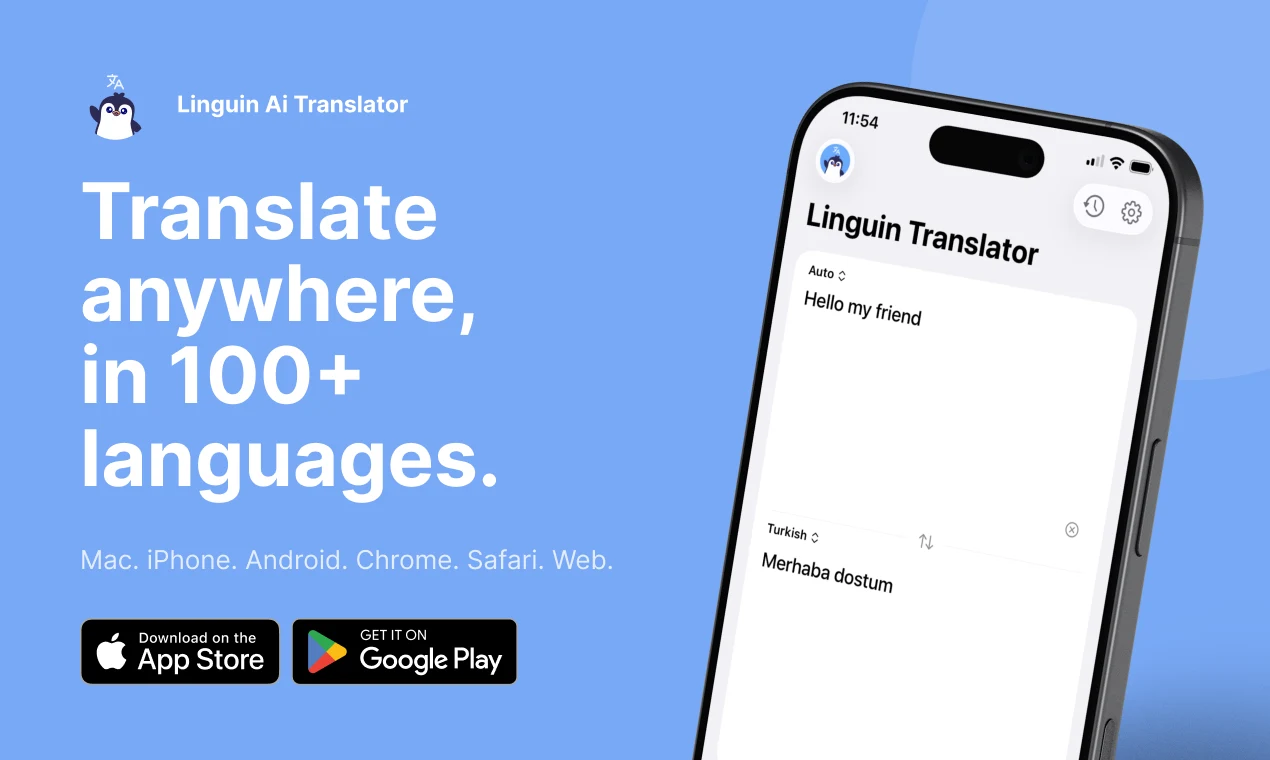
Linguin is an instant translation app powered by Google Gemini AI. It translates text into 100+ languages in under a second, and works across Mac, iPhone, and as a browser extension for Chrome and Safari.
Unlike browser-based translators that require copy-pasting or switching tabs, Linguin lives in your menu bar on Mac or your iPhone share sheet, making translation part of your natural workflow. It is designed for people who work across languages daily.
Who is it for?
- Remote workers and freelancers communicating in multiple languages
- Language learners who want instant lookup while reading
- Travelers needing quick translation on iPhone
- Chrome or Safari users who want in-browser translation without Google Translate
- Mac power users who prefer a menu bar utility over a website
Key Features
- 100+ languages via Gemini AI: All major world languages supported with high-quality neural translation.
- Sub-second speed: Translations typically appear in 500-900ms, fast enough for conversational use.
- Multi-platform: Native iOS app, macOS app (menu bar), Chrome extension, and Safari extension. One account, all platforms.
- Dark mode: Full dark mode support across all platforms.
- No sign-up for casual use: 3 free daily translations without creating an account.
Pricing
Linguin offers 3 free translations per day without registration. Signing up unlocks a free tier with higher daily limits. A Pro subscription is available for unlimited translations. Pricing starts from a few dollars per month.
Pros and Cons
Pros
- Fast and accurate translations powered by Gemini AI
- Works on Mac, iPhone, Chrome, and Safari in one app
- No need to open a browser tab to translate
- Minimal, clean UI that stays out of your way
- Free tier available
Cons / Limitations
- Free tier limited to 3 translations/day without sign-up
- No Android version
- No document or image translation
Alternatives
Google Translate is the obvious comparison: free, powerful, but requires switching to a separate tab or app. DeepL offers higher quality for European languages but lacks native Mac/iOS integration. Linguin's advantage is native platform integration, making it faster to access in the middle of real work.
Reviews5
Would you recommend Linguin? Leave a comment
C
c*************2@icloud.com
1 August, 2026
Love the text expansion tool for writing longer replies quickly without losing meaning.
E
e********t@yahoo.com
11 July, 2026
Best translation app I've used, the accuracy on nuanced sentences is genuinely impressive.
N
n**********1@gmail.com
22 June, 2026
Very accurate translations overall. Occasionally struggles with very technical vocabulary but nothing major.
O
o*************l@outlook.com
1 June, 2026
I use the expand feature constantly for work emails, turns my short notes into properly written messages in seconds.
M
m*************8@gmail.com
16 May, 2026
The translation accuracy is impressive, especially with idioms that other apps usually botch.
Alternatives
The best modern alternatives to Linguin
Notion
5.0
Last update: 2 days ago
Notion is an AI-powered workspace that helps teams get more done, faster. It combines notes, docs, projects, and knowledge bases with AI tools to automate busywork and enhance productivity. The platform offers custom agents, enterprise search, and seamless integrations for comprehensive workflow management.
View NotionTags:NotionAI IntegrationAutomation
View NotionDropbox
5.0
Dropbox is a comprehensive cloud storage and collaboration platform that helps you find, organize, and share your work all in one place. With over 700 million registered users, it offers secure file storage, AI-powered search, and seamless team collaboration across devices.
Web AppMobile AppDesktop App
View Dropbox
Zalo
5.0
Zalo is Vietnam's leading messaging and communication platform with integrated AI assistants, music streaming, news, and video content. Over 79 million users trust this comprehensive digital ecosystem.
Mobile AppWebFree
View Zalo
Miro
5.0
Miro is a collaborative online whiteboard platform that helps teams brainstorm, plan, and execute projects visually. With AI-powered workflows and an intelligent canvas, it enables real-time collaboration for product management, design, engineering, and business operations.
Web AppBrowser-BasedAI Integration
View Miro
Qwen Chat
5.0
Qwen Chat is an AI-powered chatbot platform featuring Qwen3.5-Plus for natural conversations and image generation. It offers a mobile app with enhanced features and supports various creative styles for visual design.
Web AppMobile AppContent Generation
View Qwen Chat
New Tools Releases
Recently added tools
OpenRCT2
5.0
OpenRCT2 is a community-driven, open-source re-implementation of RollerCoaster Tycoon 2, enhancing the classic game with bug fixes, improved performance, and new features. It offers modern gameplay enhancements, extensive customization, and robust multiplayer support, making it ideal for fans seeking a more stable and feature-rich theme park simulation experience. This free project is actively dev
Open SourcemacOSLinux
View OpenRCT2
MagicHow
5.0
MagicHow is an AI-powered SaaS platform that automates the creation of step-by-step guides, SOPs, and training manuals. It captures processes visually and uses AI to refine content, making documentation creation efficient and accessible for teams aiming to standardize operations and knowledge management.
View MagicHow
Neon White
5.0
Neon White is a high-octane first-person shooter that throws players into a celestial battle against demons. Players navigate fast-paced levels, utilizing a unique card-based combat and movement system to achieve the fastest times. The game challenges players to master card combinations for massive shortcuts, uncover the mysteries of Heaven by interacting with other assassins, and compete for a ch
GamingBrowser-BasedMobile App
View Neon White
Xreveal
5.0
Xreveal is a Windows application that automatically and transparently removes restrictions from DVD and Blu-ray media, including region codes. It enables seamless read access to disc content and can also back up discs to ISO or folder formats. Designed for users who want to bypass copy protection and region codes effortlessly, Xreveal operates in the background, making your physical media library
View Xreveal
LBRY
5.0
LBRY is a decentralized content sharing and publishing platform that empowers creators and users by offering an open, free, and fair alternative to traditional media distribution. It functions similarly to how Bitcoin revolutionized digital currency, providing a censorship-resistant network for digital content. Users can access content through various applications like the LBRY Desktop client or t
Open SourceFor CreatorsWeb3
View LBRY
Nitreo
5.0
Nitreo is an Instagram growth service that automates key social media tasks like following accounts, liking posts, and viewing stories to organically increase follower count and engagement. It saves users an average of 9 hours per week, making it ideal for creators, businesses, and agencies seeking to expand their reach and build their brand with real, engaged followers.
Social Media ManagementFor Creators
View Nitreo
Tux Rider
5.0
Tux Rider is an engaging 3D racing game for Android, offering a mobile port of the classic "Tux Racer" experience. Players control the Linux mascot, Tux the penguin, as they race down snowy slopes, collecting fish and aiming for the best times. The game features intuitive controls using the accelerometer and touchscreen, providing an accessible and fun gameplay experience. With multiple levels and
Open SourceFor CreatorsAndroid
View Tux Rider
Automad
5.0
Automad is a fast, lightweight, and flexible flat-file content management system and template engine designed for creatives. It offers an intuitive dashboard with a block editor and in-page editing capabilities, eliminating the need for a database by storing all content in human-readable text files. This approach simplifies version control and makes managing your website straightforward. Despite i
Open SourceFor Creators
View Automad