Lakka
Category of Lakka:
Tags:
Open SourceFreeLinux
Description:
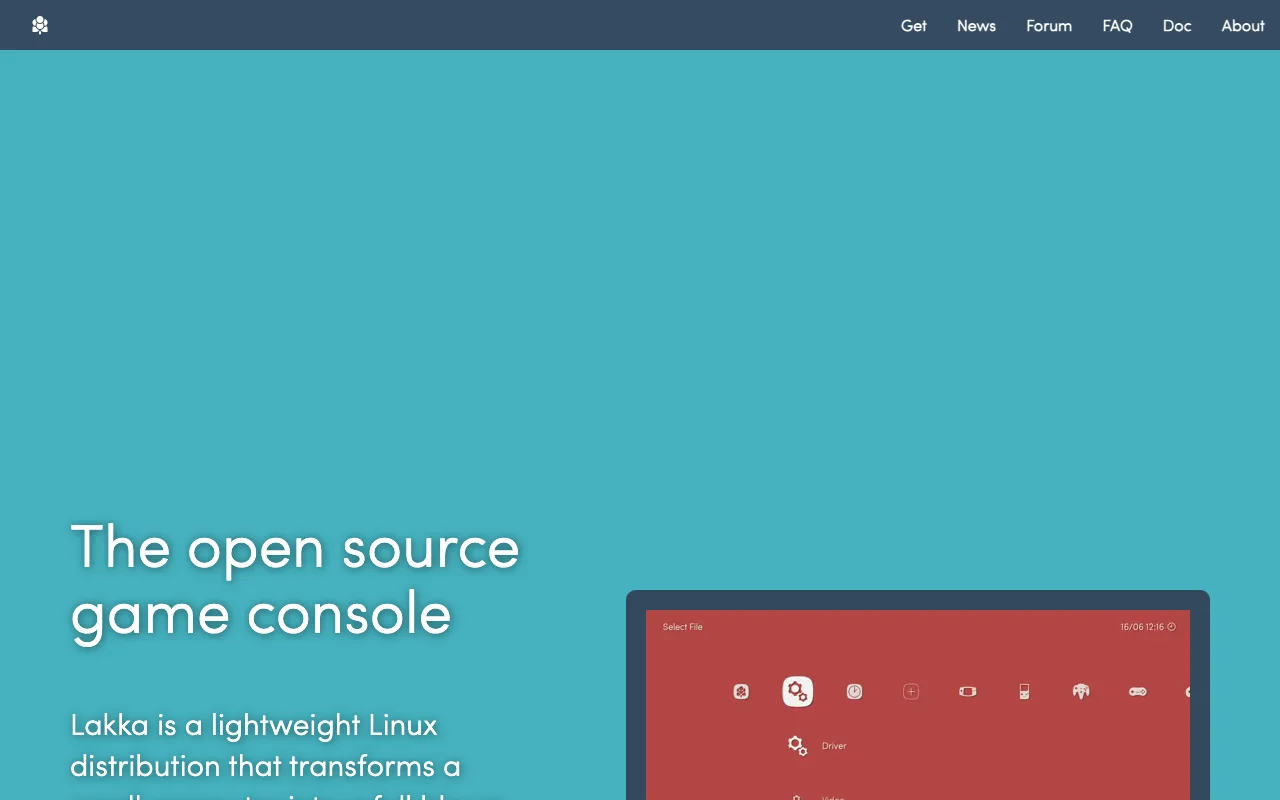
Lakka is a free and open-source operating system designed to transform your Raspberry Pi into a dedicated retro gaming console. Built upon the powerful RetroArch emulator, Lakka offers a lightweight and user-friendly experience for enthusiasts looking to relive classic gaming moments.
Lakka: Retro Gaming OS for Raspberry Pi
Lakka transforms your Raspberry Pi into a dedicated retro gaming console, leveraging the capabilities of RetroArch to emulate a vast library of classic games. It's designed for users who want a simple, focused, and efficient way to play retro titles without the complexities of general-purpose operating systems. Lakka aims to provide a plug-and-play experience, allowing you to get your favorite games up and running quickly.
The core of Lakka is RetroArch, a frontend for numerous emulators, game engines, and media players. This integration means Lakka supports a wide array of gaming systems, from arcade classics to 8-bit and 16-bit consoles. Its lightweight nature ensures that it runs smoothly on the Raspberry Pi, even on older models, providing a responsive gaming experience. The open-source philosophy means it's free to use, modify, and distribute, with a community that actively contributes to its development and support.
Lakka Quick Start: First Steps
Getting started with Lakka is straightforward. First, download the latest Lakka image for your specific Raspberry Pi model from the official website. Then, use a tool like Raspberry Pi Imager or BalenaEtcher to flash the image onto a microSD card. Insert the card into your Raspberry Pi, connect your controller and display, and power it on. Lakka will boot up, and you can begin navigating the RetroArch interface to load your game ROMs and configure your settings.
Once Lakka is running, you'll need to add your game ROMs to the system. You can do this by transferring them to the microSD card via USB or network. After adding your games, you may want to scan your ROMs to populate the Lakka game collection menu. Customizing controls and video settings within RetroArch is also recommended for the best gaming experience. Refer to the official Lakka documentation for detailed guides on setup, ROM management, and advanced configuration options.
Core Functions and Tools in Lakka
- RetroArch Integration: Provides a unified interface for multiple emulators and gaming systems.
- Lightweight OS: Optimized for low resource usage on Raspberry Pi hardware.
- Wide Emulator Support: Emulates numerous classic consoles and arcade machines.
- Controller Configuration: Easy setup and customization for gamepads and controllers.
- Game ROM Management: Tools for loading, organizing, and scanning game files.
Ideal Use Cases for Lakka
- Setting up a dedicated retro gaming console with Raspberry Pi.
- Reliving classic video game experiences.
- Creating a portable emulation device.
- Building a retro arcade cabinet.
- Educational projects involving emulation and Raspberry Pi.
- A distraction-free gaming environment.
Contact and Support Options for Lakka
For support and community assistance, users can visit the official Lakka website and explore its documentation and community forums. These resources provide comprehensive guides, troubleshooting tips, and a platform to connect with other users and developers. Direct support channels are typically community-driven through forums and chat.
Reviews0
Would you recommend Lakka? Leave a comment
No reviews yet. Be the first to share your experience!
Alternatives
The best modern alternatives to Lakka
DOSBox
5.0
Last update: 4 days ago
DOSBox is a free and open-source emulator designed to run old DOS games and applications on modern operating systems. It meticulously emulates a full x86 PC environment, complete with sound, graphics, and input/output capabilities. This powerful tool allows users to relive classic gaming experiences and utilize legacy software that would otherwise be incompatible with current hardware and operatin
View DOSBoxTags:Open SourceWindows
View DOSBoxScummVM
5.0
ScummVM allows you to play classic graphical adventure and role-playing games on modern systems by replacing their original executables. It supports over 325 games from studios like LucasArts and Sierra, offering a gateway to retro gaming across Windows, macOS, Linux, iOS, and Android.
Open SourceDesktop AppWindows
View ScummVM
Pegasus Frontend
5.0
Pegasus Frontend is a highly customizable, cross-platform graphical interface designed to streamline the management and launching of emulators and game collections. It offers a modern, user-friendly solution for retro gaming enthusiasts, allowing them to consolidate their entire library into a single, visually appealing application. With extensive theming capabilities, users can personalize the UI
Open SourceDesktop AppGaming Tools
View Pegasus Frontend
GBA Emulator
5.0
This free, open-source Game Boy Advance emulator for Windows offers a highly accurate and fast emulation experience, making it a top choice for retro gaming enthusiasts. It boasts a comprehensive feature set designed to replicate the original hardware faithfully, ensuring that your favorite GBA titles run smoothly and with all their intended functionality. Whether you're looking to relive classic
WindowsOpen Source
View GBA Emulator
Zelda Classic
5.0
Zelda Classic is a fan-created adventure game engine that empowers players to design, build, and share their own custom Legend of Zelda-style quests. It provides a comprehensive suite of tools for aspiring game developers to craft unique worlds, intricate dungeons, engaging storylines, and challenging puzzles, all within the familiar framework of classic Zelda gameplay. Whether you're a seasoned m
Open SourceGaming ToolsFree
View Zelda Classic
New Tools Releases
Recently added tools
Quiver
5.0
Quiver is a modern, user-friendly editor designed for creating commutative diagrams. It offers robust support for the popular tikz-cd package, making it an ideal tool for mathematicians, researchers, and students who need to visualize complex relationships and structures. The intuitive interface allows for efficient diagram construction, enabling users to focus on their mathematical content rather
Open SourceWeb AppWeb
View Quiver
Retro Game Trivia
5.0
Retro Game Trivia is a free, daily browser game for retro video game enthusiasts. Players guess classic video games using various methods, including letter reveals, textual clues, iconic screenshots, and box art. This engaging Wordle-style game provides a fun way to test and expand your knowledge of gaming history. With multiple game modes and an archive of past challenges, it caters to both casua
Browser-BasedFreeEarly Access
View Retro Game Trivia
Iron Marines
5.0
Iron Marines is a real-time strategy game blending action and tower defense. Players command heroes and units across a sci-fi universe to battle alien invaders. Available on mobile (iOS, Android) and PC (Steam), it offers engaging campaigns and tactical gameplay.
Gaming ToolsFor CreatorsMobile App
View Iron Marines
BiblioReads
5.0
BiblioReads is a free and open-source front-end for Goodreads, prioritizing user privacy. It allows users to search for book information directly from the Goodreads database without the privacy concerns associated with the official platform. Ideal for readers who want a clean, private way to track their reading, manage lists, and discover book details.
Open SourceFreePrivacy-Focused
View BiblioReads
IVentoy
5.0
iVentoy is a powerful and user-friendly network boot solution that transforms any computer into a PXE/HTTPBoot server. It allows for simultaneous operating system installation and booting across multiple machines without complex configuration. Supporting a wide range of operating systems and UEFI modes, including Secure Boot, iVentoy is ideal for IT professionals, system administrators, and anyone
Open SourceWindowsLinux
View IVentoy
PocketBase
5.0
PocketBase is an open-source backend solution that simplifies application development by bundling a real-time database, authentication services, file storage, and an integrated admin dashboard into a single, self-contained file. This all-in-one approach is ideal for developers seeking a lightweight yet powerful backend for rapid prototyping, small to medium-sized applications, and projects where m
Open SourceLinuxDev Tools
View PocketBase
OpenRCT2
5.0
OpenRCT2 is a community-driven, open-source re-implementation of RollerCoaster Tycoon 2, enhancing the classic game with bug fixes, improved performance, and new features. It offers modern gameplay enhancements, extensive customization, and robust multiplayer support, making it ideal for fans seeking a more stable and feature-rich theme park simulation experience. This free project is actively dev
Open SourcemacOSLinux
View OpenRCT2
MagicHow
5.0
MagicHow is an AI-powered SaaS platform that automates the creation of step-by-step guides, SOPs, and training manuals. It captures processes visually and uses AI to refine content, making documentation creation efficient and accessible for teams aiming to standardize operations and knowledge management.
View MagicHow