Lakka
Category of Lakka:
Tags:
Open SourceFreeLinux
Description:
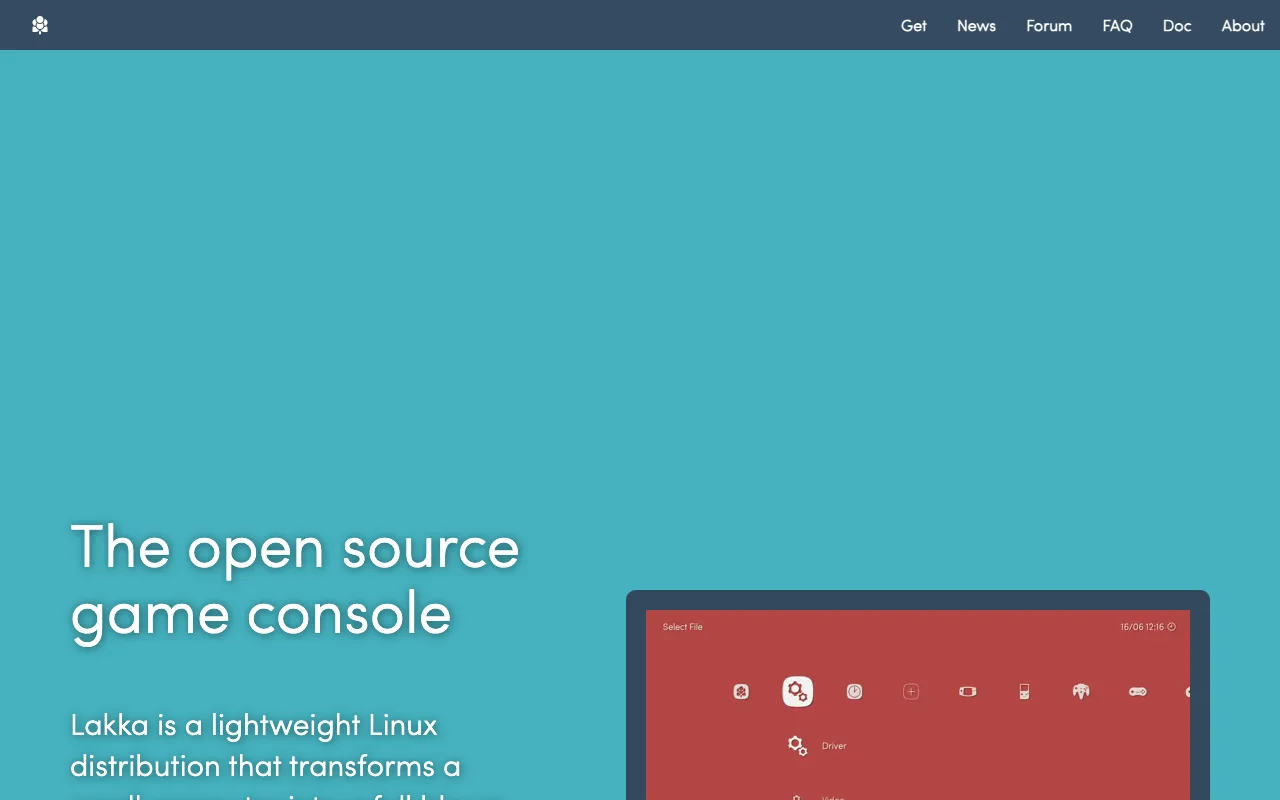
Lakka is a free and open-source operating system designed to transform your Raspberry Pi into a dedicated retro gaming console. Built upon the powerful RetroArch emulator, Lakka offers a lightweight and user-friendly experience for enthusiasts looking to relive classic gaming moments.
Lakka: Retro Gaming OS for Raspberry Pi
Lakka transforms your Raspberry Pi into a dedicated retro gaming console, leveraging the capabilities of RetroArch to emulate a vast library of classic games. It's designed for users who want a simple, focused, and efficient way to play retro titles without the complexities of general-purpose operating systems. Lakka aims to provide a plug-and-play experience, allowing you to get your favorite games up and running quickly.
The core of Lakka is RetroArch, a frontend for numerous emulators, game engines, and media players. This integration means Lakka supports a wide array of gaming systems, from arcade classics to 8-bit and 16-bit consoles. Its lightweight nature ensures that it runs smoothly on the Raspberry Pi, even on older models, providing a responsive gaming experience. The open-source philosophy means it's free to use, modify, and distribute, with a community that actively contributes to its development and support.
Lakka Quick Start: First Steps
Getting started with Lakka is straightforward. First, download the latest Lakka image for your specific Raspberry Pi model from the official website. Then, use a tool like Raspberry Pi Imager or BalenaEtcher to flash the image onto a microSD card. Insert the card into your Raspberry Pi, connect your controller and display, and power it on. Lakka will boot up, and you can begin navigating the RetroArch interface to load your game ROMs and configure your settings.
Once Lakka is running, you'll need to add your game ROMs to the system. You can do this by transferring them to the microSD card via USB or network. After adding your games, you may want to scan your ROMs to populate the Lakka game collection menu. Customizing controls and video settings within RetroArch is also recommended for the best gaming experience. Refer to the official Lakka documentation for detailed guides on setup, ROM management, and advanced configuration options.
Core Functions and Tools in Lakka
- RetroArch Integration: Provides a unified interface for multiple emulators and gaming systems.
- Lightweight OS: Optimized for low resource usage on Raspberry Pi hardware.
- Wide Emulator Support: Emulates numerous classic consoles and arcade machines.
- Controller Configuration: Easy setup and customization for gamepads and controllers.
- Game ROM Management: Tools for loading, organizing, and scanning game files.
Ideal Use Cases for Lakka
- Setting up a dedicated retro gaming console with Raspberry Pi.
- Reliving classic video game experiences.
- Creating a portable emulation device.
- Building a retro arcade cabinet.
- Educational projects involving emulation and Raspberry Pi.
- A distraction-free gaming environment.
Contact and Support Options for Lakka
For support and community assistance, users can visit the official Lakka website and explore its documentation and community forums. These resources provide comprehensive guides, troubleshooting tips, and a platform to connect with other users and developers. Direct support channels are typically community-driven through forums and chat.
Reviews0
Would you recommend Lakka? Leave a comment
No reviews yet. Be the first to share your experience!
Alternatives
The best modern alternatives to Lakka
DOSBox
5.0
Last update: 1 days ago
DOSBox is a free and open-source emulator designed to run old DOS games and applications on modern operating systems. It meticulously emulates a full x86 PC environment, complete with sound, graphics, and input/output capabilities. This powerful tool allows users to relive classic gaming experiences and utilize legacy software that would otherwise be incompatible with current hardware and operatin
View DOSBoxTags:Open SourceWindows
View DOSBoxScummVM
5.0
ScummVM allows you to play classic graphical adventure and role-playing games on modern systems by replacing their original executables. It supports over 325 games from studios like LucasArts and Sierra, offering a gateway to retro gaming across Windows, macOS, Linux, iOS, and Android.
Open SourceDesktop AppWindows
View ScummVM
Pegasus Frontend
5.0
Pegasus Frontend is a highly customizable, cross-platform graphical interface designed to streamline the management and launching of emulators and game collections. It offers a modern, user-friendly solution for retro gaming enthusiasts, allowing them to consolidate their entire library into a single, visually appealing application. With extensive theming capabilities, users can personalize the UI
Open SourceDesktop AppGaming Tools
View Pegasus Frontend
GBA Emulator
5.0
This free, open-source Game Boy Advance emulator for Windows offers a highly accurate and fast emulation experience, making it a top choice for retro gaming enthusiasts. It boasts a comprehensive feature set designed to replicate the original hardware faithfully, ensuring that your favorite GBA titles run smoothly and with all their intended functionality. Whether you're looking to relive classic
WindowsOpen Source
View GBA Emulator
Zelda Classic
5.0
Zelda Classic is a fan-created adventure game engine that empowers players to design, build, and share their own custom Legend of Zelda-style quests. It provides a comprehensive suite of tools for aspiring game developers to craft unique worlds, intricate dungeons, engaging storylines, and challenging puzzles, all within the familiar framework of classic Zelda gameplay. Whether you're a seasoned m
Open SourceGaming ToolsFree
View Zelda Classic
New Tools Releases
Recently added tools
LBRY
5.0
LBRY is a decentralized content sharing and publishing platform that empowers creators and users by offering an open, free, and fair alternative to traditional media distribution. It functions similarly to how Bitcoin revolutionized digital currency, providing a censorship-resistant network for digital content. Users can access content through various applications like the LBRY Desktop client or t
Open SourceFor CreatorsWeb3
View LBRY
Nitreo
5.0
Nitreo is an Instagram growth service that automates key social media tasks like following accounts, liking posts, and viewing stories to organically increase follower count and engagement. It saves users an average of 9 hours per week, making it ideal for creators, businesses, and agencies seeking to expand their reach and build their brand with real, engaged followers.
Social Media ManagementFor Creators
View Nitreo
Tux Rider
5.0
Tux Rider is an engaging 3D racing game for Android, offering a mobile port of the classic "Tux Racer" experience. Players control the Linux mascot, Tux the penguin, as they race down snowy slopes, collecting fish and aiming for the best times. The game features intuitive controls using the accelerometer and touchscreen, providing an accessible and fun gameplay experience. With multiple levels and
Open SourceFor CreatorsAndroid
View Tux Rider
Automad
5.0
Automad is a fast, lightweight, and flexible flat-file content management system and template engine designed for creatives. It offers an intuitive dashboard with a block editor and in-page editing capabilities, eliminating the need for a database by storing all content in human-readable text files. This approach simplifies version control and makes managing your website straightforward. Despite i
Open SourceFor Creators
View Automad
Boost.ai
5.0
Boost.ai is a leading conversational AI platform trusted by regulated industries for its robust security, privacy, and auditability features. The platform empowers enterprises to deliver exceptional customer experiences through advanced agentic AI capabilities, enabling seamless self-service across chat and voice channels. It offers a hybrid AI approach, integrating generative AI for hyper-persona
For EnterprisesAutomation
View Boost.ai
Newshosting
5.0
Newshosting offers a comprehensive solution for Usenet access and online privacy, bundling a high-speed Usenet service with a robust VPN. It provides unlimited VPN access, secure SSL encryption, advanced threat protection, and ad blocking for a safe and private online experience. With extensive article retention and a vast server network, Newshosting ensures unparalleled access to Usenet content,
Subscription-BasedProprietaryWeb App
View Newshosting
Paperwork
5.0
Paperwork is an intuitive personal document management solution designed to streamline the organization and retrieval of your important files. By transforming scanned documents into searchable digital assets, it eliminates the need for manual filing and tedious searching. Ideal for individuals and small businesses seeking an efficient way to manage their paperwork, Paperwork offers intelligent sor
Open SourceDesktop AppDocument Creation
View Paperwork
Glyphr Studio
5.0
Glyphr Studio is a free, open-source, browser-based font editor designed for hobbyists and beginners. It allows users to import various font formats, utilize familiar vector editing tools, combine glyphs, and export custom typefaces directly from their browser, offering an accessible entry into font design without the need for complex professional software.
Open SourceWeb AppBrowser-Based
View Glyphr Studio