
KeePassX
Category of KeePassX:
Tags:
Open SourceFreeDesktop App
Description:
KeePassX is a free, open-source, and cross-platform password manager designed for secure and efficient password storage. It offers a user-friendly interface for managing all your sensitive credentials, protected by strong encryption. As a fork of KeePass Password Safe, it provides a reliable and accessible solution for safeguarding online identities without subscription fees. Its cross-platform co
What Is KeePassX
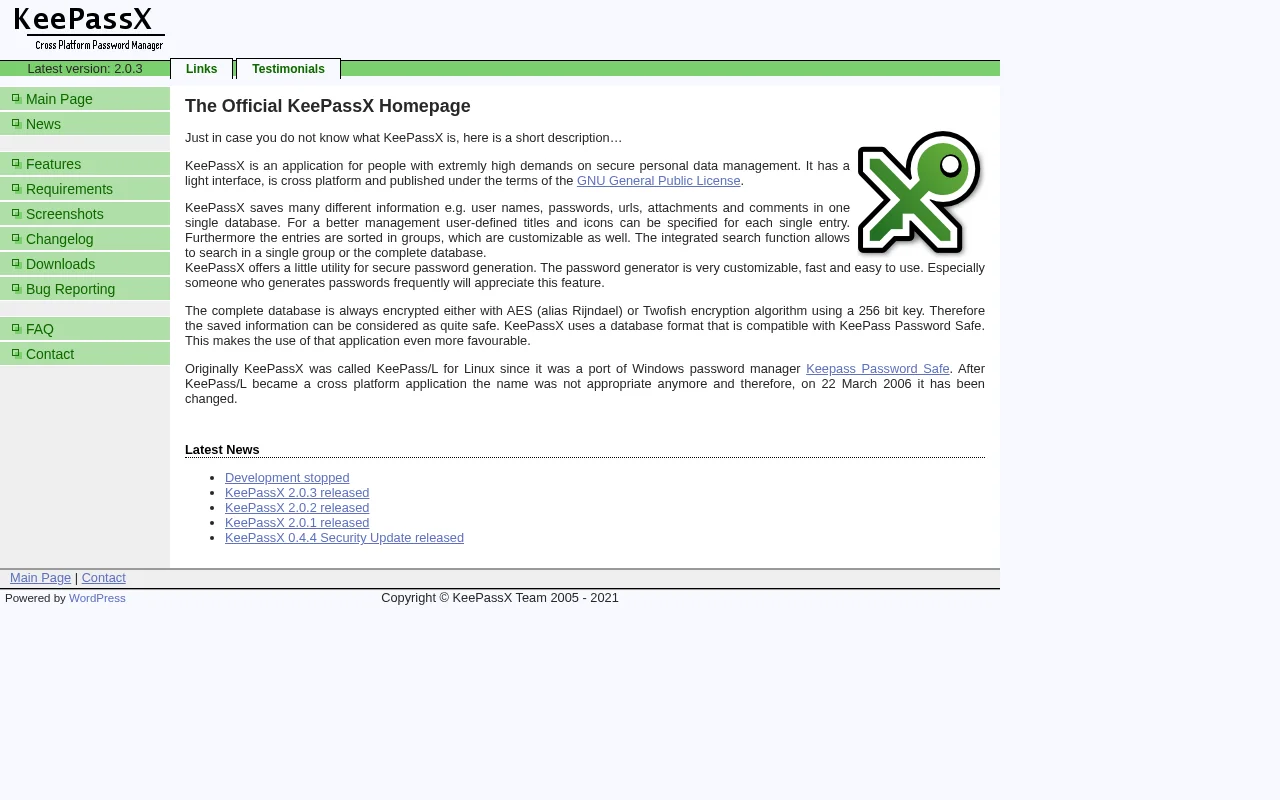
KeePassX is a free and open-source application dedicated to securely managing your passwords. It serves as a reliable password manager, allowing users to store all their sensitive login information in an encrypted database. The application is known for its user-friendly interface and strong security features, making it accessible for both novice and experienced users.
Built with security as a top priority, KeePassX utilizes robust encryption methods to protect your password database from unauthorized access. Its cross-platform nature ensures that you can use it seamlessly across different operating systems, including Windows, macOS, and Linux, providing a consistent experience regardless of your device.
Key Features and Capabilities of KeePassX
- Secure Password Storage: Encrypts your password database with strong algorithms.
- Cross-Platform Compatibility: Works on Windows, macOS, and Linux.
- Password Generator: Creates strong, random passwords to enhance security.
- User-Friendly Interface: Offers a simple and intuitive design for easy navigation.
- Open Source Software: Free to use and modify, with community contributions.
Who KeePassX Is Built For
- Individuals seeking a free and secure password management solution.
- Users who manage multiple online accounts and require a central, protected repository.
- Cross-platform users needing a consistent password manager across different operating systems.
- Privacy-conscious individuals who prefer open-source software.
- Those looking for a reliable password generator to create strong, unique passwords.
Getting Started with KeePassX
To begin using KeePassX, download the application from the official website and install it on your operating system. Once installed, you can create a new password database and set a strong master password to protect it. The tool provides a straightforward interface to add new entries, including website URLs, usernames, and passwords. You can also utilize the built-in password generator to create complex and secure passwords for your accounts.
Limitations to Consider
- Synchronization between devices is not built-in and requires manual setup or third-party tools.
- The user interface, while functional, may appear less modern compared to some commercial alternatives.
- Advanced features like cloud integration or multi-user collaboration are not natively supported.
Support and Contact for KeePassX
KeePassX is an open-source project, and support is primarily community-driven. You can find resources, documentation, and community forums on the official KeePassX website. For specific inquiries, you may refer to the project's issue tracker or community discussions for assistance.
Reviews0
Would you recommend KeePassX? Leave a comment
No reviews yet. Be the first to share your experience!
Alternatives
The best modern alternatives to KeePassX
Joplin
5.0
Last update: 17 min ago
Joplin is a powerful open-source note-taking application designed to securely capture and organize your thoughts across all your devices. It supports rich multimedia content, including images, videos, and audio files, allowing for comprehensive note-taking. With features like web clipping and end-to-end encryption, Joplin ensures your data remains private and accessible wherever you go.
View JoplinTags:Open SourceFreePrivacy-Focused
View JoplinGpg4win
5.0
Gpg4win is a free and open-source software suite that provides robust encryption and digital signing capabilities for Windows users. It empowers individuals and organizations to secure their email communications and sensitive files using the OpenPGP standard. With Gpg4win, you can encrypt messages to ensure only the intended recipient can read them, and digitally sign emails to verify your identit
Open SourceWindowsFree
View Gpg4win
Briar
5.0
Briar is a censorship-resistant, peer-to-peer messaging application designed for secure communication anywhere. It bypasses centralized servers, allowing users to connect directly via Bluetooth, Wi-Fi, or Tor, ensuring privacy is built-in. Ideal for individuals prioritizing robust security and anonymity, Briar offers end-to-end encryption for messages and forums. Its decentralized nature ensures c
Open SourcePrivacy-Focused
View Briar
KeeWeb
5.0
KeeWeb is a free, open-source, and cross-platform password manager compatible with KeePass databases. It offers robust security and user-friendly features for managing sensitive information across all your devices, with seamless synchronization via cloud services like Dropbox and Google Drive.
Open SourceDesktop AppWeb App
View KeeWeb
Mailvelope
5.0
Mailvelope is an open-source browser extension providing end-to-end encryption (E2EE) for webmail services like Gmail and Outlook. It uses the OpenPGP standard for secure email communication, ensuring GDPR compliance and protecting sensitive data. Features include email signing and attachment encryption, suitable for individuals and businesses seeking enhanced privacy and secure communication chan
Open SourceChrome ExtensionPrivacy-Focused
View Mailvelope
New Tools Releases
Recently added tools
Glogg
5.0
glogg is a powerful, multi-platform GUI application for programmers and system administrators to efficiently browse and search through large log files. It combines the functionalities of grep and less with features like case-insensitive filtering and auto-reloading, streamlining log analysis and troubleshooting.
Open SourceDesktop AppDev Tools
View Glogg
VokoscreenNG
5.0
vokoscreenNG is a free and open-source screen recorder for Linux and Windows, offering full screen, area, or window capture with simultaneous multi-audio recording and built-in camera support. It supports various output formats like MKV, GIF, and MP4, making it a versatile tool for tutorials, presentations, and more.
Open Source
View VokoscreenNG
Koofr
5.0
Koofr offers secure, private European cloud storage with a focus on user privacy and GDPR compliance. It allows users to consolidate multiple cloud accounts into a single interface, providing seamless access across devices. Features include encryption, secure file sharing, and online collaboration.
Privacy-FocusedSecurity
View Koofr
Hedgewars
5.0
Hedgewars is a free, open-source, turn-based artillery game inspired by the Worms series. It features charming hedgehog characters, a diverse arsenal of weapons, and strategic gameplay suitable for single-player or multiplayer modes. Available on Linux, macOS, and BSD.
Open SourceLinuxmacOS
View Hedgewars
Hg.sr.ht
5.0
hg.sr.ht is a Mercurial repository hosting service integrated with the sourcehut platform. It provides a secure environment for developers to manage code, offering support for public, private, and unlisted repositories with fine-grained access control and integrated software release management.
Open SourceFor DevelopersDev Tools
View Hg.sr.ht
YunoHost
5.0
YunoHost simplifies self-hosting of digital services for individuals and small organizations. This open-source system allows easy installation and management of applications like websites, email servers, and wikis, ensuring users retain full control over their data and privacy. It promotes digital autonomy and a decentralized internet.
Open SourcePrivacy-FocusedMIT License
View YunoHost
Super Meat Boy Forever
5.0
Super Meat Boy Forever is a challenging and fast-paced platformer with an auto-runner mechanic, focusing on precise jumps and attacks. It offers hundreds of procedurally generated levels, a unique art style, and a quirky narrative, providing an addictive and rewarding experience for platforming enthusiasts.
Trial AvailableFor Creators
View Super Meat Boy Forever
Pencil2D Animation
5.0
Pencil2D Animation is a free and open-source 2D animation software designed for hand-drawn animation. It offers an intuitive and minimalist interface, supporting both raster and vector graphics. This cross-platform application is available on Windows, macOS, Linux, and FreeBSD, making it accessible to a wide range of users seeking a powerful yet simple solution for bringing their 2D animations to
Open SourceFreeDesktop App
View Pencil2D Animation