Jitter
Category of Jitter:
Tags:
Web AppBrowser-BasedFor Creators
Description:
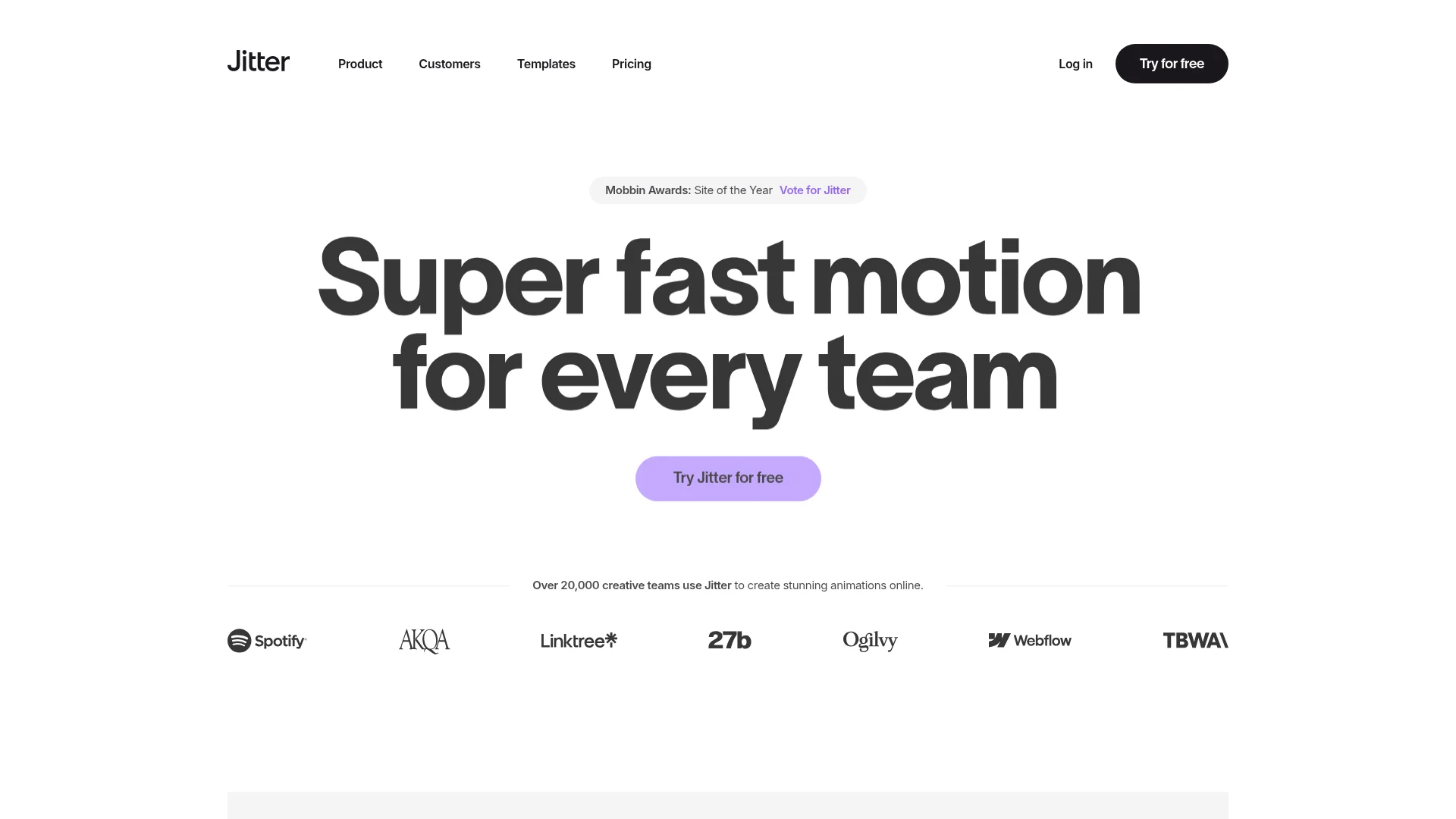
Jitter is a collaborative motion design tool that enables users to create professional animations quickly and easily through a web-based interface. Designed for creators of all skill levels, it offers intuitive controls, real-time collaboration, and templates for social media, marketing, and educational content.
Complete Platform Overview for Motion Design with Jitter
Jitter provides a comprehensive web-based platform for creating professional motion graphics and animations. The tool is designed to be accessible to users with varying levels of experience, from complete beginners to seasoned designers. It offers a collaborative environment where teams can work together in real-time on animation projects.
The platform focuses on simplicity and speed, allowing users to produce animations in minutes rather than hours. All work is saved in the cloud, enabling seamless access from any device with an internet connection. This eliminates the need for software downloads or complex installations.
Jitter supports various animation styles including text animations, logo reveals, transitions, and character animations. The interface is intuitive with drag-and-drop functionality and visual controls that make motion design approachable for non-technical users.
How the Animation Tool Works Step by Step with Jitter
Users begin by creating a new project and selecting from templates or starting with a blank canvas. The workspace includes a timeline, layers panel, and property controls similar to professional animation software but simplified for accessibility. Elements can be imported or created directly within the platform.
Animation is applied through keyframes that define starting and ending states for properties like position, scale, rotation, and opacity. The platform automatically generates smooth transitions between these keyframes. Users can preview animations in real-time and make adjustments until satisfied with the results.
Main Features You Get with the Animation Platform Jitter
- Real-time Collaboration: Multiple users can edit animations simultaneously with live updates.
- Template Library: Pre-designed animation templates for various use cases and styles.
- Web-Based Interface: No software installation required, accessible from any browser.
- Keyframe Animation: Professional animation controls with visual timeline editing.
- Export Options: Multiple format exports including MP4, GIF, and Lottie files.
Best Use Cases for Motion Design Software Jitter
- Social media creators needing animated posts and stories
- Marketing teams creating animated advertisements and promotions
- Educators developing engaging instructional videos and presentations
- Small businesses producing professional product demonstrations
- Designers prototyping animations for websites and applications
- Content teams collaborating on video projects remotely
How to Contact Support for Assistance with Jitter
For technical support and assistance with the platform, users can access help resources within the application. The contact email for support inquiries is contact@jitter.video. Additional documentation and tutorials are available to help users get started with animation projects.
Reviews0
Would you recommend Jitter? Leave a comment
No reviews yet. Be the first to share your experience!
Alternatives
The best modern alternatives to Jitter
Google Drive
5.0
Last update: 5 days ago
Google Drive is a secure, AI-powered cloud storage platform that enables seamless file sharing and real-time collaboration. Store, access, and edit documents from any device with scalable storage up to 5TB per user. Integrated with Google Workspace tools for enhanced productivity and workflow management.
View Google DriveTags:Web AppMobile AppBrowser-Based
View Google DriveFigma Slides
5.0
Figma Slides is the first presentation tool built specifically for designers and their teams, combining collaborative features with design precision for creating presentations with interactive prototypes and real-time editing.
FigmaBrowser-BasedFree
View Figma Slides
Zoho Calendar
5.0
Zoho Calendar is a powerful online calendar tool designed for teams and businesses. It streamlines scheduling, resource booking, and event management with smart features like natural language input and cross-platform sync.
SchedulingWeb AppFree
View Zoho Calendar
Behance
5.0
Behance is Adobe's premier creative platform where professionals showcase portfolios, discover inspiration, and connect with opportunities. It serves as a global network for designers, photographers, illustrators, and other creatives to display their best work and get hired.
Web AppFor CreatorsFor Designers
View Behance
Gamma
5.0
Gamma is an AI-powered design platform that creates stunning presentations, websites, documents, and social media graphics in minutes with AI assistance and smart editing tools.
Browser-BasedContent GenerationDocument Creation
View Gamma
New Tools Releases
Recently added tools
MagicHow
5.0
MagicHow is an AI-powered SaaS platform that automates the creation of step-by-step guides, SOPs, and training manuals. It captures processes visually and uses AI to refine content, making documentation creation efficient and accessible for teams aiming to standardize operations and knowledge management.
View MagicHow
Neon White
5.0
Neon White is a high-octane first-person shooter that throws players into a celestial battle against demons. Players navigate fast-paced levels, utilizing a unique card-based combat and movement system to achieve the fastest times. The game challenges players to master card combinations for massive shortcuts, uncover the mysteries of Heaven by interacting with other assassins, and compete for a ch
GamingBrowser-BasedMobile App
View Neon White
Xreveal
5.0
Xreveal is a Windows application that automatically and transparently removes restrictions from DVD and Blu-ray media, including region codes. It enables seamless read access to disc content and can also back up discs to ISO or folder formats. Designed for users who want to bypass copy protection and region codes effortlessly, Xreveal operates in the background, making your physical media library
View Xreveal
LBRY
5.0
LBRY is a decentralized content sharing and publishing platform that empowers creators and users by offering an open, free, and fair alternative to traditional media distribution. It functions similarly to how Bitcoin revolutionized digital currency, providing a censorship-resistant network for digital content. Users can access content through various applications like the LBRY Desktop client or t
Open SourceFor CreatorsWeb3
View LBRY
Nitreo
5.0
Nitreo is an Instagram growth service that automates key social media tasks like following accounts, liking posts, and viewing stories to organically increase follower count and engagement. It saves users an average of 9 hours per week, making it ideal for creators, businesses, and agencies seeking to expand their reach and build their brand with real, engaged followers.
Social Media ManagementFor Creators
View Nitreo
Tux Rider
5.0
Tux Rider is an engaging 3D racing game for Android, offering a mobile port of the classic "Tux Racer" experience. Players control the Linux mascot, Tux the penguin, as they race down snowy slopes, collecting fish and aiming for the best times. The game features intuitive controls using the accelerometer and touchscreen, providing an accessible and fun gameplay experience. With multiple levels and
Open SourceFor CreatorsAndroid
View Tux Rider
Automad
5.0
Automad is a fast, lightweight, and flexible flat-file content management system and template engine designed for creatives. It offers an intuitive dashboard with a block editor and in-page editing capabilities, eliminating the need for a database by storing all content in human-readable text files. This approach simplifies version control and makes managing your website straightforward. Despite i
Open SourceFor Creators
View Automad
Boost.ai
5.0
Boost.ai is a leading conversational AI platform trusted by regulated industries for its robust security, privacy, and auditability features. The platform empowers enterprises to deliver exceptional customer experiences through advanced agentic AI capabilities, enabling seamless self-service across chat and voice channels. It offers a hybrid AI approach, integrating generative AI for hyper-persona
For EnterprisesAutomation
View Boost.ai