Internet Download Manager
Category of Internet Download Manager:
Tags:
WindowsDesktop AppTrial Available
Description:
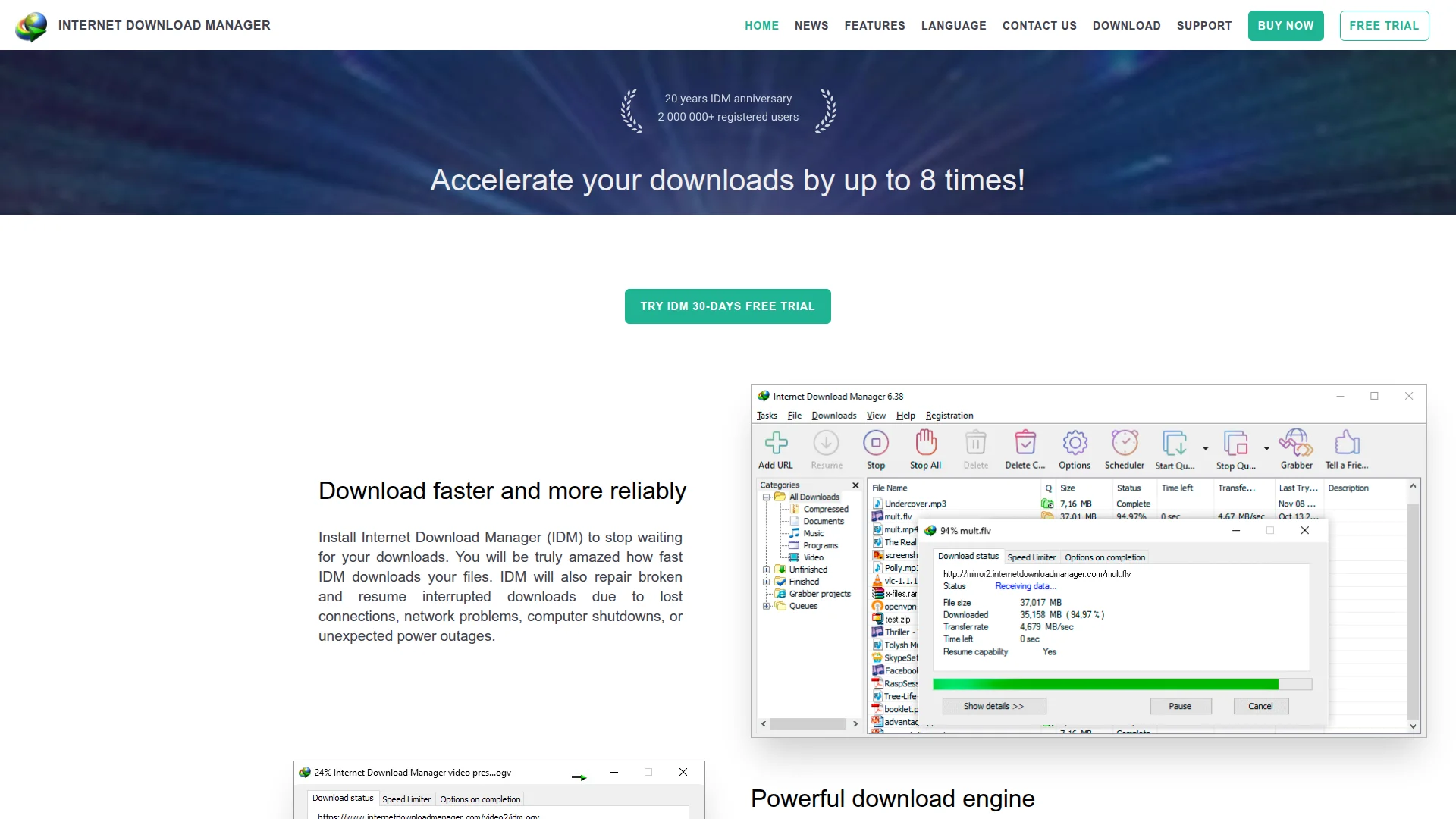
Internet Download Manager (IDM) is a powerful download accelerator for Windows that increases download speeds by up to 8 times. It seamlessly integrates with all popular browsers, resumes interrupted downloads, and offers scheduling capabilities.
Last update:
1 November, 2026Website:
internetdownloadmanager.comContact email:
contact@internetdownloadmanager.comWhat Is Internet Download Manager and How Does It Work
Internet Download Manager (IDM) is a comprehensive download management solution designed to optimize file transfers on Windows systems. This powerful tool accelerates downloads through innovative dynamic segmentation technology that maximizes available bandwidth. With over two decades of development since 1999, IDM has evolved into one of the most reliable download managers available.
The software integrates seamlessly with all major web browsers including Chrome, Firefox, Edge, and Opera through dedicated extensions. IDM automatically captures download links from your browser and manages them through its efficient download engine. This integration ensures you never miss an opportunity to accelerate your downloads while browsing normally.
Beyond speed improvements, IDM provides robust download management features including resume capabilities for interrupted transfers. Whether due to network issues, power outages, or system shutdowns, IDM can restart downloads from where they left off. The software also organizes downloads into categories and offers extensive customization options for power users.
Key Features and Capabilities of Internet Download Manager
- Dynamic Segmentation Technology: Accelerates downloads by dividing files into multiple streams
- Browser Integration Module: Seamlessly connects with Chrome, Firefox, Edge, and other browsers
- Download Resume Capability: Restarts interrupted downloads from the point of failure
- Scheduling System: Plans downloads for specific times and manages multiple queues
- Video Download Panel: Captures media files from web players and streaming sites
Ideal Use Cases for Internet Download Manager
- Downloading large software installation files and updates
- Grabbing video content from educational platforms and tutorials
- Managing multiple simultaneous downloads for productivity
- Resuming interrupted downloads after network disruptions
- Organizing downloaded files into categories for easy access
- Scheduling downloads during off-peak internet hours
Contact and Support Options for Internet Download Manager
For technical support and assistance with Internet Download Manager, users can access the comprehensive FAQ section on the official website. The support section includes detailed guides on installation, browser integration, and troubleshooting common issues. For registration and serial number inquiries, specific documentation addresses common licensing questions.
Reviews0
Would you recommend Internet Download Manager? Leave a comment
No reviews yet. Be the first to share your experience!
Alternatives
The best modern alternatives to Internet Download Manager
Dropbox
5.0
Last update: November 14, 2026
Dropbox is a comprehensive cloud storage and collaboration platform that helps you find, organize, and share your work all in one place. With over 700 million registered users, it offers secure file storage, AI-powered search, and seamless team collaboration across devices.
View DropboxTags:Web AppMobile AppDesktop App
View DropboxCorelDRAW Graphics Suite
5.0
CorelDRAW Graphics Suite 2026 is a comprehensive professional graphic design software package for Windows and macOS that delivers powerful vector illustration, photo editing, layout, and typography capabilities.
Subscription-BasedDesktop AppFor Designers
View CorelDRAW Graphics Suite
LightPDF
5.0
LightPDF is an AI-powered PDF solution offering editing, conversion, OCR, signing, annotation, and AI document interaction across web, desktop, and mobile platforms with 25+ free tools.
Web AppMobile AppDesktop App
View LightPDF
PDFCreator
5.0
PDFCreator is a versatile PDF converter designed for efficient document creation and workflow automation. It caters to individuals, businesses, and server environments, offering features like automated batch processing, advanced encryption, and custom scripting. With over a million daily conversions and a 95% customer satisfaction rate, PDFCreator provides flexible and reliable PDF solutions for v
WindowsOpen SourcePaid
View PDFCreator
ExifTool
5.0
ExifTool is a platform-independent Perl library and command-line tool for reading, writing, and editing metadata across multiple file formats including images, audio, video, and documents.
Open SourceCLI ToolWindows
View ExifTool
New Tools Releases
Recently added tools
Quiver
5.0
Quiver is a modern, user-friendly editor designed for creating commutative diagrams. It offers robust support for the popular tikz-cd package, making it an ideal tool for mathematicians, researchers, and students who need to visualize complex relationships and structures. The intuitive interface allows for efficient diagram construction, enabling users to focus on their mathematical content rather
Open SourceWeb AppWeb
View Quiver
Retro Game Trivia
5.0
Retro Game Trivia is a free, daily browser game for retro video game enthusiasts. Players guess classic video games using various methods, including letter reveals, textual clues, iconic screenshots, and box art. This engaging Wordle-style game provides a fun way to test and expand your knowledge of gaming history. With multiple game modes and an archive of past challenges, it caters to both casua
Browser-BasedFreeEarly Access
View Retro Game Trivia
Iron Marines
5.0
Iron Marines is a real-time strategy game blending action and tower defense. Players command heroes and units across a sci-fi universe to battle alien invaders. Available on mobile (iOS, Android) and PC (Steam), it offers engaging campaigns and tactical gameplay.
Gaming ToolsFor CreatorsMobile App
View Iron Marines
BiblioReads
5.0
BiblioReads is a free and open-source front-end for Goodreads, prioritizing user privacy. It allows users to search for book information directly from the Goodreads database without the privacy concerns associated with the official platform. Ideal for readers who want a clean, private way to track their reading, manage lists, and discover book details.
Open SourceFreePrivacy-Focused
View BiblioReads
IVentoy
5.0
iVentoy is a powerful and user-friendly network boot solution that transforms any computer into a PXE/HTTPBoot server. It allows for simultaneous operating system installation and booting across multiple machines without complex configuration. Supporting a wide range of operating systems and UEFI modes, including Secure Boot, iVentoy is ideal for IT professionals, system administrators, and anyone
Open SourceWindowsLinux
View IVentoy
PocketBase
5.0
PocketBase is an open-source backend solution that simplifies application development by bundling a real-time database, authentication services, file storage, and an integrated admin dashboard into a single, self-contained file. This all-in-one approach is ideal for developers seeking a lightweight yet powerful backend for rapid prototyping, small to medium-sized applications, and projects where m
Open SourceLinuxDev Tools
View PocketBase
OpenRCT2
5.0
OpenRCT2 is a community-driven, open-source re-implementation of RollerCoaster Tycoon 2, enhancing the classic game with bug fixes, improved performance, and new features. It offers modern gameplay enhancements, extensive customization, and robust multiplayer support, making it ideal for fans seeking a more stable and feature-rich theme park simulation experience. This free project is actively dev
Open SourcemacOSLinux
View OpenRCT2
MagicHow
5.0
MagicHow is an AI-powered SaaS platform that automates the creation of step-by-step guides, SOPs, and training manuals. It captures processes visually and uses AI to refine content, making documentation creation efficient and accessible for teams aiming to standardize operations and knowledge management.
View MagicHow