Amethyst
Category of Amethyst:
Tags:
macOSOpen SourcemacOS
Description:
Amethyst is a powerful tiling window manager designed exclusively for macOS, offering users a highly efficient and customizable way to organize their application windows. Inspired by the principles of xmonad, it allows users to maximize productivity by automatically arranging windows into non-overlapping tiles, eliminating the need for manual resizing and repositioning. This tool is ideal for powe
Introduction to Amethyst and Its Benefits
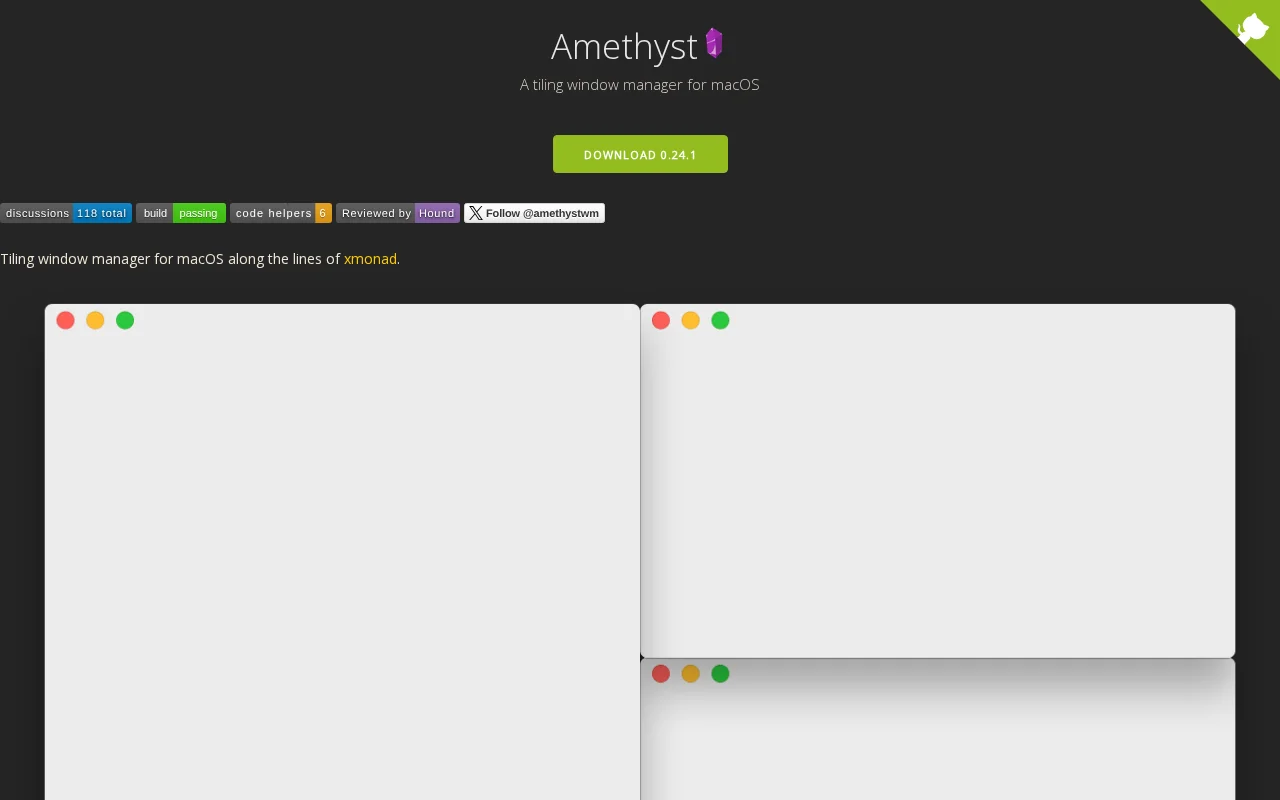
Amethyst is a sophisticated tiling window manager meticulously crafted for macOS users. It draws inspiration from established tiling window managers like xmonad, aiming to significantly boost user productivity. By automatically arranging application windows into organized, non-overlapping tiles, Amethyst eliminates the manual effort typically required for window management. This allows users to focus more on their tasks and less on managing their workspace, leading to a smoother and more efficient computing experience. The tool is particularly beneficial for developers, designers, and any professional who juggles multiple applications simultaneously and desires a more streamlined workflow.
The core advantage of Amethyst lies in its ability to provide a dynamic and organized desktop environment. It intelligently tiles windows, ensuring that screen real estate is utilized optimally without any overlaps. This not only prevents clutter but also enhances focus by presenting information in a clear, structured manner. With extensive customization options and a strong emphasis on keyboard shortcuts, Amethyst empowers users to tailor their window management experience precisely to their needs, making it an indispensable tool for power users on macOS.
Getting Started with Amethyst: Quick Setup Guide
To begin using Amethyst, you first need to download the application and grant it the necessary accessibility permissions. Navigate to the Privacy & Security settings in your macOS System Preferences, then go to Accessibility and add Amethyst to the list of applications allowed to control your computer. It is also highly recommended to disable the "Automatically rearrange Spaces based on most recent use" setting in Mission Control preferences to ensure predictable navigation between your virtual desktops. Alternatively, you can disable this setting via the terminal using the provided command.
Amethyst can be easily installed using Homebrew Cask by running the command brew install --cask amethyst in your terminal. Once installed and configured with the correct permissions, you can start leveraging its powerful tiling features. Explore the various layout options and keyboard shortcuts to discover the most efficient way to manage your windows and enhance your overall productivity on macOS. Remember that Amethyst is supported on macOS 10.15 and later versions.
Top Features and Highlights of Amethyst
- Automatic Tiling Layouts: Organizes windows into predefined or custom layouts without overlap.
- Extensive Keyboard Shortcuts: Provides comprehensive control over window management via keyboard commands.
- Multiple Layout Options: Offers a variety of tiling arrangements like Tall, Wide, Fullscreen, and BSP.
- Customization via YAML: Allows users to configure settings and shortcuts using a YAML file.
- JavaScript for Custom Layouts: Enables advanced users to implement their own unique window layouts.
Who Benefits Most from Amethyst
- Developers managing multiple code editors and terminals.
- Designers working with various design software and reference materials.
- Writers who need organized spaces for research and writing.
- Multitaskers seeking to optimize their desktop efficiency.
- Power users who prefer keyboard-driven workflows.
- Anyone aiming to enhance productivity on macOS.
Amethyst Help and Support Resources
For assistance with Amethyst, consult the troubleshooting documentation available on its GitHub repository. You can also engage with the community for questions and feedback via Twitter or the Gitter chat channel. Contributions to the project are welcome through pull requests on the development branch.
Reviews0
Would you recommend Amethyst? Leave a comment
No reviews yet. Be the first to share your experience!
Alternatives
The best modern alternatives to Amethyst
Flow Launcher
5.0
Last update: 2 days ago
Flow Launcher is a free, open-source application launcher for Windows that significantly enhances productivity. It offers lightning-fast access to applications, files, and system functions via keyboard shortcuts, with extensive plugin support for deep customization. Streamline your workflow and boost efficiency with this versatile tool.
View Flow LauncherTags:Open SourceDesktop AppWindows
View Flow LauncherTabTab
5.0
TabTab is a powerful and elegant window and tab switcher for macOS, offering a streamlined solution for managing open applications and browser tabs. It provides instant search and navigation, boosting productivity with a visually appealing, lightweight, and native macOS design. Ideal for professionals, developers, and anyone seeking to simplify their workflow.
Desktop AppUX/UI DesignmacOS
View TabTab
Stay
5.0
Stay is a macOS application designed to meticulously manage your application windows, ensuring they remain exactly where you position them, even across different display configurations. Whether you frequently connect and disconnect external monitors or simply value a tidy desktop, Stay intelligently remembers and restores your window layouts. This tool is perfect for users who are particular about
WindowsmacOSAPI
View Stay
YouTube
5.0
YouTube is the world's largest video-sharing platform where users can upload, watch, and share videos. It offers diverse content from entertainment and education to music and live streaming, with tools for creators to build audiences and monetize content.
YouTubeFor CreatorsFree
View YouTube
Facebook
5.0
Facebook is the world's leading social networking platform that enables users to connect with friends, family, and communities. Create personalized profiles, share photos and videos, join groups, and stay updated with news and events.
Web AppMobile AppFree
View Facebook
New Tools Releases
Recently added tools
Small Basic
5.0
Small Basic is a free, beginner-friendly programming language developed by Microsoft, designed to make coding accessible and fun for learners of all ages. It simplifies complex programming concepts with an easy-to-understand syntax and a built-in Integrated Development Environment (IDE) that includes helpful features like syntax highlighting and debugging tools. This educational tool empowers user
Open SourceFor StudentsFor Teachers
View Small Basic
Scenari Dokiel
5.0
Scenari Dokiel is a high-performance distributed ledger technology utilizing a hybrid consensus mechanism for rapid transactions. Ideal for DeFi, supply chain management, and gaming, its scalable and secure architecture empowers developers to build next-generation decentralized applications with confidence and efficiency.
AutomationWeb3Open Source
View Scenari Dokiel
SpurtCMS
5.0
spurtCMS is a powerful, open-source Content Management System built with Golang, designed to be adaptable for diverse industry needs and content delivery requirements. It offers a robust admin panel powered by Golang and integrates seamlessly with TailwindCSS for modern, stylish front-end development. Developers can leverage its GraphQL APIs for efficient data fetching and scalability, making it s
Open SourceFor DevelopersAPI
View SpurtCMS
Glogg
5.0
glogg is a powerful, multi-platform GUI application for programmers and system administrators to efficiently browse and search through large log files. It combines the functionalities of grep and less with features like case-insensitive filtering and auto-reloading, streamlining log analysis and troubleshooting.
Open SourceDesktop AppDev Tools
View Glogg
VokoscreenNG
5.0
vokoscreenNG is a free and open-source screen recorder for Linux and Windows, offering full screen, area, or window capture with simultaneous multi-audio recording and built-in camera support. It supports various output formats like MKV, GIF, and MP4, making it a versatile tool for tutorials, presentations, and more.
Open Source
View VokoscreenNG
Koofr
5.0
Koofr offers secure, private European cloud storage with a focus on user privacy and GDPR compliance. It allows users to consolidate multiple cloud accounts into a single interface, providing seamless access across devices. Features include encryption, secure file sharing, and online collaboration.
Privacy-FocusedSecurity
View Koofr
Hedgewars
5.0
Hedgewars is a free, open-source, turn-based artillery game inspired by the Worms series. It features charming hedgehog characters, a diverse arsenal of weapons, and strategic gameplay suitable for single-player or multiplayer modes. Available on Linux, macOS, and BSD.
Open SourceLinuxmacOS
View Hedgewars
Hg.sr.ht
5.0
hg.sr.ht is a Mercurial repository hosting service integrated with the sourcehut platform. It provides a secure environment for developers to manage code, offering support for public, private, and unlisted repositories with fine-grained access control and integrated software release management.
Open SourceFor DevelopersDev Tools
View Hg.sr.ht