
Htop
Category of Htop:
Tags:
Open SourceDesktop AppCLI Tool
Description:
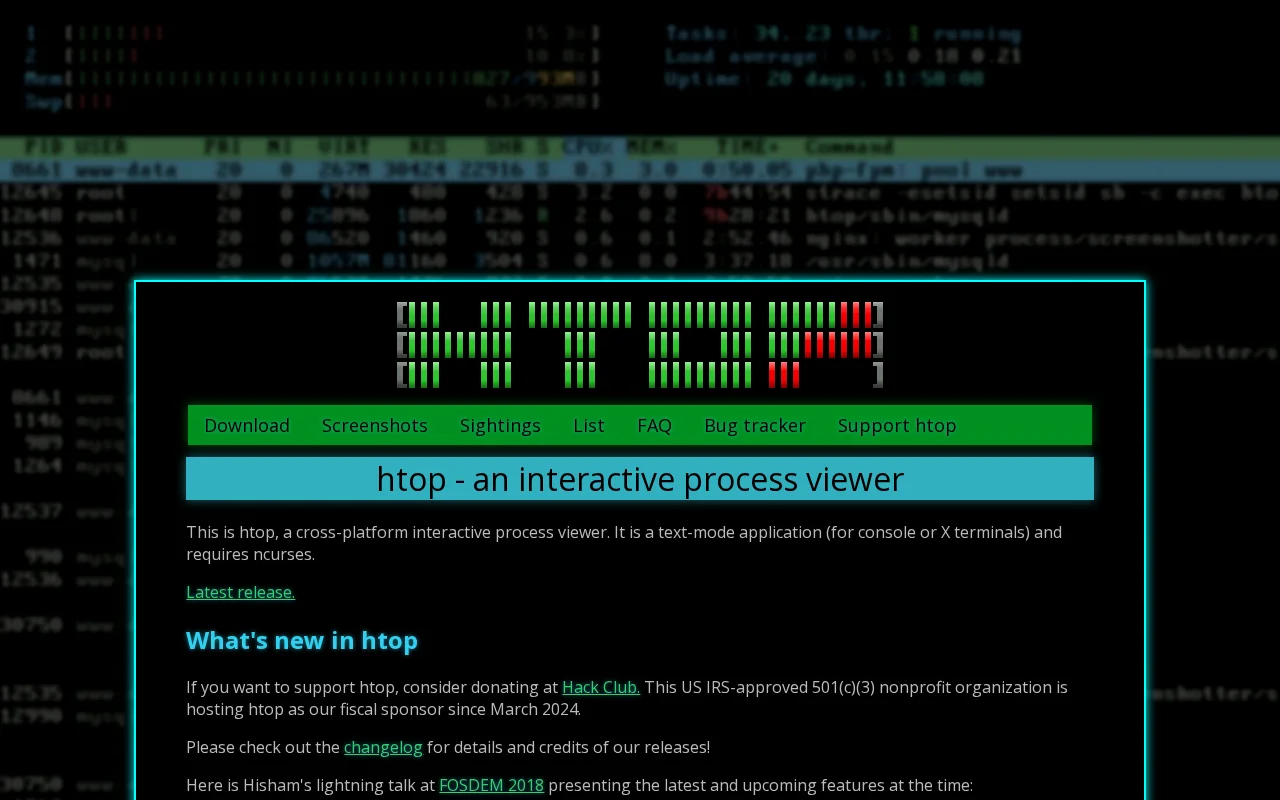
htop is a powerful, cross-platform, interactive process viewer for Linux, macOS, and other Unix-like operating systems. It provides a real-time, text-based interface to monitor system processes, CPU usage, memory consumption, and other vital system metrics with features like color-coded displays and mouse support.
Understanding htop: An Interactive Process Viewer
htop is an advanced, interactive process viewer designed for Unix-like operating systems, including Linux and macOS. It offers a superior, user-friendly alternative to the traditional `top` command, providing real-time insights into system performance.
Key Features of htop for System Monitoring
- Real-time Process Monitoring: View live CPU, memory, and I/O usage for all running processes.
- Interactive Process Management: Sort, filter, search, and kill processes directly within the interface.
- System Resource Overview: Get a clear, color-coded summary of CPU, memory, and swap utilization.
- Customizable Display Options: Tailor the view by adjusting columns and enabling a process tree for detailed insights.
- Cross-Platform Compatibility: Functions seamlessly on Linux, macOS, FreeBSD, NetBSD, and Solaris systems.
Getting Started with htop
Launch htop by typing `htop` in your terminal after installation. Navigate processes using arrow keys and interact with options via function keys (F1-F10). Mouse support is often available for enhanced usability.
Ideal Use Cases for htop
- Monitoring system resource utilization.
- Identifying and terminating runaway processes.
- Troubleshooting performance bottlenecks.
- Gaining a visual understanding of system activity.
- Managing processes on remote servers efficiently.
Support and Resources for htop
For detailed information, refer to the official htop documentation and community resources. Bug reports and contributions are welcome via the project's GitHub repository.
Reviews0
Would you recommend Htop? Leave a comment
No reviews yet. Be the first to share your experience!
Alternatives
The best modern alternatives to Htop
FreeCommander
5.0
Last update: 6 hours ago
FreeCommander is a free, dual-pane file manager for Windows, offering a more efficient and flexible alternative to the default Windows file explorer. It features a tabbed interface, built-in file viewer, file synchronization, and batch file renaming to simplify complex file operations and enhance user productivity.
View FreeCommanderTags:WindowsOpen Source
View FreeCommanderTwinkle Tray
5.0
Twinkle Tray is a free Windows application that simplifies managing monitor brightness. It adds a system tray icon for quick access to brightness sliders for all compatible monitors, supporting DDC/CI-enabled displays. Features include hotkey binding, time-based adjustments, and command-line arguments for scripting, making it ideal for multi-monitor setups.
WindowsOpen Source
View Twinkle Tray
X64dbg
5.0
x64dbg is a powerful open-source debugger for Windows, offering robust debugging capabilities for both 64-bit and 32-bit applications. Its intuitive interface, combined with advanced features like a C-like expression parser, memory map, and dynamic stack view, makes it an indispensable tool for reverse engineers, security researchers, and developers. The debugger supports extensive customization t
WindowsOpen SourceFor Developers
View X64dbg
Systemd
5.0
Systemd is a foundational system and service manager for Linux, designed to streamline the boot process and manage system resources efficiently. It provides advanced parallelization, socket and D-Bus activation, and on-demand service starting, ensuring faster and more robust system operations. Systemd is crucial for modern Linux distributions, offering a comprehensive suite of tools for managing e
Open SourceLinux
View Systemd
QView
5.0
qView is a highly efficient and minimalist image viewer designed for users who prioritize speed and a clutter-free experience. It opens images almost instantaneously, allowing for rapid switching between files without any distracting toolbars or complex interfaces. Ideal for photographers, designers, and anyone who frequently works with images, qView offers essential features like animated GIF con
Open SourceWindowsmacOS
View QView
New Tools Releases
Recently added tools
DropSync 3
5.0
DropSync 3 is a powerful and versatile Mac application designed for efficient file synchronization and folder updating. It streamlines the process of managing files across different locations, whether you're updating a web server, backing up large photo collections, or simply keeping folders in sync. Its intelligent rsync-based engine ensures speed by only transferring changed file portions, makin
Desktop AppTrial AvailablemacOS
View DropSync 3
Collectorz.com
5.0
Collectorz.com is a robust software solution for music enthusiasts to meticulously catalog and manage their entire music collection, including CDs, vinyl records, and digital albums. It simplifies adding items via barcode scanning or online database searches, ensuring accurate details are captured. Users can personalize their catalog with notes, ratings, and tags, and utilize features like a loan
Trial AvailableSubscription-Based
View Collectorz.com
FUTO Keyboard
5.0
FUTO Keyboard is a privacy-first mobile keyboard designed for complete offline functionality. It offers essential features like swipe typing, autocorrect, and predictive text without requiring an internet connection, ensuring your data remains private and secure. Ideal for users who prioritize data security and wish to avoid online data transmission, FUTO Keyboard provides a reliable and user-frie
Open SourceMobile AppPrivacy-Focused
View FUTO Keyboard
Amethyst
5.0
Amethyst is a powerful tiling window manager designed exclusively for macOS, offering users a highly efficient and customizable way to organize their application windows. Inspired by the principles of xmonad, it allows users to maximize productivity by automatically arranging windows into non-overlapping tiles, eliminating the need for manual resizing and repositioning. This tool is ideal for powe
macOSOpen SourcemacOS
View Amethyst
Maker 3D
5.0
Maker 3D is a comprehensive 3D modeling software for beginners and professionals. It offers an intuitive interface, advanced tools for creation, editing, and rendering, plus robust animation capabilities. Ideal for diverse creative projects, it ensures cross-platform compatibility and flexible pricing.
3D ModelingFor Designers
View Maker 3D
Windowsill
5.0
Windowsill is a streamlined digital notebook designed for efficiently capturing, organizing, and retrieving your thoughts, ideas, and notes. Its intuitive interface allows for quick idea capture, while robust tagging and search functionalities ensure that your information is always accessible. Perfect for students, professionals, and anyone looking to enhance personal knowledge management, Windows
Note-TakingProductivity
View Windowsill
Hello History
5.0
Hello History is an AI-powered application that allows users to engage in life-like conversations with historical figures like Cleopatra, Einstein, and Buddha. It offers a unique and immersive educational experience for students, educators, and history enthusiasts.
For StudentsFor TeachersContent Generation
View Hello History
TheFor
5.0
TheFor is a comprehensive routine and habit tracker designed to inspire users with thousands of routines from creators worldwide. It offers a powerful yet minimalistic interface, making habit management effortless. Key features include curated collections of routines, home screen widgets for easy tracking, and a visually appealing, calming aesthetic. Ideal for individuals seeking to build consiste
View TheFor