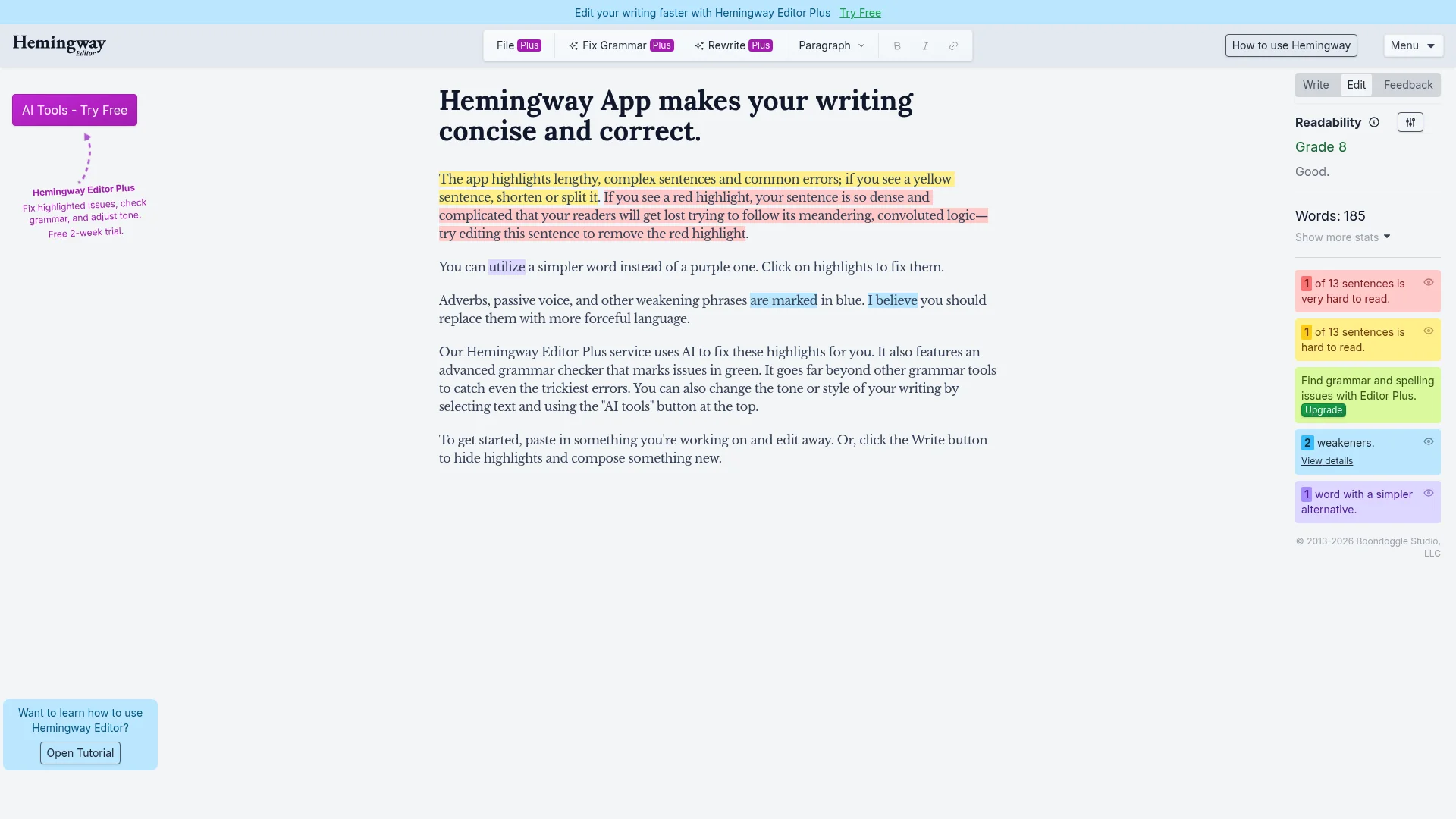

The Hemingway App is a writing tool that highlights complex sentences, common grammatical errors, adverbs, and passive voice, offering suggestions for improvement. Hemingway Editor Plus uses AI to automatically fix issues, provides a comprehensive grammar checker, and allows for tone and style adjustments. Ideal for writers seeking to enhance clarity, conciseness, and impact in their work.
The Hemingway App is a sophisticated writing assistant designed to elevate the clarity and conciseness of your text. It functions by identifying and highlighting areas that could be improved, such as lengthy or complex sentences, passive voice, adverbs, and common grammatical errors. The application uses color-coding to visually guide users, enabling them to quickly pinpoint issues and make necessary edits. Its primary goal is to help writers produce clear, direct, and impactful content that is easy for readers to understand and follow.
For those seeking more advanced capabilities, Hemingway Editor Plus offers AI-powered corrections, an enhanced grammar checker, and tools to adjust writing tone and style. This premium service aims to streamline the editing process further, making it faster and more efficient to achieve polished, professional-quality writing. The platform is designed for a wide audience, including students, bloggers, content creators, and business professionals who want to ensure their writing is not only grammatically correct but also engaging and easy to read.
To begin using the Hemingway App, you simply paste your text into the editor. The app then analyzes your writing, highlighting potential issues with different colors: yellow for sentences that are too long or complex, blue for adverbs and passive voice, and purple for words that have simpler alternatives. Red highlights indicate sentences that are extremely dense and difficult to follow. Users can then click on these highlights to receive suggestions and make direct edits within the editor, or utilize the AI tools in Hemingway Editor Plus for automated corrections and style enhancements.
For support, visit the Help section on the Hemingway App website. Resources and contact information are available there for any issues or questions.
Would you recommend Hemingway App? Leave a comment
The best modern alternatives to Hemingway App
Recently added tools


