GnuCash
Category of GnuCash:
Tags:
Open SourceGPL
Description:
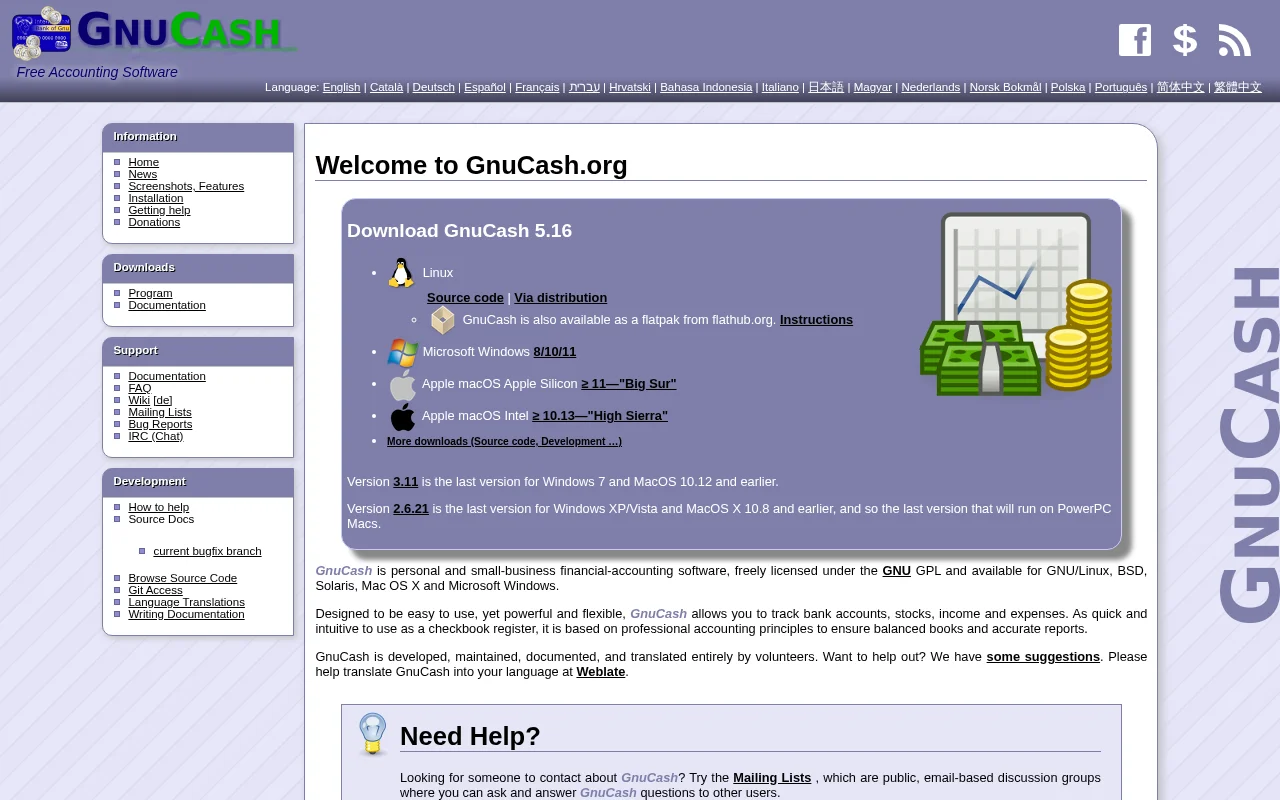
GnuCash is a free, open-source accounting software for personal and small business finance. It offers double-entry accounting, stock tracking, and reporting to manage finances effectively. Available on multiple platforms, it's a powerful alternative to commercial accounting tools.
What is GnuCash?
GnuCash is a free, open-source accounting software designed for both personal and small business use. It employs double-entry accounting principles to ensure your financial records are accurate and balanced. You can track bank accounts, stocks, income, and expenses with an interface that is intuitive and easy to navigate, similar to a traditional checkbook register. GnuCash provides powerful reporting and graphing capabilities to visualize your financial health and make informed decisions.
The software is developed and maintained by a dedicated community of volunteers under the GNU General Public License (GPL). This ensures that GnuCash remains free to use, distribute, and modify. It is available for a wide range of operating systems, including GNU/Linux, BSD, Solaris, macOS, and Microsoft Windows, making it a versatile and accessible financial management tool for a broad user base.
Getting Started with GnuCash
Getting started with GnuCash is straightforward. You can download the latest version from the official GnuCash website, with installers available for various operating systems. Once installed, you can begin by setting up your accounts, whether they are bank accounts, credit cards, investments, or business accounts. The software guides you through creating a chart of accounts tailored to your needs.
After setting up your accounts, you can start entering transactions, categorizing them appropriately, and reconciling your accounts with bank statements. GnuCash offers extensive documentation and a supportive community forum to help you learn its features and troubleshoot any issues. Exploring the built-in reports and graphs is also a great way to understand your financial position.
Key Features of GnuCash
- Double-Entry Accounting: Ensures financial accuracy with balanced books.
- Stock/Bond/Mutual Fund Accounts: Track investment portfolios effectively.
- Small-Business Accounting: Manage invoices, expenses, and payroll.
- Reports and Graphs: Visualize financial data with customizable reports.
- Import/Export Functionality: Supports QIF, OFX, HBCI, and more.
Who Should Use GnuCash
- Individuals managing personal finances and budgeting.
- Small business owners needing accounting software.
- Freelancers tracking income and expenses.
- Users seeking a free, open-source alternative to commercial tools.
- Students learning accounting principles.
- Anyone who values data privacy and control over their financial information.
GnuCash Support and Contact Information
For assistance with GnuCash, you can access comprehensive documentation, a detailed FAQ, and a collaborative Wiki on the official website. The project also offers active mailing lists where users and developers discuss questions, report bugs, and share knowledge. For direct inquiries or support, you can reach out to gnucash-devel@gnucash.org.
Reviews0
Would you recommend GnuCash? Leave a comment
No reviews yet. Be the first to share your experience!
Alternatives
The best modern alternatives to GnuCash
Dolibarr ERP & CRM
5.0
Last update: September 15, 2026
Dolibarr ERP & CRM is a comprehensive, open-source business management solution for companies, foundations, and freelancers. It offers a modular approach, allowing users to activate only the features they need, including CRM, ERP, project management, accounting, and more. This free, easy-to-use software can be self-hosted or accessed via a hosted version, making it a flexible and scalable choice f
View Dolibarr ERP & CRMTags:Open SourceGPLFor Small Business
View Dolibarr ERP & CRMEspoCRM
5.0
EspoCRM is a powerful, open-source Customer Relationship Management (CRM) solution designed to streamline sales, marketing, and customer service operations for businesses of all sizes. It offers a flexible and customizable platform that empowers teams to manage leads, track opportunities, automate campaigns, and enhance customer interactions effectively.
Open SourceVoiceProject Management
View EspoCRM
Qloapps
5.0
Qloapps is a free and open-source hotel booking system designed to empower accommodation providers with a comprehensive online management solution. It offers robust features for managing reservations, room inventory, guest data, and pricing, making it an ideal choice for hotels, resorts, and other hospitality businesses looking to streamline operations and enhance their online presence. The system
Open SourceFreePaid
View Qloapps
KMyMoney
5.0
KMyMoney is a free, open-source personal finance manager for Linux, Windows, and macOS. It helps users track income, expenses, investments, and bank accounts using double-entry bookkeeping principles. The software offers budgeting tools, reporting, and analysis to provide a comprehensive overview of personal finances.
Open SourceDesktop AppWindows
View KMyMoney
InvoicePlane
5.0
InvoicePlane is a robust, self-hosted, open-source application designed to streamline your business's billing processes. It offers comprehensive management for quotes, invoices, clients, and payments, making it an ideal solution for small to medium-sized businesses seeking greater control over their financial operations.
Open SourceMIT LicenseCommunity Forum
View InvoicePlane
New Tools Releases
Recently added tools
OpenRCT2
5.0
OpenRCT2 is a community-driven, open-source re-implementation of RollerCoaster Tycoon 2, enhancing the classic game with bug fixes, improved performance, and new features. It offers modern gameplay enhancements, extensive customization, and robust multiplayer support, making it ideal for fans seeking a more stable and feature-rich theme park simulation experience. This free project is actively dev
Open SourcemacOSLinux
View OpenRCT2
MagicHow
5.0
MagicHow is an AI-powered SaaS platform that automates the creation of step-by-step guides, SOPs, and training manuals. It captures processes visually and uses AI to refine content, making documentation creation efficient and accessible for teams aiming to standardize operations and knowledge management.
View MagicHow
Neon White
5.0
Neon White is a high-octane first-person shooter that throws players into a celestial battle against demons. Players navigate fast-paced levels, utilizing a unique card-based combat and movement system to achieve the fastest times. The game challenges players to master card combinations for massive shortcuts, uncover the mysteries of Heaven by interacting with other assassins, and compete for a ch
GamingBrowser-BasedMobile App
View Neon White
Xreveal
5.0
Xreveal is a Windows application that automatically and transparently removes restrictions from DVD and Blu-ray media, including region codes. It enables seamless read access to disc content and can also back up discs to ISO or folder formats. Designed for users who want to bypass copy protection and region codes effortlessly, Xreveal operates in the background, making your physical media library
View Xreveal
LBRY
5.0
LBRY is a decentralized content sharing and publishing platform that empowers creators and users by offering an open, free, and fair alternative to traditional media distribution. It functions similarly to how Bitcoin revolutionized digital currency, providing a censorship-resistant network for digital content. Users can access content through various applications like the LBRY Desktop client or t
Open SourceFor CreatorsWeb3
View LBRY
Nitreo
5.0
Nitreo is an Instagram growth service that automates key social media tasks like following accounts, liking posts, and viewing stories to organically increase follower count and engagement. It saves users an average of 9 hours per week, making it ideal for creators, businesses, and agencies seeking to expand their reach and build their brand with real, engaged followers.
Social Media ManagementFor Creators
View Nitreo
Tux Rider
5.0
Tux Rider is an engaging 3D racing game for Android, offering a mobile port of the classic "Tux Racer" experience. Players control the Linux mascot, Tux the penguin, as they race down snowy slopes, collecting fish and aiming for the best times. The game features intuitive controls using the accelerometer and touchscreen, providing an accessible and fun gameplay experience. With multiple levels and
Open SourceFor CreatorsAndroid
View Tux Rider
Automad
5.0
Automad is a fast, lightweight, and flexible flat-file content management system and template engine designed for creatives. It offers an intuitive dashboard with a block editor and in-page editing capabilities, eliminating the need for a database by storing all content in human-readable text files. This approach simplifies version control and makes managing your website straightforward. Despite i
Open SourceFor Creators
View Automad