FreeCommander
Category of FreeCommander:
Tags:
WindowsOpen Source
Description:
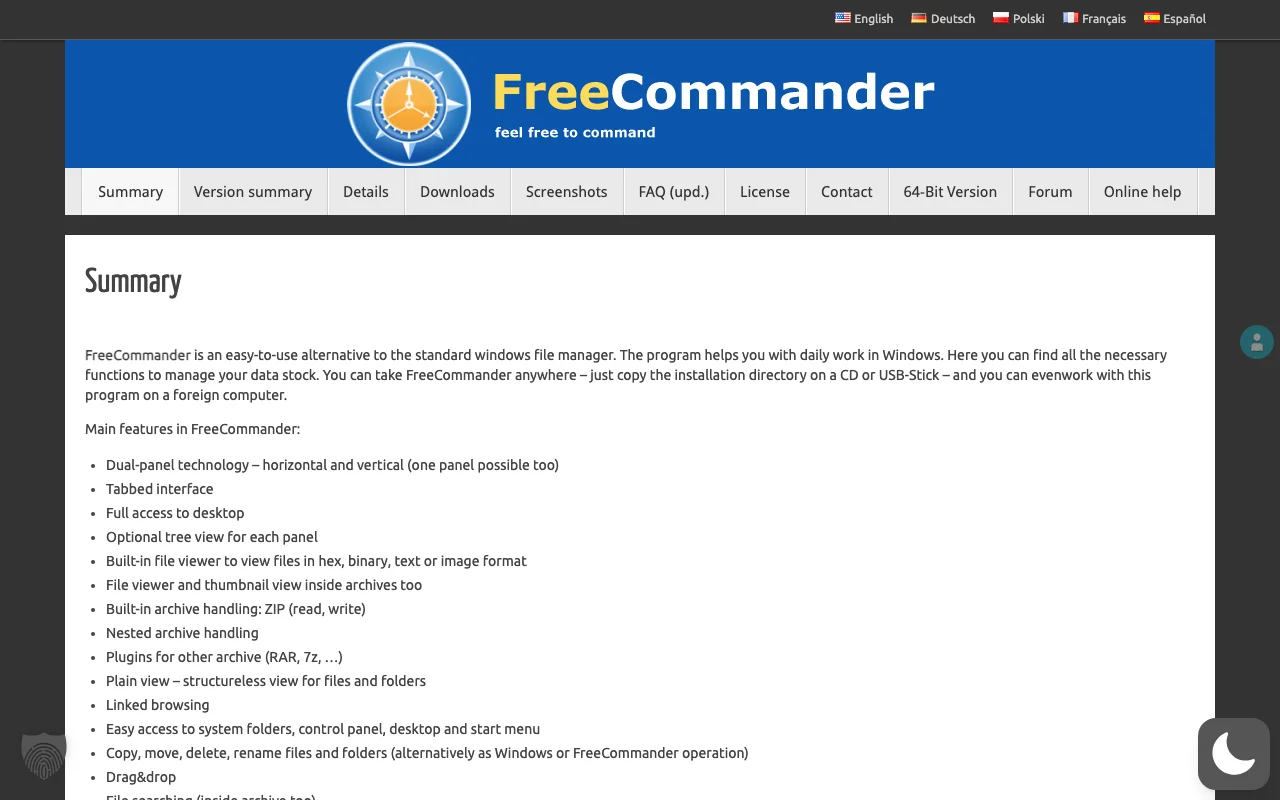
FreeCommander is a free, dual-pane file manager for Windows, offering a more efficient and flexible alternative to the default Windows file explorer. It features a tabbed interface, built-in file viewer, file synchronization, and batch file renaming to simplify complex file operations and enhance user productivity.
FreeCommander: Enhanced File Management for Windows
FreeCommander is a robust and user-friendly file manager designed to enhance your file management experience on Windows. It offers a powerful alternative to the standard Windows Explorer, providing efficient tools for organizing, navigating, and manipulating files and folders. With its dual-pane interface, tabbed browsing, and a comprehensive set of built-in features, FreeCommander streamlines complex tasks, making it an indispensable utility for both casual users and power users seeking greater control and productivity.
The tool is ideal for users who frequently work with files and require advanced management features beyond what is offered by standard operating system tools. Its comprehensive feature set, including FTP client integration and support for various archive formats, makes it a versatile solution for a wide range of file management needs. FreeCommander is completely free for both private and commercial use, requiring no registration or activation.
How FreeCommander Streamlines File Operations
FreeCommander operates on a dual-pane system, allowing users to view and manage two directories simultaneously. This facilitates easy copying, moving, and comparing of files between different locations. The tabbed interface lets you open multiple folders within each pane, enabling quick switching between various directories without cluttering your desktop. Its built-in file viewer supports numerous formats, allowing quick previews without opening separate applications. Advanced features like file synchronization and batch renaming can be accessed through intuitive menus and toolbars, streamlining repetitive tasks.
Key Features of FreeCommander
- Dual Independent Panels: Efficiently manage files between two locations.
- Tabbed Interface: Work with multiple folders simultaneously.
- Built-in File Viewer: Preview files without launching external applications.
- File Synchronization: Keep folders and files up-to-date.
- Batch File Renaming: Rename multiple files with custom rules.
Ideal Use Cases for FreeCommander Users
- System administrators managing server files.
- Developers organizing project assets.
- Power users seeking advanced file control.
- Users migrating data between drives.
- Anyone needing a robust Explorer alternative.
- Individuals requiring batch renaming capabilities.
FreeCommander Support and Licensing
FreeCommander is provided free of charge for both private and commercial use. As a free application, direct email support is not typically offered. However, users can often find solutions and community support through online forums or by reviewing the documentation available on the official FreeCommander website.
Reviews0
Would you recommend FreeCommander? Leave a comment
No reviews yet. Be the first to share your experience!
Alternatives
The best modern alternatives to FreeCommander
TortoiseSVN
5.0
Last update: October 5, 2026
TortoiseSVN is an intuitive and user-friendly Apache Subversion (SVN) client designed as a Windows shell extension. It eliminates the need for command-line interaction, making version control accessible to a wider audience. Free for both personal and commercial use, TortoiseSVN offers a seamless and efficient way to manage code repositories directly within the Windows File Explorer. Its graphical
View TortoiseSVNTags:WindowsOpen SourcePaid
View TortoiseSVNCommander One
5.0
Commander One is a powerful, free dual-panel file manager for macOS, offering an advanced alternative to Finder. It includes a built-in FTP client for seamless remote server access and management, streamlining file operations and enhancing productivity for Mac users seeking advanced control over their data.
macOSOpen Source
View Commander One
Twinkle Tray
5.0
Twinkle Tray is a free Windows application that simplifies managing monitor brightness. It adds a system tray icon for quick access to brightness sliders for all compatible monitors, supporting DDC/CI-enabled displays. Features include hotkey binding, time-based adjustments, and command-line arguments for scripting, making it ideal for multi-monitor setups.
WindowsOpen Source
View Twinkle Tray
X64dbg
5.0
x64dbg is a powerful open-source debugger for Windows, offering robust debugging capabilities for both 64-bit and 32-bit applications. Its intuitive interface, combined with advanced features like a C-like expression parser, memory map, and dynamic stack view, makes it an indispensable tool for reverse engineers, security researchers, and developers. The debugger supports extensive customization t
WindowsOpen SourceFor Developers
View X64dbg
Partition Expert Free
5.0
Partition Expert Free Edition is a robust, free partition management tool designed for home users. It empowers users to efficiently create, extend, format, and manage disk partitions on both MBR and GPT disks. Key features include advanced power-off protection and data disaster recovery, setting it apart from other free alternatives. This software supports a wide range of Windows operating systems
Windows
View Partition Expert Free
New Tools Releases
Recently added tools
Quiver
5.0
Quiver is a modern, user-friendly editor designed for creating commutative diagrams. It offers robust support for the popular tikz-cd package, making it an ideal tool for mathematicians, researchers, and students who need to visualize complex relationships and structures. The intuitive interface allows for efficient diagram construction, enabling users to focus on their mathematical content rather
Open SourceWeb AppWeb
View Quiver
Retro Game Trivia
5.0
Retro Game Trivia is a free, daily browser game for retro video game enthusiasts. Players guess classic video games using various methods, including letter reveals, textual clues, iconic screenshots, and box art. This engaging Wordle-style game provides a fun way to test and expand your knowledge of gaming history. With multiple game modes and an archive of past challenges, it caters to both casua
Browser-BasedFreeEarly Access
View Retro Game Trivia
Iron Marines
5.0
Iron Marines is a real-time strategy game blending action and tower defense. Players command heroes and units across a sci-fi universe to battle alien invaders. Available on mobile (iOS, Android) and PC (Steam), it offers engaging campaigns and tactical gameplay.
Gaming ToolsFor CreatorsMobile App
View Iron Marines
BiblioReads
5.0
BiblioReads is a free and open-source front-end for Goodreads, prioritizing user privacy. It allows users to search for book information directly from the Goodreads database without the privacy concerns associated with the official platform. Ideal for readers who want a clean, private way to track their reading, manage lists, and discover book details.
Open SourceFreePrivacy-Focused
View BiblioReads
IVentoy
5.0
iVentoy is a powerful and user-friendly network boot solution that transforms any computer into a PXE/HTTPBoot server. It allows for simultaneous operating system installation and booting across multiple machines without complex configuration. Supporting a wide range of operating systems and UEFI modes, including Secure Boot, iVentoy is ideal for IT professionals, system administrators, and anyone
Open SourceWindowsLinux
View IVentoy
PocketBase
5.0
PocketBase is an open-source backend solution that simplifies application development by bundling a real-time database, authentication services, file storage, and an integrated admin dashboard into a single, self-contained file. This all-in-one approach is ideal for developers seeking a lightweight yet powerful backend for rapid prototyping, small to medium-sized applications, and projects where m
Open SourceLinuxDev Tools
View PocketBase
OpenRCT2
5.0
OpenRCT2 is a community-driven, open-source re-implementation of RollerCoaster Tycoon 2, enhancing the classic game with bug fixes, improved performance, and new features. It offers modern gameplay enhancements, extensive customization, and robust multiplayer support, making it ideal for fans seeking a more stable and feature-rich theme park simulation experience. This free project is actively dev
Open SourcemacOSLinux
View OpenRCT2
MagicHow
5.0
MagicHow is an AI-powered SaaS platform that automates the creation of step-by-step guides, SOPs, and training manuals. It captures processes visually and uses AI to refine content, making documentation creation efficient and accessible for teams aiming to standardize operations and knowledge management.
View MagicHow