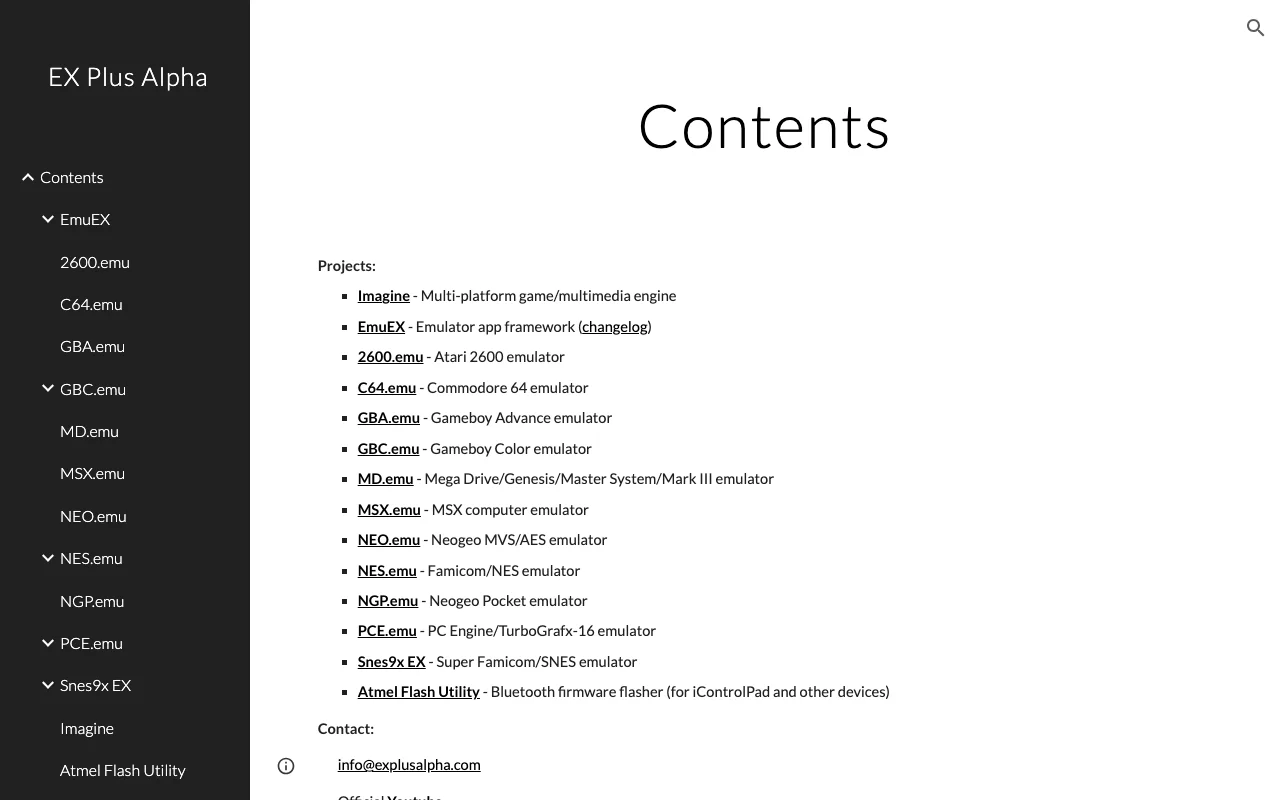
GBA Emulator
Category of GBA Emulator:
Tags:
WindowsOpen Source
Description:
This free, open-source Game Boy Advance emulator for Windows offers a highly accurate and fast emulation experience, making it a top choice for retro gaming enthusiasts. It boasts a comprehensive feature set designed to replicate the original hardware faithfully, ensuring that your favorite GBA titles run smoothly and with all their intended functionality. Whether you're looking to relive classic
GBA Emulator: Accurate and Fast Game Boy Advance Emulation
The GBA Emulator is a powerful, free, and open-source software designed to accurately simulate the Game Boy Advance gaming experience on Windows PCs. It is engineered for high fidelity and performance, allowing users to play a wide range of Game Boy Advance ROMs with exceptional compatibility and speed. This emulator is a go-to solution for preserving and enjoying classic GBA games on modern hardware, offering a reliable way to access a beloved gaming library.
This emulator works by meticulously recreating the GBA's hardware architecture within your computer's environment. It intercepts and interprets the game's code, translating it into actions that your PC can understand and execute. This process involves simulating the central processing unit, graphics processing unit, sound hardware, and memory management of the original GBA. The result is a seamless playback of game audio and visuals, often with enhancements such as save states, controller support, and video filters that were not available on the original hardware.
Key Features and Capabilities of GBA Emulator
- Accurate Hardware Emulation: Faithfully replicates GBA system for authentic gameplay.
- High Performance: Ensures fast and smooth emulation even on less powerful hardware.
- Save/Load States: Allows you to save progress at any point and resume later.
- Controller Support: Enables the use of various gamepad controllers for enhanced control.
- Cheat Code Functionality: Supports the use of cheat codes for modified gameplay experiences.
Ideal Use Cases for GBA Emulator
- Playing classic Game Boy Advance titles on a PC.
- Reliving nostalgic gaming memories from the GBA era.
- Exploring the vast library of GBA games.
- Testing GBA homebrew or fan-made games.
- Enjoying multiplayer GBA games via netplay.
- Users seeking an accurate and free GBA emulation solution.
How to Contact GBA Emulator Support
For assistance or to download the latest version, please visit the official website at https://explusalpha.com/home/gba-emu/download. Further support details and community resources can typically be found on the project's official pages or forums.
Reviews0
Would you recommend GBA Emulator? Leave a comment
No reviews yet. Be the first to share your experience!
Alternatives
The best modern alternatives to GBA Emulator
DOSBox
5.0
Last update: 5 days ago
DOSBox is a free and open-source emulator designed to run old DOS games and applications on modern operating systems. It meticulously emulates a full x86 PC environment, complete with sound, graphics, and input/output capabilities. This powerful tool allows users to relive classic gaming experiences and utilize legacy software that would otherwise be incompatible with current hardware and operatin
View DOSBoxTags:Open SourceWindows
View DOSBoxScummVM
5.0
ScummVM allows you to play classic graphical adventure and role-playing games on modern systems by replacing their original executables. It supports over 325 games from studios like LucasArts and Sierra, offering a gateway to retro gaming across Windows, macOS, Linux, iOS, and Android.
Open SourceDesktop AppWindows
View ScummVM
OpenRA
5.0
OpenRA is a free and open-source engine that brings classic real-time strategy games like Red Alert, Command & Conquer, and Dune 2000 to modern operating systems. It enhances gameplay with features such as attack-move commands, unit veterancy, and fog of war, offering a refined experience for fans of retro RTS games. Developed collaboratively by a passionate community, OpenRA provides native suppo
Open SourceWindowsLinux
View OpenRA
Lakka
5.0
Lakka is a free and open-source operating system designed to transform your Raspberry Pi into a dedicated retro gaming console. Built upon the powerful RetroArch emulator, Lakka offers a lightweight and user-friendly experience for enthusiasts looking to relive classic gaming moments.
Open SourceFreeLinux
View Lakka
Xpadder
5.0
Xpadder is a popular software tool that allows users to map their game controllers, joysticks, and other input devices to keyboard and mouse functions. This enables gamers to use their preferred controllers with games that do not natively support them, or to customize existing controller layouts for enhanced gameplay. Xpadder provides a flexible and user-friendly interface for creating and managin
Desktop AppWindows
View Xpadder
New Tools Releases
Recently added tools
Quiver
5.0
Quiver is a modern, user-friendly editor designed for creating commutative diagrams. It offers robust support for the popular tikz-cd package, making it an ideal tool for mathematicians, researchers, and students who need to visualize complex relationships and structures. The intuitive interface allows for efficient diagram construction, enabling users to focus on their mathematical content rather
Open SourceWeb AppWeb
View Quiver
Retro Game Trivia
5.0
Retro Game Trivia is a free, daily browser game for retro video game enthusiasts. Players guess classic video games using various methods, including letter reveals, textual clues, iconic screenshots, and box art. This engaging Wordle-style game provides a fun way to test and expand your knowledge of gaming history. With multiple game modes and an archive of past challenges, it caters to both casua
Browser-BasedFreeEarly Access
View Retro Game Trivia
Iron Marines
5.0
Iron Marines is a real-time strategy game blending action and tower defense. Players command heroes and units across a sci-fi universe to battle alien invaders. Available on mobile (iOS, Android) and PC (Steam), it offers engaging campaigns and tactical gameplay.
Gaming ToolsFor CreatorsMobile App
View Iron Marines
BiblioReads
5.0
BiblioReads is a free and open-source front-end for Goodreads, prioritizing user privacy. It allows users to search for book information directly from the Goodreads database without the privacy concerns associated with the official platform. Ideal for readers who want a clean, private way to track their reading, manage lists, and discover book details.
Open SourceFreePrivacy-Focused
View BiblioReads
IVentoy
5.0
iVentoy is a powerful and user-friendly network boot solution that transforms any computer into a PXE/HTTPBoot server. It allows for simultaneous operating system installation and booting across multiple machines without complex configuration. Supporting a wide range of operating systems and UEFI modes, including Secure Boot, iVentoy is ideal for IT professionals, system administrators, and anyone
Open SourceWindowsLinux
View IVentoy
PocketBase
5.0
PocketBase is an open-source backend solution that simplifies application development by bundling a real-time database, authentication services, file storage, and an integrated admin dashboard into a single, self-contained file. This all-in-one approach is ideal for developers seeking a lightweight yet powerful backend for rapid prototyping, small to medium-sized applications, and projects where m
Open SourceLinuxDev Tools
View PocketBase
OpenRCT2
5.0
OpenRCT2 is a community-driven, open-source re-implementation of RollerCoaster Tycoon 2, enhancing the classic game with bug fixes, improved performance, and new features. It offers modern gameplay enhancements, extensive customization, and robust multiplayer support, making it ideal for fans seeking a more stable and feature-rich theme park simulation experience. This free project is actively dev
Open SourcemacOSLinux
View OpenRCT2
MagicHow
5.0
MagicHow is an AI-powered SaaS platform that automates the creation of step-by-step guides, SOPs, and training manuals. It captures processes visually and uses AI to refine content, making documentation creation efficient and accessible for teams aiming to standardize operations and knowledge management.
View MagicHow