
ExifTool
Category of ExifTool:
Tags:
Open SourceCLI ToolWindows
Description:
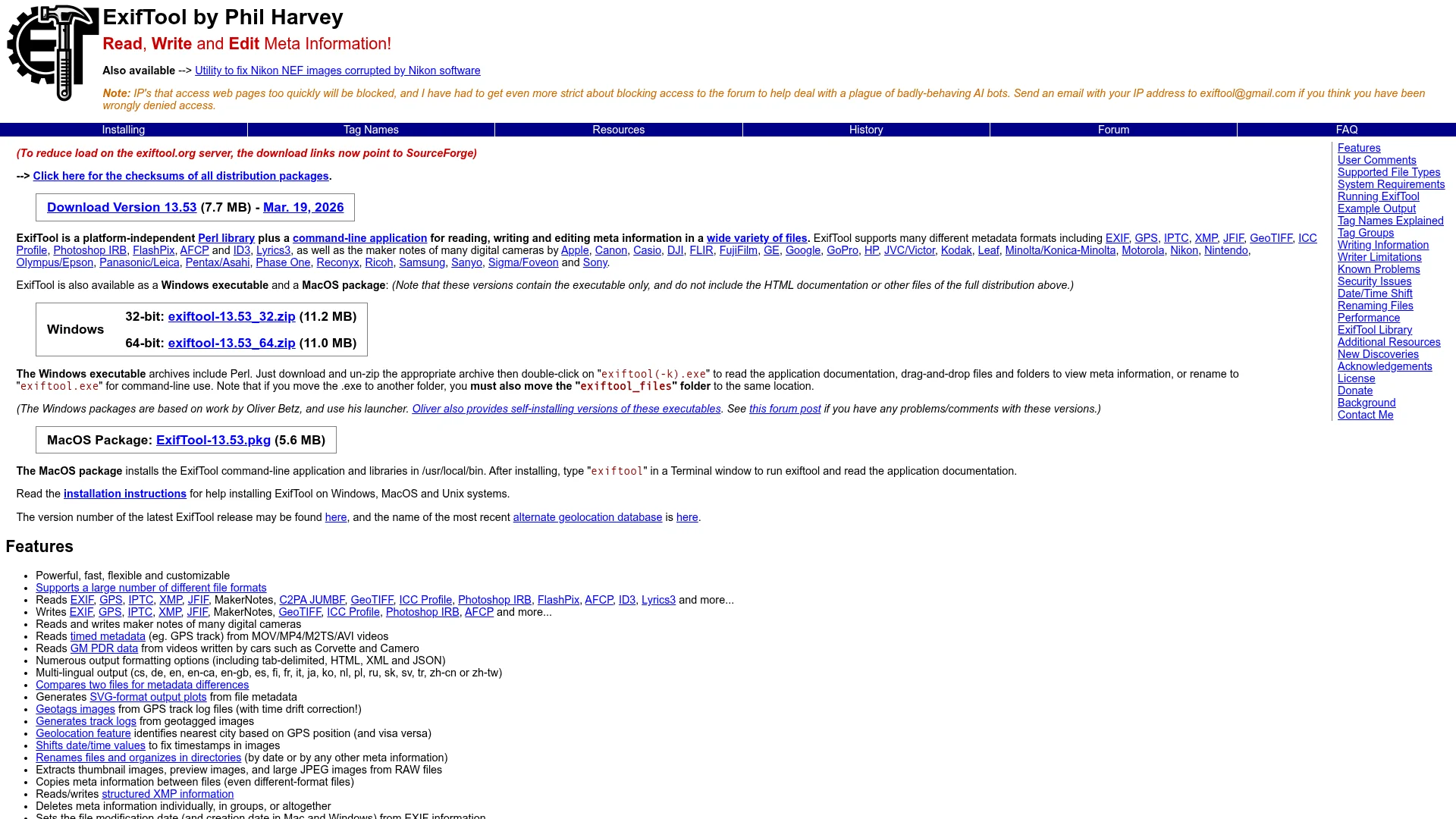
ExifTool is a platform-independent Perl library and command-line tool for reading, writing, and editing metadata across multiple file formats including images, audio, video, and documents.
What Is ExifTool and How Does It Work
This metadata management solution operates as a platform-independent Perl library combined with a command-line application. It provides comprehensive capabilities for reading, writing, and editing metadata across numerous file formats. The tool works by parsing embedded metadata structures within files and allowing users to modify or extract this information through simple commands.
Users can execute commands directly from their terminal or integrate the Perl library into custom applications. The solution supports batch processing, enabling users to handle multiple files simultaneously with consistent metadata operations. This makes it particularly valuable for professionals who need to manage large collections of digital assets efficiently.
How to Get Started with ExifTool
Begin by downloading the appropriate version for your operating system from the official website. Installation typically involves extracting the archive and adding the executable to your system path. Basic usage involves opening a terminal and running simple commands to view or modify metadata.
New users should start with the documentation and examples provided on the website. The learning curve is manageable for those familiar with command-line interfaces, and numerous tutorials are available for common use cases. Regular updates ensure compatibility with new file formats and metadata standards.
Key Features and Capabilities of ExifTool
- Multi-Format Support: Handles images, audio, video, and document metadata
- Command-Line Interface: Enables batch processing and automation
- Platform Independence: Works across Windows, macOS, and Linux systems
- Metadata Editing: Allows precise modification of embedded information
- Extensive Documentation: Provides comprehensive guides and examples
Who Should Use ExifTool
- Photographers managing image metadata
- Digital archivists preserving file information
- Forensic investigators analyzing digital evidence
- Software developers integrating metadata features
- Content creators organizing digital assets
- IT professionals automating file management
Support and Contact Information for ExifTool
For support, contact Not found. The tool is maintained through community contributions and regular updates. Users can access documentation, forums, and issue trackers for assistance with specific problems or feature requests.
Reviews0
Would you recommend ExifTool? Leave a comment
No reviews yet. Be the first to share your experience!
Alternatives
The best modern alternatives to ExifTool
PDFCreator
5.0
Last update: 2 days ago
PDFCreator is a versatile PDF converter designed for efficient document creation and workflow automation. It caters to individuals, businesses, and server environments, offering features like automated batch processing, advanced encryption, and custom scripting. With over a million daily conversions and a 95% customer satisfaction rate, PDFCreator provides flexible and reliable PDF solutions for v
View PDFCreatorTags:WindowsOpen SourcePaid
View PDFCreatorPaint.NET
5.0
Paint.NET is a powerful yet accessible image and photo editing software designed specifically for Windows PCs. Originally created as a free replacement for Microsoft Paint, it has evolved into a feature-rich editor that rivals professional tools like Adobe Photoshop and GIMP.
FreeWindowsImage Editing
View Paint.NET
SuperDisplay
5.0
SuperDisplay transforms your Android smartphone or tablet into a high-performance second monitor for your Windows 10 PC via USB connection. Extend or duplicate your desktop for multitasking, creative work, and productivity with pressure-sensitive stylus support.
WindowsAndroidTrial Available
View SuperDisplay
KartaView
5.0
KartaView is a free, open platform for crowdsourced street-level imagery that improves OpenStreetMap. Users contribute photos via smartphone apps, with AI detecting features like signs and lanes. It offers 3D visualization, AI-powered search, and automatic Mapillary sync.
Open SourceFreeMobile App
View KartaView
Pinta
5.0
Pinta is a free, open-source drawing and image editing software that seamlessly blends user-friendly design with powerful capabilities. It caters to a wide range of users, from beginners sketching their first artwork to experienced professionals retouching photos. Pinta's intuitive interface ensures a smooth workflow, allowing users to focus on creativity without being bogged down by complexity. I
Open SourceDesktop App
View Pinta
New Tools Releases
Recently added tools
Crew
5.0
Crew is a high-yield checking account that actively manages your finances through automated 'pockets,' paycheck splitting, and bill management. It offers a subscription-free approach to personal finance, empowering users with control and clarity over their money, alongside features like parental controls and competitive APY on deposits. Banking services are provided by Bangor Savings Bank, Member
Trial AvailableSubscription-BasedMobile App
View Crew
Ludwig
5.0
Ludwig is an open-source declarative deep learning framework that simplifies building, fine-tuning, and deploying ML models using a YAML file. It supports various data modalities and scales seamlessly from a laptop to distributed clusters, offering the flexibility of PyTorch with the ease of AutoML.
Open SourceFor DevelopersAutomation
View Ludwig
Reeder
5.0
Reeder is a modern news reader that unifies RSS feeds, videos, podcasts, and social media into a single timeline. It features seamless cross-device syncing via iCloud, powerful custom filters, and a simple way to save links. Reeder prioritizes a clean interface and user privacy, making it an efficient tool for content consumption.
Desktop AppMobile AppmacOS
View Reeder
SurveyJS
5.0
SurveyJS is a powerful JavaScript library that enables developers to build custom survey and form management systems directly within their applications. It offers unparalleled flexibility through JSON-based configuration, ensuring users retain full ownership of their data and can handle an unlimited number of responses. The latest version, v3.0, introduces significant enhancements like a shared st
Open SourceFor Developers
View SurveyJS
Small Basic
5.0
Small Basic is a free, beginner-friendly programming language developed by Microsoft, designed to make coding accessible and fun for learners of all ages. It simplifies complex programming concepts with an easy-to-understand syntax and a built-in Integrated Development Environment (IDE) that includes helpful features like syntax highlighting and debugging tools. This educational tool empowers user
Open SourceFor StudentsFor Teachers
View Small Basic
Scenari Dokiel
5.0
Scenari Dokiel is a high-performance distributed ledger technology utilizing a hybrid consensus mechanism for rapid transactions. Ideal for DeFi, supply chain management, and gaming, its scalable and secure architecture empowers developers to build next-generation decentralized applications with confidence and efficiency.
AutomationWeb3Open Source
View Scenari Dokiel
SpurtCMS
5.0
spurtCMS is a powerful, open-source Content Management System built with Golang, designed to be adaptable for diverse industry needs and content delivery requirements. It offers a robust admin panel powered by Golang and integrates seamlessly with TailwindCSS for modern, stylish front-end development. Developers can leverage its GraphQL APIs for efficient data fetching and scalability, making it s
Open SourceFor DevelopersAPI
View SpurtCMS
Glogg
5.0
glogg is a powerful, multi-platform GUI application for programmers and system administrators to efficiently browse and search through large log files. It combines the functionalities of grep and less with features like case-insensitive filtering and auto-reloading, streamlining log analysis and troubleshooting.
Open SourceDesktop AppDev Tools
View Glogg