EndeavourOS
Category of EndeavourOS:
Tags:
Open Source
Description:
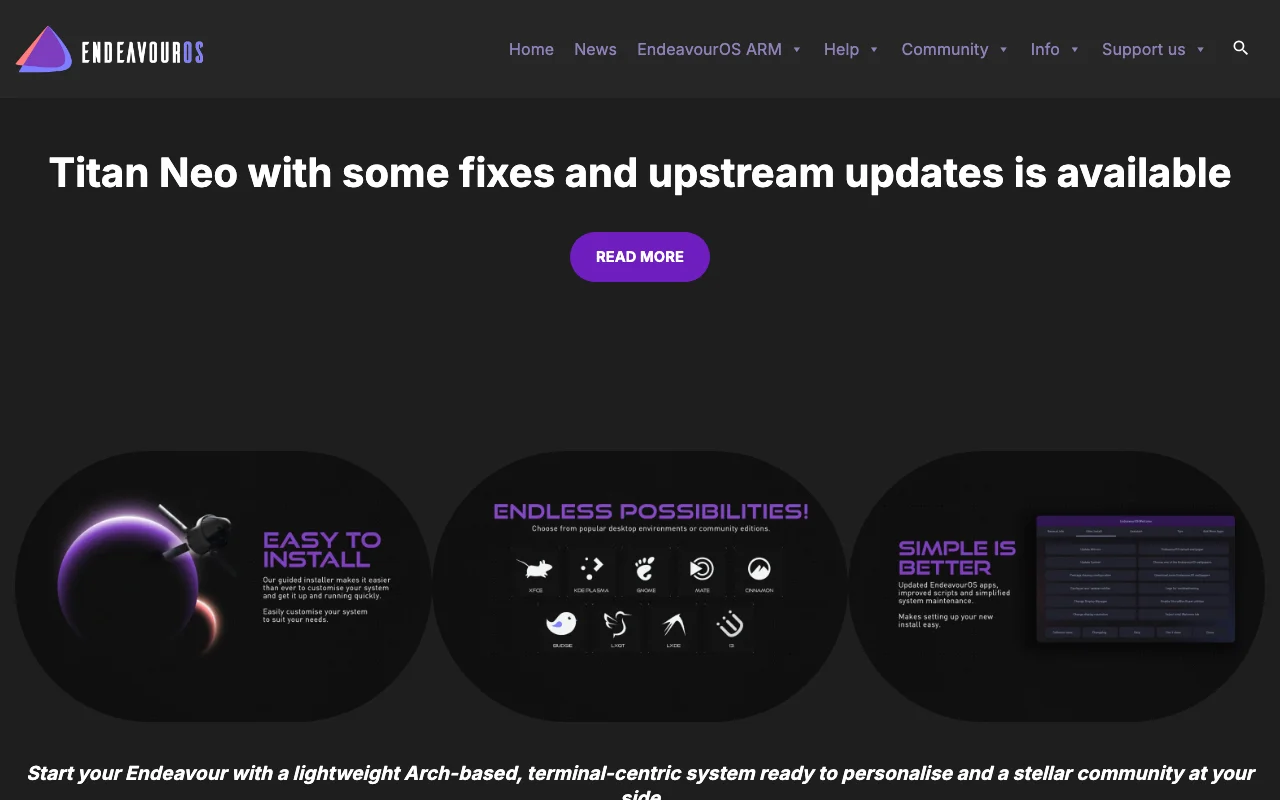
EndeavourOS is a user-friendly Linux distribution built upon the robust Arch Linux base, designed for accessibility and ease of installation. It provides a familiar and welcoming environment for users transitioning to or exploring Linux, offering a streamlined experience without compromising on the power and flexibility of Arch. EndeavourOS is ideal for both seasoned Linux enthusiasts and newcomer
Everything You Need to Know About EndeavourOS
EndeavourOS is a community-driven Linux distribution that offers a friendly and accessible gateway to the Arch Linux ecosystem. It focuses on providing a near-vanilla Arch experience with a user-friendly installer and helpful tools, making it easier for users to get started with a powerful and customizable operating system. The distribution aims to bridge the gap between the cutting-edge nature of Arch Linux and the need for a stable, reliable, and easy-to-manage system.
Designed for users who appreciate the power of Arch Linux but desire a more streamlined installation and setup process, EndeavourOS caters to a wide range of users, from beginners to experienced Linux administrators. Its philosophy emphasizes empowering users with choice and control over their system, offering a variety of desktop environment options during installation. This flexibility allows users to tailor their experience to their specific needs and preferences, whether for daily computing, software development, or other specialized tasks.
EndeavourOS Quick Start: First Steps
Getting started with EndeavourOS is straightforward, thanks to its intuitive installer and well-organized documentation. After downloading the ISO image and creating a bootable USB drive, you can boot into the live environment to explore the system before installation. The graphical installer guides you through partitioning, user setup, and desktop environment selection, ensuring a smooth transition.
Once installed, EndeavourOS provides a clean and functional desktop environment, ready for customization. Essential tools and utilities are pre-installed, and the system is configured for easy access to the Arch User Repository (AUR), allowing you to install a vast array of additional software. Regular updates and a supportive community forum are available to assist with any questions or issues you might encounter.
Core Functions and Tools in EndeavourOS
- User-Friendly Installer: Simplifies the installation process of Arch Linux with a graphical interface.
- Desktop Environment Choice: Offers a selection of popular desktop environments during installation.
- Access to AUR: Provides easy access to the Arch User Repository for extensive software availability.
- System Update Tool: Facilitates straightforward system updates and package management.
- Community Support: Offers a vibrant forum for user assistance and discussion.
Ideal Use Cases for EndeavourOS
- Desktop computing
- Software development
- System customization
- Learning Arch Linux
- Daily driver OS
- Experimenting with Linux
Contact and Support Options for EndeavourOS
EndeavourOS is supported by a dedicated community that offers assistance through its active forums. For general inquiries or troubleshooting, users can visit the EndeavourOS website and access the community forum for help from experienced users and developers. While there isn't a direct email for support, the community-driven approach ensures timely and helpful responses.
Reviews0
Would you recommend EndeavourOS? Leave a comment
No reviews yet. Be the first to share your experience!
Alternatives
The best modern alternatives to EndeavourOS
AIOSEARCH
5.0
Last update: 1 days ago
AIOSEARCH is an advanced AI-powered search engine that revolutionizes information discovery, organization, and analysis. It provides more relevant and insightful search results than traditional engines, ideal for researchers, students, and professionals needing to efficiently process vast amounts of online data.
View AIOSEARCHTags:AI IntegrationOpen Source
View AIOSEARCHUbuntu Touch
5.0
Ubuntu Touch is a free and open-source mobile operating system prioritizing user freedom, privacy, and security. Developed by the UBports community, it offers a customizable alternative to mainstream mobile OSs and supports device convergence.
Open SourcePrivacy-Focused
View Ubuntu Touch
WikiSpooks
5.0
WikiSpooks is a comprehensive wiki platform dedicated to providing detailed information and resources on a wide range of topics. It serves as a collaborative knowledge base where users can contribute, edit, and access a vast repository of data. The platform aims to be a go-to source for in-depth research and learning, fostering a community of knowledge sharing.
Open SourceUX/UI Design
View WikiSpooks
ArangoDB
5.0
ArangoDB is a leading open-source, native multi-model NoSQL database that supports document, graph, and key/value data models. It offers high performance, scalability, and flexible querying with its AQL language, making it ideal for complex applications like fraud detection and recommendation engines.
Open SourceDatabase SupportAPI
View ArangoDB
Changedetection.io
5.0
changedetection.io is an open-source tool that monitors websites for changes and sends instant alerts via platforms like Discord, Slack, and Telegram. It features element targeting, browser automation for dynamic sites, and restock detection.
Open SourceMIT LicenseSubscription-Based
View Changedetection.io
New Tools Releases
Recently added tools
Quiver
5.0
Quiver is a modern, user-friendly editor designed for creating commutative diagrams. It offers robust support for the popular tikz-cd package, making it an ideal tool for mathematicians, researchers, and students who need to visualize complex relationships and structures. The intuitive interface allows for efficient diagram construction, enabling users to focus on their mathematical content rather
Open SourceWeb AppWeb
View Quiver
Retro Game Trivia
5.0
Retro Game Trivia is a free, daily browser game for retro video game enthusiasts. Players guess classic video games using various methods, including letter reveals, textual clues, iconic screenshots, and box art. This engaging Wordle-style game provides a fun way to test and expand your knowledge of gaming history. With multiple game modes and an archive of past challenges, it caters to both casua
Browser-BasedFreeEarly Access
View Retro Game Trivia
Iron Marines
5.0
Iron Marines is a real-time strategy game blending action and tower defense. Players command heroes and units across a sci-fi universe to battle alien invaders. Available on mobile (iOS, Android) and PC (Steam), it offers engaging campaigns and tactical gameplay.
Gaming ToolsFor CreatorsMobile App
View Iron Marines
BiblioReads
5.0
BiblioReads is a free and open-source front-end for Goodreads, prioritizing user privacy. It allows users to search for book information directly from the Goodreads database without the privacy concerns associated with the official platform. Ideal for readers who want a clean, private way to track their reading, manage lists, and discover book details.
Open SourceFreePrivacy-Focused
View BiblioReads
IVentoy
5.0
iVentoy is a powerful and user-friendly network boot solution that transforms any computer into a PXE/HTTPBoot server. It allows for simultaneous operating system installation and booting across multiple machines without complex configuration. Supporting a wide range of operating systems and UEFI modes, including Secure Boot, iVentoy is ideal for IT professionals, system administrators, and anyone
Open SourceWindowsLinux
View IVentoy
PocketBase
5.0
PocketBase is an open-source backend solution that simplifies application development by bundling a real-time database, authentication services, file storage, and an integrated admin dashboard into a single, self-contained file. This all-in-one approach is ideal for developers seeking a lightweight yet powerful backend for rapid prototyping, small to medium-sized applications, and projects where m
Open SourceLinuxDev Tools
View PocketBase
OpenRCT2
5.0
OpenRCT2 is a community-driven, open-source re-implementation of RollerCoaster Tycoon 2, enhancing the classic game with bug fixes, improved performance, and new features. It offers modern gameplay enhancements, extensive customization, and robust multiplayer support, making it ideal for fans seeking a more stable and feature-rich theme park simulation experience. This free project is actively dev
Open SourcemacOSLinux
View OpenRCT2
MagicHow
5.0
MagicHow is an AI-powered SaaS platform that automates the creation of step-by-step guides, SOPs, and training manuals. It captures processes visually and uses AI to refine content, making documentation creation efficient and accessible for teams aiming to standardize operations and knowledge management.
View MagicHow