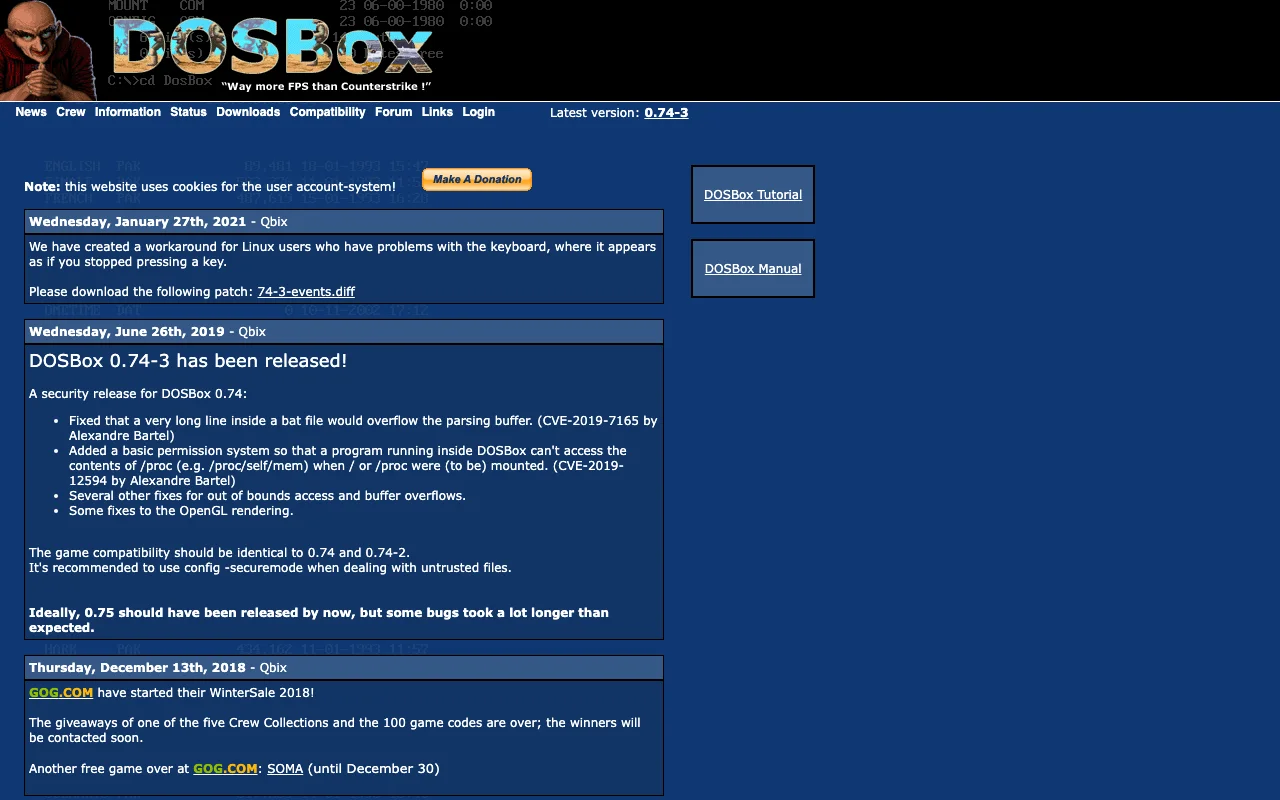
DOSBox
Category of DOSBox:
Tags:
Open SourceWindows
Description:
DOSBox is a free and open-source emulator designed to run old DOS games and applications on modern operating systems. It meticulously emulates a full x86 PC environment, complete with sound, graphics, and input/output capabilities. This powerful tool allows users to relive classic gaming experiences and utilize legacy software that would otherwise be incompatible with current hardware and operatin
Introduction to DOSBox and Its Benefits
DOSBox is a highly effective and widely-used emulator that allows you to run classic DOS-based games and applications on your modern computer. It creates a virtual environment that perfectly mimics an old PC, complete with sound and graphics support, ensuring that your favorite legacy software functions as intended. This makes it an invaluable tool for preserving and enjoying digital history.
The primary benefit of DOSBox lies in its ability to bridge the compatibility gap between outdated software and current operating systems. Users can easily install and run DOS programs without the need for complex configurations or specialized hardware. Its open-source nature also means it is free to use and benefits from a community of developers who contribute to its ongoing improvement and compatibility with a vast library of older titles.
Getting Started with DOSBox: Quick Setup Guide
To begin using DOSBox, you first need to download and install the emulator from its official website. Once installed, the primary step is to create a mount point for your DOS games or applications. This is typically done using the MOUNT command in the DOSBox command prompt, linking a directory on your host system to a drive letter within the emulator.
After mounting, you can navigate to the mounted drive and execute the game or application's main file (often a .exe file). Many games may require specific configuration settings within DOSBox, which can be adjusted through its configuration file or by using specific commands. Detailed guides and community support are readily available to assist with setup and troubleshooting for a wide range of software.
Top Features and Highlights of DOSBox
- Full x86 PC Emulation: Mimics an entire PC environment for maximum compatibility.
- Sound and Graphics Support: Enables authentic audio and visual experiences.
- Cross-Platform Compatibility: Works on Windows, macOS, and Linux.
- Open-Source and Free: Accessible to everyone, with community-driven improvements.
- Joystick Support: Adds compatibility for classic input devices.
Who Benefits Most from DOSBox
- Retro gamers looking to play classic DOS titles.
- Users needing to run essential legacy business software.
- Archivists preserving digital history and old applications.
- Developers testing or demonstrating older DOS programs.
- Educators using historical software for teaching purposes.
- Anyone encountering compatibility issues with old DOS software.
DOSBox Help and Support Resources
Comprehensive documentation and a user-friendly wiki are available on the official DOSBox website, offering detailed guides for installation, configuration, and troubleshooting common issues. The active DOSBox community forums are an excellent resource for seeking help from experienced users and developers. For direct inquiries or bug reports, you can often find contact information or links to issue trackers on the project's official pages.
Reviews0
Would you recommend DOSBox? Leave a comment
No reviews yet. Be the first to share your experience!
Alternatives
The best modern alternatives to DOSBox
ScummVM
5.0
Last update: October 13, 2026
ScummVM allows you to play classic graphical adventure and role-playing games on modern systems by replacing their original executables. It supports over 325 games from studios like LucasArts and Sierra, offering a gateway to retro gaming across Windows, macOS, Linux, iOS, and Android.
View ScummVMTags:Open SourceDesktop AppWindows
View ScummVMLakka
5.0
Lakka is a free and open-source operating system designed to transform your Raspberry Pi into a dedicated retro gaming console. Built upon the powerful RetroArch emulator, Lakka offers a lightweight and user-friendly experience for enthusiasts looking to relive classic gaming moments.
Open SourceFreeLinux
View Lakka
Xpadder
5.0
Xpadder is a popular software tool that allows users to map their game controllers, joysticks, and other input devices to keyboard and mouse functions. This enables gamers to use their preferred controllers with games that do not natively support them, or to customize existing controller layouts for enhanced gameplay. Xpadder provides a flexible and user-friendly interface for creating and managin
Desktop AppWindows
View Xpadder
Amiga Forever
5.0
Amiga Forever is the official digital distribution of AmigaOS, games, and applications, offering an authentic Amiga experience on modern hardware through award-winning emulation technology. Explore different editions like Plus, Standard, and Essentials to relive the magic of the Amiga computer.
WindowsTrial AvailableCreative Commons
View Amiga Forever
Pegasus Frontend
5.0
Pegasus Frontend is a highly customizable, cross-platform graphical interface designed to streamline the management and launching of emulators and game collections. It offers a modern, user-friendly solution for retro gaming enthusiasts, allowing them to consolidate their entire library into a single, visually appealing application. With extensive theming capabilities, users can personalize the UI
Open SourceDesktop AppGaming Tools
View Pegasus Frontend
New Tools Releases
Recently added tools
Quiver
5.0
Quiver is a modern, user-friendly editor designed for creating commutative diagrams. It offers robust support for the popular tikz-cd package, making it an ideal tool for mathematicians, researchers, and students who need to visualize complex relationships and structures. The intuitive interface allows for efficient diagram construction, enabling users to focus on their mathematical content rather
Open SourceWeb AppWeb
View Quiver
Retro Game Trivia
5.0
Retro Game Trivia is a free, daily browser game for retro video game enthusiasts. Players guess classic video games using various methods, including letter reveals, textual clues, iconic screenshots, and box art. This engaging Wordle-style game provides a fun way to test and expand your knowledge of gaming history. With multiple game modes and an archive of past challenges, it caters to both casua
Browser-BasedFreeEarly Access
View Retro Game Trivia
Iron Marines
5.0
Iron Marines is a real-time strategy game blending action and tower defense. Players command heroes and units across a sci-fi universe to battle alien invaders. Available on mobile (iOS, Android) and PC (Steam), it offers engaging campaigns and tactical gameplay.
Gaming ToolsFor CreatorsMobile App
View Iron Marines
BiblioReads
5.0
BiblioReads is a free and open-source front-end for Goodreads, prioritizing user privacy. It allows users to search for book information directly from the Goodreads database without the privacy concerns associated with the official platform. Ideal for readers who want a clean, private way to track their reading, manage lists, and discover book details.
Open SourceFreePrivacy-Focused
View BiblioReads
IVentoy
5.0
iVentoy is a powerful and user-friendly network boot solution that transforms any computer into a PXE/HTTPBoot server. It allows for simultaneous operating system installation and booting across multiple machines without complex configuration. Supporting a wide range of operating systems and UEFI modes, including Secure Boot, iVentoy is ideal for IT professionals, system administrators, and anyone
Open SourceWindowsLinux
View IVentoy
PocketBase
5.0
PocketBase is an open-source backend solution that simplifies application development by bundling a real-time database, authentication services, file storage, and an integrated admin dashboard into a single, self-contained file. This all-in-one approach is ideal for developers seeking a lightweight yet powerful backend for rapid prototyping, small to medium-sized applications, and projects where m
Open SourceLinuxDev Tools
View PocketBase
OpenRCT2
5.0
OpenRCT2 is a community-driven, open-source re-implementation of RollerCoaster Tycoon 2, enhancing the classic game with bug fixes, improved performance, and new features. It offers modern gameplay enhancements, extensive customization, and robust multiplayer support, making it ideal for fans seeking a more stable and feature-rich theme park simulation experience. This free project is actively dev
Open SourcemacOSLinux
View OpenRCT2
MagicHow
5.0
MagicHow is an AI-powered SaaS platform that automates the creation of step-by-step guides, SOPs, and training manuals. It captures processes visually and uses AI to refine content, making documentation creation efficient and accessible for teams aiming to standardize operations and knowledge management.
View MagicHow