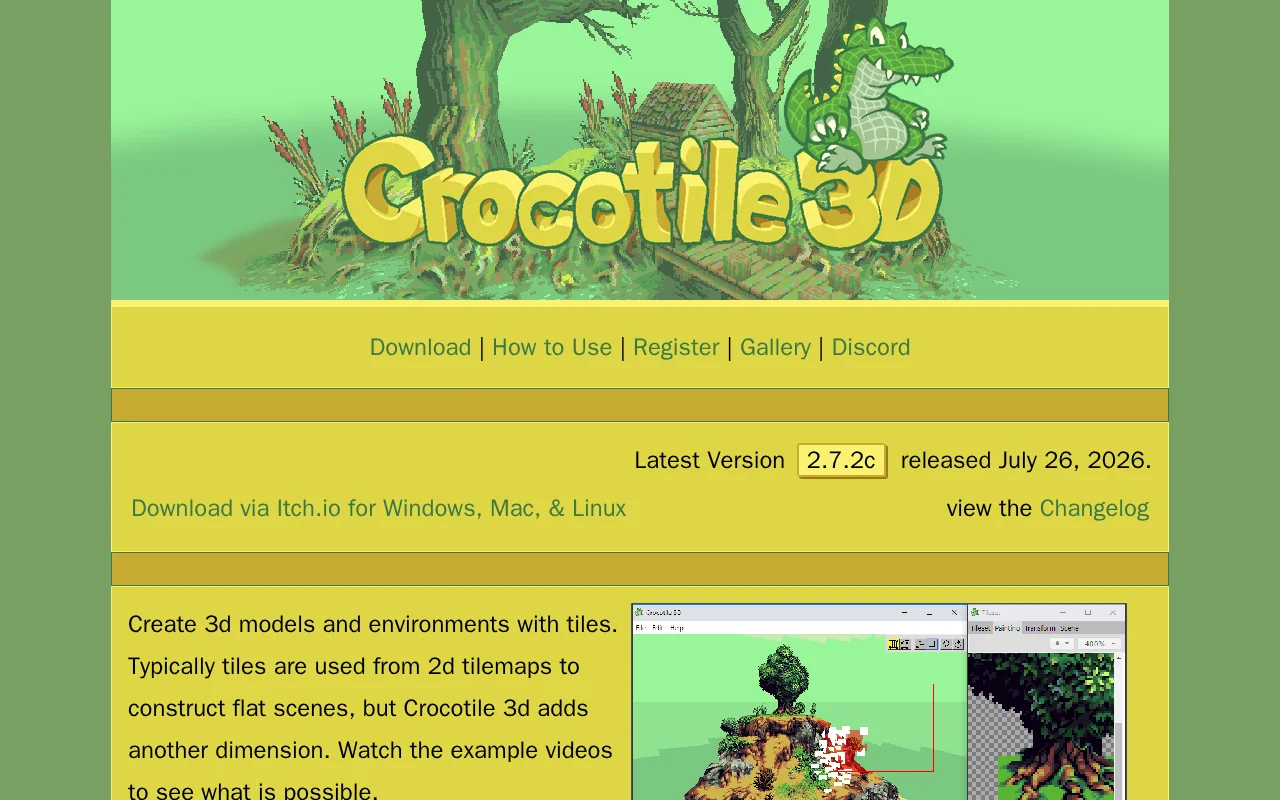

Crocotile 3D
Category of Crocotile 3D:
Tags:
For DevelopersTrial AvailableFor Creators
Description:
Crocotile 3D is a unique software that allows users to create 3D models and environments using 2D tilemaps. It extends traditional tiling by adding a third dimension, enabling the creation of intricate scenes and objects with an intuitive workflow. Supports import/export, advanced editing, animation, and rigging.
What Is Crocotile 3D and How Does It Work
Crocotile 3D is a unique software application that allows users to create 3D models and environments by leveraging 2D tilemaps. It bridges the gap between traditional 2D tiling and 3D modeling, offering a distinct approach to asset creation. The software enables users to import existing tile sets and extrude them into the third dimension, facilitating the construction of complex scenes and objects with a familiar tiling interface. This makes it an excellent tool for generating game assets, architectural visualizations, or any project that benefits from a tile-based aesthetic in a 3D space.
The core functionality revolves around manipulating tiles in a 3D environment. Users can draw, edit, transform, and animate these tiles to build detailed worlds and models. Crocotile 3D supports various import and export formats, ensuring compatibility with popular game engines and 3D software. Its intuitive design and extensive feature set cater to both beginners and experienced professionals seeking an efficient way to create 3D content from 2D assets.
How to Get Started with Crocotile 3D
Getting started with Crocotile 3D is straightforward. You can download the latest version from the official website or through platforms like Itch.io, which offers versions for Windows, macOS, and Linux. The software provides a comprehensive documentation section, including an overview, getting started guides, and detailed explanations of its various commands and features. Watching the example videos and exploring the gallery can also provide valuable insights into the tool's capabilities and potential applications.
Upon downloading, users can begin experimenting with the drawing and editing modes to familiarize themselves with the tile manipulation process. The software encourages exploration through its Undo/Redo functionality, allowing for risk-free experimentation. For full functionality, including saving and exporting, a registration code is required, which can be purchased directly through the website or via Steam.
Key Features and Capabilities of Crocotile 3D
- 3D Tile-Based Modeling: Create intricate 3D models and environments using familiar 2D tiles.
- Import/Export Flexibility: Supports .obj, .gltf, .glb, .dae, and .fbx file formats for seamless integration.
- Advanced Editing Tools: Includes Draw/Edit modes, UV manipulation, vertex coloring, and transform tools.
- Animation and Rendering: Features animated tiles, UV animation, and movie rendering capabilities.
- Skinning and Rigging: Supports bones and vertex weights for character animation and complex model deformation.
Who Should Use Crocotile 3D
- Indie game developers seeking efficient 3D asset creation.
- Level designers aiming to build expansive game worlds.
- 3D artists looking for unique modeling workflows.
- Pixel artists wanting to translate 2D art into 3D.
- Students learning 3D modeling and game development.
- Hobbyists interested in creating 3D scenes and models.
Crocotile 3D Support and Contact Information
For support and inquiries, you can join the official Discord server for community assistance. Further documentation and guides are available on the website. For registration and purchasing, details are provided on the website, including options via Itch.io and Steam. Please refer to the website for the most up-to-date contact information and support resources.
Reviews0
Would you recommend Crocotile 3D? Leave a comment
No reviews yet. Be the first to share your experience!
Alternatives
The best modern alternatives to Crocotile 3D
Intangible AI
5.0
Last update: 1 days ago
Intangible AI is a spatial intelligence platform for creative industries, revolutionizing image and video generation with intuitive 3D control. It offers professionals in film, advertising, and marketing unparalleled precision and speed, moving beyond text-based prompting to amplify human creativity.
View Intangible AITags:For CreatorsFor DesignersContent Generation
View Intangible AISwapmyface
5.0
Swapmyface.app is an innovative AI-powered tool that allows users to effortlessly swap faces in videos and images. Whether you're looking to create hilarious memes, engaging social media content, or unique creative projects, Swapmyface simplifies the process with its intuitive interface. The platform leverages advanced artificial intelligence to deliver realistic and high-quality results in minute
For CreatorsVideo
View Swapmyface
YouTube
5.0
YouTube is the world's largest video-sharing platform where users can upload, watch, and share videos. It offers diverse content from entertainment and education to music and live streaming, with tools for creators to build audiences and monetize content.
YouTubeFor CreatorsFree
View YouTube
Facebook
5.0
Facebook is the world's leading social networking platform that enables users to connect with friends, family, and communities. Create personalized profiles, share photos and videos, join groups, and stay updated with news and events.
Web AppMobile AppFree
View Facebook
Gmail
5.0
Gmail is Google's free email service offering 15GB of storage, powerful spam filtering, and seamless integration with Google Workspace. It provides smart features like priority inbox, scheduled sending, and offline access across web and mobile apps.
FreeWeb AppMobile App
View Gmail
New Tools Releases
Recently added tools
BiglyBT
5.0
BiglyBT is a powerful, open-source, and ad-free BitTorrent client designed for users seeking a robust and efficient file-sharing experience. It offers advanced functionalities like I2P integration, Swarm Merging, an advanced tag system, and WebTorrent support, ensuring a clean, ad-free user experience with seamless migration tools from other clients.
WindowsOpen SourceMIT License
View BiglyBT
Svelte
5.0
Svelte is a revolutionary UI framework that leverages a compiler to create highly efficient web components. It allows developers to write concise code using familiar HTML, CSS, and JavaScript, minimizing browser workload for exceptional performance. Ideal for frontend developers seeking a modern, developer-friendly approach to building user interfaces, Svelte is celebrated for its simplicity and e
Open SourceWeb AppFor Developers
View Svelte
DropSync 3
5.0
DropSync 3 is a powerful and versatile Mac application designed for efficient file synchronization and folder updating. It streamlines the process of managing files across different locations, whether you're updating a web server, backing up large photo collections, or simply keeping folders in sync. Its intelligent rsync-based engine ensures speed by only transferring changed file portions, makin
Desktop AppTrial AvailablemacOS
View DropSync 3
Collectorz.com
5.0
Collectorz.com is a robust software solution for music enthusiasts to meticulously catalog and manage their entire music collection, including CDs, vinyl records, and digital albums. It simplifies adding items via barcode scanning or online database searches, ensuring accurate details are captured. Users can personalize their catalog with notes, ratings, and tags, and utilize features like a loan
Trial AvailableSubscription-Based
View Collectorz.com
FUTO Keyboard
5.0
FUTO Keyboard is a privacy-first mobile keyboard designed for complete offline functionality. It offers essential features like swipe typing, autocorrect, and predictive text without requiring an internet connection, ensuring your data remains private and secure. Ideal for users who prioritize data security and wish to avoid online data transmission, FUTO Keyboard provides a reliable and user-frie
Open SourceMobile AppPrivacy-Focused
View FUTO Keyboard
Amethyst
5.0
Amethyst is a powerful tiling window manager designed exclusively for macOS, offering users a highly efficient and customizable way to organize their application windows. Inspired by the principles of xmonad, it allows users to maximize productivity by automatically arranging windows into non-overlapping tiles, eliminating the need for manual resizing and repositioning. This tool is ideal for powe
macOSOpen SourcemacOS
View Amethyst
Maker 3D
5.0
Maker 3D is a comprehensive 3D modeling software for beginners and professionals. It offers an intuitive interface, advanced tools for creation, editing, and rendering, plus robust animation capabilities. Ideal for diverse creative projects, it ensures cross-platform compatibility and flexible pricing.
3D ModelingFor Designers
View Maker 3D
Windowsill
5.0
Windowsill is a streamlined digital notebook designed for efficiently capturing, organizing, and retrieving your thoughts, ideas, and notes. Its intuitive interface allows for quick idea capture, while robust tagging and search functionalities ensure that your information is always accessible. Perfect for students, professionals, and anyone looking to enhance personal knowledge management, Windows
Note-TakingProductivity
View Windowsill