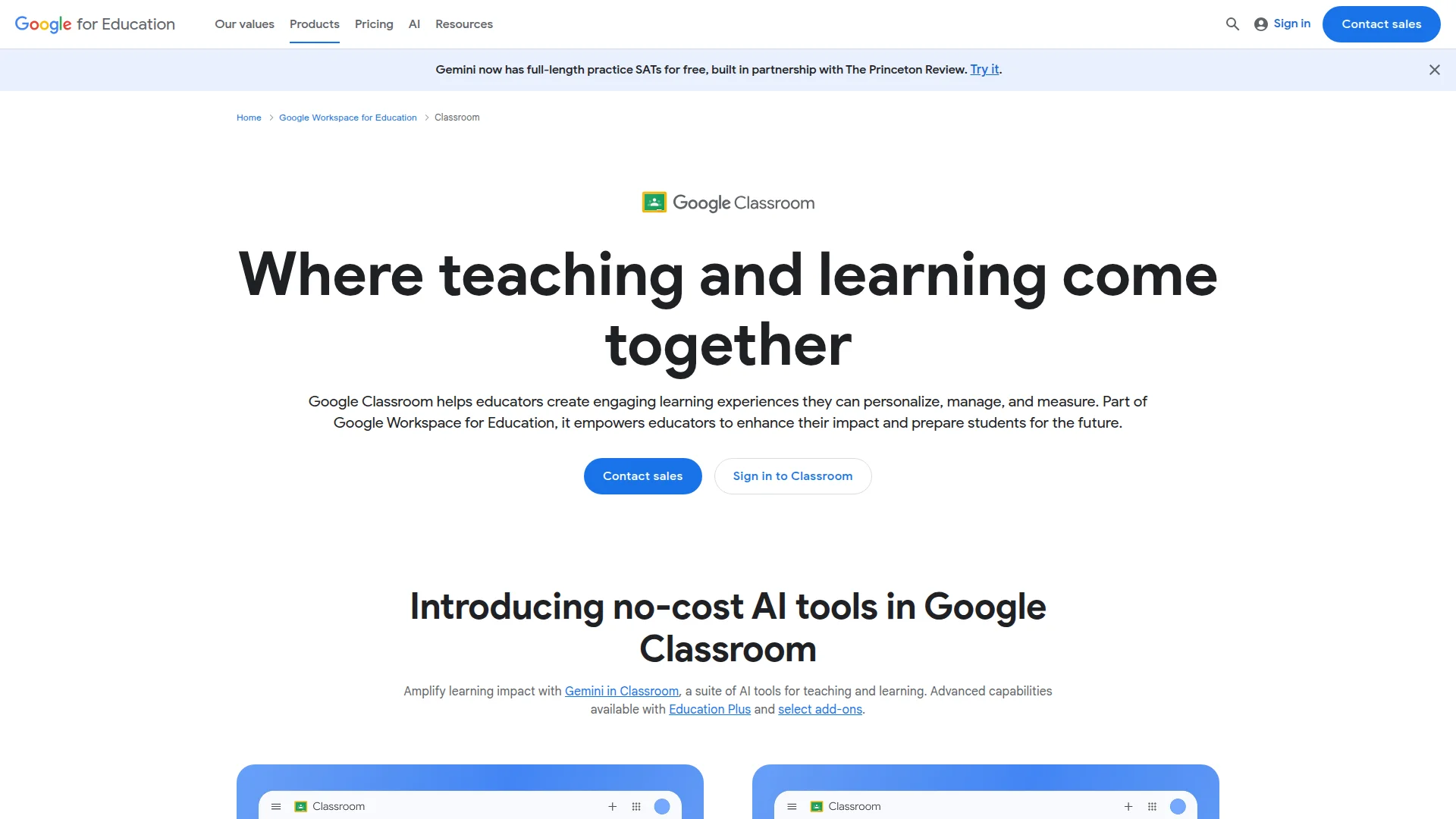
Google Classroom
Category of Google Classroom:
Tags:
For TeachersFor StudentsEducation
Description:
Google Classroom is a comprehensive learning management platform that helps educators create, distribute, and grade assignments while fostering student collaboration. Part of Google Workspace for Education, it offers AI-powered tools, real-time feedback, and seamless integration with educational apps.
What Is Google Classroom and How Does It Work
Google Classroom serves as a centralized hub where teaching and learning converge seamlessly. Educators can create engaging, personalized learning experiences that they can manage and measure effectively. The tool empowers teachers to enhance their impact while preparing students for future challenges through modern digital education.
As part of a comprehensive educational ecosystem, this solution offers both free and premium editions with varying capabilities. Institutions can choose between basic functionality at no cost or advanced features through customized enterprise plans. The platform integrates with numerous educational technology tools and student information systems for streamlined workflows.
The system provides industry-leading privacy and security standards with regular third-party audits. It maintains 99% uptime through a global network infrastructure designed specifically for educational institutions. Administrators have centralized control through a comprehensive management console with detailed performance insights.
Getting Started With Google Classroom Platform
Educators can begin using this platform immediately by signing in with their institutional credentials. The interface allows teachers to set up classes within minutes, regardless of their technical expertise. Students can join classes using unique codes or through automatic roster synchronization.
Initial setup involves creating coursework, distributing materials to the entire class, and establishing grading parameters. The system supports various content formats including documents, presentations, videos, and interactive assignments. Educators can customize class settings to match their specific teaching requirements and institutional policies.
Core Features and Capabilities of Google Classroom
- Assignment Management: Create, distribute, and grade coursework with customizable rubrics and due dates.
- AI-Powered Tools: Generate interactive assignments and provide real-time feedback using artificial intelligence.
- Originality Reports: Detect potential plagiarism by comparing student work against billions of sources.
- Classroom Analytics: Gain insights into student engagement, completion rates, and performance trends.
- Integration Support: Connect with student information systems and hundreds of educational applications.
Ideal Use Cases for Google Classroom Platform
- K-12 schools implementing blended or distance learning programs
- Higher education institutions managing multiple courses and sections
- Professional development programs requiring structured content delivery
- Special education settings needing differentiated instruction tools
- International schools with multilingual student populations
- Educational districts requiring centralized administration and reporting
Support and Contact Information for Google Classroom
Educational institutions can access comprehensive support through multiple channels. The platform offers extensive documentation, training courses, and certification programs for educators and administrators. Community forums provide peer-to-peer assistance and best practice sharing.
For technical issues, users can consult the detailed help center with step-by-step guides. Institutional administrators receive dedicated support for implementation and ongoing management. Contact email information is not publicly available for this enterprise-focused platform.
Reviews0
Would you recommend Google Classroom? Leave a comment
No reviews yet. Be the first to share your experience!
Alternatives
The best modern alternatives to Google Classroom
Quizlet
5.0
Last update: 5 days ago
Quizlet is a leading digital learning platform that helps students and teachers master any subject through interactive flashcards, practice tests, and study games. It offers personalized study sessions, AI-powered tools, and collaborative features to improve understanding and retention.
View QuizletTags:For StudentsFor TeachersEducation
View QuizletDesmos
5.0
Desmos Studio provides free, powerful online calculators for graphing, scientific calculations, 3D visualization, and geometry. These intuitive tools are used globally by students, educators, and professionals for mathematical exploration and problem-solving.
FreeBrowser-BasedFor Students
View Desmos
ClassDojo
5.0
ClassDojo is a communication platform connecting teachers, students, and families with messaging, portfolios, and classroom management tools. It supports social-emotional learning and is free for teachers.
For TeachersFor StudentsFree
View ClassDojo
EdX
5.0
EdX is a leading online learning platform offering high-quality courses from top universities worldwide. Designed for learners at all levels, it provides thousands of courses across diverse subjects with interactive learning experiences, certificates, and degree programs.
EducationFor StudentsFor Teachers
View EdX
Revisely
5.0
Revisely is an AI-powered platform that helps students, educators, and professionals create personalized learning materials. It transforms notes and content into interactive flashcards, quizzes, and summaries, streamlining study and professional development.
Content GenerationWritingFor Students
View Revisely
New Tools Releases
Recently added tools
Quiver
5.0
Quiver is a modern, user-friendly editor designed for creating commutative diagrams. It offers robust support for the popular tikz-cd package, making it an ideal tool for mathematicians, researchers, and students who need to visualize complex relationships and structures. The intuitive interface allows for efficient diagram construction, enabling users to focus on their mathematical content rather
Open SourceWeb AppWeb
View Quiver
Retro Game Trivia
5.0
Retro Game Trivia is a free, daily browser game for retro video game enthusiasts. Players guess classic video games using various methods, including letter reveals, textual clues, iconic screenshots, and box art. This engaging Wordle-style game provides a fun way to test and expand your knowledge of gaming history. With multiple game modes and an archive of past challenges, it caters to both casua
Browser-BasedFreeEarly Access
View Retro Game Trivia
Iron Marines
5.0
Iron Marines is a real-time strategy game blending action and tower defense. Players command heroes and units across a sci-fi universe to battle alien invaders. Available on mobile (iOS, Android) and PC (Steam), it offers engaging campaigns and tactical gameplay.
Gaming ToolsFor CreatorsMobile App
View Iron Marines
BiblioReads
5.0
BiblioReads is a free and open-source front-end for Goodreads, prioritizing user privacy. It allows users to search for book information directly from the Goodreads database without the privacy concerns associated with the official platform. Ideal for readers who want a clean, private way to track their reading, manage lists, and discover book details.
Open SourceFreePrivacy-Focused
View BiblioReads
IVentoy
5.0
iVentoy is a powerful and user-friendly network boot solution that transforms any computer into a PXE/HTTPBoot server. It allows for simultaneous operating system installation and booting across multiple machines without complex configuration. Supporting a wide range of operating systems and UEFI modes, including Secure Boot, iVentoy is ideal for IT professionals, system administrators, and anyone
Open SourceWindowsLinux
View IVentoy
PocketBase
5.0
PocketBase is an open-source backend solution that simplifies application development by bundling a real-time database, authentication services, file storage, and an integrated admin dashboard into a single, self-contained file. This all-in-one approach is ideal for developers seeking a lightweight yet powerful backend for rapid prototyping, small to medium-sized applications, and projects where m
Open SourceLinuxDev Tools
View PocketBase
OpenRCT2
5.0
OpenRCT2 is a community-driven, open-source re-implementation of RollerCoaster Tycoon 2, enhancing the classic game with bug fixes, improved performance, and new features. It offers modern gameplay enhancements, extensive customization, and robust multiplayer support, making it ideal for fans seeking a more stable and feature-rich theme park simulation experience. This free project is actively dev
Open SourcemacOSLinux
View OpenRCT2
MagicHow
5.0
MagicHow is an AI-powered SaaS platform that automates the creation of step-by-step guides, SOPs, and training manuals. It captures processes visually and uses AI to refine content, making documentation creation efficient and accessible for teams aiming to standardize operations and knowledge management.
View MagicHow