
Google Classroom
Category of Google Classroom:
Tags:
For TeachersFor StudentsEducation
Description:
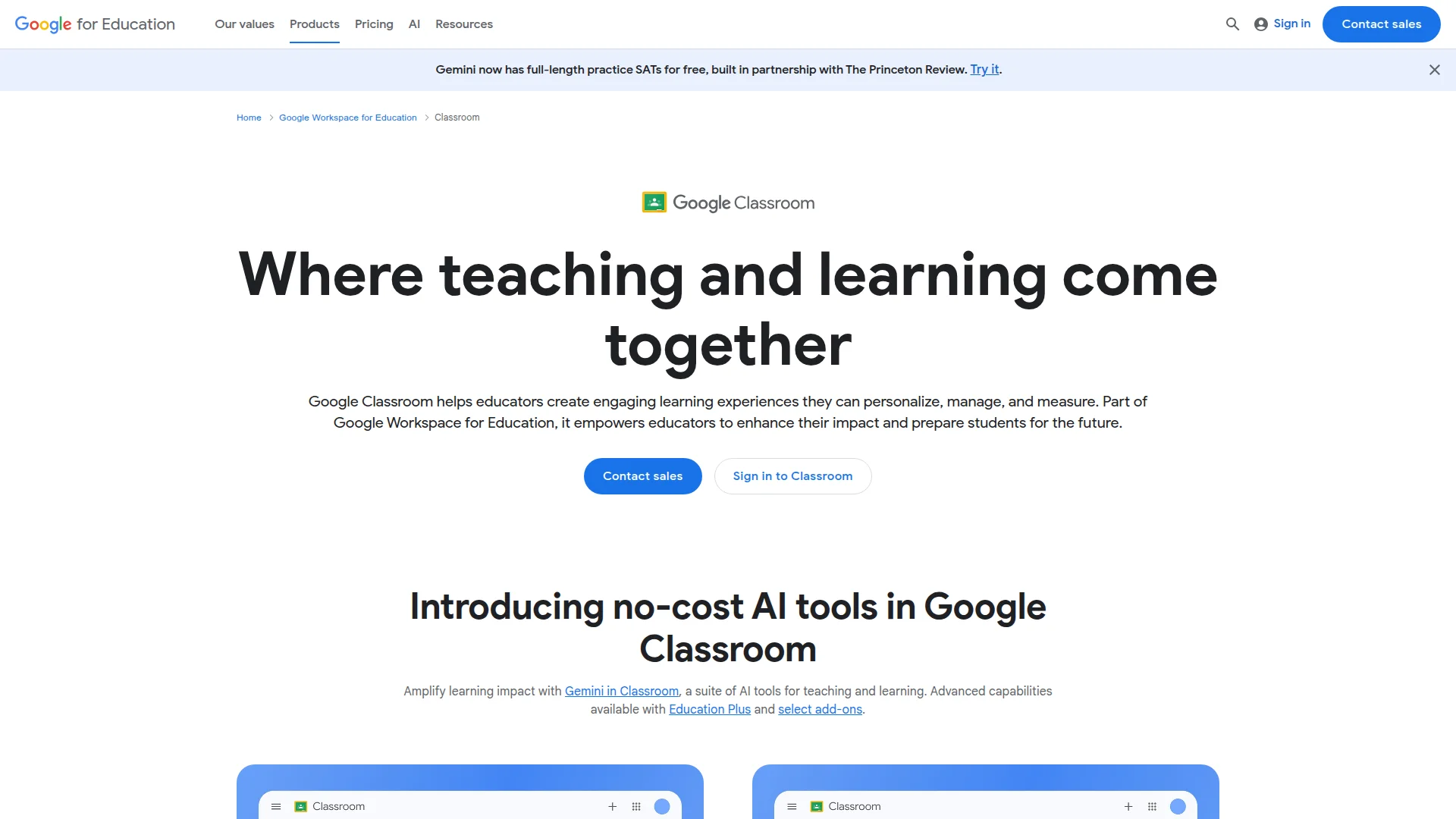
Google Classroom is a comprehensive learning management platform that helps educators create, distribute, and grade assignments while fostering student collaboration. Part of Google Workspace for Education, it offers AI-powered tools, real-time feedback, and seamless integration with educational apps.
What Is Google Classroom and How Does It Work
Google Classroom serves as a centralized hub where teaching and learning converge seamlessly. Educators can create engaging, personalized learning experiences that they can manage and measure effectively. The tool empowers teachers to enhance their impact while preparing students for future challenges through modern digital education.
As part of a comprehensive educational ecosystem, this solution offers both free and premium editions with varying capabilities. Institutions can choose between basic functionality at no cost or advanced features through customized enterprise plans. The platform integrates with numerous educational technology tools and student information systems for streamlined workflows.
The system provides industry-leading privacy and security standards with regular third-party audits. It maintains 99% uptime through a global network infrastructure designed specifically for educational institutions. Administrators have centralized control through a comprehensive management console with detailed performance insights.
Getting Started With Google Classroom Platform
Educators can begin using this platform immediately by signing in with their institutional credentials. The interface allows teachers to set up classes within minutes, regardless of their technical expertise. Students can join classes using unique codes or through automatic roster synchronization.
Initial setup involves creating coursework, distributing materials to the entire class, and establishing grading parameters. The system supports various content formats including documents, presentations, videos, and interactive assignments. Educators can customize class settings to match their specific teaching requirements and institutional policies.
Core Features and Capabilities of Google Classroom
- Assignment Management: Create, distribute, and grade coursework with customizable rubrics and due dates.
- AI-Powered Tools: Generate interactive assignments and provide real-time feedback using artificial intelligence.
- Originality Reports: Detect potential plagiarism by comparing student work against billions of sources.
- Classroom Analytics: Gain insights into student engagement, completion rates, and performance trends.
- Integration Support: Connect with student information systems and hundreds of educational applications.
Ideal Use Cases for Google Classroom Platform
- K-12 schools implementing blended or distance learning programs
- Higher education institutions managing multiple courses and sections
- Professional development programs requiring structured content delivery
- Special education settings needing differentiated instruction tools
- International schools with multilingual student populations
- Educational districts requiring centralized administration and reporting
Support and Contact Information for Google Classroom
Educational institutions can access comprehensive support through multiple channels. The platform offers extensive documentation, training courses, and certification programs for educators and administrators. Community forums provide peer-to-peer assistance and best practice sharing.
For technical issues, users can consult the detailed help center with step-by-step guides. Institutional administrators receive dedicated support for implementation and ongoing management. Contact email information is not publicly available for this enterprise-focused platform.
Reviews0
Would you recommend Google Classroom? Leave a comment
No reviews yet. Be the first to share your experience!
Alternatives
The best modern alternatives to Google Classroom
Quizlet
5.0
Last update: 7 hours ago
Quizlet is a leading digital learning platform that helps students and teachers master any subject through interactive flashcards, practice tests, and study games. It offers personalized study sessions, AI-powered tools, and collaborative features to improve understanding and retention.
View QuizletTags:For StudentsFor TeachersEducation
View QuizletDesmos
5.0
Desmos Studio provides free, powerful online calculators for graphing, scientific calculations, 3D visualization, and geometry. These intuitive tools are used globally by students, educators, and professionals for mathematical exploration and problem-solving.
FreeBrowser-BasedFor Students
View Desmos
ClassDojo
5.0
ClassDojo is a communication platform connecting teachers, students, and families with messaging, portfolios, and classroom management tools. It supports social-emotional learning and is free for teachers.
For TeachersFor StudentsFree
View ClassDojo
EdX
5.0
EdX is a leading online learning platform offering high-quality courses from top universities worldwide. Designed for learners at all levels, it provides thousands of courses across diverse subjects with interactive learning experiences, certificates, and degree programs.
EducationFor StudentsFor Teachers
View EdX
Revisely
5.0
Revisely is an AI-powered platform that helps students, educators, and professionals create personalized learning materials. It transforms notes and content into interactive flashcards, quizzes, and summaries, streamlining study and professional development.
Content GenerationWritingFor Students
View Revisely
New Tools Releases
Recently added tools
Crew
5.0
Crew is a high-yield checking account that actively manages your finances through automated 'pockets,' paycheck splitting, and bill management. It offers a subscription-free approach to personal finance, empowering users with control and clarity over their money, alongside features like parental controls and competitive APY on deposits. Banking services are provided by Bangor Savings Bank, Member
Trial AvailableSubscription-BasedMobile App
View Crew
Ludwig
5.0
Ludwig is an open-source declarative deep learning framework that simplifies building, fine-tuning, and deploying ML models using a YAML file. It supports various data modalities and scales seamlessly from a laptop to distributed clusters, offering the flexibility of PyTorch with the ease of AutoML.
Open SourceFor DevelopersAutomation
View Ludwig
Reeder
5.0
Reeder is a modern news reader that unifies RSS feeds, videos, podcasts, and social media into a single timeline. It features seamless cross-device syncing via iCloud, powerful custom filters, and a simple way to save links. Reeder prioritizes a clean interface and user privacy, making it an efficient tool for content consumption.
Desktop AppMobile AppmacOS
View Reeder
SurveyJS
5.0
SurveyJS is a powerful JavaScript library that enables developers to build custom survey and form management systems directly within their applications. It offers unparalleled flexibility through JSON-based configuration, ensuring users retain full ownership of their data and can handle an unlimited number of responses. The latest version, v3.0, introduces significant enhancements like a shared st
Open SourceFor Developers
View SurveyJS
Small Basic
5.0
Small Basic is a free, beginner-friendly programming language developed by Microsoft, designed to make coding accessible and fun for learners of all ages. It simplifies complex programming concepts with an easy-to-understand syntax and a built-in Integrated Development Environment (IDE) that includes helpful features like syntax highlighting and debugging tools. This educational tool empowers user
Open SourceFor StudentsFor Teachers
View Small Basic
Scenari Dokiel
5.0
Scenari Dokiel is a high-performance distributed ledger technology utilizing a hybrid consensus mechanism for rapid transactions. Ideal for DeFi, supply chain management, and gaming, its scalable and secure architecture empowers developers to build next-generation decentralized applications with confidence and efficiency.
AutomationWeb3Open Source
View Scenari Dokiel
SpurtCMS
5.0
spurtCMS is a powerful, open-source Content Management System built with Golang, designed to be adaptable for diverse industry needs and content delivery requirements. It offers a robust admin panel powered by Golang and integrates seamlessly with TailwindCSS for modern, stylish front-end development. Developers can leverage its GraphQL APIs for efficient data fetching and scalability, making it s
Open SourceFor DevelopersAPI
View SpurtCMS
Glogg
5.0
glogg is a powerful, multi-platform GUI application for programmers and system administrators to efficiently browse and search through large log files. It combines the functionalities of grep and less with features like case-insensitive filtering and auto-reloading, streamlining log analysis and troubleshooting.
Open SourceDesktop AppDev Tools
View Glogg