Yandex Browser
Category of Yandex Browser:
Tags:
LinuxPrivacy-FocusedLightweight
Description:
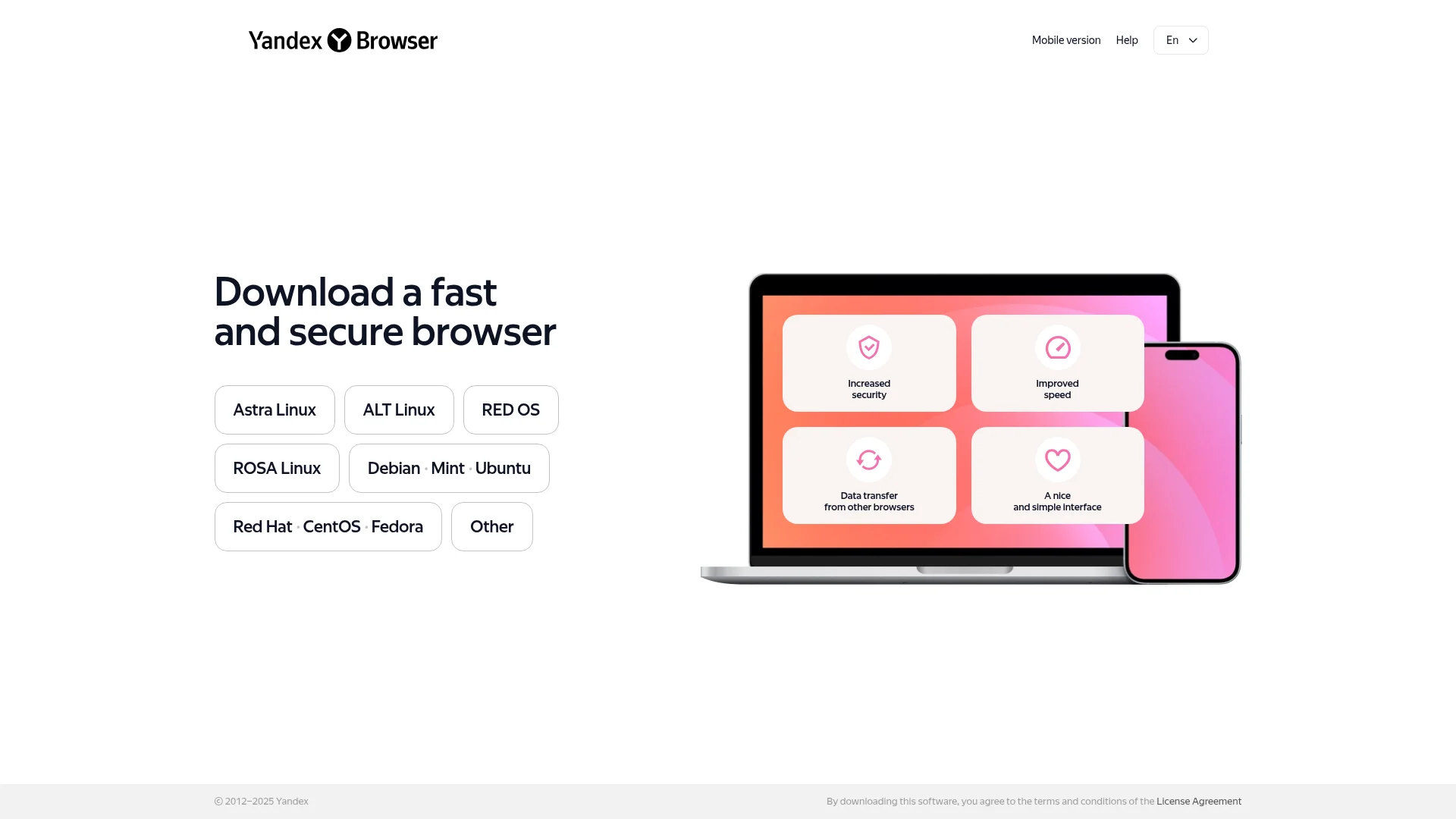
Yandex Browser is a fast, secure web browser for Linux with anti-tracking protection, Turbo mode for slow connections, and Chrome extension compatibility. It offers enhanced privacy and performance for everyday internet use.
What Is Yandex Browser and How Does It Work
Yandex Browser is a web browser developed by the Russian technology company Yandex, offering a secure and efficient browsing experience. It operates on the Chromium engine, providing compatibility with Chrome extensions while adding proprietary security enhancements. The browser focuses on protecting user privacy with built-in anti-tracking and malware protection features.
Users can enjoy faster page loading through Turbo mode, which compresses data on slow connections. The interface is designed to be clean and intuitive, with customizable themes and a smart address bar that suggests relevant sites. Yandex Browser supports seamless import of bookmarks, history, and passwords from other browsers during setup.
The browser is particularly popular in Russian-speaking regions but offers full English support and international functionality. It includes integrated Yandex services like search, maps, and translator while maintaining compatibility with standard web technologies. Regular updates ensure security patches and performance improvements are delivered consistently.
How to Get Started with Yandex Browser
Getting started with Yandex Browser is straightforward for most Linux users. Visit the official Yandex Browser website and download the appropriate package for your distribution, either DEB for Debian-based systems or RPM for Red Hat-based systems. The installation process follows standard Linux package management procedures.
After installation, launch the browser and follow the setup wizard to import data from existing browsers if desired. Configure your preferred search engine and privacy settings according to your needs. The browser will be ready for immediate use with all basic functionality available from the first launch.
Key Features and Capabilities of Yandex Browser
- Enhanced Security Protection: Built-in anti-tracking and malware blocking for safer browsing.
- Turbo Mode Acceleration: Compresses web pages for faster loading on slow connections.
- SmartBox Address Bar: Provides intelligent suggestions and quick access to frequently visited sites.
- Data Import Functionality: Easily transfers bookmarks and settings from other browsers.
- Customizable Interface: Offers various themes and layout options for personalization.
Who Should Use Yandex Browser
Linux users seeking a secure alternative to mainstream browsers. Individuals concerned about online privacy and data protection. Users in Russian-speaking regions who prefer integrated Yandex services. People with slower internet connections needing data compression. Those wanting Chrome extension compatibility with added security. Users looking for a clean, minimalist browser interface.
Yandex Browser Support and Contact Information
Yandex Browser provides comprehensive support through its online help center with detailed documentation and troubleshooting guides. Users can access installation instructions, feature explanations, and common problem solutions through the official support portal. The browser receives regular updates with security patches and performance improvements.
For specific technical issues, users can consult the community forums where other Yandex Browser users share experiences and solutions. The development team actively monitors feedback and implements user-suggested improvements in subsequent releases. Contact email information was not found during the research process.
Reviews0
Would you recommend Yandex Browser? Leave a comment
No reviews yet. Be the first to share your experience!
Alternatives
The best modern alternatives to Yandex Browser
DuckDuckGo
5.0
Last update: 4 hours ago
DuckDuckGo is a privacy-focused search engine that protects your personal information online without compromising search quality. It blocks hidden trackers, prevents data collection, and delivers anonymous search results. The platform offers browser extensions, mobile apps, and email protection tools for comprehensive privacy.
View DuckDuckGoTags:FreePrivacy-FocusedBrowser-Based
View DuckDuckGoTelegram
5.0
Telegram is a cloud-based messaging app that prioritizes security, speed, and simplicity. It offers end-to-end encrypted chats, self-destructing messages, and seamless syncing across all your devices.
FreeOpen SourcePrivacy-Focused
View Telegram
Brave Search
5.0
Brave Search is a privacy-focused search engine that delivers independent results without tracking your queries. It offers a transparent alternative to mainstream search engines by prioritizing user privacy and providing unbiased search results.
FreePrivacy-FocusedBrowser Tools
View Brave Search
Ecosia
5.0
Ecosia is an eco-friendly search engine that uses its profits to plant trees and fund climate action projects worldwide. It offers private, secure search with AI-powered results while operating on renewable energy.
FreePrivacy-FocusedBrowser-Based
View Ecosia
Startpage
5.0
Startpage is the world's most private search engine, delivering Google search results without tracking your personal data. It offers encrypted connections, blocks price trackers and retargeting ads, and provides anonymous browsing through its Anonymous View feature.
Privacy-FocusedFreeBrowser-Based
View Startpage
New Tools Releases
Recently added tools
MagicHow
5.0
MagicHow is an AI-powered SaaS platform that automates the creation of step-by-step guides, SOPs, and training manuals. It captures processes visually and uses AI to refine content, making documentation creation efficient and accessible for teams aiming to standardize operations and knowledge management.
View MagicHow
Neon White
5.0
Neon White is a high-octane first-person shooter that throws players into a celestial battle against demons. Players navigate fast-paced levels, utilizing a unique card-based combat and movement system to achieve the fastest times. The game challenges players to master card combinations for massive shortcuts, uncover the mysteries of Heaven by interacting with other assassins, and compete for a ch
GamingBrowser-BasedMobile App
View Neon White
Xreveal
5.0
Xreveal is a Windows application that automatically and transparently removes restrictions from DVD and Blu-ray media, including region codes. It enables seamless read access to disc content and can also back up discs to ISO or folder formats. Designed for users who want to bypass copy protection and region codes effortlessly, Xreveal operates in the background, making your physical media library
View Xreveal
LBRY
5.0
LBRY is a decentralized content sharing and publishing platform that empowers creators and users by offering an open, free, and fair alternative to traditional media distribution. It functions similarly to how Bitcoin revolutionized digital currency, providing a censorship-resistant network for digital content. Users can access content through various applications like the LBRY Desktop client or t
Open SourceFor CreatorsWeb3
View LBRY
Nitreo
5.0
Nitreo is an Instagram growth service that automates key social media tasks like following accounts, liking posts, and viewing stories to organically increase follower count and engagement. It saves users an average of 9 hours per week, making it ideal for creators, businesses, and agencies seeking to expand their reach and build their brand with real, engaged followers.
Social Media ManagementFor Creators
View Nitreo
Tux Rider
5.0
Tux Rider is an engaging 3D racing game for Android, offering a mobile port of the classic "Tux Racer" experience. Players control the Linux mascot, Tux the penguin, as they race down snowy slopes, collecting fish and aiming for the best times. The game features intuitive controls using the accelerometer and touchscreen, providing an accessible and fun gameplay experience. With multiple levels and
Open SourceFor CreatorsAndroid
View Tux Rider
Automad
5.0
Automad is a fast, lightweight, and flexible flat-file content management system and template engine designed for creatives. It offers an intuitive dashboard with a block editor and in-page editing capabilities, eliminating the need for a database by storing all content in human-readable text files. This approach simplifies version control and makes managing your website straightforward. Despite i
Open SourceFor Creators
View Automad
Boost.ai
5.0
Boost.ai is a leading conversational AI platform trusted by regulated industries for its robust security, privacy, and auditability features. The platform empowers enterprises to deliver exceptional customer experiences through advanced agentic AI capabilities, enabling seamless self-service across chat and voice channels. It offers a hybrid AI approach, integrating generative AI for hyper-persona
For EnterprisesAutomation
View Boost.ai