



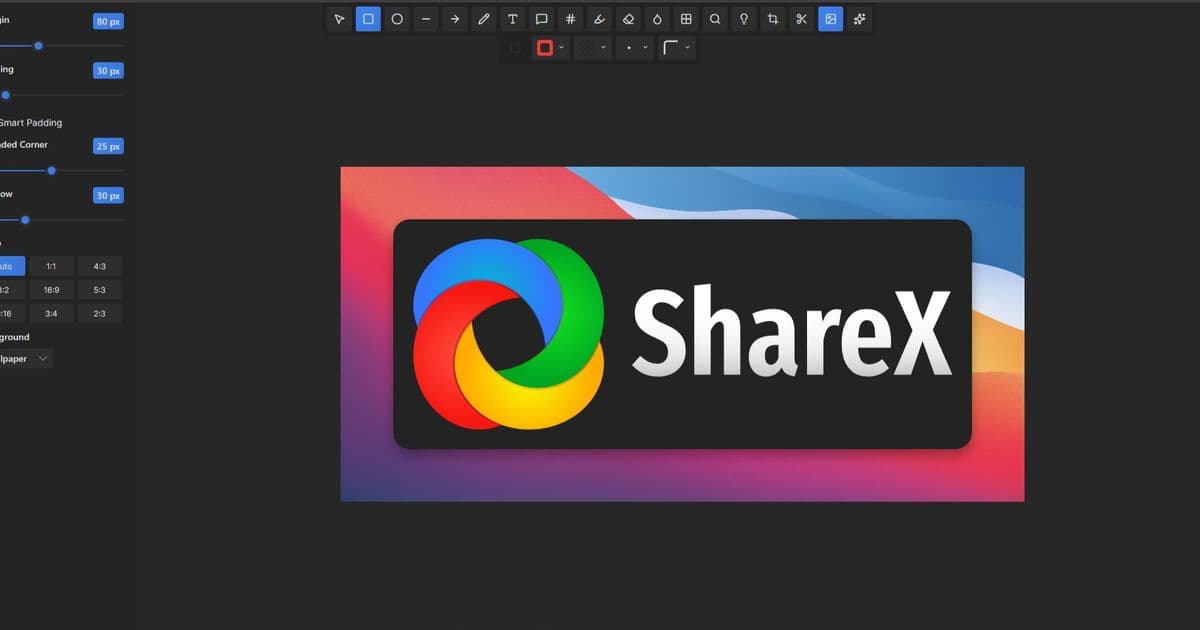
ShareX, a popular open-source tool for screenshots and screen recording, has rolled out version 20.0 with significant enhancements. This update aims to improve user experience and performance across a wider range of Windows devices. It's a welcome update for users who rely on robust screen capture and editing capabilities, making it a valuable tool for various workflows.
New Features
ShareX 20.0 introduces native ARM64 support, making it directly available through the Microsoft Store for optimized performance on compatible hardware. The application also features a completely revamped image editor built with Avalonia UI, offering a modern interface. This new editor comes packed with 18 annotation tools, a background beautifier, and an impressive 232 image effects to enhance captured images.
Technical Details
The modernized image editor retains most of the legacy editor's functionality while improving drawing tools with smoothing and curve interpolation for more precise annotations. Workflow refinements include the ability to disable the region capture crosshair and filter non-activatable tool windows. Additionally, a new option to copy the folder path to the clipboard has been added to the 'After capture tasks' menu. The SFTP upload speed has also been boosted in this release.
Further technical improvements include the addition of a PrivateBin text uploader and expanded support for OpenAI. Users can now leverage a "Load models" button for automatic model population and utilize a new legacy AI provider for local deployments. This makes it easier to integrate with various AI services, aligning with the growing trend in AI Writing Tools and other AI-powered applications.
Pros and Cons
Pros: Native ARM64 support enhances performance on modern devices. The new image editor offers extensive tools and effects for detailed image manipulation. Workflow improvements streamline the capture and editing process. Enhanced AI integration provides more flexibility for advanced users. This update significantly boosts the utility of ShareX as a comprehensive Photo Editor and utility.
Cons: While the new editor is powerful, some users might need time to adapt to the new interface. The removal of MEGA support may affect users who relied on that specific service.
Bottom Line
ShareX 20.0 is a substantial update that brings performance gains, a modernized editing experience, and expanded AI capabilities. Its continued development as an open-source project makes it an indispensable tool for anyone needing efficient screen capture and image editing solutions on Windows.