Square Sketch
Category of Square Sketch:
Tags:
Desktop AppmacOS
Description:
Square Sketch is a minimalist drawing application for macOS and Windows that offers a distraction-free environment for visualizing ideas on digital graph paper. It combines the simplicity of pen and paper with the flexibility of vector graphics, making it ideal for quick drafts, diagrams, and technical sketches. Its intuitive interface allows users to start drawing immediately, focusing on essenti
Square Sketch: Simple Vector Drawing for macOS and Windows
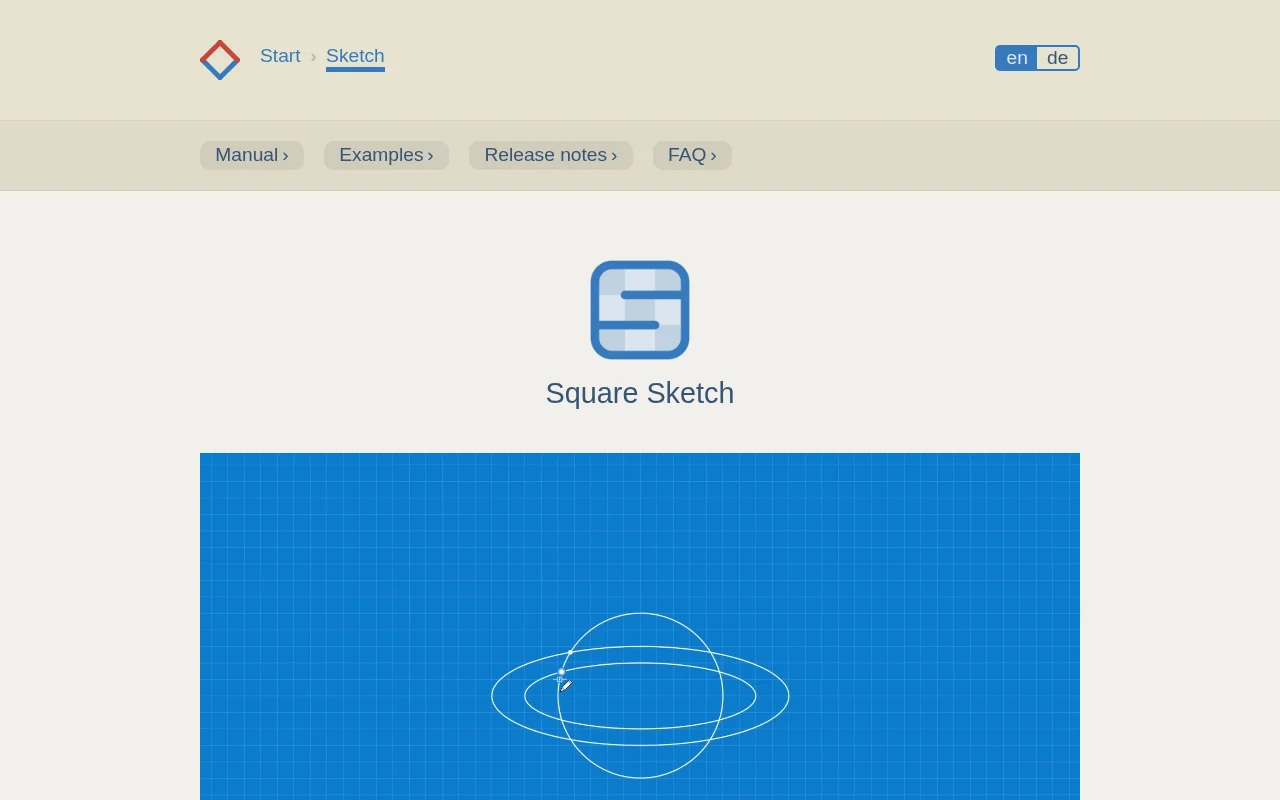
Square Sketch provides a streamlined digital drawing experience, merging the ease of pen and paper with the power of vector graphics. Its minimalist, distraction-free interface on a digital graph paper canvas is perfect for quickly visualizing ideas, creating diagrams, and drafting technical sketches without the clutter of complex software.
Designed for accessibility on both macOS and Windows, Square Sketch prioritizes an intuitive workflow. Users can begin sketching or typing immediately upon launching the application. The toolset is versatile, responding to gestures for drawing, shape creation, and text input, ensuring a fluid creative process. All created objects remain editable, offering flexibility as your concepts evolve. The application supports exporting work as PNG or SVG files, and printing directly as a PDF.
Key Features of Square Sketch for Efficient Design
- Distraction-Free UI: A minimalist interface without toolbars or palettes for focused work.
- Intuitive Interaction: Simple, gesture-based tools adapt to user input for versatile functions.
- Flexible Canvas: An unlimited drawing area to accommodate expansive creative projects.
- Precise Vector Tools: Enables clean lines, geometric shapes, and accurate snapping.
- Export Options: Save work as PNG, SVG, or print as PDF for easy sharing and use.
Best Use Cases for Square Sketch
- Rapid UI/UX wireframing
- Quick diagramming and flowcharts
- Technical sketching and floor plans
- Brainstorming and mind mapping
- Creating simple vector illustrations
- Note-taking and idea visualization
Support and Availability for Square Sketch Users
For support or inquiries, users can refer to the official Square Sketch website for contact information and resources. The application is available for purchase on the Mac App Store and Microsoft Store as an affordable one-time purchase, offering free lifetime support and updates.
Reviews0
Would you recommend Square Sketch? Leave a comment
No reviews yet. Be the first to share your experience!
Alternatives
The best modern alternatives to Square Sketch
IcoFX
5.0
Last update: 5 hours ago
IcoFX is a professional icon and cursor editor for Windows and Macintosh. It offers comprehensive tools for creating, editing, and extracting icons and cursors with support for transparency. Features include high-resolution icon creation, format conversion, an advanced image editor with numerous tools and effects, layer-based editing, and batch processing capabilities.
View IcoFXTags:macOSImage Editing
View IcoFXYouTube
5.0
YouTube is the world's largest video-sharing platform where users can upload, watch, and share videos. It offers diverse content from entertainment and education to music and live streaming, with tools for creators to build audiences and monetize content.
YouTubeFor CreatorsFree
View YouTube
Facebook
5.0
Facebook is the world's leading social networking platform that enables users to connect with friends, family, and communities. Create personalized profiles, share photos and videos, join groups, and stay updated with news and events.
Web AppMobile AppFree
View Facebook
Gmail
5.0
Gmail is Google's free email service offering 15GB of storage, powerful spam filtering, and seamless integration with Google Workspace. It provides smart features like priority inbox, scheduled sending, and offline access across web and mobile apps.
FreeWeb AppMobile App
View Gmail
ChatGPT
5.0
ChatGPT is an advanced AI chatbot developed by OpenAI that provides intelligent conversational assistance, content generation, and research support through natural language processing.
OpenAIFreeChat
View ChatGPT
New Tools Releases
Recently added tools
Quiver
5.0
Quiver is a modern, user-friendly editor designed for creating commutative diagrams. It offers robust support for the popular tikz-cd package, making it an ideal tool for mathematicians, researchers, and students who need to visualize complex relationships and structures. The intuitive interface allows for efficient diagram construction, enabling users to focus on their mathematical content rather
Open SourceWeb AppWeb
View Quiver
Retro Game Trivia
5.0
Retro Game Trivia is a free, daily browser game for retro video game enthusiasts. Players guess classic video games using various methods, including letter reveals, textual clues, iconic screenshots, and box art. This engaging Wordle-style game provides a fun way to test and expand your knowledge of gaming history. With multiple game modes and an archive of past challenges, it caters to both casua
Browser-BasedFreeEarly Access
View Retro Game Trivia
Iron Marines
5.0
Iron Marines is a real-time strategy game blending action and tower defense. Players command heroes and units across a sci-fi universe to battle alien invaders. Available on mobile (iOS, Android) and PC (Steam), it offers engaging campaigns and tactical gameplay.
Gaming ToolsFor CreatorsMobile App
View Iron Marines
BiblioReads
5.0
BiblioReads is a free and open-source front-end for Goodreads, prioritizing user privacy. It allows users to search for book information directly from the Goodreads database without the privacy concerns associated with the official platform. Ideal for readers who want a clean, private way to track their reading, manage lists, and discover book details.
Open SourceFreePrivacy-Focused
View BiblioReads
IVentoy
5.0
iVentoy is a powerful and user-friendly network boot solution that transforms any computer into a PXE/HTTPBoot server. It allows for simultaneous operating system installation and booting across multiple machines without complex configuration. Supporting a wide range of operating systems and UEFI modes, including Secure Boot, iVentoy is ideal for IT professionals, system administrators, and anyone
Open SourceWindowsLinux
View IVentoy
PocketBase
5.0
PocketBase is an open-source backend solution that simplifies application development by bundling a real-time database, authentication services, file storage, and an integrated admin dashboard into a single, self-contained file. This all-in-one approach is ideal for developers seeking a lightweight yet powerful backend for rapid prototyping, small to medium-sized applications, and projects where m
Open SourceLinuxDev Tools
View PocketBase
OpenRCT2
5.0
OpenRCT2 is a community-driven, open-source re-implementation of RollerCoaster Tycoon 2, enhancing the classic game with bug fixes, improved performance, and new features. It offers modern gameplay enhancements, extensive customization, and robust multiplayer support, making it ideal for fans seeking a more stable and feature-rich theme park simulation experience. This free project is actively dev
Open SourcemacOSLinux
View OpenRCT2
MagicHow
5.0
MagicHow is an AI-powered SaaS platform that automates the creation of step-by-step guides, SOPs, and training manuals. It captures processes visually and uses AI to refine content, making documentation creation efficient and accessible for teams aiming to standardize operations and knowledge management.
View MagicHow